


Al-Quds University
Gioca su PC con BlueStacks: la piattaforma di gioco Android, considerata affidabile da oltre 500 milioni di giocatori.

Pagina modificata il: Oct 7, 2025
Run Al-Quds University on PC or Mac
Why limit yourself to your small screen on the phone? Run Al-Quds University, an app by Al-Quds University, best experienced on your PC or Mac with BlueStacks, the world’s #1 Android emulator.
About the App
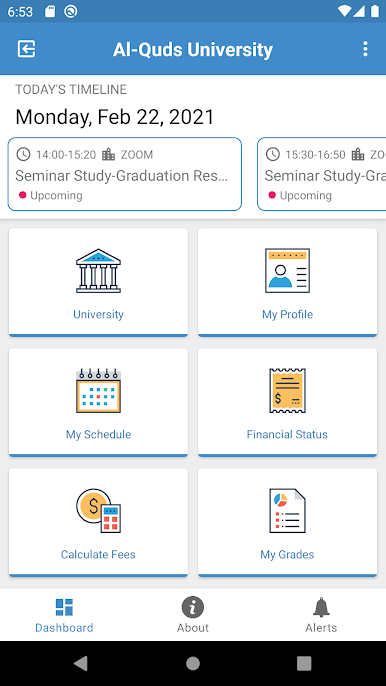
Al-Quds University is the official app made for students who want campus life to feel a little easier. It pulls together the things you check every day—classes, grades, fees, news, and campus tools—so you can get in, get what you need, and move on. Prefer a bigger screen sometimes? You can also use it on your computer with BlueStacks. This Education app is built by Al-Quds University for its students.
App Features
- Financial snapshot — See your current balance, recent payments, and clear stats at a glance.
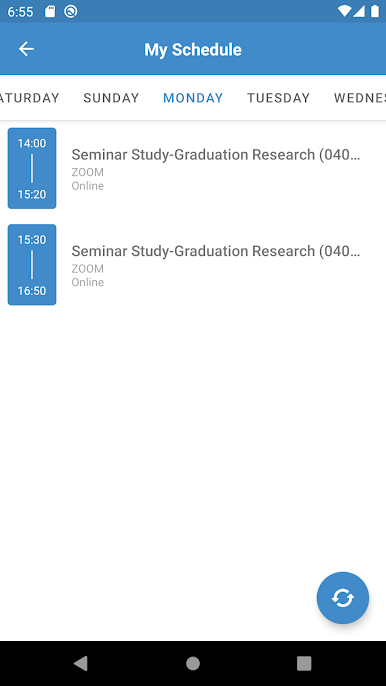
- Class schedule — Check daily and weekly class times and locations without digging through emails.
- Room search — Find classrooms and spaces across campus fast, no wandering required.
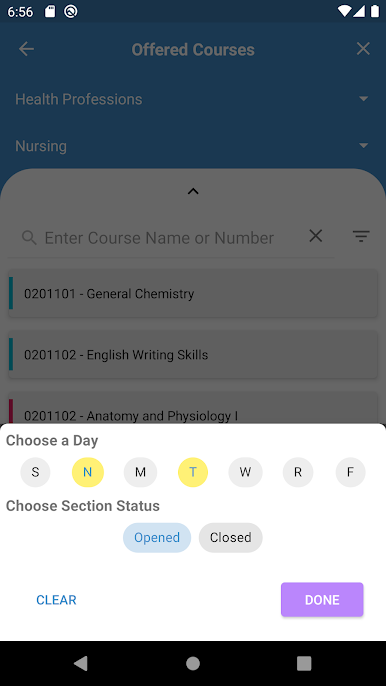
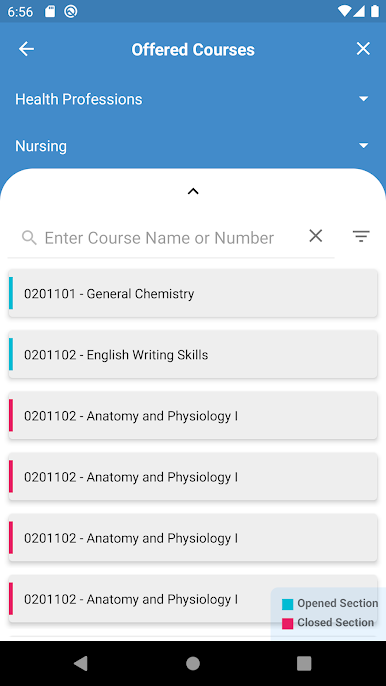
- Offered courses — Browse what’s available this semester before you register.
- News & events — Stay in the loop with university announcements, activities, and campus highlights.
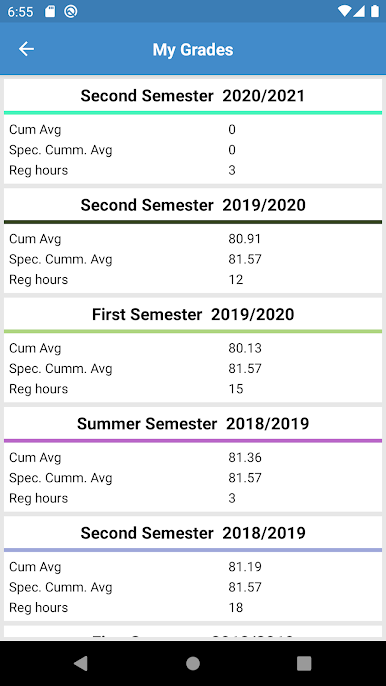
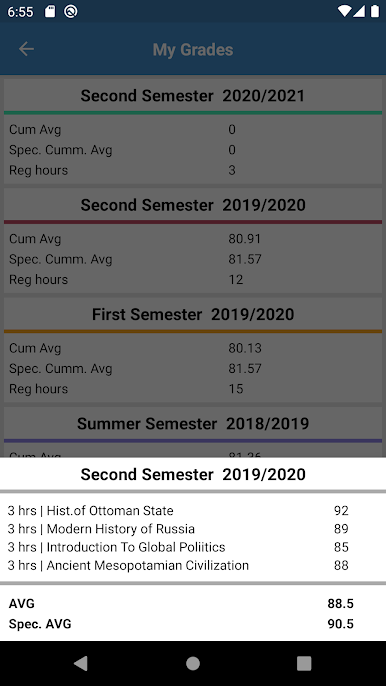
- My grades — Review results from this semester and previous ones whenever you need them.
- Final exams — Get your exam schedule the moment it’s posted.
- My profile — Access your personal and academic details in one tidy spot.
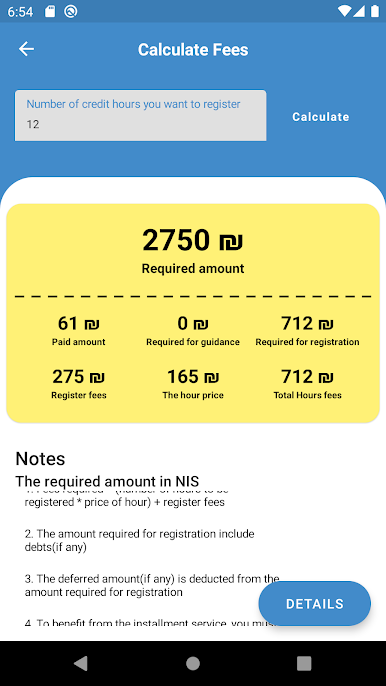
- Fee calculator — Estimate next semester’s registration fees ahead of time.
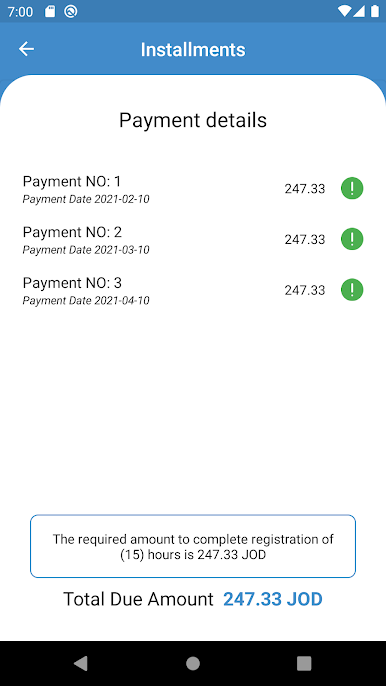
- Installments — Track scheduled payments and due dates so nothing sneaks up on you.
- Term progress — Follow specified marks and ongoing evaluations throughout the semester.
- Interactive map — Navigate the Abu Dees campus with a clear, tap-to-explore map.
- Iqrad access — Jump to the Iqrad portal directly from the app.
- Academic calendar — See key dates, deadlines, events, and holidays for the whole academic year.
Switch to BlueStacks and make the most of your apps on your PC or Mac.
Gioca Al-Quds University su PC. È facile iniziare.
-
Scarica e installa BlueStacks sul tuo PC
-
Completa l'accesso a Google per accedere al Play Store o eseguilo in un secondo momento
-
Cerca Al-Quds University nella barra di ricerca nell'angolo in alto a destra
-
Fai clic per installare Al-Quds University dai risultati della ricerca
-
Completa l'accesso a Google (se hai saltato il passaggio 2) per installare Al-Quds University
-
Fai clic sull'icona Al-Quds University nella schermata principale per iniziare a giocare

