


Bouquet of Words: Word Game
Mainkan di PC dengan BlueStacks – platform Game-Game Android, dipercaya oleh lebih dari 500 juta gamer.

Play Bouquet of Words: Word Game on PC or Mac
Bring your A-game to Bouquet of Words: Word Game, the Word game sensation from IsCool Entertainment. Give your gameplay the much-needed boost with precise game controls, high FPS graphics, and top-tier features on your PC or Mac with BlueStacks.
About the Game
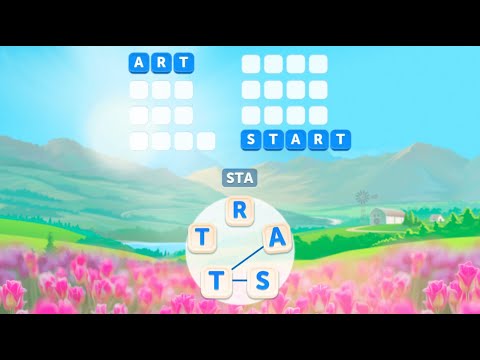
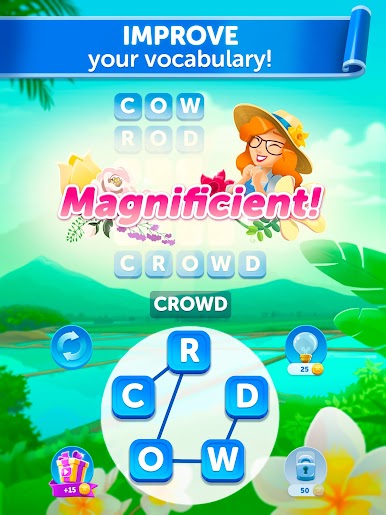
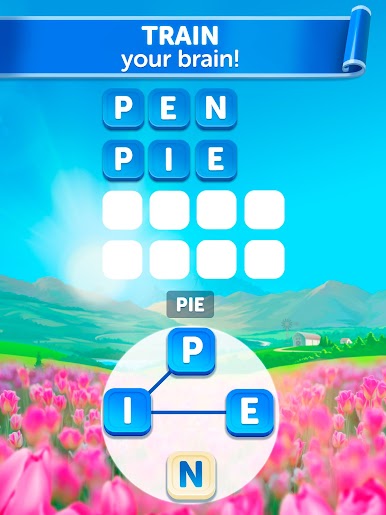
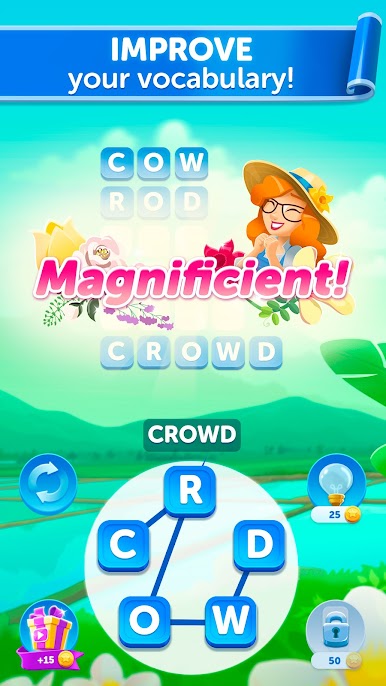
Bouquet of Words: Word Game is your ticket to a relaxing blend of wordplay and soothing visuals. If you love unwinding with a puzzle that also works your brain, this friendly word game from IsCool Entertainment is right up your alley. With its simple mechanics and gorgeous backgrounds, you’ll find yourself happily lost in letter-shuffling challenges that never really feel like work.
Game Features
-
Smooth Word Swiping
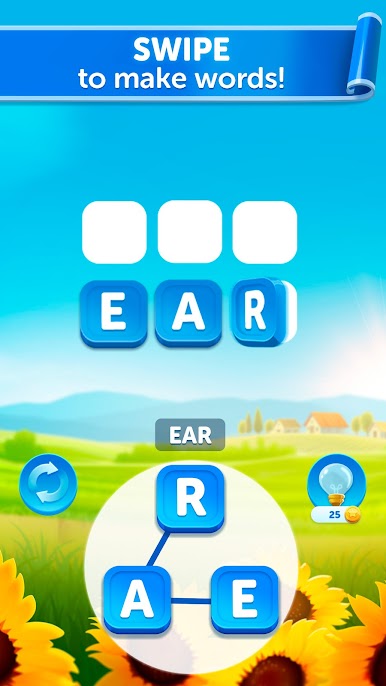
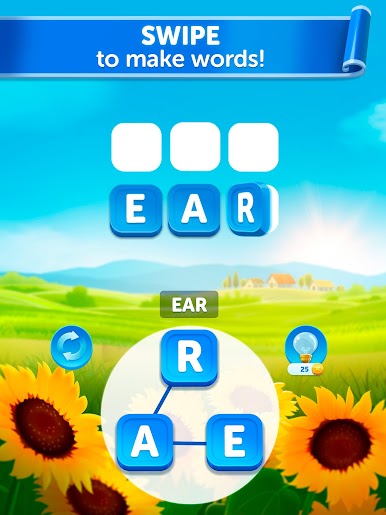
Just slide your finger across letters to craft words—it’s easy to pick up, even if you don’t usually play word games. -
Stunning Visual Themes
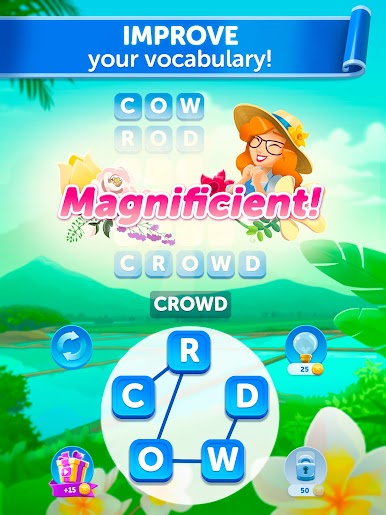
As you play, you’ll unlock backgrounds that are a genuine treat for the eyes. It’s a nice little reward for clearing puzzles. -
Puzzles for Days
There are over 5000 unique challenges (in 8 languages, if you’re feeling bold or multilingual). You’re not running out anytime soon. -
Surprise Bonus Words
Stumble onto words that aren’t in the main solution? You’ll earn coins for those hidden finds—a neat reason to try every combo that pops in your head. -
Offline Play
No connection? No problem. Whether you’re on a trip, on a break, or just avoiding notifications for a bit, you can keep playing anywhere. -
Always Growing
Regular updates bring new puzzles and features, so things stay fresh and interesting.
And if you want to play on a bigger screen or type even faster, Bouquet of Words: Word Game also runs smoothly on BlueStacks.
Slay your opponents with your epic moves. Play it your way on BlueStacks and dominate the battlefield.










Mainkan Bouquet of Words: Word Game di PC Mudah saja memulainya.
-
Unduh dan pasang BlueStacks di PC kamu
-
Selesaikan proses masuk Google untuk mengakses Playstore atau lakukan nanti
-
Cari Bouquet of Words: Word Game di bilah pencarian di pojok kanan atas
-
Klik untuk menginstal Bouquet of Words: Word Game dari hasil pencarian
-
Selesaikan proses masuk Google (jika kamu melewati langkah 2) untuk menginstal Bouquet of Words: Word Game
-
Klik ikon Bouquet of Words: Word Game di layar home untuk membuka gamenya

