


Blocky Castle: Tower Climb
Juega en PC con BlueStacks: la plataforma de juegos Android, en la que confían más de 500 millones de jugadores.

Página modificada el: Jul 22, 2025
Juega Blocky Castle: Tower Climb en PC
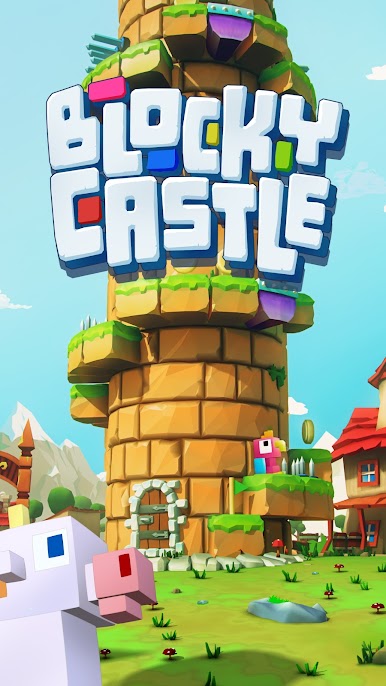
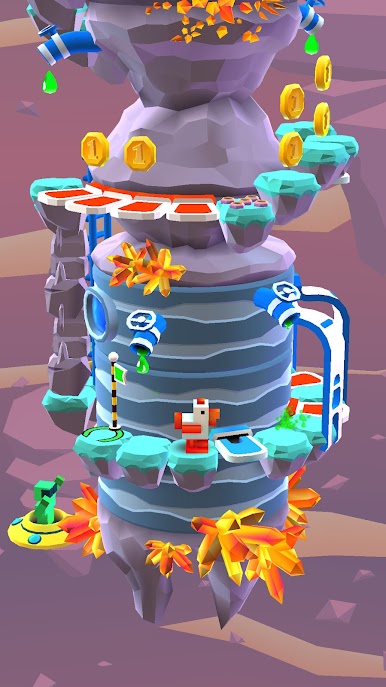
Elige a tu competidor favorito y supera estos obstáculos hermosos pero difíciles, mientras escalas hasta la punta de cada torre. Púas afiliadas, barriles en movimiento, rocas pesadas, plataformas que caen, trampas de fuego y bombas que saltan, entre otras maldades que esperan que llegues para empujarte de nuevo al abismo. Pero no debes temer, ¡estar consciente de lo que te rodea y calcular bien el tiempo te sacará incluso de las más difíciles situaciones!
¡Acepta de una vez el desafío!
CARACTERÍSTICAS PRINCIPALES
* Efectos visuales desenfadados y coloridos
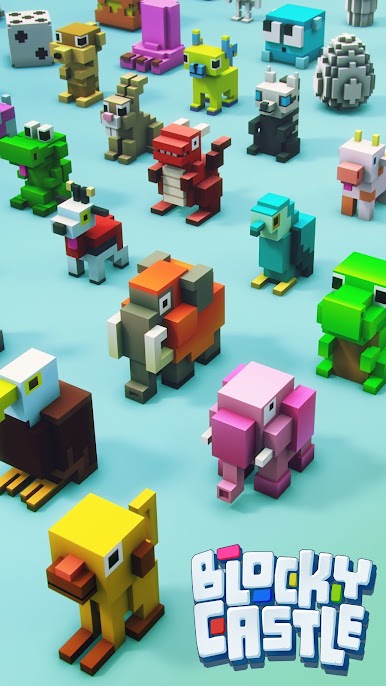
* Toneladas de personajes divertidos
* Controles simples e intuitivos
* Modo de juego fluido y adictivo
* Compatible con pantalla full retina
* Compatibilidad con Google Play Store
CONTROLES
* Desliza a la izquierda o derecha para saltar a la siguiente plataforma
* Desliza hacia arriba para usar un interruptor, pasar por una puerta, subir una escalera o saltar alto
* Desliza hacia abajo para escalar o dejarte caer de una escalera
CONSEJOS
* Todos los obstáculos representan una amenaza diferente, asegúrate de aprenderte los patrones
* No te apures, mide tus acciones para evitar errores innecesarios
* Salta hacia adelante si viene hacia ti un barril o una roca
* Siempre obtendrás monedas, incluso si no logras completar el nivel
* Ten conciencia de todos los obstáculos que están visibles en la pantalla, no solo del siguiente
¡Por favor califica Blocky Castle y envía tus comentarios para las mejoras futuras!
Facebook: http://www.facebook.com/IstomGames Twitter: http://twitter.com/istomgames isTom Games: https://www.istomgames.com
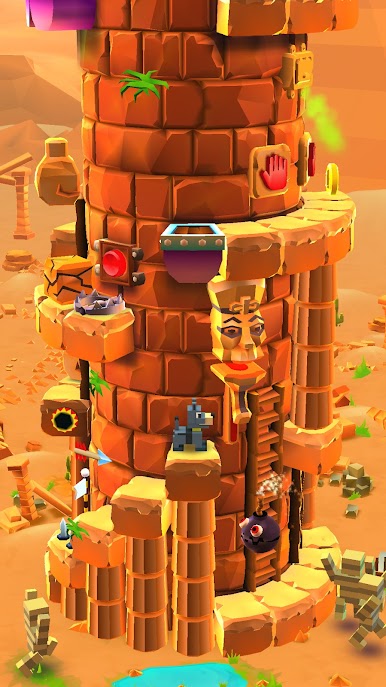
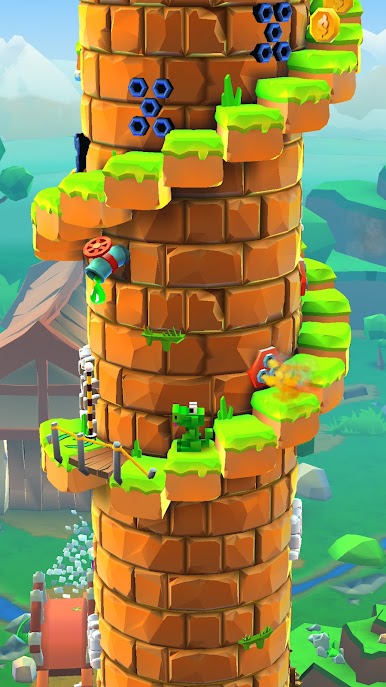

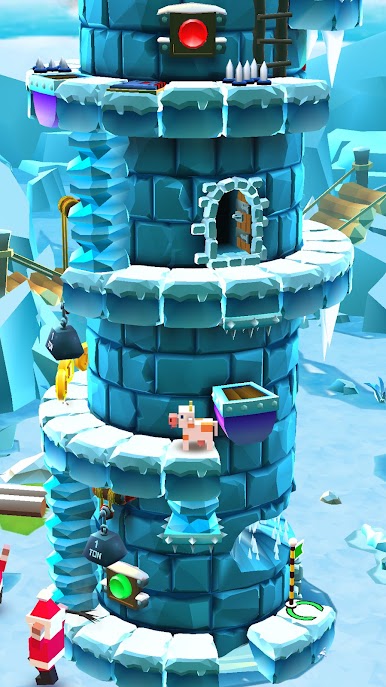
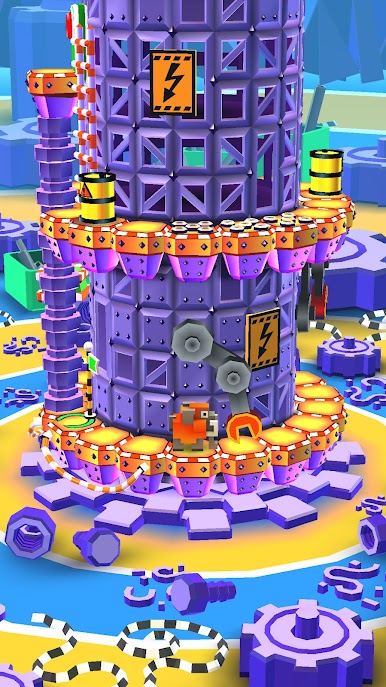
Juega Blocky Castle: Tower Climb en la PC. Es fácil comenzar.
-
Descargue e instale BlueStacks en su PC
-
Complete el inicio de sesión de Google para acceder a Play Store, o hágalo más tarde
-
Busque Blocky Castle: Tower Climb en la barra de búsqueda en la esquina superior derecha
-
Haga clic para instalar Blocky Castle: Tower Climb desde los resultados de búsqueda
-
Complete el inicio de sesión de Google (si omitió el paso 2) para instalar Blocky Castle: Tower Climb
-
Haz clic en el ícono Blocky Castle: Tower Climb en la pantalla de inicio para comenzar a jugar

