


Numero Aleatorio
Juega en PC con BlueStacks: la plataforma de juegos Android, en la que confían más de 500 millones de jugadores.

Página modificada el: Nov 25, 2025
Run Random Number on PC or Mac
Multitask effortlessly on your PC or Mac as you try out Random Number, a Productivity app by Jhelin inc on BlueStacks.
About the App
Ever wish you could let chance decide for you? With Random Number by Jhelin inc, it’s ridiculously easy to generate a random number, make decisions on the fly, or pick something from a list when you just can’t choose. Whether you’re organizing an office drawing, parsing out chores, or figuring out who’s up next in class, this handy tool keeps things fair…and a little bit more fun. If you love having options—and letting a bit of randomness take the wheel—this little Productivity app is a no-brainer.
App Features
-
Custom Number Ranges
Set any minimum and maximum you want, and Random Number gives you a number that fits right inside your chosen range. Simple, flexible, and just the nudge you need when you’re stuck. -
Lottery Number Generator
Need a quick set of lucky numbers for your next lottery ticket? Let the app whip up some digits for you. You never know, your big moment could start here! -
Draw from a List
Got a whole list of options? Toss them all in and let Random Number pick one—or several—for you. Perfect for picking names, assigning tasks, or settling group plans. -
Save and Organize Lists
No need to retype the same group or choices every time. You can set up, save, and manage multiple lists, making repeat draws fast and easy. -
Single-use or No Repeats
Want to avoid repeats? Just ask. You can make sure picked numbers (or options) don’t pop up again until you’re ready. -
Supports Multiple Languages
Prefer things in Spanish, Japanese, Korean, or maybe French? The app covers a bunch of languages, so you can use it in whatever feels most comfortable. -
Works Free, No Hassle
There’s no paywall—use all the features as much as you like, with nothing locked away.
You can also run Random Number via BlueStacks if you’re on your computer, so picking winners or making choices is just as smooth on a bigger screen.
BlueStacks brings your apps to life on a bigger screen—seamless and straightforward.
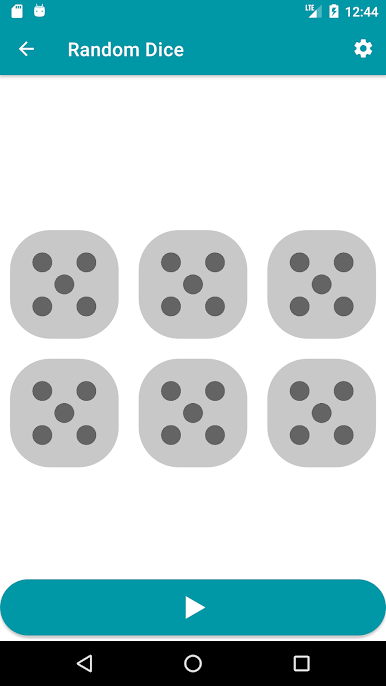
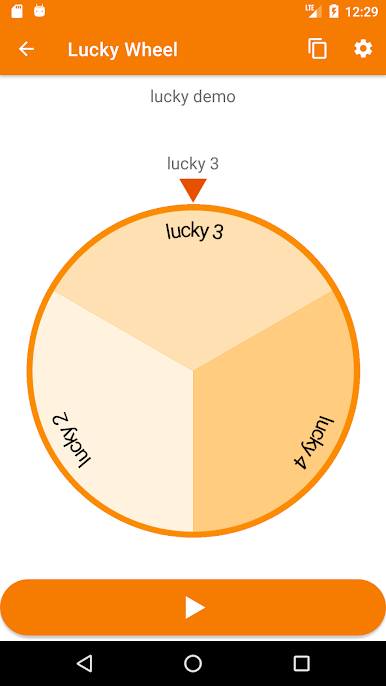
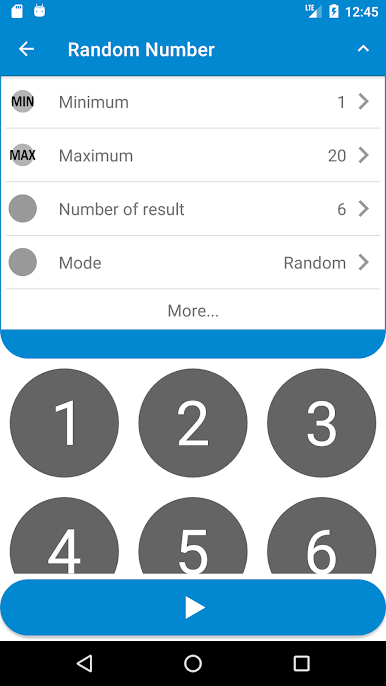

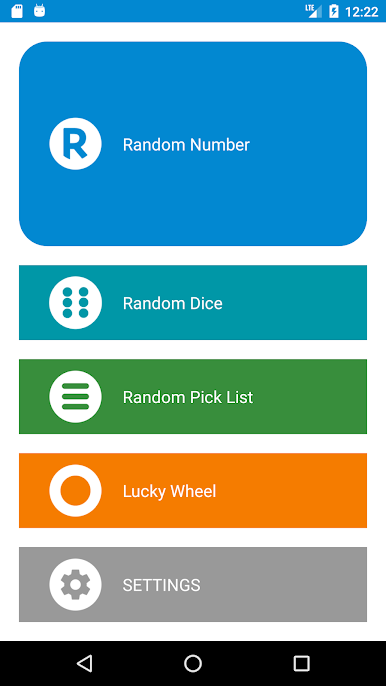


Juega Numero Aleatorio en la PC. Es fácil comenzar.
-
Descargue e instale BlueStacks en su PC
-
Complete el inicio de sesión de Google para acceder a Play Store, o hágalo más tarde
-
Busque Numero Aleatorio en la barra de búsqueda en la esquina superior derecha
-
Haga clic para instalar Numero Aleatorio desde los resultados de búsqueda
-
Complete el inicio de sesión de Google (si omitió el paso 2) para instalar Numero Aleatorio
-
Haz clic en el ícono Numero Aleatorio en la pantalla de inicio para comenzar a jugar

