


Manajer Aplikasi Cerdas
Mainkan di PC dengan BlueStacks – platform Game-Game Android, dipercaya oleh lebih dari 500 juta gamer.

Run Smart App Manager on PC or Mac
Get freedom from your phone’s obvious limitations. Use Smart App Manager, made by SMARTWHO, a Productivity app on your PC or Mac with BlueStacks, and level up your experience.
About the App
Smart App Manager, from SMARTWHO, is your go-to sidekick for keeping your Android device organized and running smoothly. Tired of searching for that one app or dealing with clutter? This productivity app keeps things neat and puts all your apps right at your fingertips. Expect an easy setup and an intuitive experience, whether you’re managing your phone directly or giving it a try on BlueStacks.
App Features
-
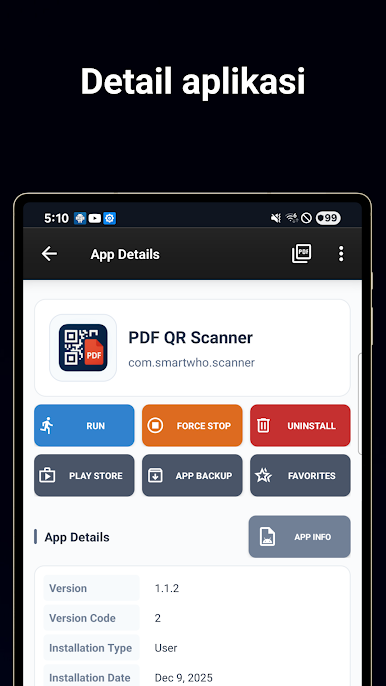
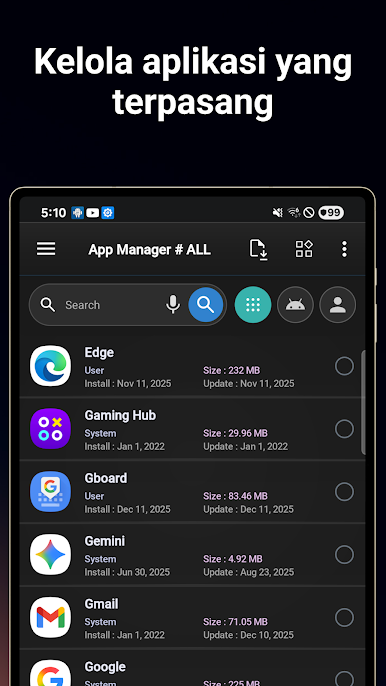
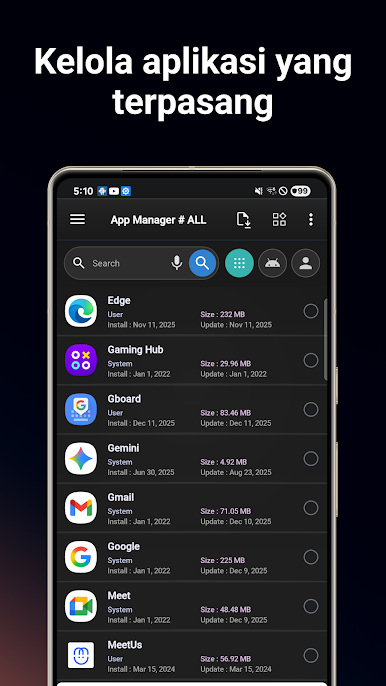
App Organization Made Simple
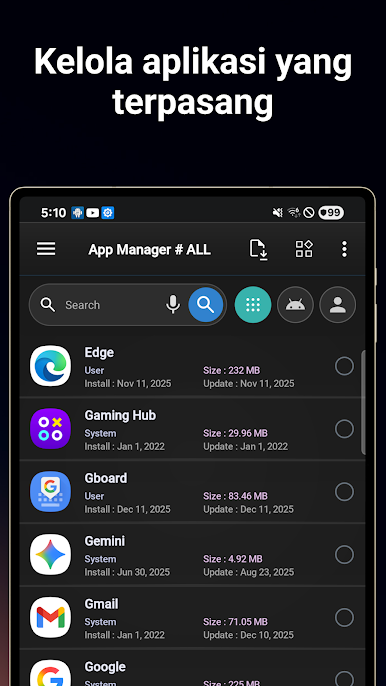
View, search, and sort your installed apps in seconds. Whether you want to find by name, install date, or even app size, it’s all just a tap away. -
Bulk Actions
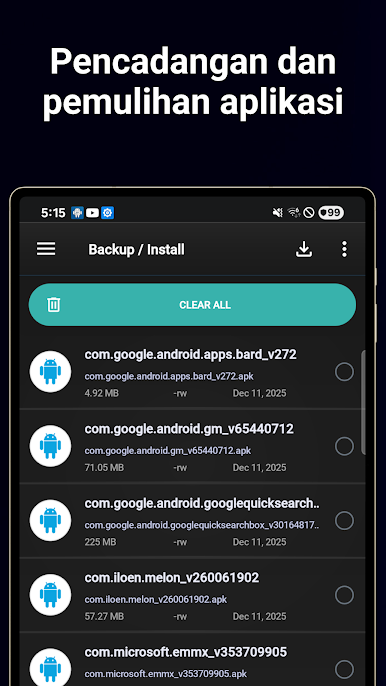
Clean up in no time with multi-select deletion and backup. Get rid of what you don’t need or keep important apps safe by backing them up — all at once. -
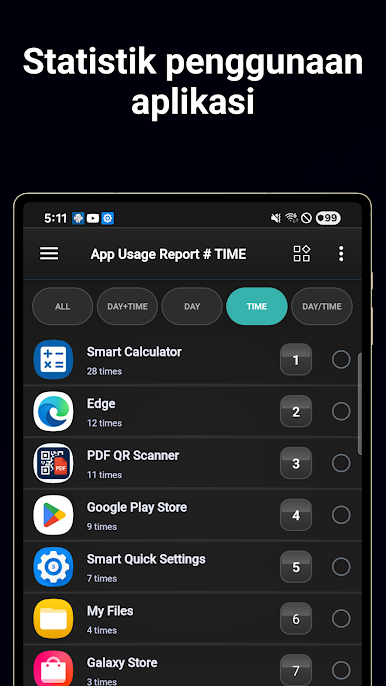
Usage Insights
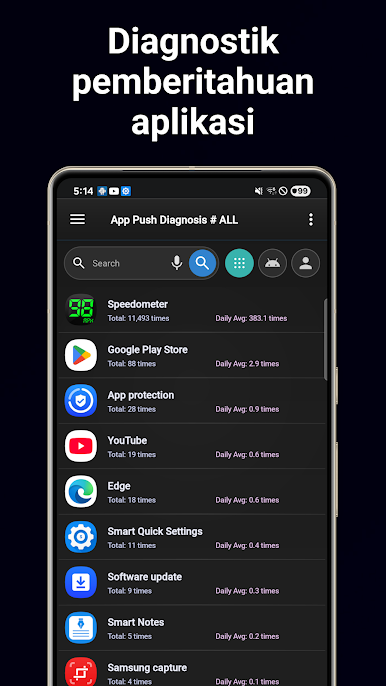
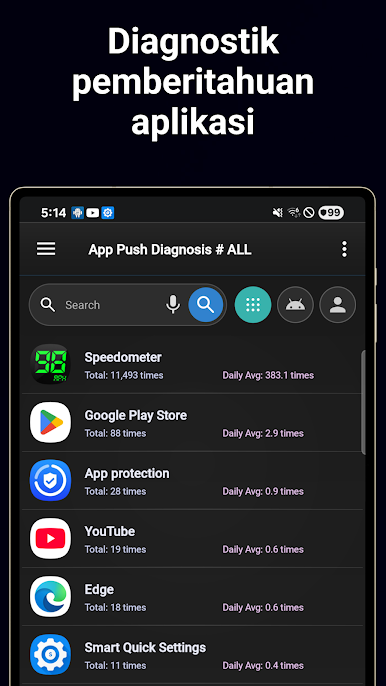
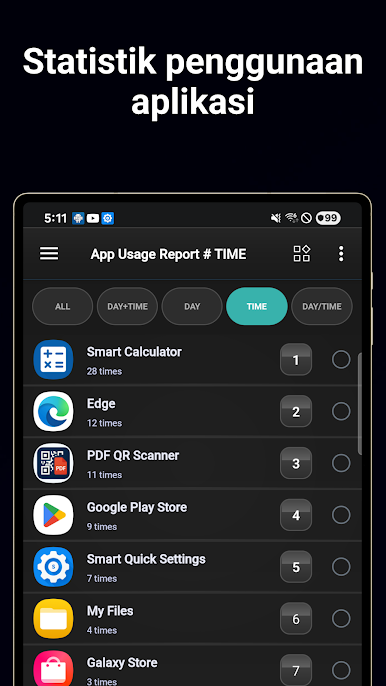
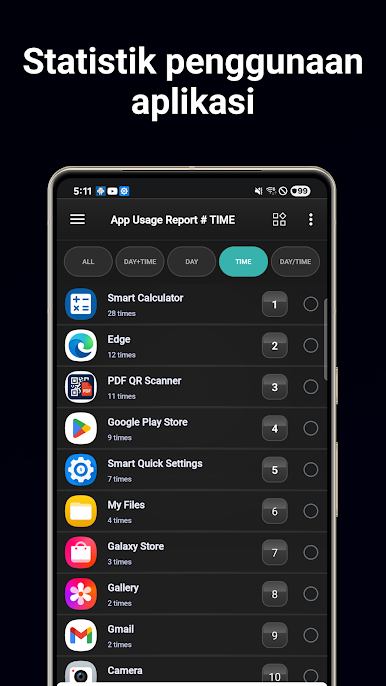
Curious which apps eat up most of your time? Look at daily and weekly patterns, usage counts, and time spent. You can even exclude certain apps from these stats if you’d rather not see them. -
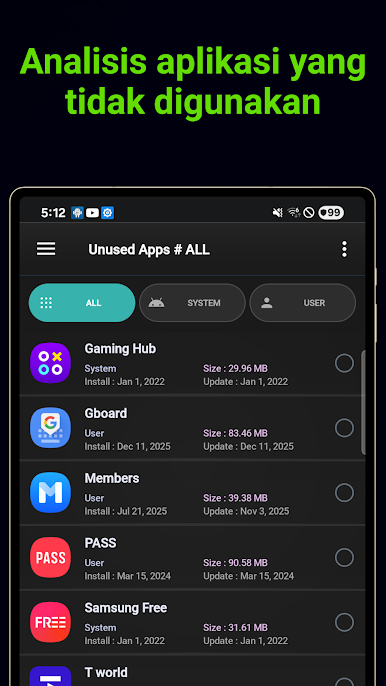
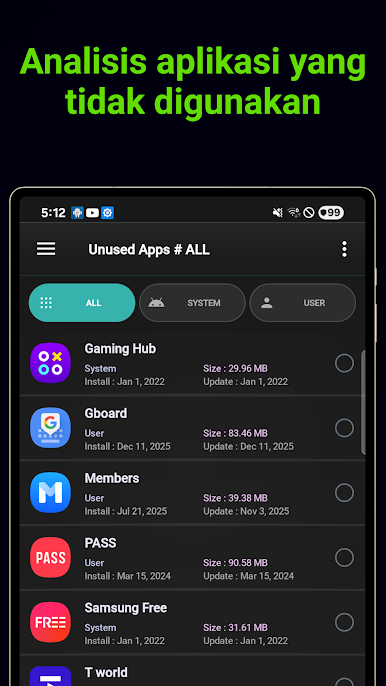
Unused App Cleanup
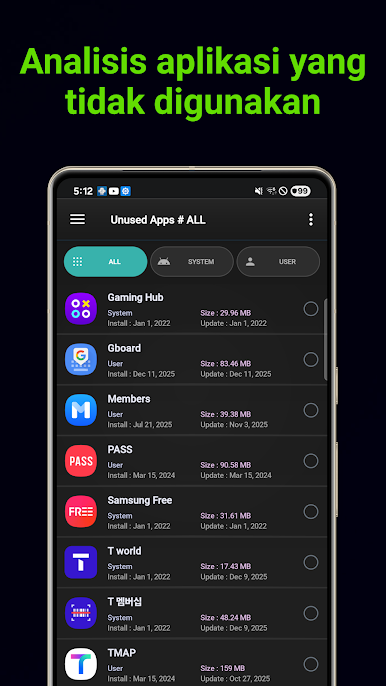
Apps gathering dust? The manager highlights what you haven’t opened in a while and suggests what can go — makes clearing space less of a hassle. -
Favorite Apps & Widgets
Got your go-tos? Pin favorites and launch them right from a handy home screen widget. Tweak how the widget looks and how often it refreshes. -
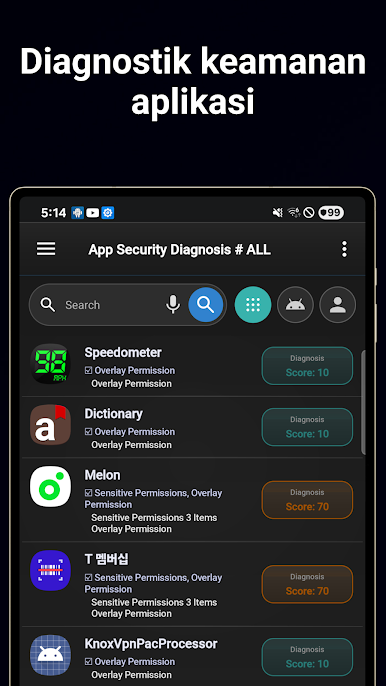
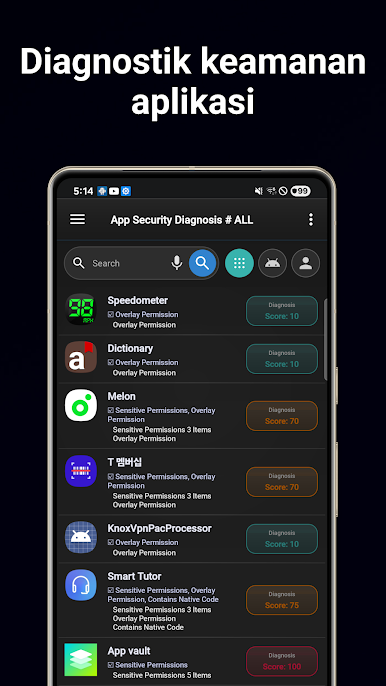
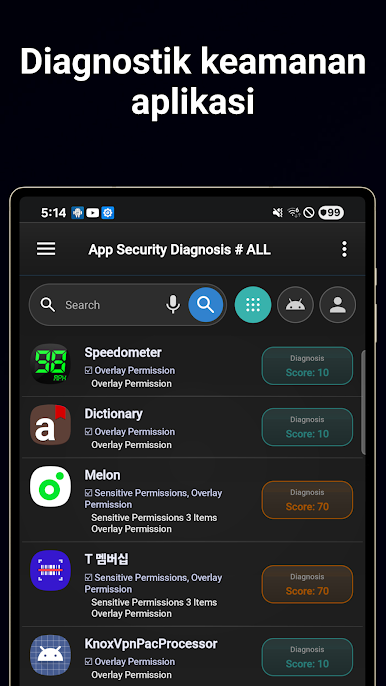
Permission Checker
Stay on top of your privacy. Quickly scan all the permissions each app requests, visualized in a way that’s easy to grasp. -
System Info At a Glance
Battery status, memory use, available storage, CPU info—it’s all there if you ever want to see what’s going on under the hood. -
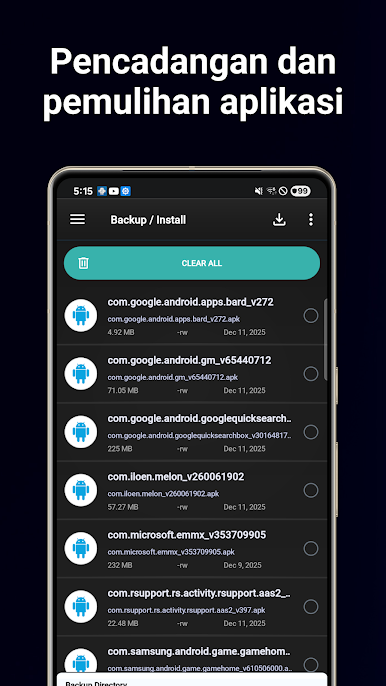
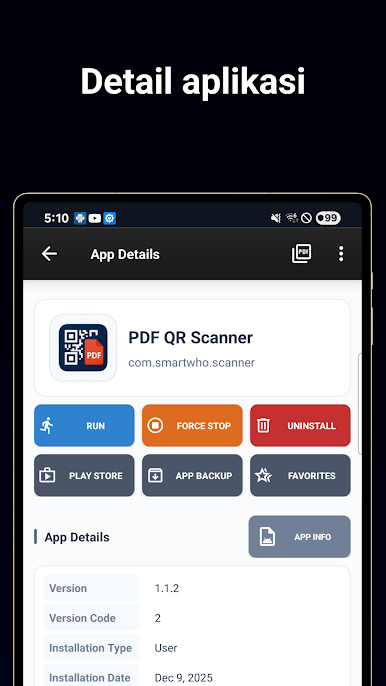
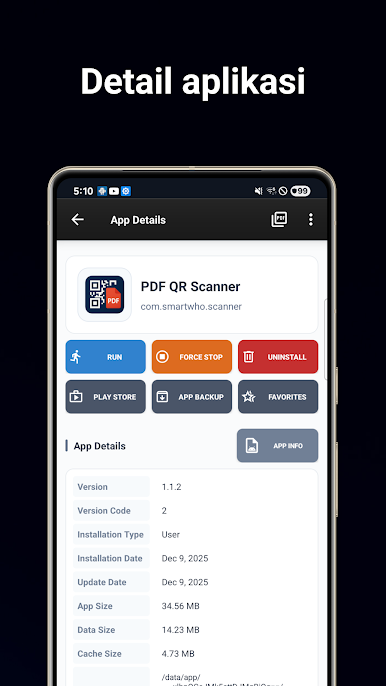
Move or Backup Apps
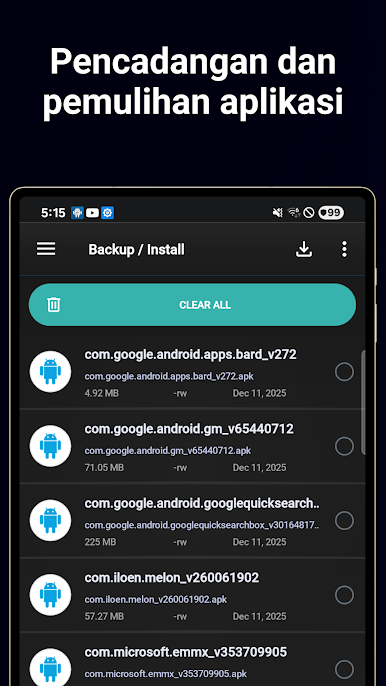
Easily shift apps between your device and SD card, or back them up and restore with just a couple taps. Supports external APK installs too. -
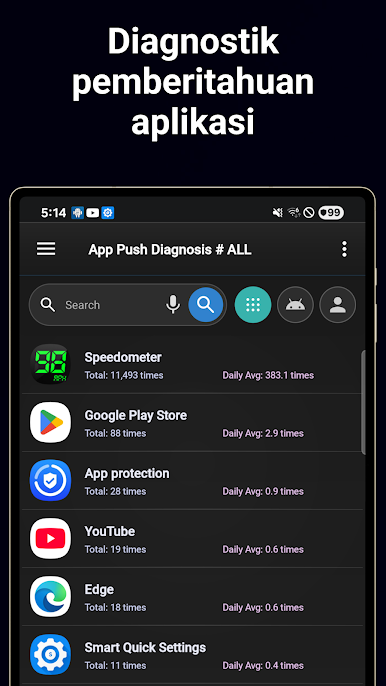
Smart Notifications
Get app recommendations based on your habits right in your notification area, reflecting how you actually use your device. -
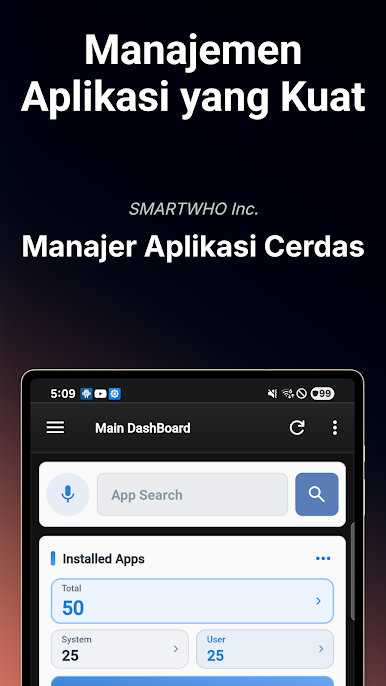
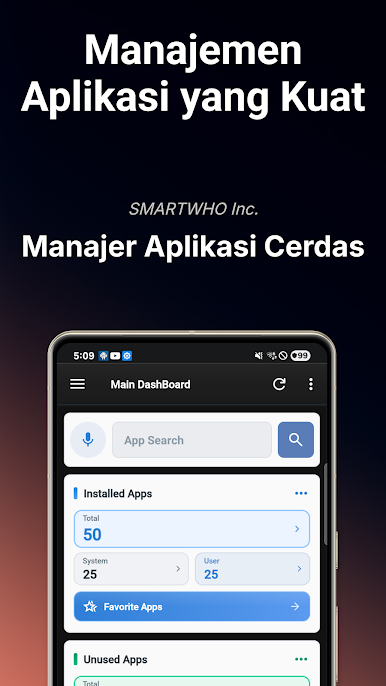
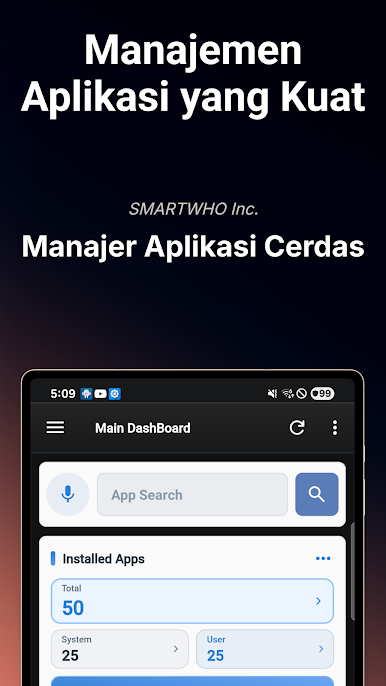
Comprehensive Dashboard
Use widgets or the app itself as a central dashboard for managing apps, space, favorites, and device health. -
Flexible Permissions
You’re in control — only enable permissions like storage access if you want to use features like backup and reinstallation.
Try Smart App Manager for a smarter, more streamlined phone — and if you’re running it on BlueStacks, all these clever management features are right there on your desktop too.
Big screen. Bigger performance. Use BlueStacks on your PC or Mac to run your favorite apps.

Mainkan Manajer Aplikasi Cerdas di PC Mudah saja memulainya.
-
Unduh dan pasang BlueStacks di PC kamu
-
Selesaikan proses masuk Google untuk mengakses Playstore atau lakukan nanti
-
Cari Manajer Aplikasi Cerdas di bilah pencarian di pojok kanan atas
-
Klik untuk menginstal Manajer Aplikasi Cerdas dari hasil pencarian
-
Selesaikan proses masuk Google (jika kamu melewati langkah 2) untuk menginstal Manajer Aplikasi Cerdas
-
Klik ikon Manajer Aplikasi Cerdas di layar home untuk membuka gamenya

