


単語さがし - 脳トレできる単語検索ゲーム
Gioca su PC con BlueStacks: la piattaforma di gioco Android, considerata affidabile da oltre 500 milioni di giocatori.

Pagina modificata il: Jul 23, 2023
Play 単語さがし - 脳トレできる単語検索ゲーム on PC
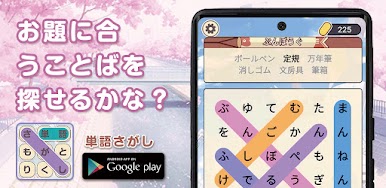
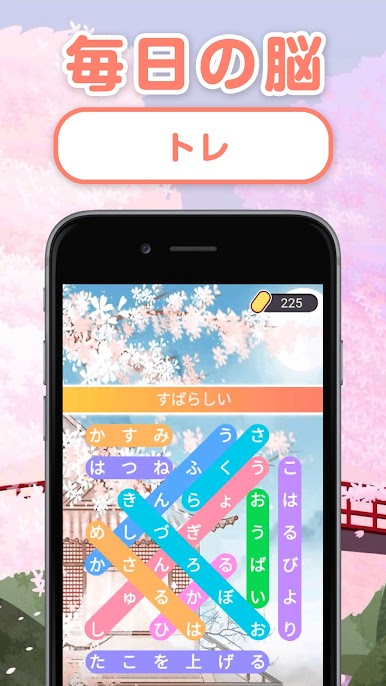
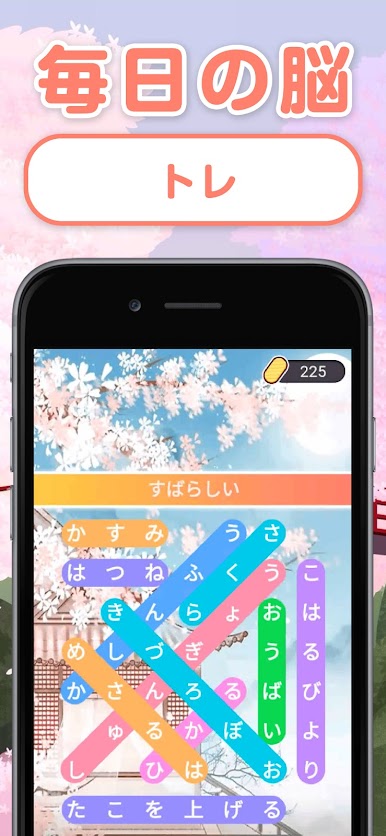
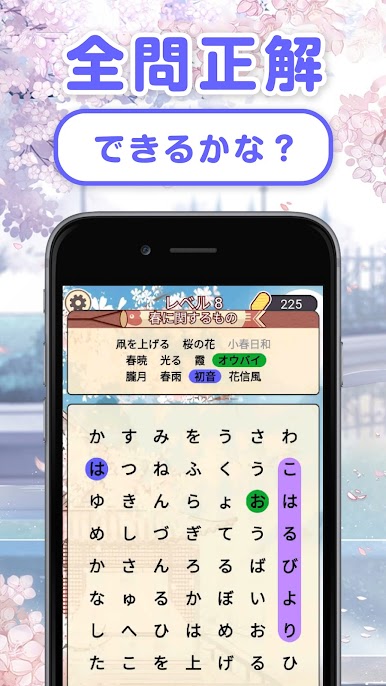
Japanese training by playing with words! Brain training language puzzle!
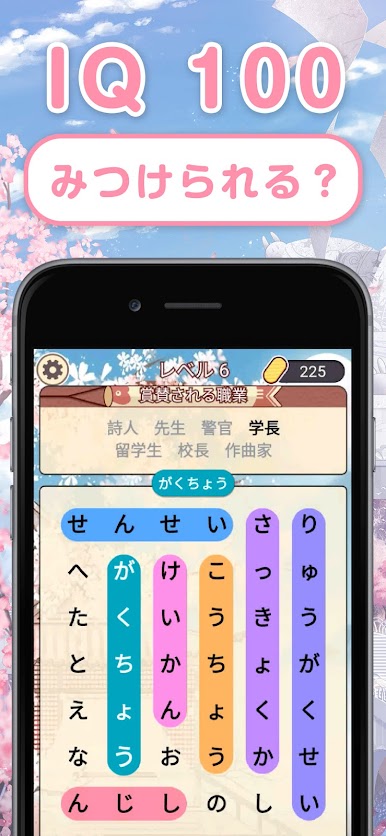
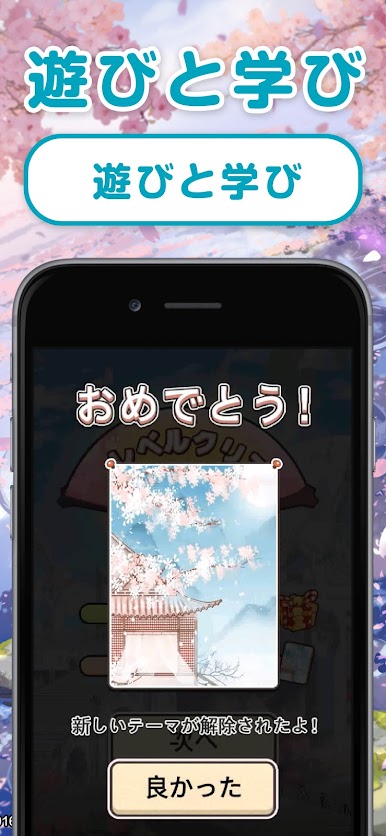
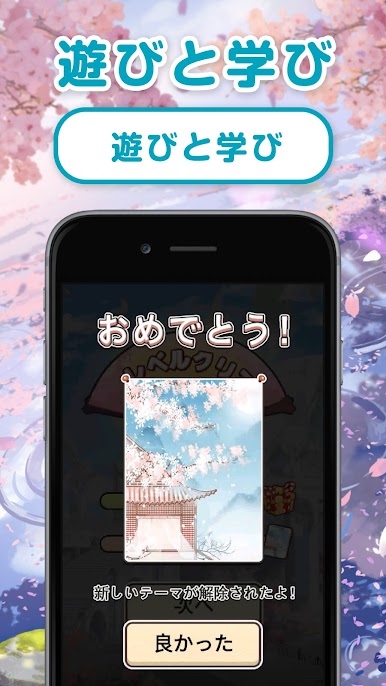
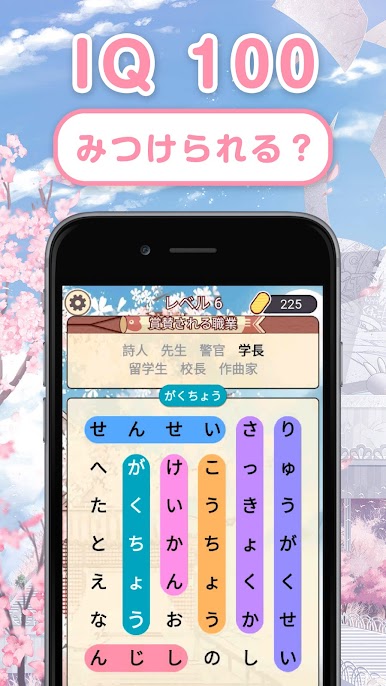
The difficulty level gradually increases, and the IQ increases.
◆ The rules are super easy ◆
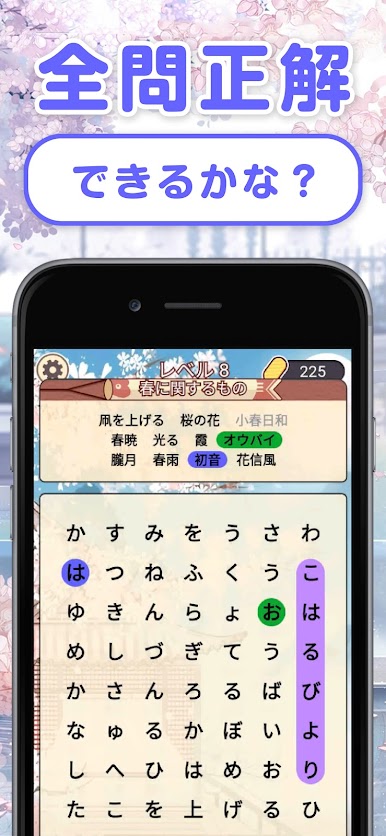
--Simply swipe up, down, left, right or diagonally to find the specified word.
――When you have a problem, use various hints.
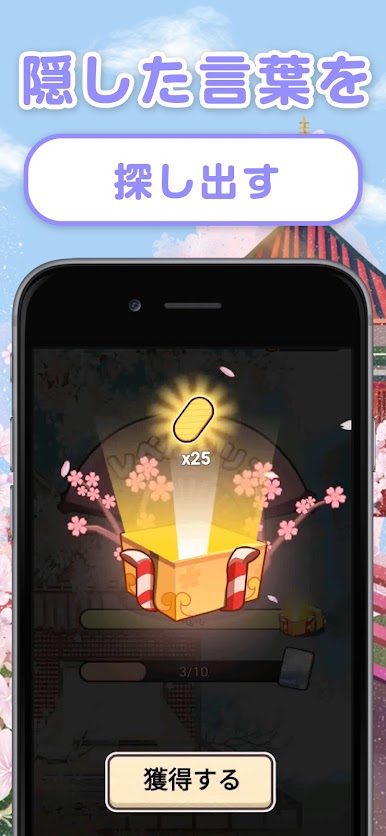
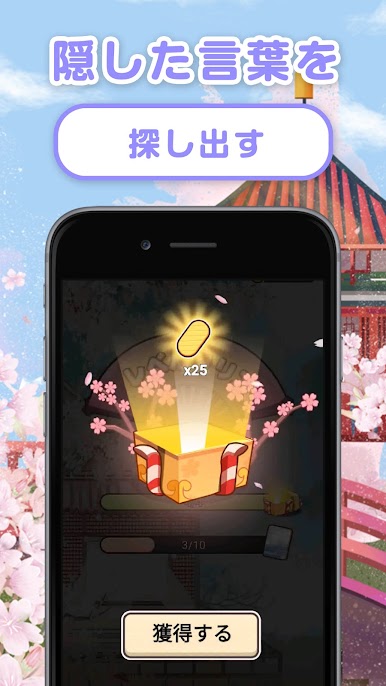
--You can get a coin bonus by searching for hidden words.
◆ Recommended for people like this ◆
--Brain training, those who want to kill time
--Those who want to improve their vocabulary
--Those who are good at word search
--Those who want to practice word search
--Those who like Japanese and word quizzes
* This game can be used by all ages depending on the game hierarchy management method.
* You can play offline, so you can play while traveling or without Wi-Fi.
* This game is free.
* Please be careful about the running time.
Gioca 単語さがし - 脳トレできる単語検索ゲーム su PC. È facile iniziare.
-
Scarica e installa BlueStacks sul tuo PC
-
Completa l'accesso a Google per accedere al Play Store o eseguilo in un secondo momento
-
Cerca 単語さがし - 脳トレできる単語検索ゲーム nella barra di ricerca nell'angolo in alto a destra
-
Fai clic per installare 単語さがし - 脳トレできる単語検索ゲーム dai risultati della ricerca
-
Completa l'accesso a Google (se hai saltato il passaggio 2) per installare 単語さがし - 脳トレできる単語検索ゲーム
-
Fai clic sull'icona 単語さがし - 脳トレできる単語検索ゲーム nella schermata principale per iniziare a giocare

