


ROMDashboard Developer Tool
Mainkan di PC dengan BlueStacks – platform Game-Game Android, dipercaya oleh lebih dari 500 juta gamer.

Play ROMDashboard Developer Tool on PC
** If you want support, please direct your developer to https://www.romdashboard.com/ **
This application will not operate properly without support from the ROM developer.
Current Features:
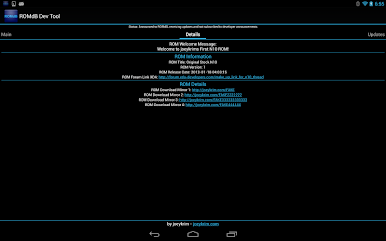
**Receive a developer provided welcome message after first boot
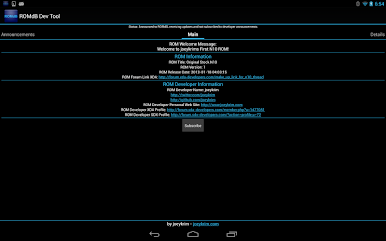
**Receive battery and bandwidth efficient pushed developer announcements
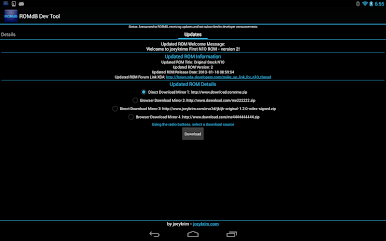
**Receive ROM update notifications
**Easily download ROM updates (including hash matching)
**View all of a developer's provided contact information (Twitter, Github, Links for Forum Profiles or Personal Web Site, etc)
**Access important ROM specific information
**View historic developer announcements
Mainkan ROMDashboard Developer Tool di PC Mudah saja memulainya.
-
Unduh dan pasang BlueStacks di PC kamu
-
Selesaikan proses masuk Google untuk mengakses Playstore atau lakukan nanti
-
Cari ROMDashboard Developer Tool di bilah pencarian di pojok kanan atas
-
Klik untuk menginstal ROMDashboard Developer Tool dari hasil pencarian
-
Selesaikan proses masuk Google (jika kamu melewati langkah 2) untuk menginstal ROMDashboard Developer Tool
-
Klik ikon ROMDashboard Developer Tool di layar home untuk membuka gamenya

