


Reproductor de música: JukeBox
Juega en PC con BlueStacks: la plataforma de juegos Android, en la que confían más de 500 millones de jugadores.

Página modificada el: Oct 30, 2025
Juega Reproductor de música: JukeBox en PC
¡Fantástico reproductor de música!
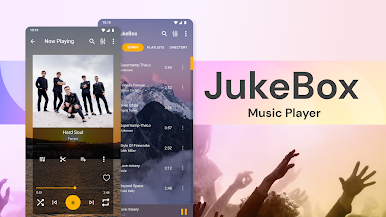
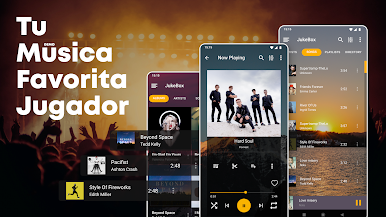
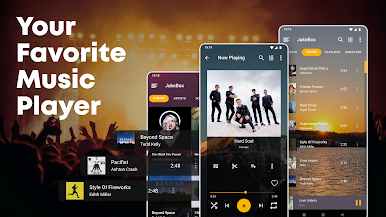
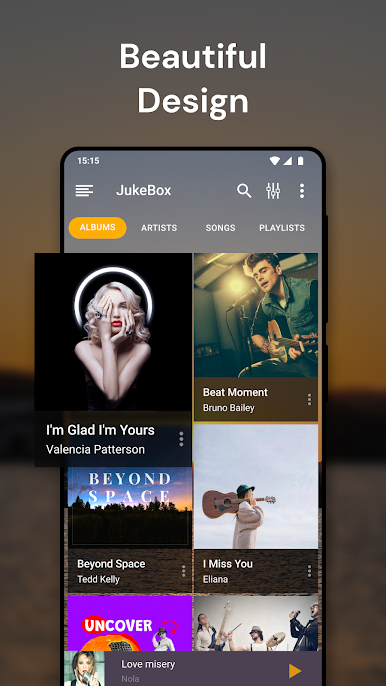
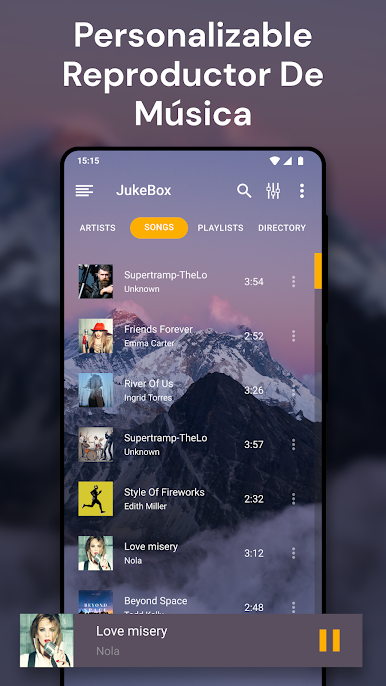
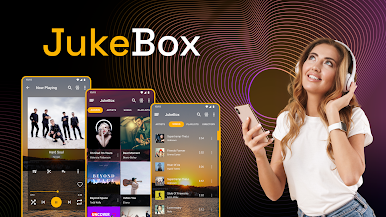
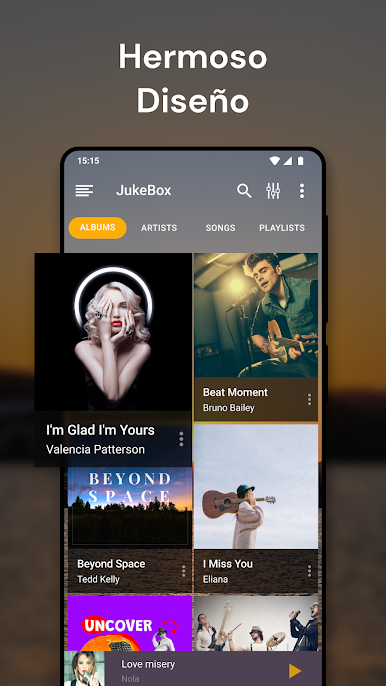
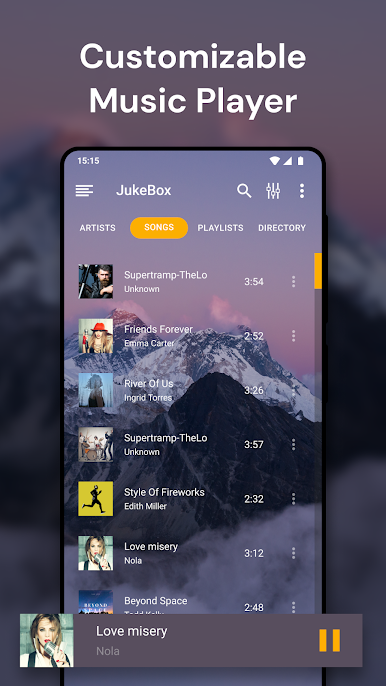
JukeBox es un reproductor de música ligero y personalizable. Sabemos lo importante que es tu música para ti, así que nuestra interfaz de usuario es simple y elegante para que tu uso del reproductor de música sea una experiencia agradable para ti. 🎵
El reproductor de música más popular
🎵 Jukebox Music Player te permite: 🎵
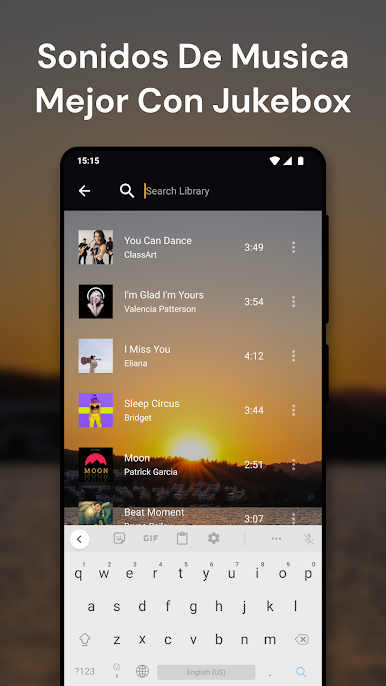
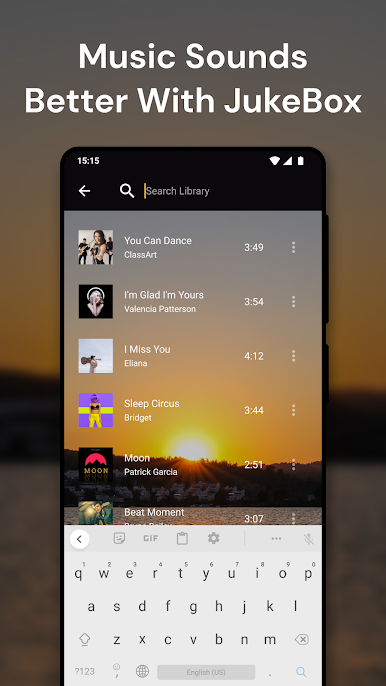
★ Buscar, ordenar y navegar tus archivos de música y mp3 favoritos
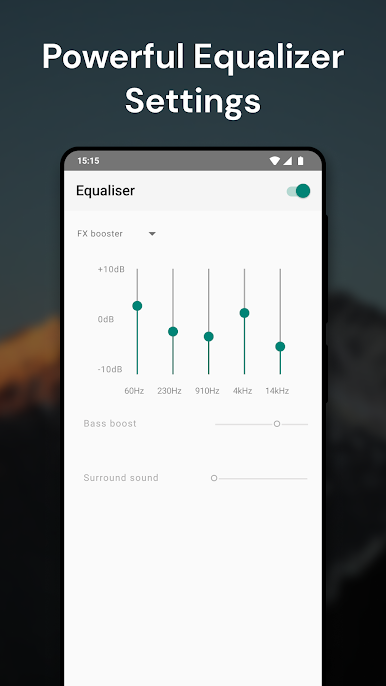
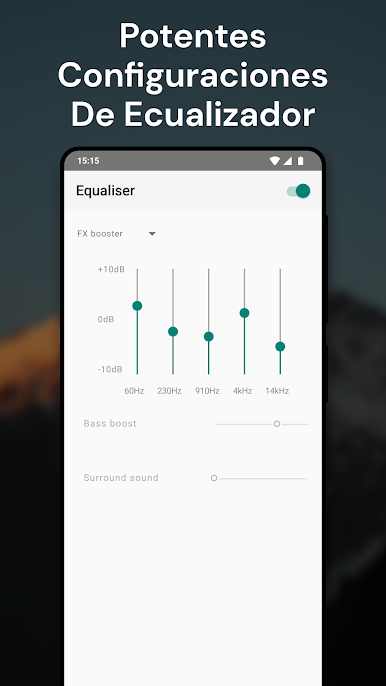
★ Crear tus propios ajustes de ecualizador con un ecualizador personalizable
★ Crear e importar listas de reproducción
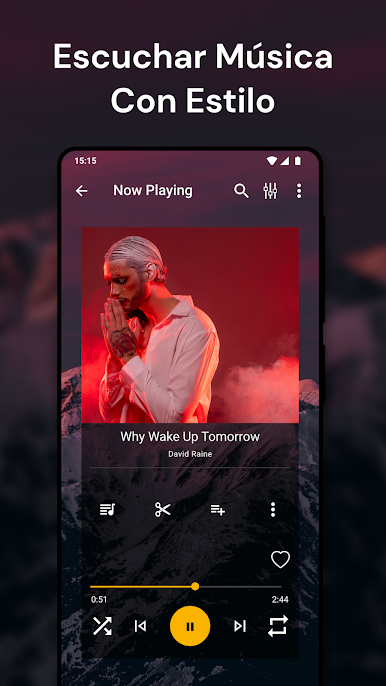
★ Controlar tu música desde tu pantalla de bloqueo o notificación
★ Navegar usando directorios y carpetas para encontrar tu música
¡Puedes escoger entre diferentes temas interesantes para crear tu propia experiencia para escuchar música y además puedes usar tus propias fotos e imágenes como fondo!
Envíenos un correo electrónico con preguntas o comentarios a TarrySoft@gmail.com.
🎵 Mejore su experiencia auditiva con el sorprendente reproductor de audio JukeBox 🎵


Juega Reproductor de música: JukeBox en la PC. Es fácil comenzar.
-
Descargue e instale BlueStacks en su PC
-
Complete el inicio de sesión de Google para acceder a Play Store, o hágalo más tarde
-
Busque Reproductor de música: JukeBox en la barra de búsqueda en la esquina superior derecha
-
Haga clic para instalar Reproductor de música: JukeBox desde los resultados de búsqueda
-
Complete el inicio de sesión de Google (si omitió el paso 2) para instalar Reproductor de música: JukeBox
-
Haz clic en el ícono Reproductor de música: JukeBox en la pantalla de inicio para comenzar a jugar

