

AudioTool
Gioca su PC con BlueStacks: la piattaforma di gioco Android, considerata affidabile da oltre 500 milioni di giocatori.

Pagina modificata il: Oct 1, 2025
Run AudioTool on PC or Mac
Let BlueStacks turn your PC, Mac, or laptop into the perfect home for AudioTool, a fun Music & Audio app from jjbunn.
About the App
Ever wondered what’s really going on with the sound around you? AudioTool is your go-to for checking audio levels, analyzing acoustics, and even calibrating your own set-up—whether you’re an audio engineer, theater geek, or just curious about what your speakers are up to. Made by jjbunn, this app turns your phone or tablet into a handy music & audio lab, loaded with tools for real-time sound analysis. If techy details excite you, you’ll love how much control and information you get right at your fingertips.
App Features
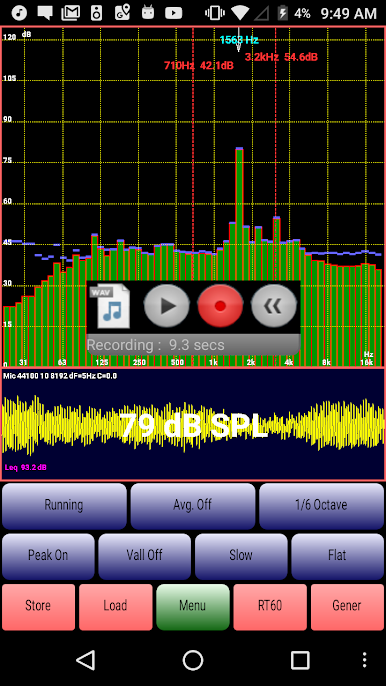
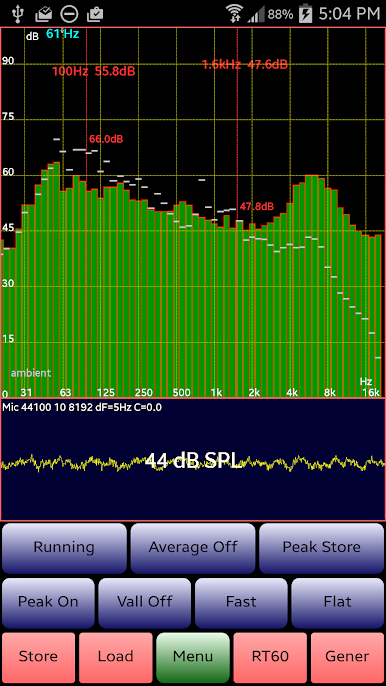
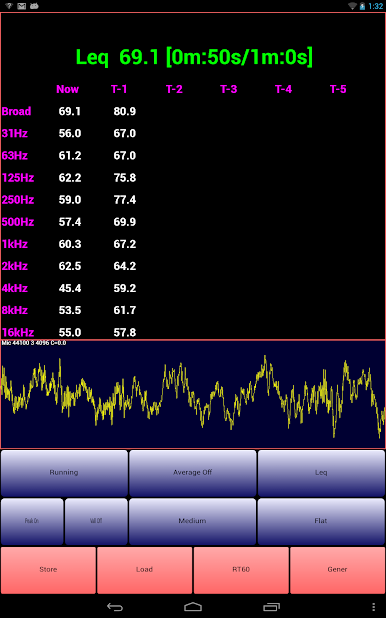
- SPL (Sound Level) Meter: Measure decibel levels in your space instantly. Great for tracking noise at gigs, in your car, or tuning up your home setup.
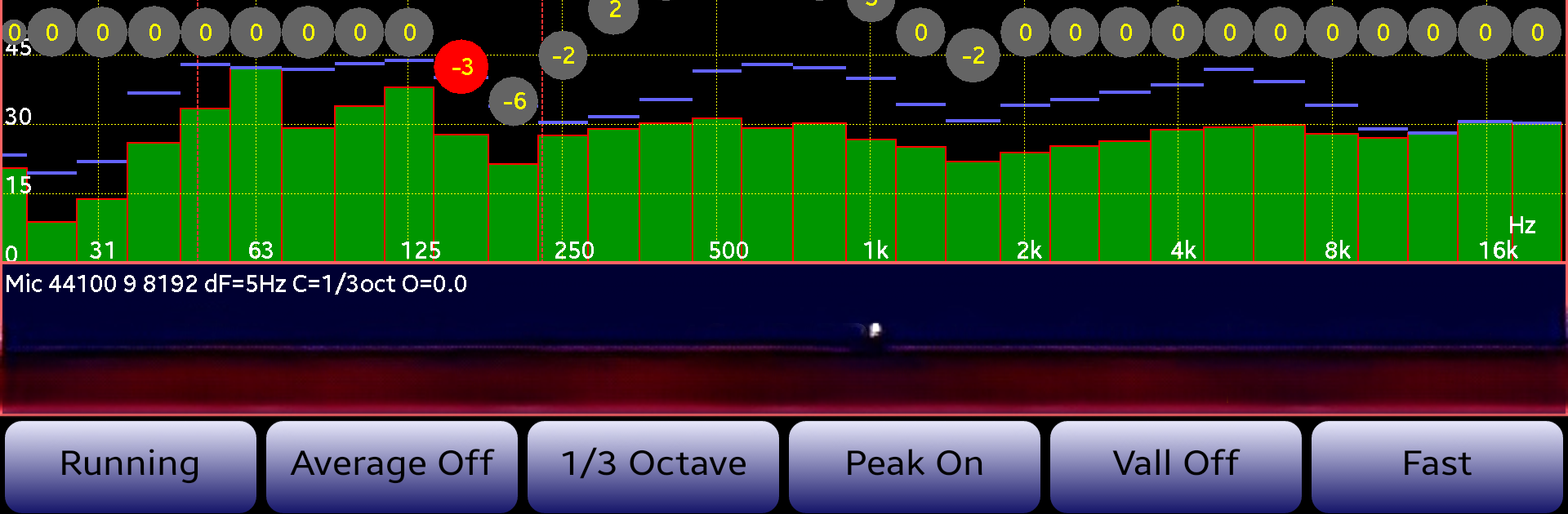
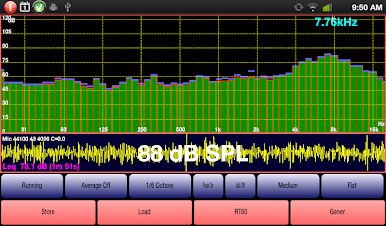
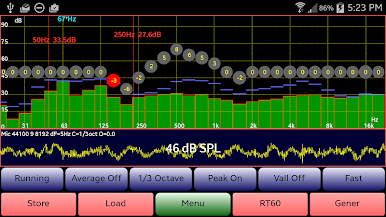
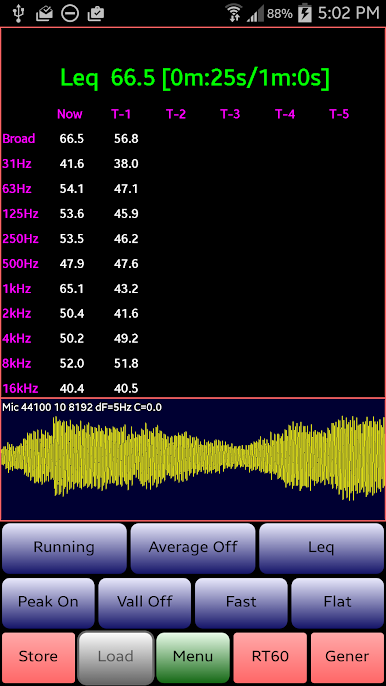
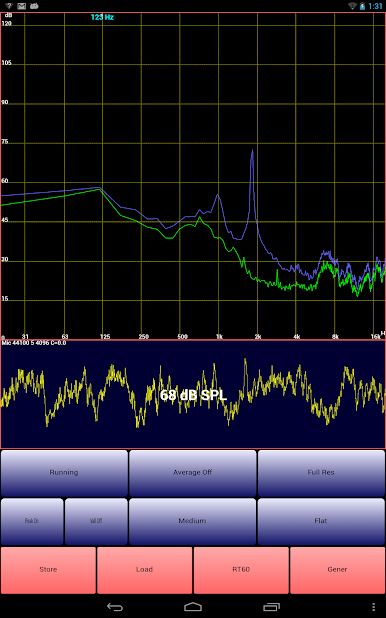
- Real-Time Analyzer (RTA): Break down the sound spectrum in different octave bands—including 1/1, 1/3, 1/6, and even super-fine 1/12—so you can spot frequencies that stand out.
- Mic Calibration: Fine-tune the app to match your microphone and correct for quirks, with support for popular models. You can save calibration files and recall them anytime.
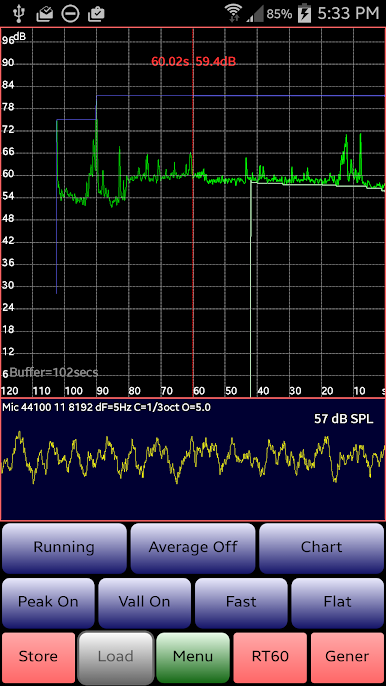
- Long-Term Sound Tracking: Chart Recorder keeps a moving log of your sound levels so you can watch trends or hunt for issues over time.
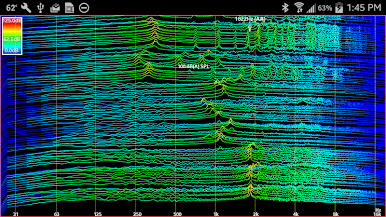
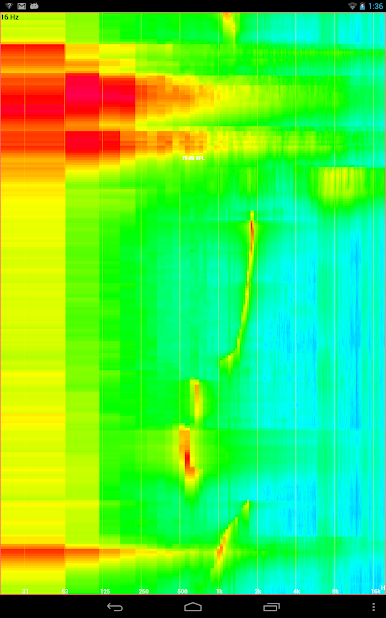
- Spectrogram & Waterfall Plots: Visualize complex sound over time and frequency with clear, colorful graphics. See echoes, reverberations, and peaks as they happen.
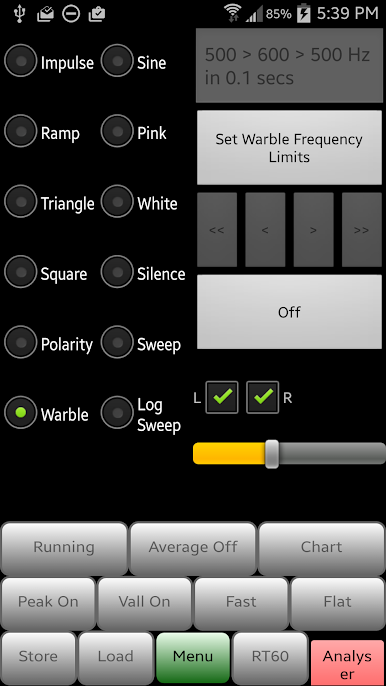
- Signal Generator: Generate white or pink noise, a variety of waveforms (sine, square, triangle, ramp), sweeps, warbles—you name it, you can create it to test your equipment or room.
- Loudspeaker Polarity Checker: Quickly check if your speaker wiring is correct. The app lets you know if it’s in phase or if something’s reversed.
- Advanced Filters & Weighting: Choose from flat, A, or C weighting, plus a film industry “X Curve” for pro-level analysis. Tailor measurements to match your environment.
- Custom Cursors and Zoom: Tap, pinch, or drag the screen for a closer look, hide or show the control buttons, toss in cursors to read out specific values—super intuitive.
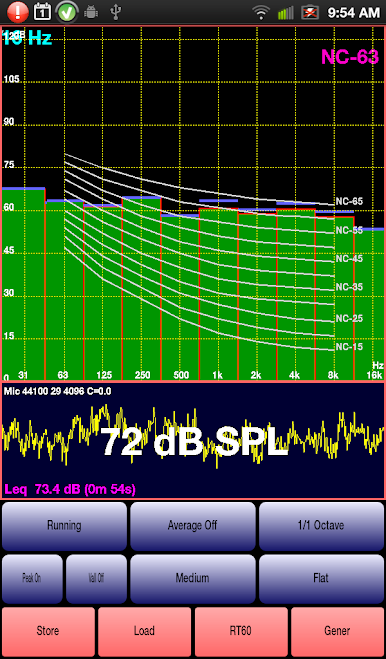
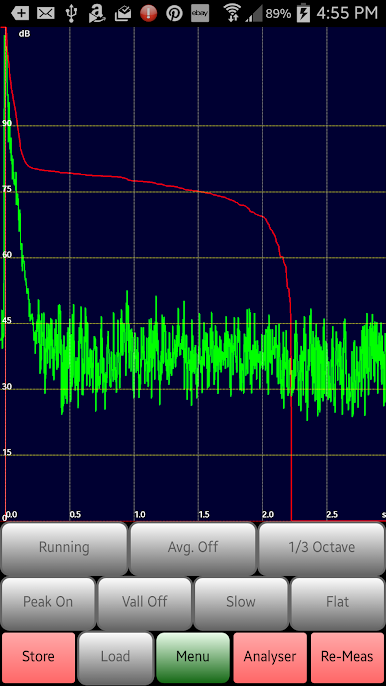
- Room Acoustics & NC Criteria: Measure reverberation time (RT60) to see how lively or dead your space is, and check the background noise level with built-in NC (Noise Criteria) overlays.
- Save and Compare Spectra: Store multiple spectrum snapshots and pull them up side-by-side with live data for in-depth comparisons; handy for before/after tweaks.
- Flexible Settings: Tweak resolution (like 4096 up to 16384 samples), adjust generator phase for right stereo channels, and more—plenty of options to get things just right.
- Smooth on Big Screens: Works well on tablets, and if you want a roomier view, you can even use AudioTool via BlueStacks on your desktop.
You don’t have to be a pro to get something out of AudioTool, but if you are, you’ll probably wonder how you got by without it.
Ready to experience AudioTool on a bigger screen, in all its glory? Download BlueStacks now.

Gioca AudioTool su PC. È facile iniziare.
-
Scarica e installa BlueStacks sul tuo PC
-
Completa l'accesso a Google per accedere al Play Store o eseguilo in un secondo momento
-
Cerca AudioTool nella barra di ricerca nell'angolo in alto a destra
-
Fai clic per installare AudioTool dai risultati della ricerca
-
Completa l'accesso a Google (se hai saltato il passaggio 2) per installare AudioTool
-
Fai clic sull'icona AudioTool nella schermata principale per iniziare a giocare

