


Mappe GPS/navigazione/traffico
Gioca su PC con BlueStacks: la piattaforma di gioco Android, considerata affidabile da oltre 500 milioni di giocatori.

Pagina modificata il: Dec 4, 2025
Run GPS+ Maps, Navigation, Traffic on PC or Mac
Why limit yourself to your small screen on the phone? Run GPS+ Maps, Navigation, Traffic, an app by JVSTUDIOS, best experienced on your PC or Mac with BlueStacks, the world’s #1 Android emulator.
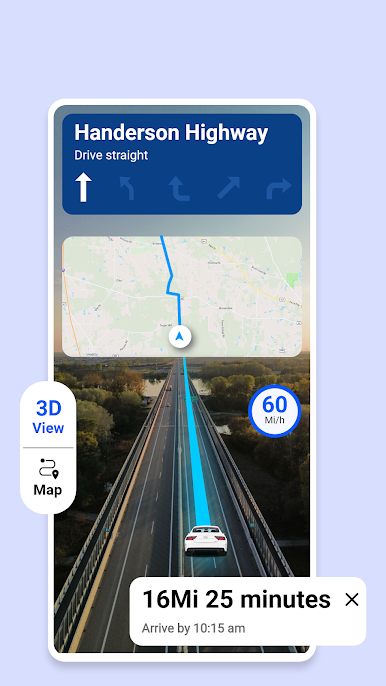
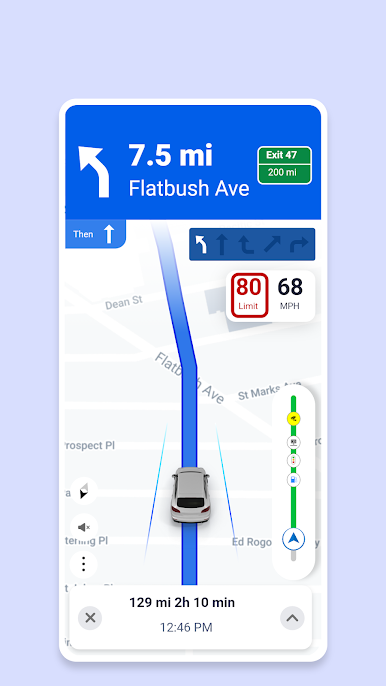
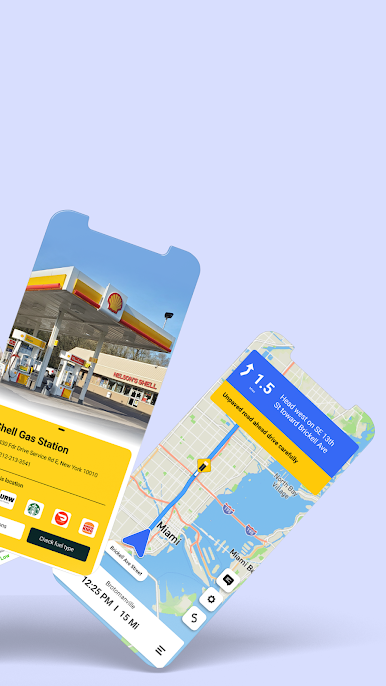
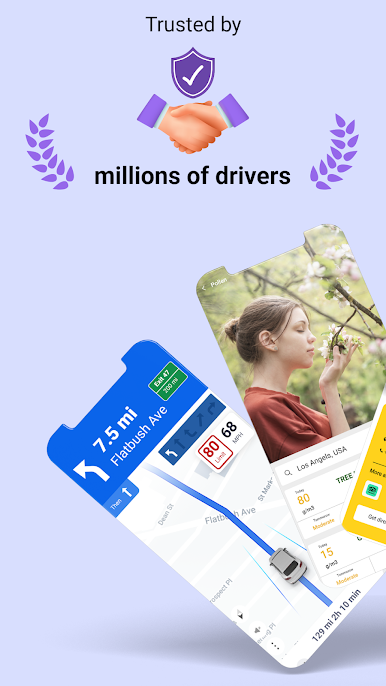
GPS+ Maps, Navigation, Traffic is actually more useful than it sounds at first. Playing around with it on PC through BlueStacks, it just gives this extra-big-screen feel for checking out maps and planning trips. The app does more than just basic directions — you get live GPS navigation, traffic alerts, and even updates on the weather and pollen. The offline maps stand out, especially for anyone who likes to wander out of phone service areas. Instead of stressing about signal, you can still check where you’re going, search for places, or even look up coordinates and addresses.
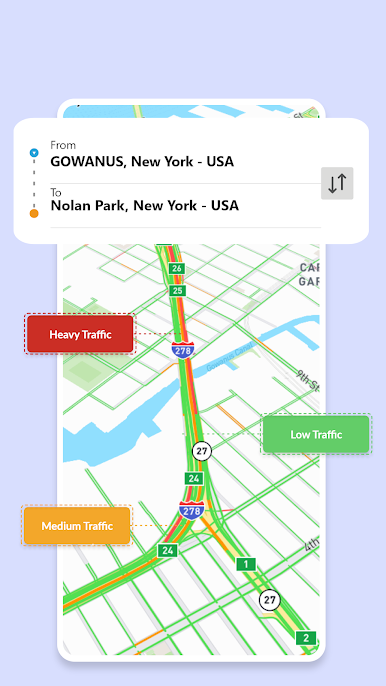
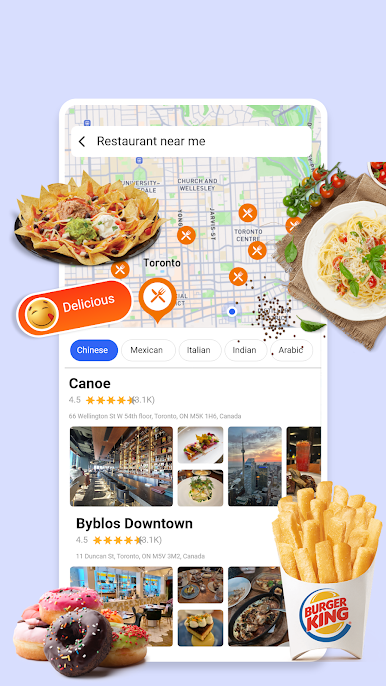
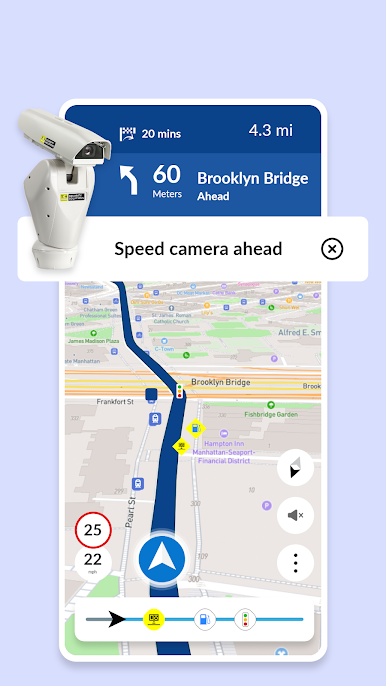
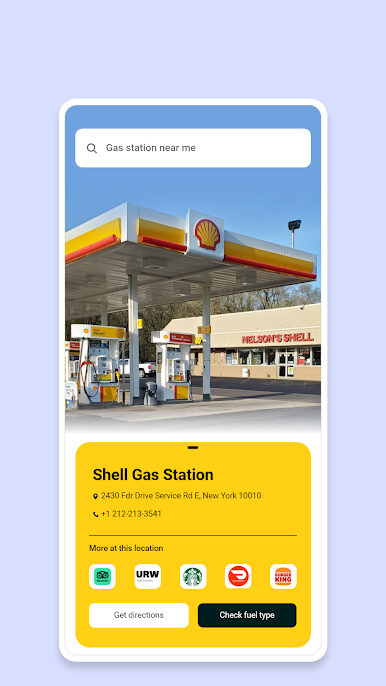
What’s really handy is the app piles a lot of daily travel stuff in one spot: from a live speedometer that actually helps keep an eye on how fast you’re going, to quick info on cheap gas nearby. It doesn’t just toss a bunch of pins on the map either — it actively gives suggestions for restaurants, shops, and stuff like that based on what’s around. Having those live traffic updates and accident alerts built right in means fewer surprises on the way to wherever. When you need to make sure roads are clear or there’s a place to grab a bite on a road trip, it’s pretty straightforward. Even the weather and pollen notifications help if you want to avoid a downpour or just plan a better route with good driving conditions. Nothing feels cluttered or over-complicated, so even on PC the app runs smoothly and makes route planning a bit more organized.
Ready to experience GPS+ Maps, Navigation, Traffic on a bigger screen, in all its glory? Download BlueStacks now.
Gioca Mappe GPS/navigazione/traffico su PC. È facile iniziare.
-
Scarica e installa BlueStacks sul tuo PC
-
Completa l'accesso a Google per accedere al Play Store o eseguilo in un secondo momento
-
Cerca Mappe GPS/navigazione/traffico nella barra di ricerca nell'angolo in alto a destra
-
Fai clic per installare Mappe GPS/navigazione/traffico dai risultati della ricerca
-
Completa l'accesso a Google (se hai saltato il passaggio 2) per installare Mappe GPS/navigazione/traffico
-
Fai clic sull'icona Mappe GPS/navigazione/traffico nella schermata principale per iniziare a giocare

