


Blackjack 21: Blackjackist
Gioca su PC con BlueStacks: la piattaforma di gioco Android, considerata affidabile da oltre 500 milioni di giocatori.

Pagina modificata il: Mar 4, 2026
Gioca a Blackjack 21: Blackjackist su PC o Mac
Unisciti a milioni di persone per provare Blackjack 21: Blackjackist, un entusiasmante gioco di Casinò di KamaGames. Con BlueStacks App Player, sei sempre un passo avanti al tuo avversario, pronto a batterlo con un gameplay più veloce e un controllo migliore con mouse e tastiera sul tuo PC o Mac.
Informazioni sul gioco
Sfida il tuo istinto e unisciti alla comunità globale di Blackjack 21: Blackjackist, un’esperienza di casinò free-to-play sviluppata da KamaGames. Gioca a blackjack in tempo reale contro avversari da tutto il mondo, affinando le tue abilità attraverso partite emozionanti. Che tu sia un principiante o un esperto, c’è qualcosa per tutti in questo autentico gioco di casinò.
Caratteristiche del gioco
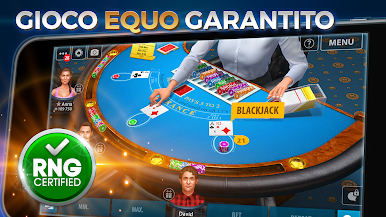
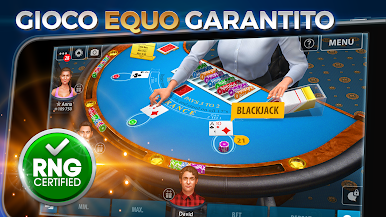
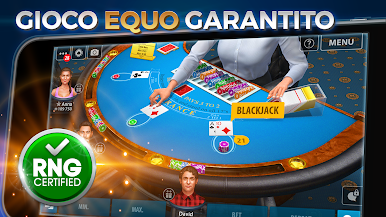
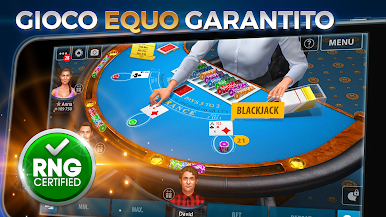
Vero Blackjack 3D: Prova l’emozione del blackjack con grafica all’avanguardia e animazioni fluide che replicano l’atmosfera di veri casinò.
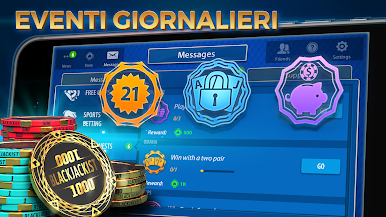
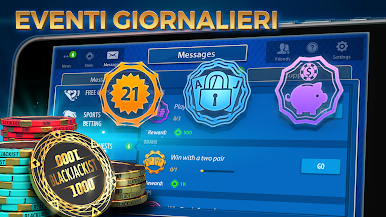
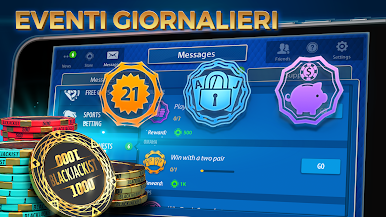
Chip Gratis Ogni Giorno: Accedi costantemente per ricevere bonus giornalieri e chip gratuiti, mantenendo viva l’azione.
Facile da Imparare: Non sai da dove iniziare? Nessun problema! Il tutorial intuitivo ti guiderà passo dopo passo.
Vinci i Tornei di Blackjack: Sfida te stesso in tornei diversificati, scalando le classifiche per guadagnare onori.
Puntate Secondarie: Aggiungi un pizzico di strategia piazzando scommesse su risultati speciali per aumentare le vincite.
Fair Play Assicurato: Gioca in un ambiente sicuro con misure che garantiscono fair play e protezione dei dati.
Diventa un VIP: Ottieni accesso a tavoli esclusivi e bonus speciali entrando nel programma VIP.
Esperienza su BlueStacks per giocare a Blackjack 21: Blackjackist come mai prima!
Pronti a raggiungere la vetta della classifica? Scommettiamo di sì. Lasciate che controlli precisi e immagini nitide ottimizzate su BlueStacks vi conducano alla vittoria.


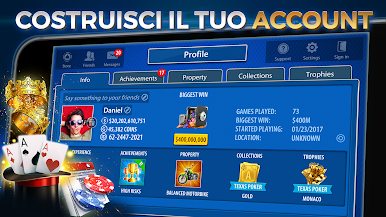
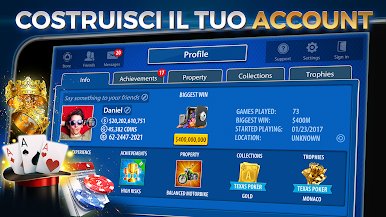
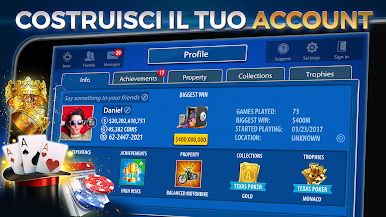

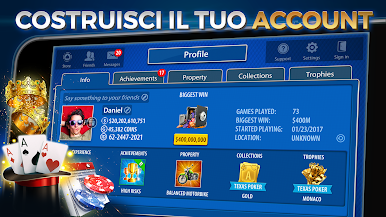







Gioca Blackjack 21: Blackjackist su PC. È facile iniziare.
-
Scarica e installa BlueStacks sul tuo PC
-
Completa l'accesso a Google per accedere al Play Store o eseguilo in un secondo momento
-
Cerca Blackjack 21: Blackjackist nella barra di ricerca nell'angolo in alto a destra
-
Fai clic per installare Blackjack 21: Blackjackist dai risultati della ricerca
-
Completa l'accesso a Google (se hai saltato il passaggio 2) per installare Blackjack 21: Blackjackist
-
Fai clic sull'icona Blackjack 21: Blackjackist nella schermata principale per iniziare a giocare

