


Linearibus Matrix Calculator
Juega en PC con BlueStacks: la plataforma de juegos Android, en la que confían más de 500 millones de jugadores.

Página modificada el: Sep 2, 2025
Play Linearibus - Matrix calculator on PC
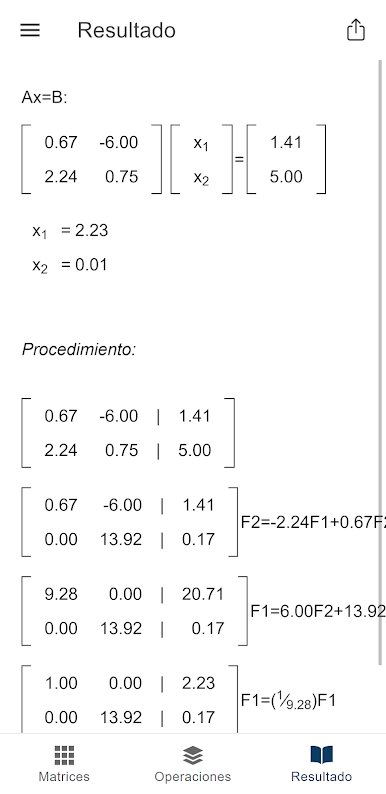
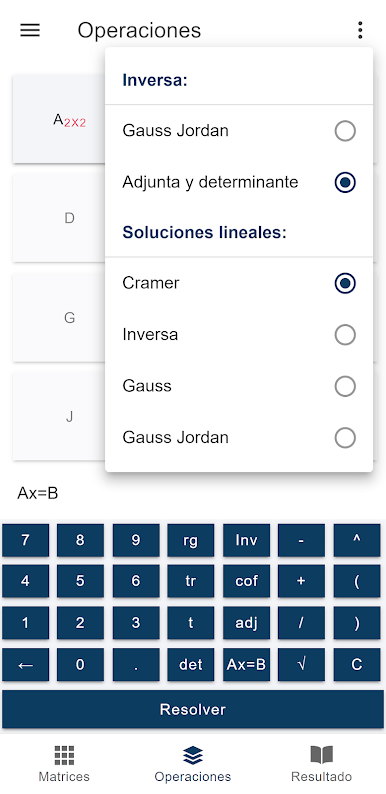
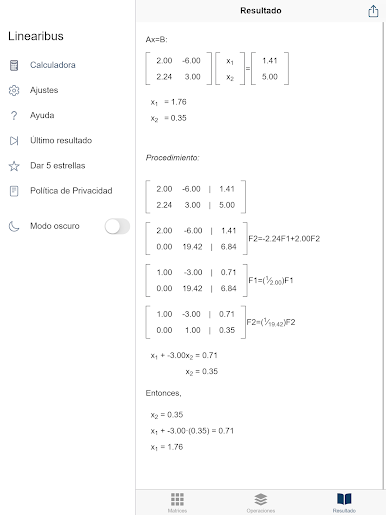
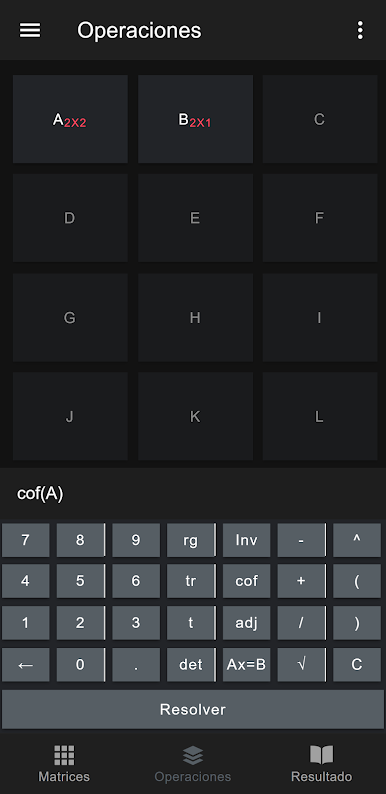
You can also perform the following calculations:
- Range
- Trace
- Transposed
- Determinant
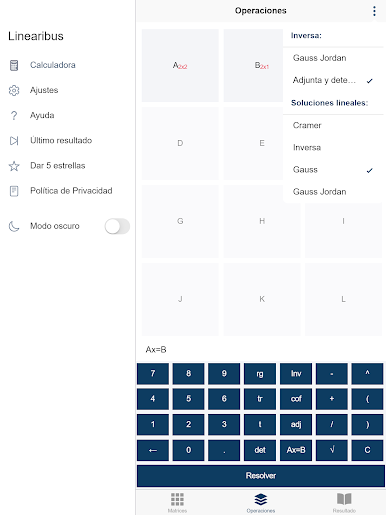
- Reverse matrix by the Gauss-Jordan method
- Inverse matrix by the Adj-Det method
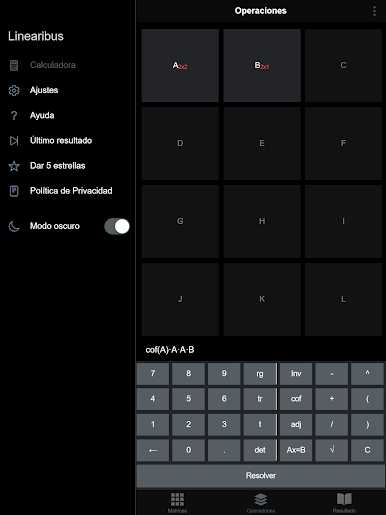
- Matrix of cofactors
- Adjoint matrix
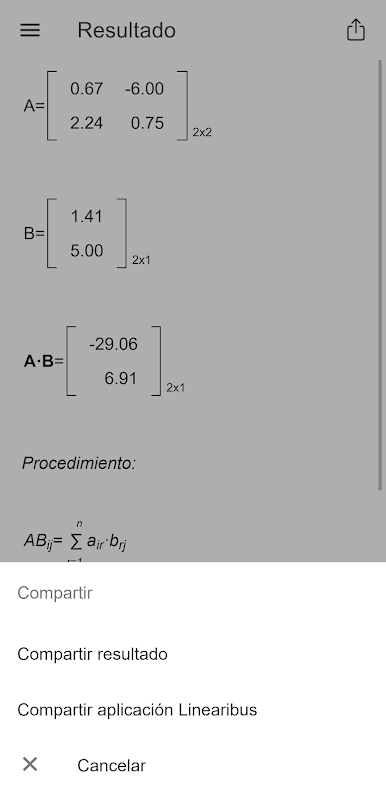
- Addition, subtraction, product and division between matrices
- Scale by matrix
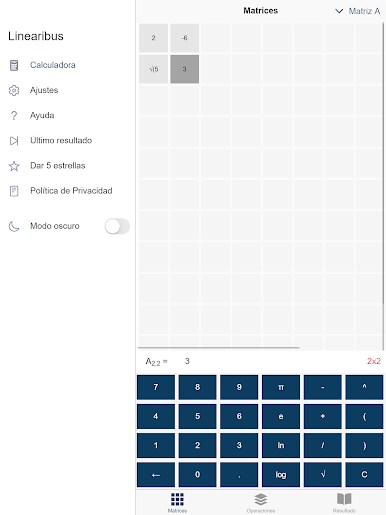
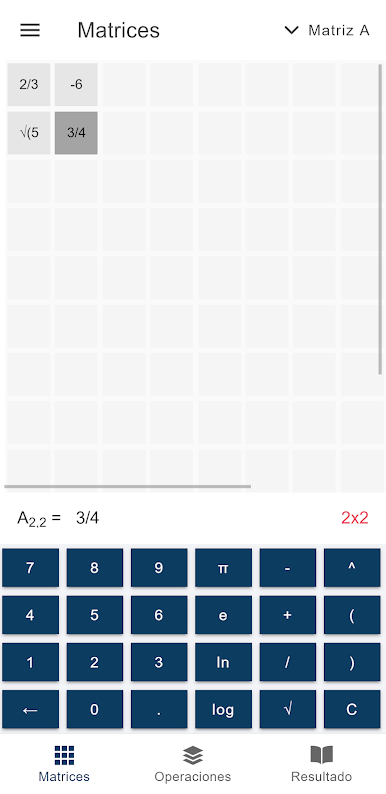
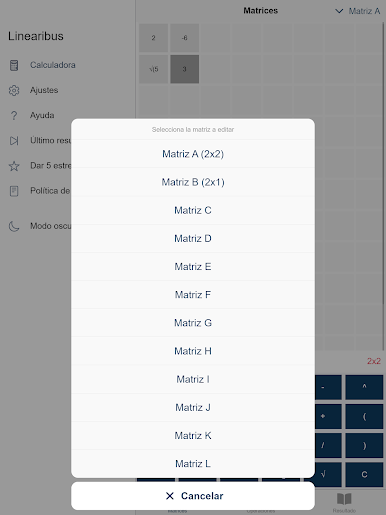
Linearibus has a work area of 12 matrices identified with letters from A to L. Keep in mind that matrices A and B will be free to use, while matrices C to L will be paid. You can also make free use of matrices whose dimensions are less than 7. Greater dimensions will also be paid.



Juega Linearibus Matrix Calculator en la PC. Es fácil comenzar.
-
Descargue e instale BlueStacks en su PC
-
Complete el inicio de sesión de Google para acceder a Play Store, o hágalo más tarde
-
Busque Linearibus Matrix Calculator en la barra de búsqueda en la esquina superior derecha
-
Haga clic para instalar Linearibus Matrix Calculator desde los resultados de búsqueda
-
Complete el inicio de sesión de Google (si omitió el paso 2) para instalar Linearibus Matrix Calculator
-
Haz clic en el ícono Linearibus Matrix Calculator en la pantalla de inicio para comenzar a jugar

