


Safe Internet for Kids
Juega en PC con BlueStacks: la plataforma de juegos Android, en la que confían más de 500 millones de jugadores.

Página modificada el: Sep 7, 2024
Play Safe Internet: Porn Blocker on PC
Safe Internet: Porn Block Allows:
🔒 Block Porn
🔒 Block Adult Sites
🔒 Block online gaming and time-wasting sites
🔒 Block social-networking, dating and media streaming
🔒 Block sites related to gambling
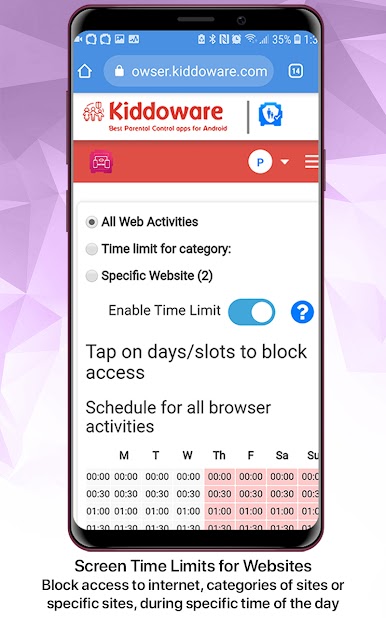
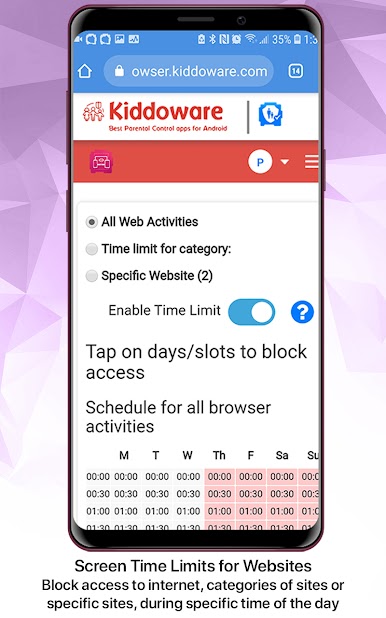
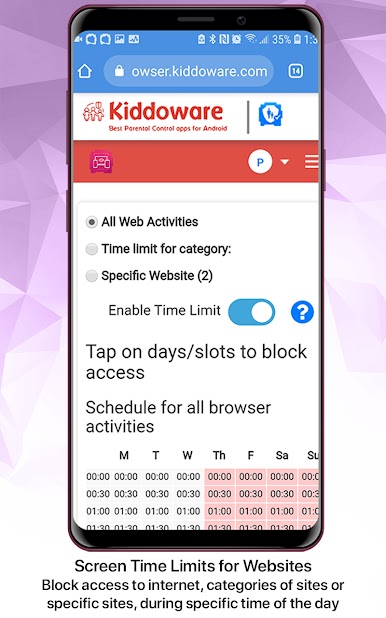
⏲️ Applies screen time limit for internet access or a specific website or category of websites.
Key Features:
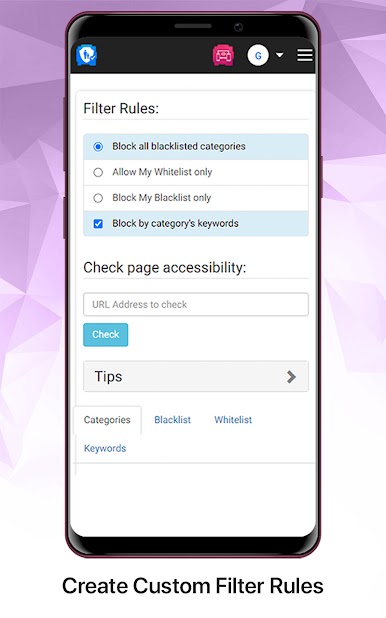
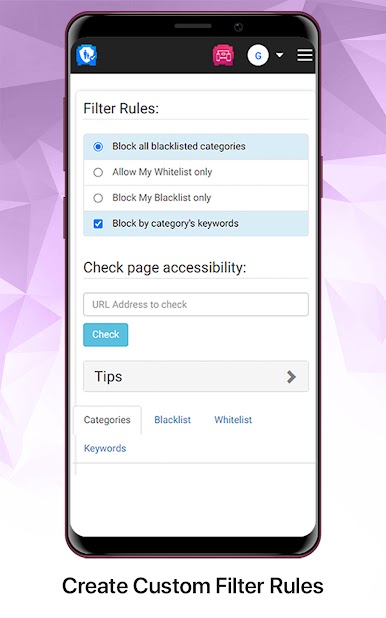
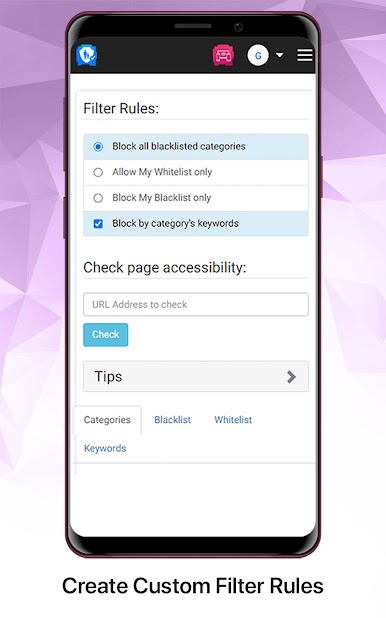
1. Personalized Filter Rules
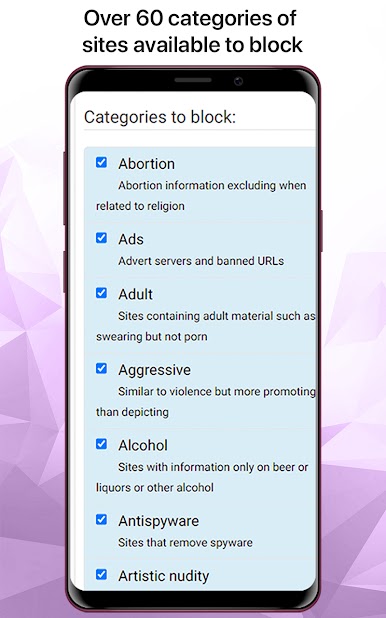
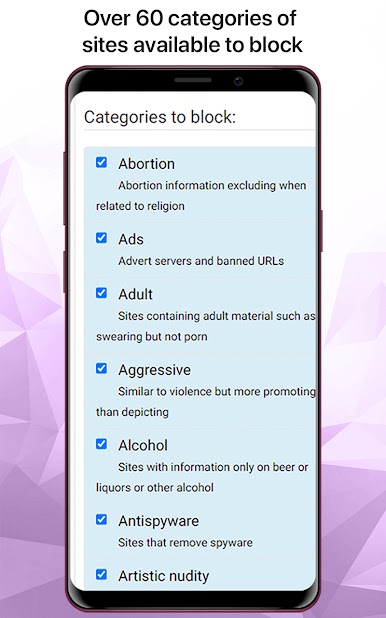
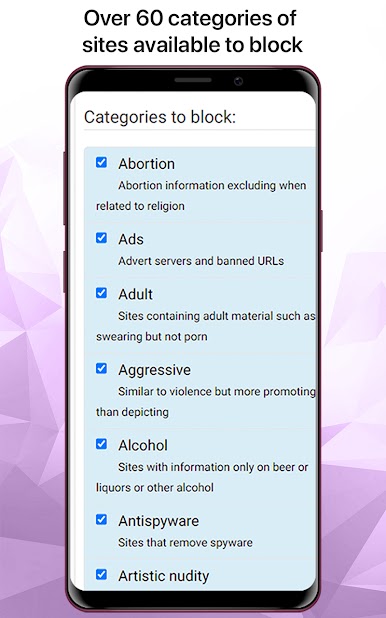
2. Categories Based Blocking
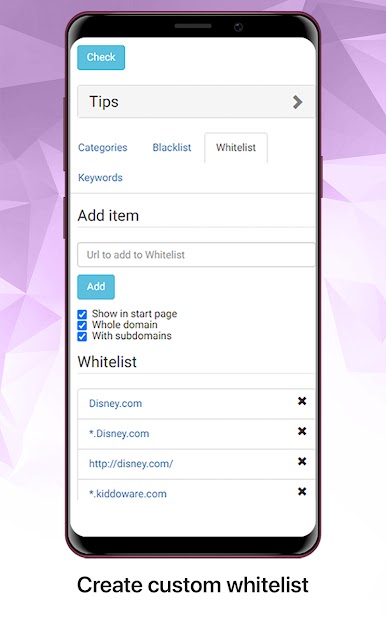
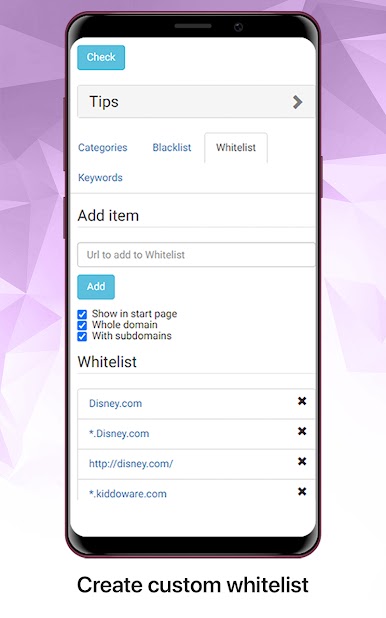
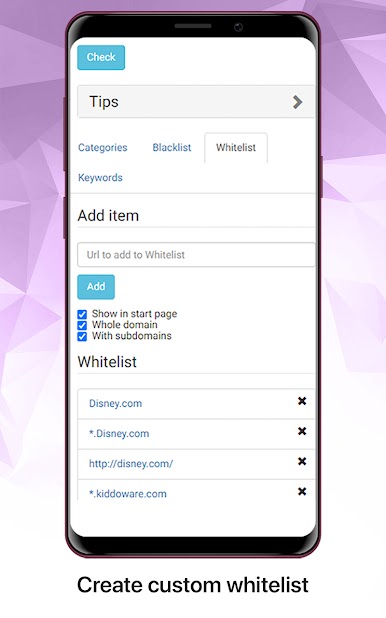
3. Custom White list and Black List
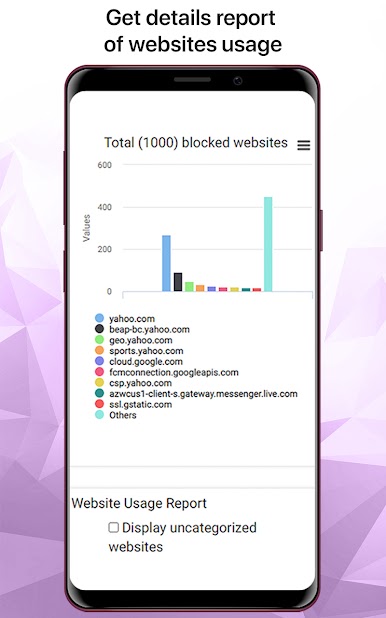
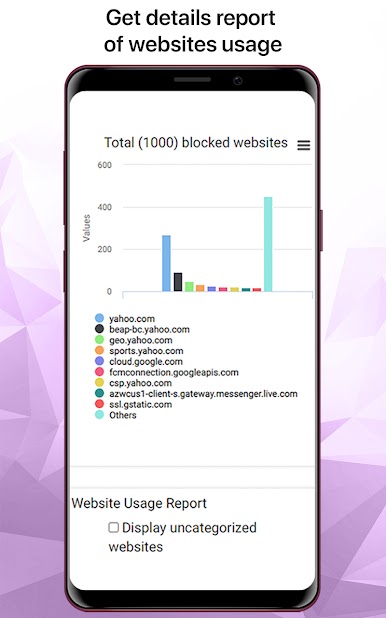
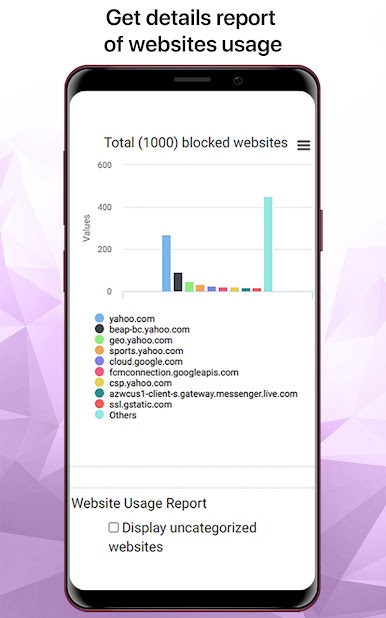
4. Websites access report
5. Screen Time Controls for Internet Access
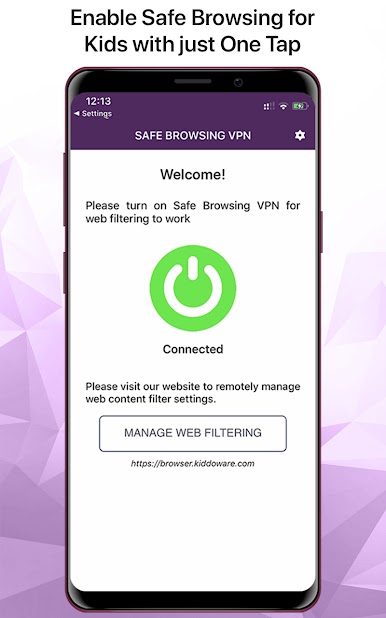
6. Remote Management
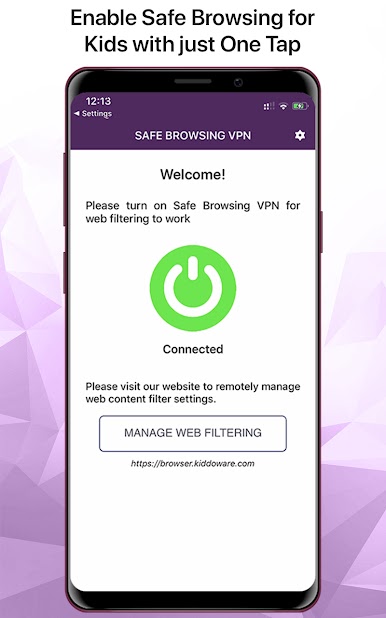
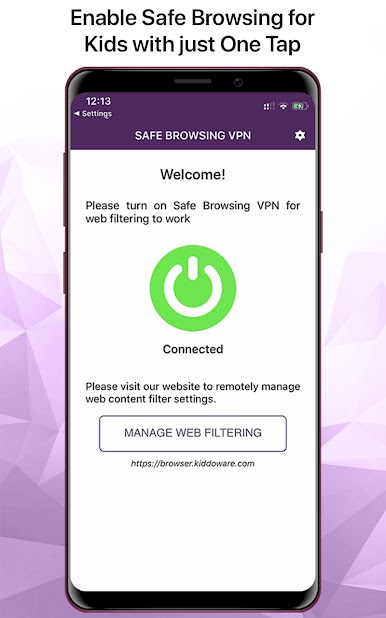
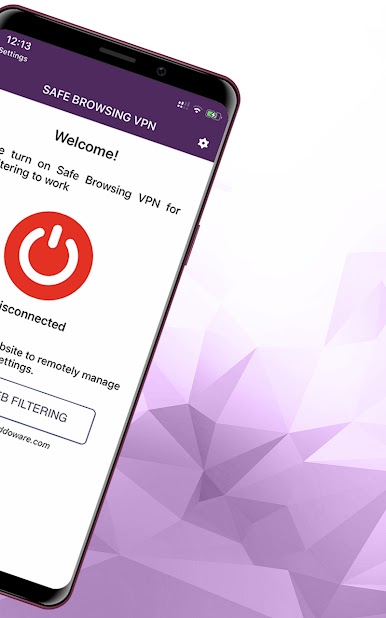
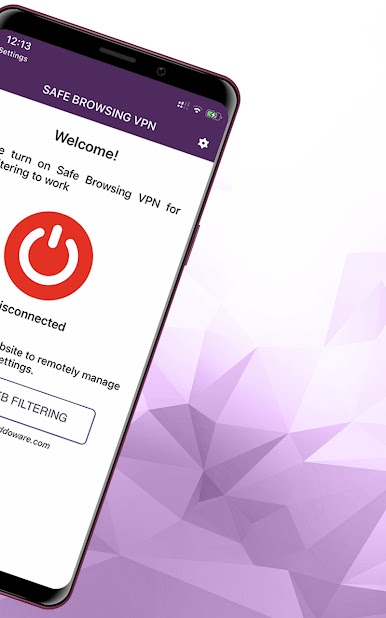
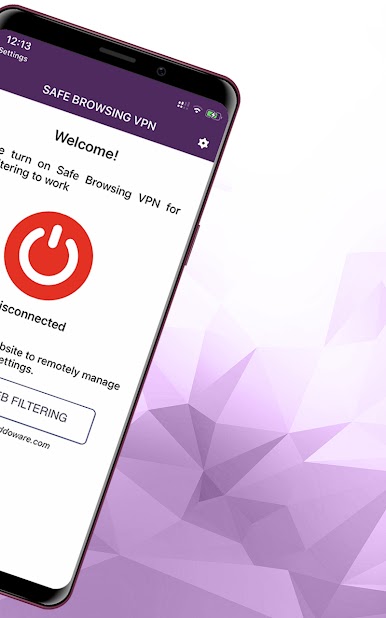
7. One Click Internet On/Off Kill Switch
You can use this content block or website blocker easy and fast with one simple tap.
Free:
If you are looking for porn blocker free apps for enabling safe browsing, try this porn blocker free of cost.
🔒 🔒 🔒
Website filtering rules can be remotely configured to block porn, adult, and other categories of sites.
🔒 🔒 🔒
Take charge of your online experience with "Safe Internet: Porn Blocker." Our app provides the tools you need to block adult content, filter distracting websites, and improve your productivity.
ℹ️ Important Note:
VPN Service:
App use VPN Service for web content filtering purpose. VPN is only used for DNS requests and content is not transmitted over VPN.
Accessibility:
This app uses the Accessibility Service API to provide security feature to block unauthorized uninstall by kids. When uninstall protection, is enabled in the app, we display prominent disclosure in the app to user to let them know that this feature requires accessibility services.
When the unlock protection setting is on, and user try to uninstall the app, the accessibility service is used to detect that action and app is started to prevent uninstall. Only authorized user can go to app settings, and disable uninstall protection to uninstall the app.
Privacy
This app does not collect, store or share any personal or sensitive data using accessibility service.
Prominent disclosure
A prominent disclosure about the app's use of the Accessibility Service API is displayed when the setting to enable uninstall protection is checked as this is the only feature that request accessibility service.
Help/FAQ for the app: https://browser.kiddoware.com/help
Data Protection: https://kiddoware.com/safe-browsing-vpn-privacy-policy/
Also, please note that no parental control software can replace a watchful eye. This app cannot 100% block inappropriate content but can serve as one of many tools and practices to help your family use the device more safely.
Please contact us at support@kiddoware.com to report any issues; comments; feedback; bulk licensing and discounts for educational institutes.
Juega Safe Internet for Kids en la PC. Es fácil comenzar.
-
Descargue e instale BlueStacks en su PC
-
Complete el inicio de sesión de Google para acceder a Play Store, o hágalo más tarde
-
Busque Safe Internet for Kids en la barra de búsqueda en la esquina superior derecha
-
Haga clic para instalar Safe Internet for Kids desde los resultados de búsqueda
-
Complete el inicio de sesión de Google (si omitió el paso 2) para instalar Safe Internet for Kids
-
Haz clic en el ícono Safe Internet for Kids en la pantalla de inicio para comenzar a jugar

