


Lista della spesa - Listonic
Gioca su PC con BlueStacks: la piattaforma di gioco Android, considerata affidabile da oltre 500 milioni di giocatori.

Pagina modificata il: Dec 5, 2025
Play Shopping List - Listonic on PC
100% free, simple & easy
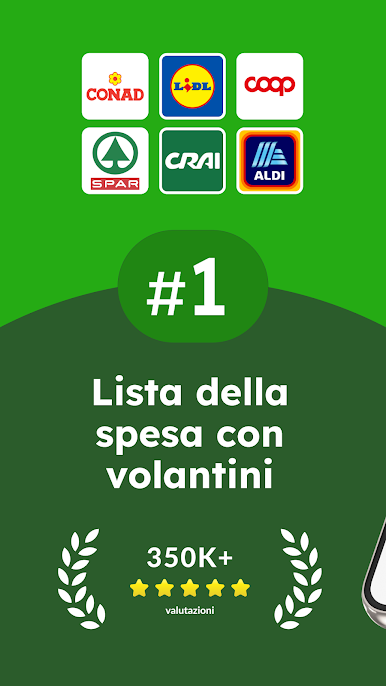
The most popular shopping list maker on Google Play
Shared shopping list app & budget planner
Plan your shopping budget, stick to your checklist, save time & money.
Why Listonic?
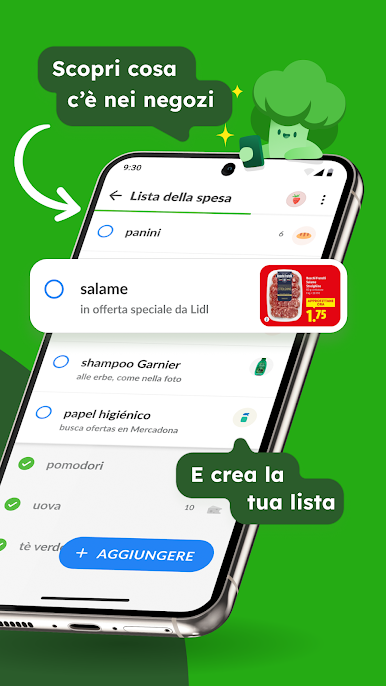
- shopping checklist maker - make a list quickly and reuse it whenever you want. All your lists will be available on your smartphone, and on the web at http://listonic.com
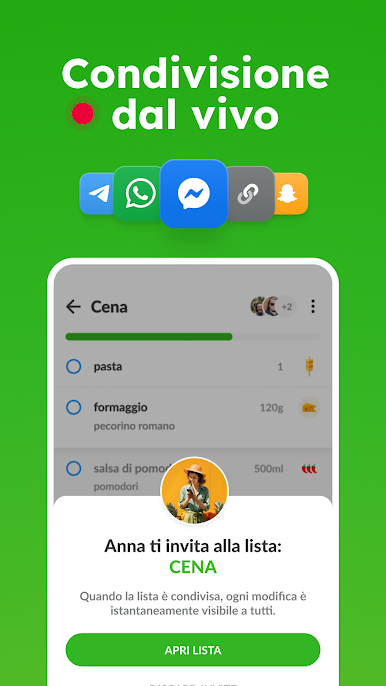
- family sharing - make a shared shopping list and shop together with your family
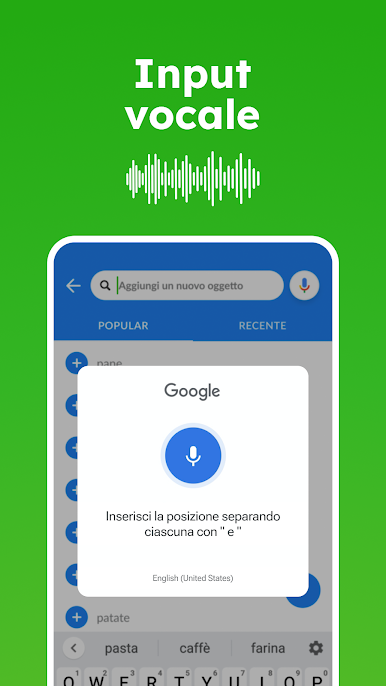
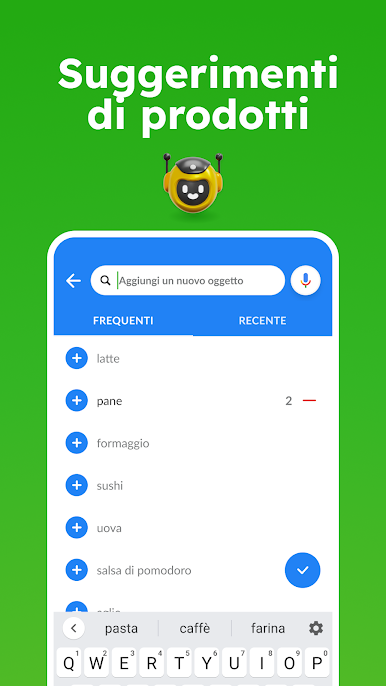
- voice input - make a food checklist with voice recognition
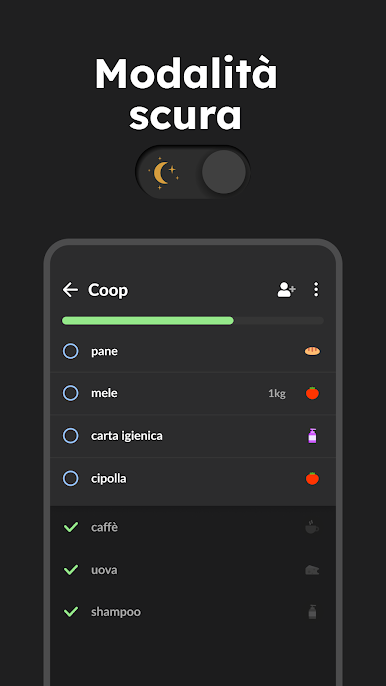
- smart sorting - we’ll sort items by supermarket categories to help you collect them faster
- recipe keeper - save shopping lists of your favorite recipes
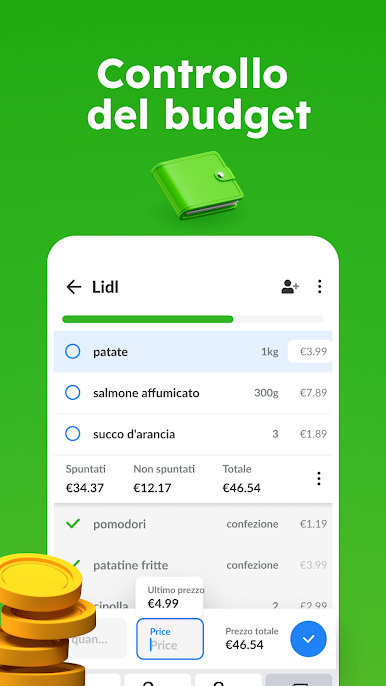
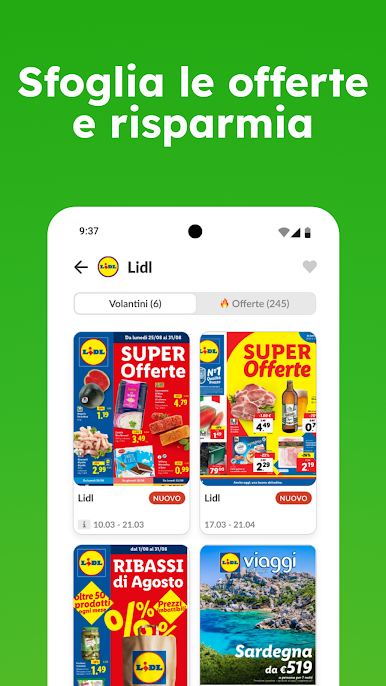
- price list maker & grocery budget planner - add product prices to calculate the total cost and plan your budget
- food details - add quantities, details and photos
- pantry check - keep track of the food in your pantry
- easy shared planner - make other lists, e.g. packing list
- complete, simple, and easy checklist. For free.
This shared shopping list maker supports all smartphones, tablets and is in your browser. You can share supermarket trips with anyone from your family.
Enjoy Listonic - a shared shopping shopping app, always in sync. Listonic can be also your recipe keeper and shopping planner.
Easy family shopping list app and a simple grocery shopping list app. For free. It's the best shared shopping list maker for your family!
Disclaimer: this application does not represent a government entity.
Gioca Lista della spesa - Listonic su PC. È facile iniziare.
-
Scarica e installa BlueStacks sul tuo PC
-
Completa l'accesso a Google per accedere al Play Store o eseguilo in un secondo momento
-
Cerca Lista della spesa - Listonic nella barra di ricerca nell'angolo in alto a destra
-
Fai clic per installare Lista della spesa - Listonic dai risultati della ricerca
-
Completa l'accesso a Google (se hai saltato il passaggio 2) per installare Lista della spesa - Listonic
-
Fai clic sull'icona Lista della spesa - Listonic nella schermata principale per iniziare a giocare

