


Lab4U
Gioca su PC con BlueStacks: la piattaforma di gioco Android, considerata affidabile da oltre 500 milioni di giocatori.

Pagina modificata il: Dec 15, 2025
Run Lab4U on PC or Mac
Upgrade your experience. Try Lab4U, the fantastic Education app from Lab4U, from the comfort of your laptop, PC, or Mac, only on BlueStacks.
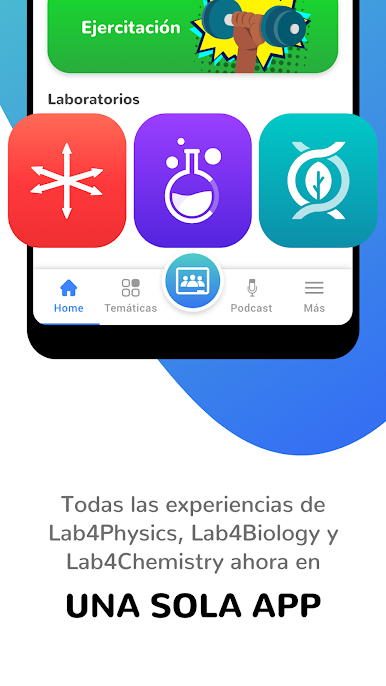
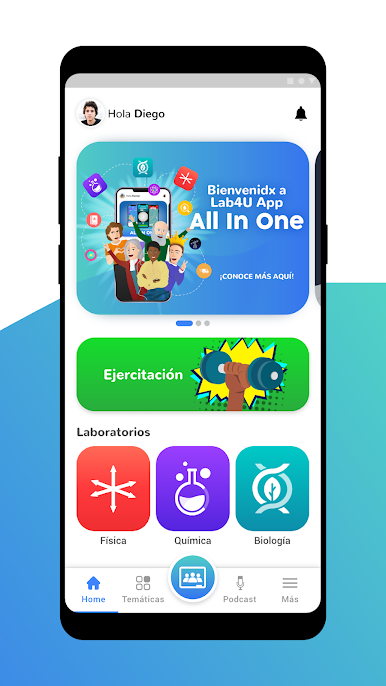
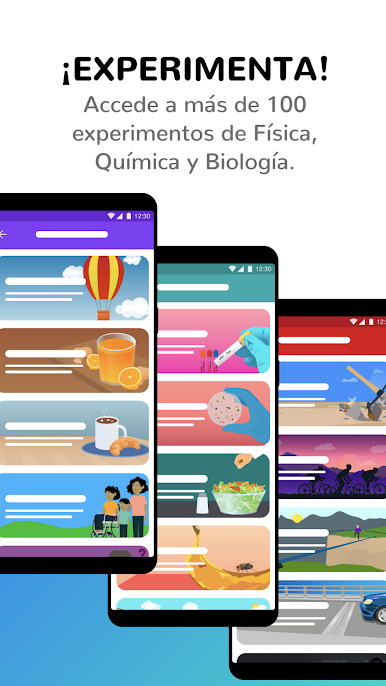
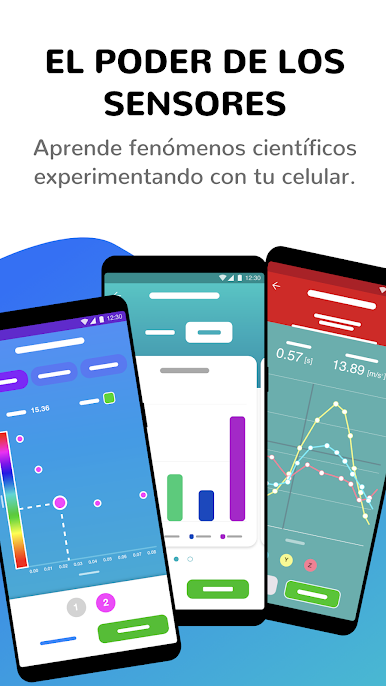
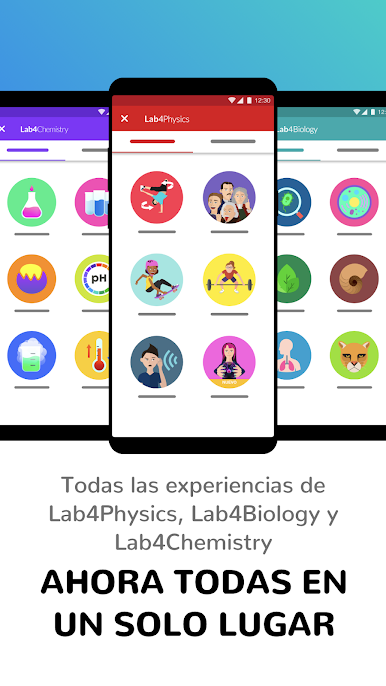
Lab4U feels like turning a phone into a simple lab bench, without the mess or the wait for supplies. The app nudges a person to ask a question, try a quick test, then see what the sensors say in real time. The camera, mic, and motion sensors do most of the heavy lifting. In the Labs section there are bite-sized activities for three areas. Lab4Biology has you point the camera at leaves or textures and analyze images. Lab4Chemistry walks through color changes to estimate concentration, almost like basic colorimetry. Lab4Physics uses the accelerometer to track movement, force, and speed, then spits out clean graphs that make sense. It is not flashy, but the steps are clear, and the data shows up fast, which makes it oddly engaging.
Running it on a PC with BlueStacks helps a lot if someone wants more screen space. Graphs are easier to read, and switching between the activity instructions and the live sensor view feels smoother with a mouse. It also helps in a classroom or study group, since everyone can see the numbers without huddling around a tiny screen. The app leans into actual thinking, not just quizzes, and the activities line up with what schools teach, so it fits nicely with homework or quick labs. If a person likes tinkering and wants real measurements from everyday stuff, this is a solid pick.
Big screen. Bigger performance. Use BlueStacks on your PC or Mac to run your favorite apps.


Gioca Lab4U su PC. È facile iniziare.
-
Scarica e installa BlueStacks sul tuo PC
-
Completa l'accesso a Google per accedere al Play Store o eseguilo in un secondo momento
-
Cerca Lab4U nella barra di ricerca nell'angolo in alto a destra
-
Fai clic per installare Lab4U dai risultati della ricerca
-
Completa l'accesso a Google (se hai saltato il passaggio 2) per installare Lab4U
-
Fai clic sull'icona Lab4U nella schermata principale per iniziare a giocare

