

Learn Arabic
Gioca su PC con BlueStacks: la piattaforma di gioco Android, considerata affidabile da oltre 500 milioni di giocatori.

Pagina modificata il: Sep 14, 2025
Run Learn Arabic on PC or Mac
Why limit yourself to your small screen on the phone? Run Learn Arabic, an app by InnovationApps, best experienced on your PC or Mac with BlueStacks, the world’s #1 Android emulator.
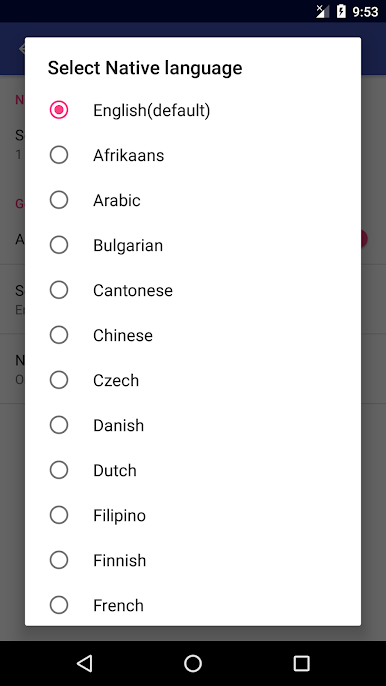
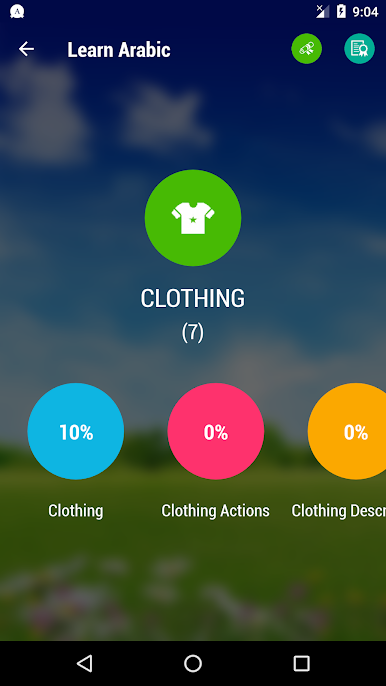
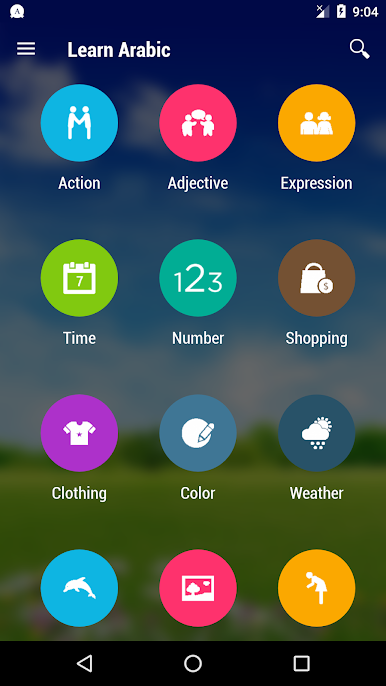
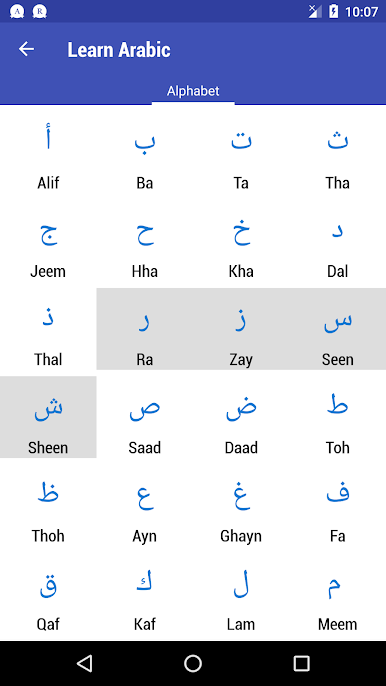
Learn Arabic comes across like a big, well-organized phrasebook mixed with quick study drills. There are thousands of everyday words and short phrases, all with clear audio that is easy to repeat. Everything is split into categories and smaller subtopics, so finding stuff for travel, work, or basic chats is simple. It is not trying to be a full classroom course, more a practical toolkit for building vocabulary and hearing how things should sound. The layout is straightforward, a bit simple in places, but that actually helps when someone just wants to open it and learn for ten minutes.
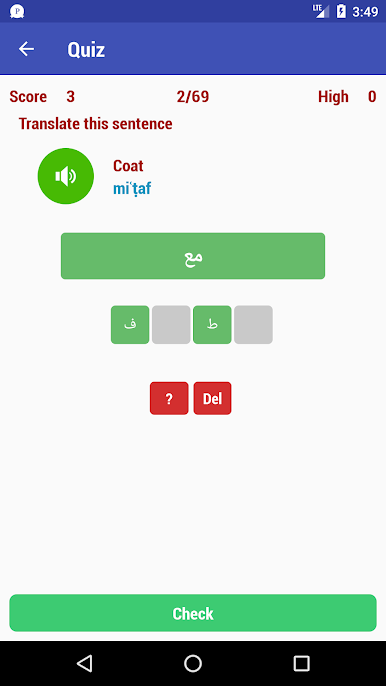
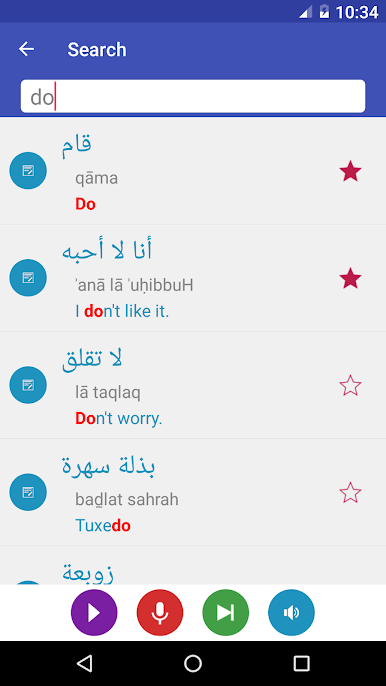
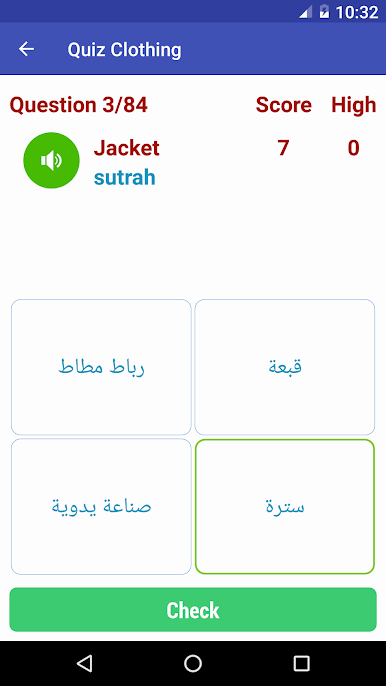
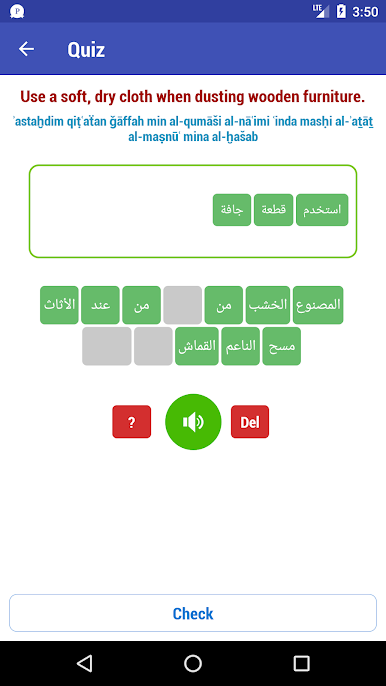
What stands out is the mix of practice tools. There is a quiz with multiple choice and a sentence builder where users rearrange words, which pushes grammar to click without a long explanation. Search is fast, and favorites let anyone collect a personal list for review. It runs offline, so it works on a flight or spotty internet, and it supports translation from a bunch of languages, roughly thirty two into Arabic, so learners are not locked into English. On PC with BlueStacks, the bigger screen makes browsing categories and tapping quiz answers quicker, and the audio comes through clean. It suits travelers and beginners who want useful phrases and pronunciation they can trust. A few menus look a little dated, and there are not many flashy lessons, but the content is dense and organized in a way that makes sense, which is alot more helpful than it sounds.
Big screen. Bigger performance. Use BlueStacks on your PC or Mac to run your favorite apps.
Gioca Learn Arabic su PC. È facile iniziare.
-
Scarica e installa BlueStacks sul tuo PC
-
Completa l'accesso a Google per accedere al Play Store o eseguilo in un secondo momento
-
Cerca Learn Arabic nella barra di ricerca nell'angolo in alto a destra
-
Fai clic per installare Learn Arabic dai risultati della ricerca
-
Completa l'accesso a Google (se hai saltato il passaggio 2) per installare Learn Arabic
-
Fai clic sull'icona Learn Arabic nella schermata principale per iniziare a giocare

