


Manage My Pain
Juega en PC con BlueStacks: la plataforma de juegos Android, en la que confían más de 500 millones de jugadores.

Página modificada el: Dec 16, 2025
Play Manage My Pain on PC
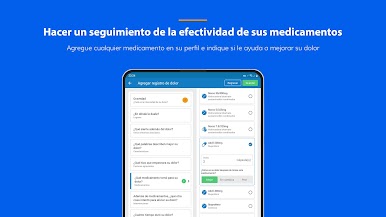
Created in partnership with global experts in pain management, Manage My Pain has been clinically-validated to improve outcomes in peer-reviewed research studies.
Manage My Pain will help you:
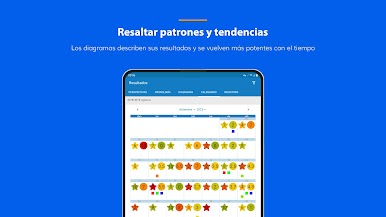
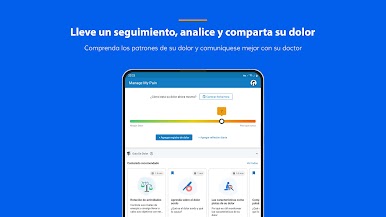
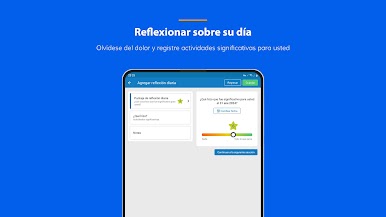
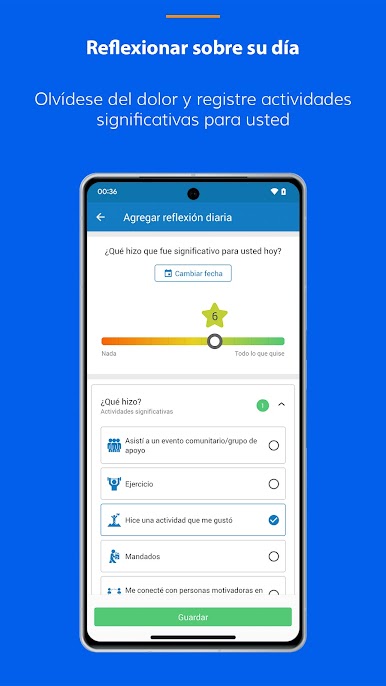
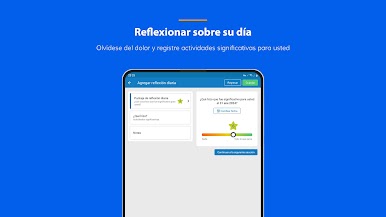
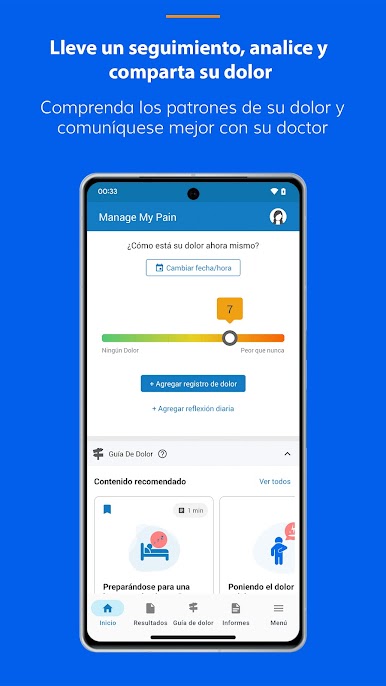
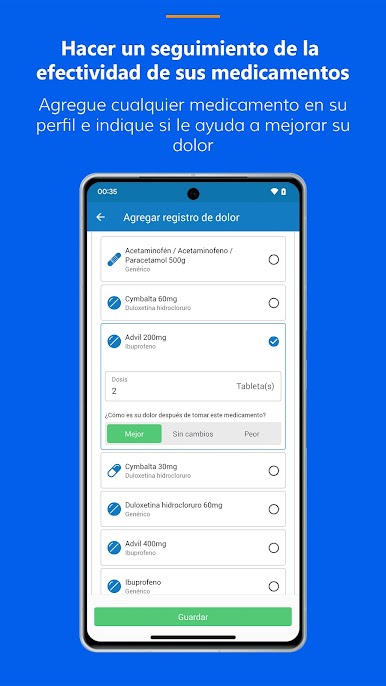
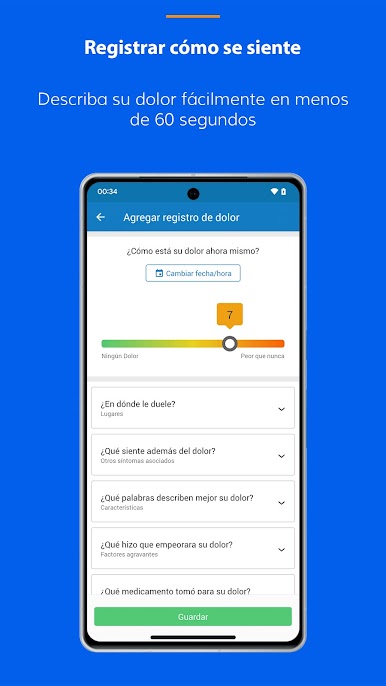
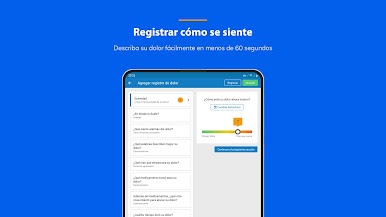
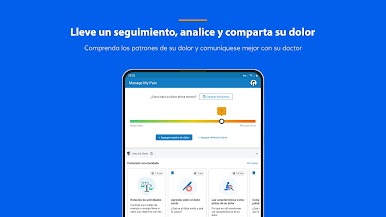
• Track your pain & activity: Reflect on your day in less than 60 seconds to see patterns and trends
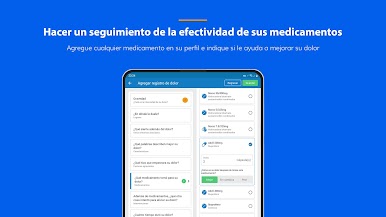
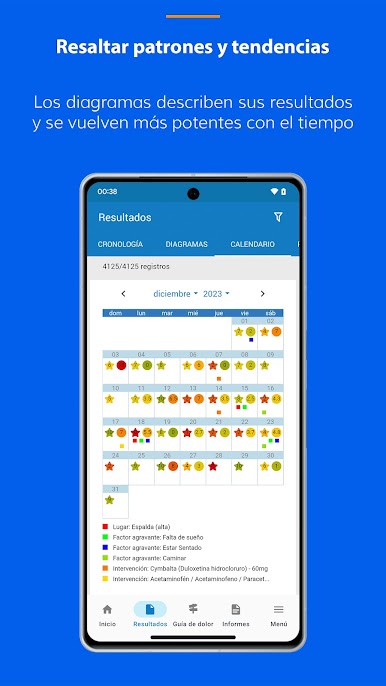
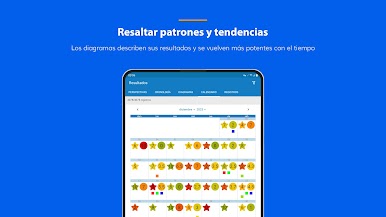
• Analyze your pain: Graphs and charts make it easy to figure out what makes your pain better or worse
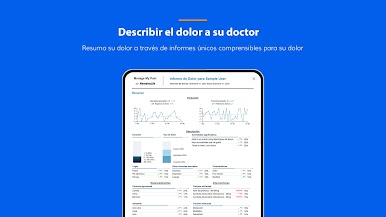
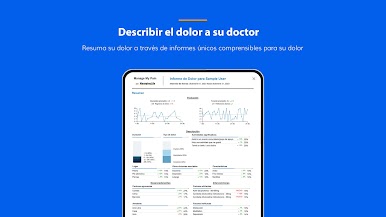
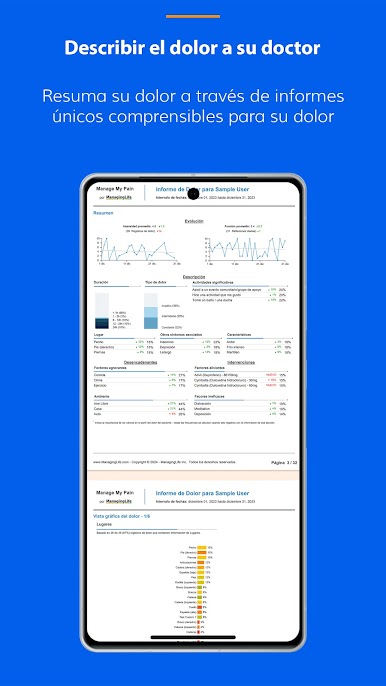
• Share your pain: Our reports, created by doctors for doctors, will help you tell your story
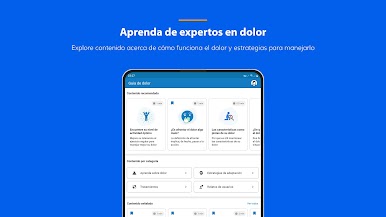
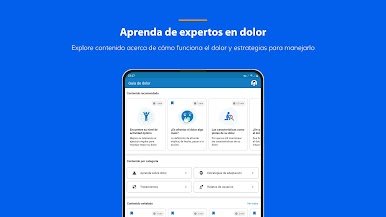
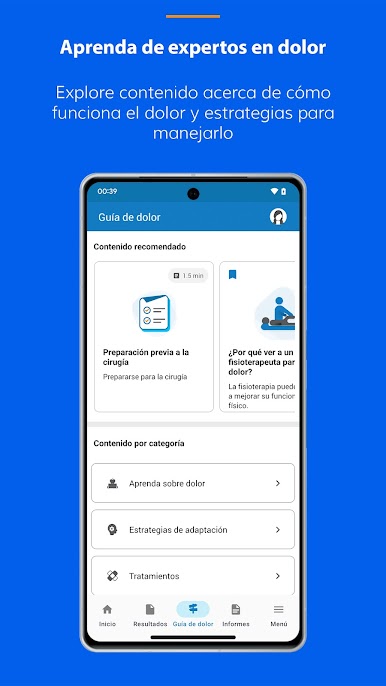
• Learn from pain experts: Explore content about how pain works and strategies to manage it (for subscribers only)
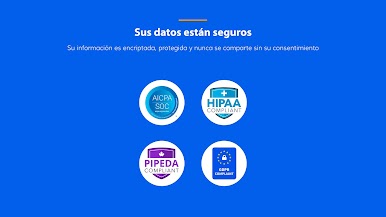
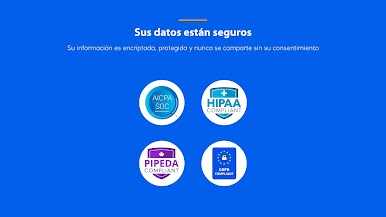
Your data is safe with us! We take privacy and security seriously and never sell or disclose your Personal Health Information without explicit consent.
Our app is free to use with absolutely no ads. Insights in the app and in the reports that are generated by our app are limited to 30 days and can be unlocked with an in-app purchase or through credits. A monthly subscription is also available to gain access to our Pain Guide - a set of educational content developed by pain experts that can teach you about pain and coping strategies to manage it.
Use this pain management app to replace your hand-written:
• pain diary
• pain journal
• pain log
• pain tracker


Juega Manage My Pain en la PC. Es fácil comenzar.
-
Descargue e instale BlueStacks en su PC
-
Complete el inicio de sesión de Google para acceder a Play Store, o hágalo más tarde
-
Busque Manage My Pain en la barra de búsqueda en la esquina superior derecha
-
Haga clic para instalar Manage My Pain desde los resultados de búsqueda
-
Complete el inicio de sesión de Google (si omitió el paso 2) para instalar Manage My Pain
-
Haz clic en el ícono Manage My Pain en la pantalla de inicio para comenzar a jugar

