


Tobo Aprende vocabulario checo
Juega en PC con BlueStacks: la plataforma de juegos Android, en la que confían más de 500 millones de jugadores.

Página modificada el: Oct 29, 2025
Run Learn Czech Vocabulary | Verbs, Words & Phrases on PC or Mac
Let BlueStacks turn your PC, Mac, or laptop into the perfect home for Learn Czech Vocabulary | Verbs, Words & Phrases, a fun Education app from Egemen Can Uze.
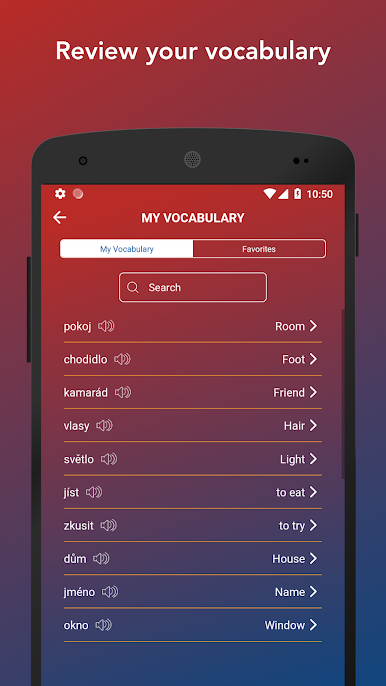
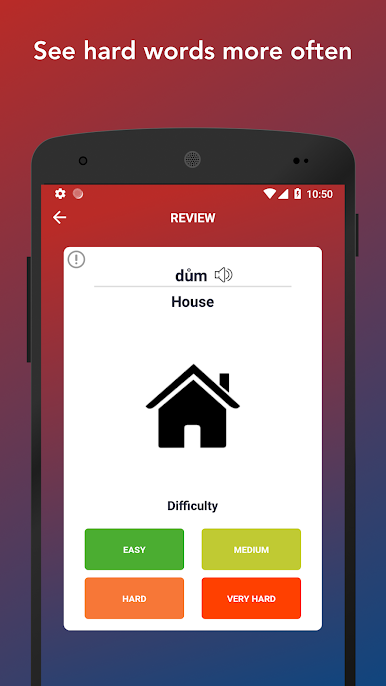
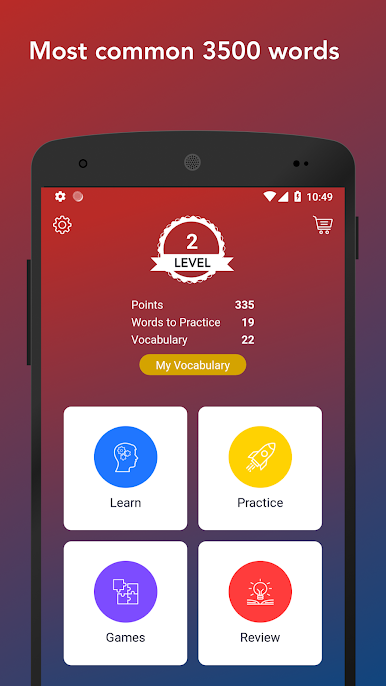
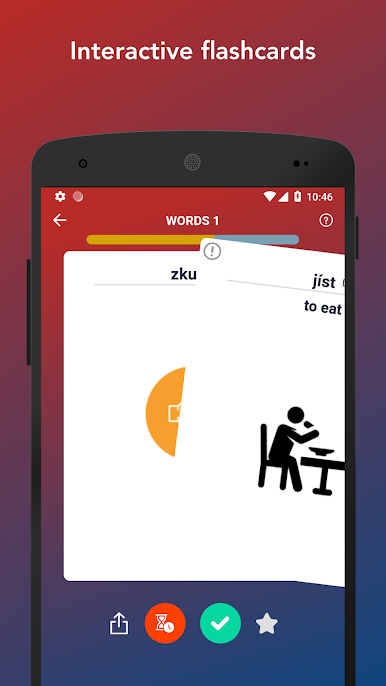
This is a straight up Czech vocab trainer that feels simple in a good way. It throws a big stack of common words at the user, mostly nouns, adjectives, and verbs, and lets them flip a card to see the meaning. A right swipe means the word is learned, a left swipe sends it back for later. There is audio on each card so pronunciation does not become a guessing game, and many cards show a small image on the back which helps stuff stick. Progress is tracked by level from A1 through C2, and there are quick review screens for learned or favorite words when someone wants a refresh without starting over.
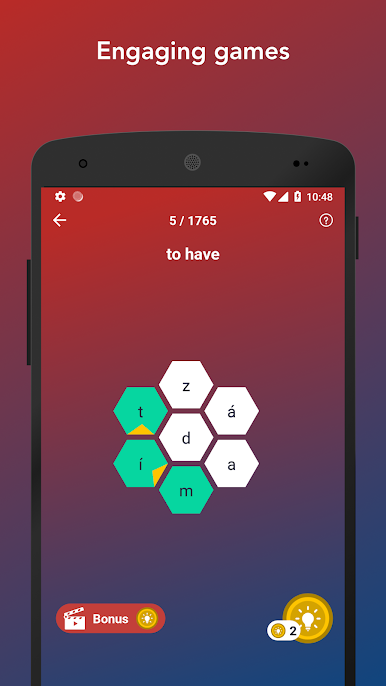
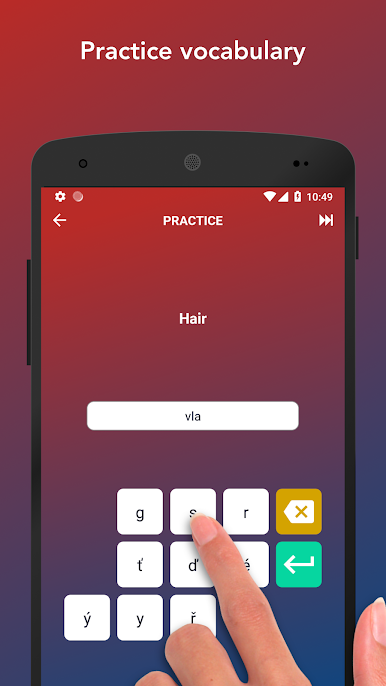
It is not just flashcards either. There are short word games built in for practice, and earning points unlocks phrase lists and a tidy phrasebook. The topics are the practical ones people actually need, like airport, restaurant, shopping, hotel, numbers, time, weather, days and months, countries, family, flirting, doctor and emergency, food, sports, business, house and furniture, kitchen equipment, and more. The app nudges a steady habit with an easy target like five words per day, so it never feels like cramming. On PC with BlueStacks, the swipe actions work fine with a mouse click, which makes long runs of cards feel fast and low effort. No fluff, just steady vocabulary building with clear feedback and stats.
Eager to take your app experience to the next level? Start right away by downloading BlueStacks on your PC or Mac.

Juega Tobo Aprende vocabulario checo en la PC. Es fácil comenzar.
-
Descargue e instale BlueStacks en su PC
-
Complete el inicio de sesión de Google para acceder a Play Store, o hágalo más tarde
-
Busque Tobo Aprende vocabulario checo en la barra de búsqueda en la esquina superior derecha
-
Haga clic para instalar Tobo Aprende vocabulario checo desde los resultados de búsqueda
-
Complete el inicio de sesión de Google (si omitió el paso 2) para instalar Tobo Aprende vocabulario checo
-
Haz clic en el ícono Tobo Aprende vocabulario checo en la pantalla de inicio para comenzar a jugar

