


Belajar Kosa Kata Slovakia
Mainkan di PC dengan BlueStacks – platform Game-Game Android, dipercaya oleh lebih dari 500 juta gamer.

Run Learn Slovak Vocabulary | Verbs, Words & Phrases on PC or Mac
Let BlueStacks turn your PC, Mac, or laptop into the perfect home for Learn Slovak Vocabulary | Verbs, Words & Phrases, a fun Education app from Egemen Can Uze.
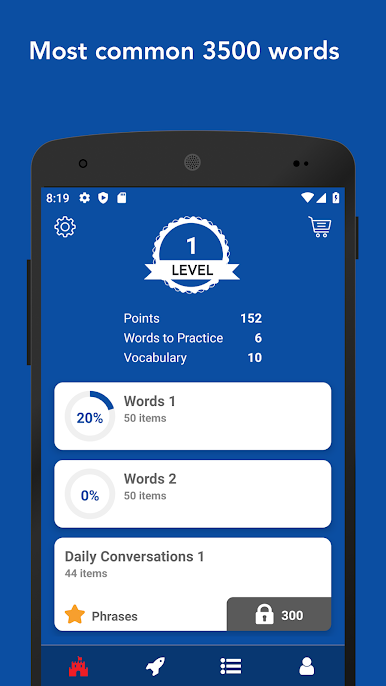
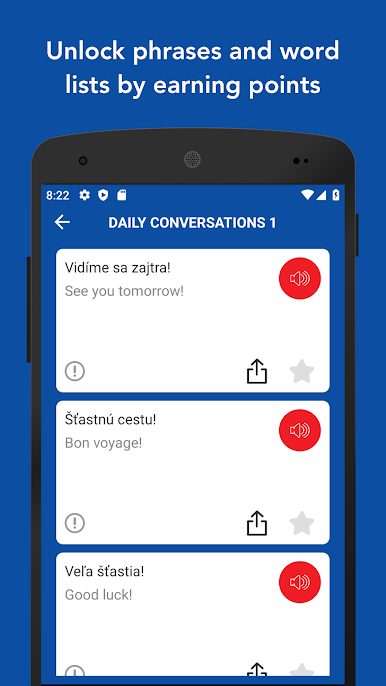
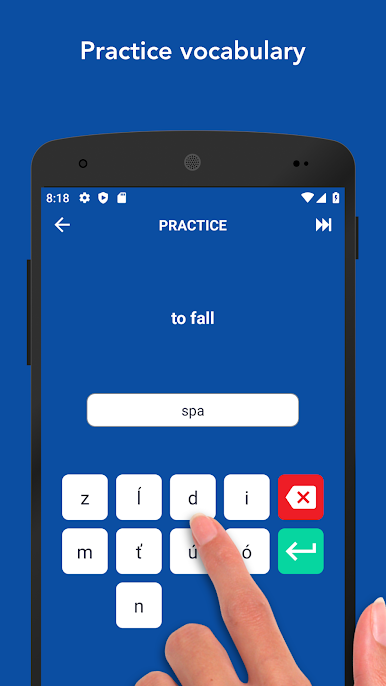
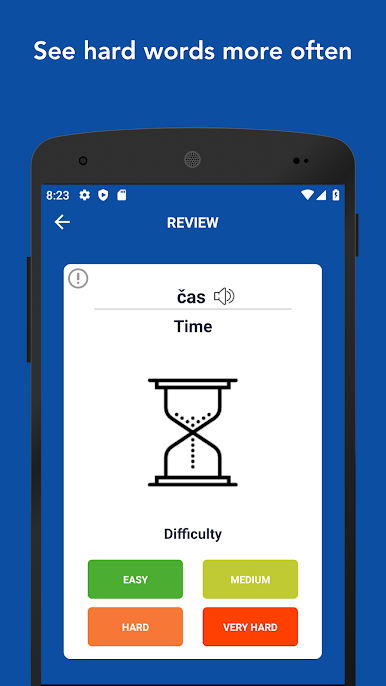
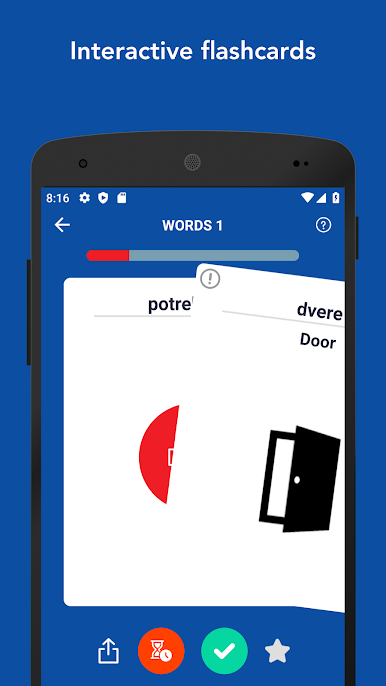
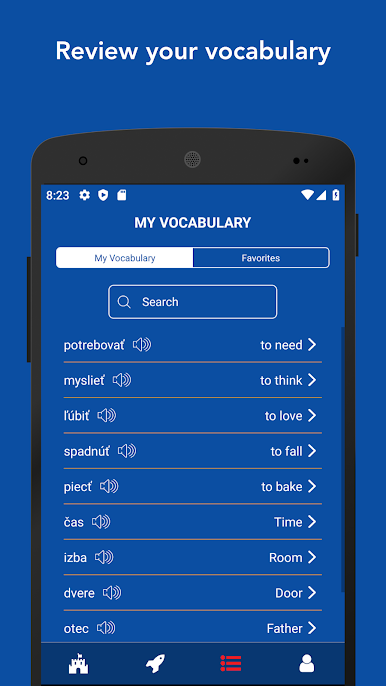
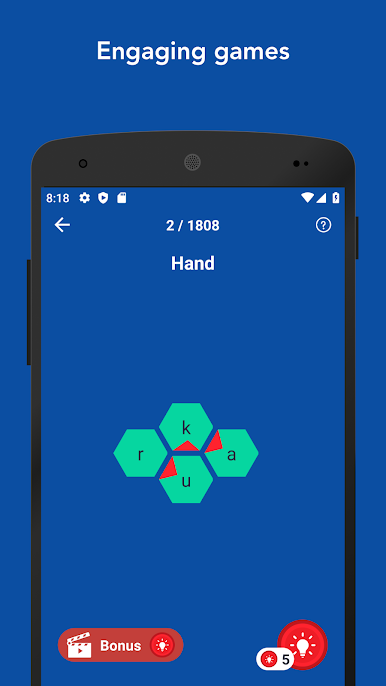
This app is basically a big collection of Slovak vocab — think thousands of words, not just the basics. There are nouns, verbs, and adjectives with audio so you can hear how they’re actually said, which helps a lot. The main thing is these flashcards you flip to see what words mean, and it’ll show the cards you miss more often, so tricky words don’t just disappear. There’s this swipe system to keep track of which ones you’ve got already and which ones you want to see again. Flashcards aren’t the only bit, though. There are word games that mix things up and keep it from feeling too repetitive, plus you earn little points as you go, which unlocks more phrases and lists for different topics, kind of like streaks.
There are tons of categories — stuff you’d actually use like airport, food, travel, emergencies, that type of thing. The images on the back of cards are a nice touch since it makes remembering easier. And if you’re someone who likes tracking things, there are stats for progress and you can favorite words to go back later. Feels easy to use, just as smooth on PC with BlueStacks as on a phone, which is handy if you want it running on the side while doing other things. It’s aimed at all levels, not just beginners, since there are lists for A1 all the way up to C2. Overall, it has that straightforward, practical flashcard style, but manages to toss in enough extras to keep it from getting dull.
BlueStacks brings your apps to life on a bigger screen—seamless and straightforward.
Mainkan Belajar Kosa Kata Slovakia di PC Mudah saja memulainya.
-
Unduh dan pasang BlueStacks di PC kamu
-
Selesaikan proses masuk Google untuk mengakses Playstore atau lakukan nanti
-
Cari Belajar Kosa Kata Slovakia di bilah pencarian di pojok kanan atas
-
Klik untuk menginstal Belajar Kosa Kata Slovakia dari hasil pencarian
-
Selesaikan proses masuk Google (jika kamu melewati langkah 2) untuk menginstal Belajar Kosa Kata Slovakia
-
Klik ikon Belajar Kosa Kata Slovakia di layar home untuk membuka gamenya

