


Lingkaran drum & metronom pro
Mainkan di PC dengan BlueStacks – platform Game-Game Android, dipercaya oleh lebih dari 500 juta gamer.

Run Drum Loops & Metronome Pro on PC or Mac
Let BlueStacks turn your PC, Mac, or laptop into the perfect home for Drum Loops & Metronome Pro, a fun Music & Audio app from Learn To Master.
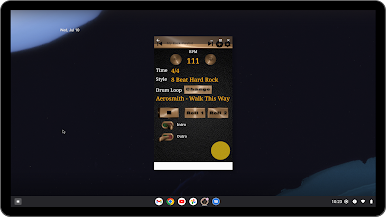
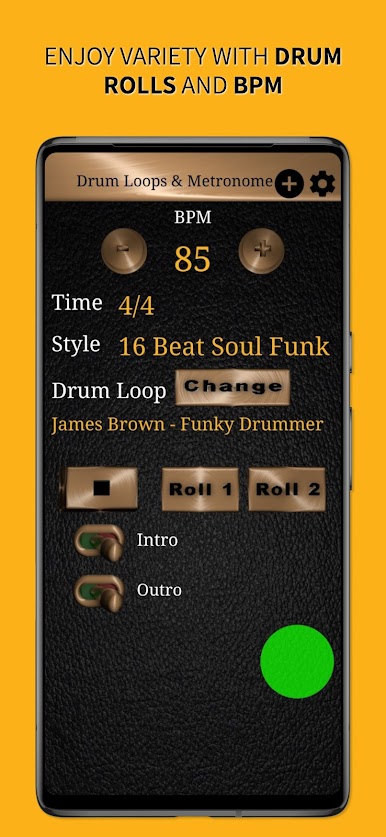
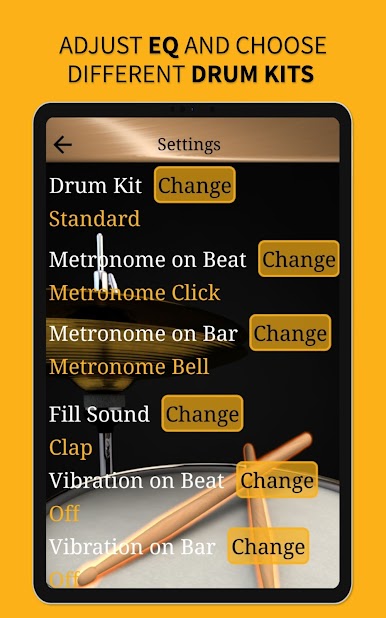
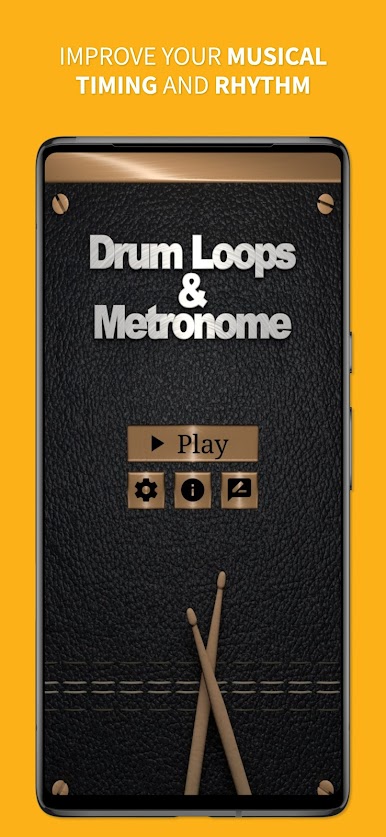
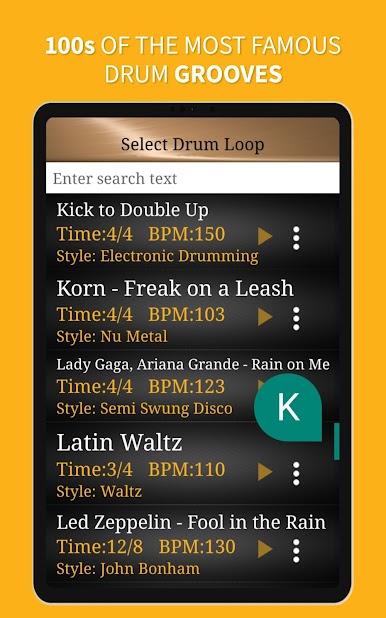
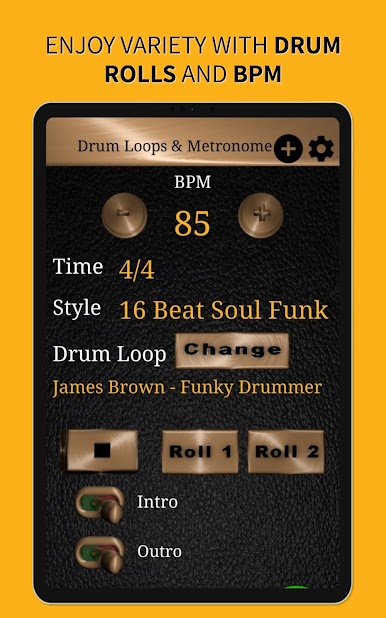
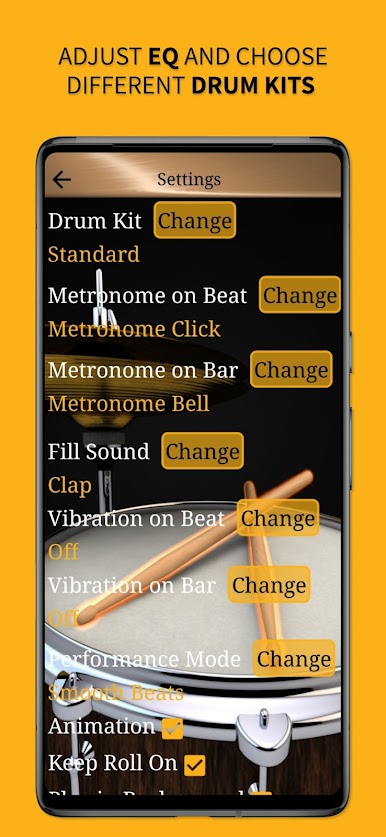
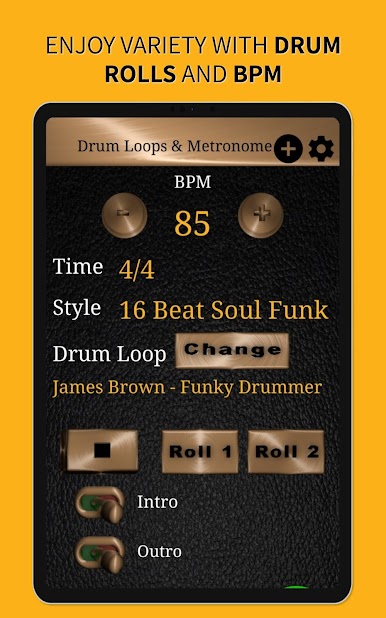
Drum Loops & Metronome Pro feels like having a solid drummer on standby. It loads up a big library of grooves across rock, blues, jazz shuffle, Latin, and a bunch more, including patterns inspired by classic bands and famous players. The sounds are proper drum kit recordings, so it hits with weight through headphones and still holds up when pushed through speakers at rehearsal. Tempo changes do not warp the tone, so speeding up or slowing down just works, which is great for tightening parts. There is a clear BPM readout with a little visual pulse that makes it easy to lock in the downbeat and know when a new bar is coming.
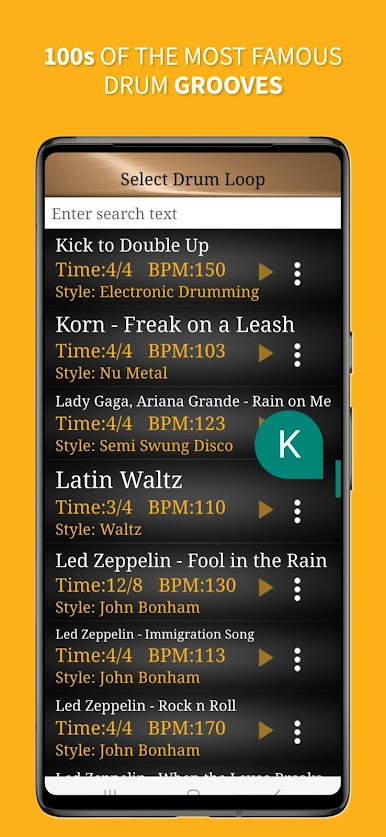
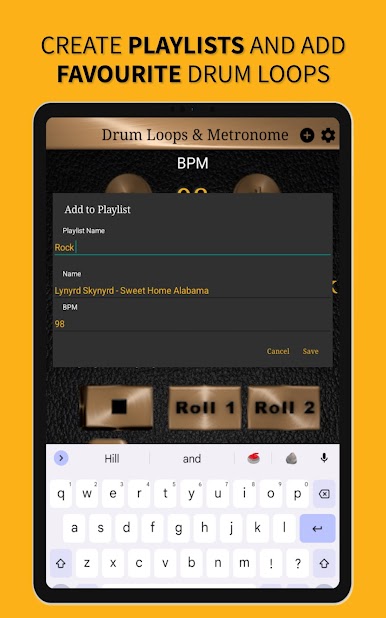
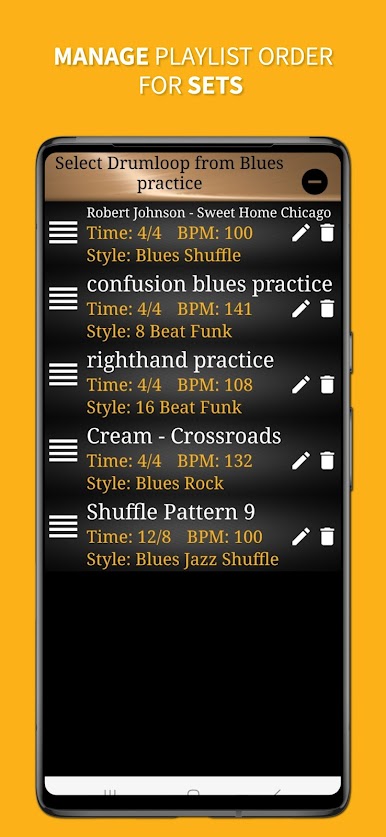
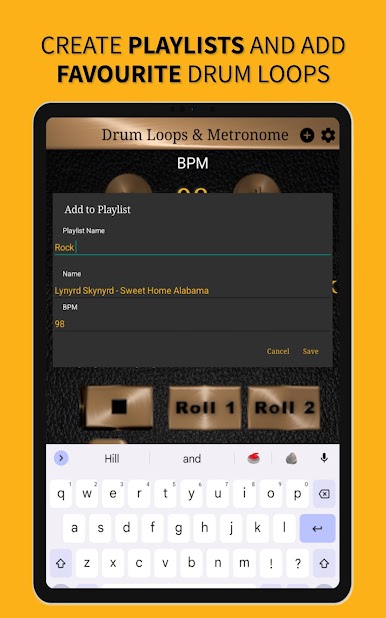
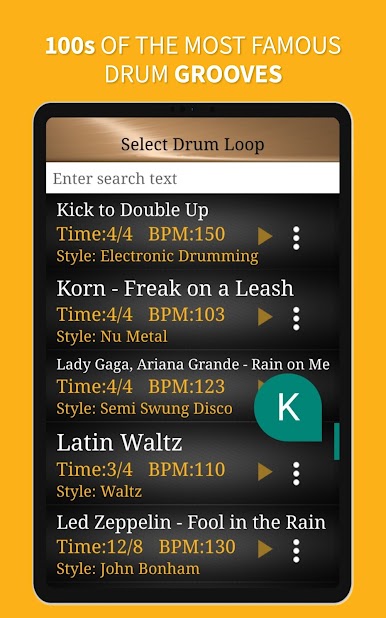
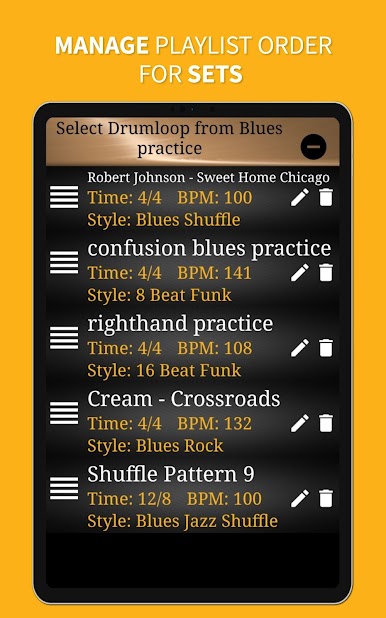
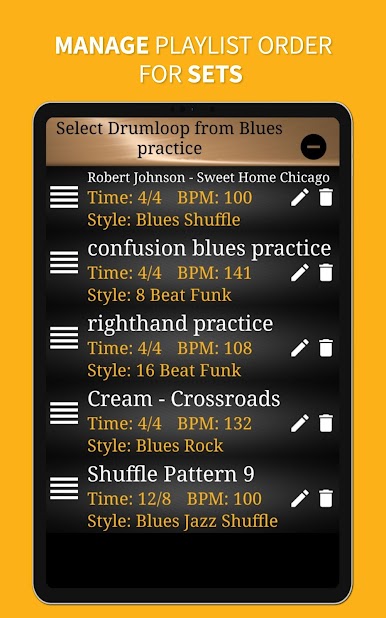
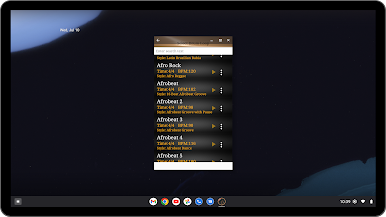
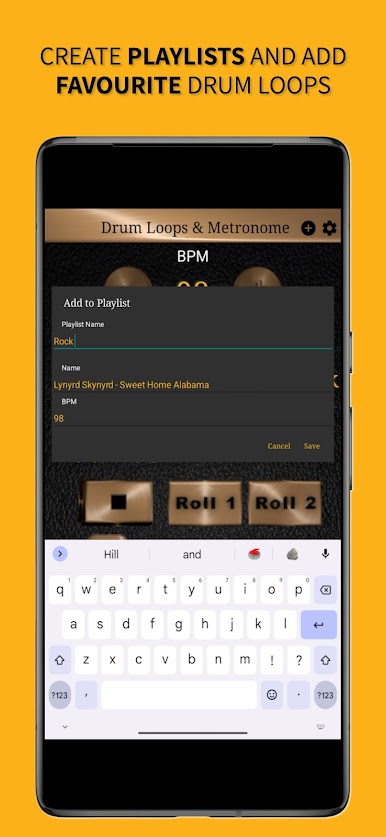
Finding the right loop is fast thanks to search and filters, and there is an easy playlist system for lining up practice sets or a quick gig setlist. Each loop sneaks in fills and rolls so it does not feel robotic, more like playing with a human who keeps things interesting. Everything runs offline, so no waiting on a connection. With the Pro version there are no ads and all the content is open straight away. On PC with BlueStacks, the bigger screen helps when scrolling through hundreds of grooves, and typing to search beats tapping through menus on a small phone. Great for guitarists, bassists, drummers, or anyone needing a tight, musical click that actually grooves.
Ready to experience Drum Loops & Metronome Pro on a bigger screen, in all its glory? Download BlueStacks now.
Mainkan Lingkaran drum & metronom pro di PC Mudah saja memulainya.
-
Unduh dan pasang BlueStacks di PC kamu
-
Selesaikan proses masuk Google untuk mengakses Playstore atau lakukan nanti
-
Cari Lingkaran drum & metronom pro di bilah pencarian di pojok kanan atas
-
Klik untuk menginstal Lingkaran drum & metronom pro dari hasil pencarian
-
Selesaikan proses masuk Google (jika kamu melewati langkah 2) untuk menginstal Lingkaran drum & metronom pro
-
Klik ikon Lingkaran drum & metronom pro di layar home untuk membuka gamenya

