

Serum: Sci-Fi Text Adventure
Juega en PC con BlueStacks: la plataforma de juegos Android, en la que confían más de 500 millones de jugadores.

Página modificada el: Aug 25, 2024
Play Serum: Sci-Fi Text Adventure on PC or Mac
Join millions to experience Serum: Sci-Fi Text Adventure, an exciting Role Playing game from L.B.Speller. With BlueStacks App Player, you are always a step ahead of your opponent, ready to outplay them with faster gameplay and better control with the mouse and keyboard on your PC or Mac.
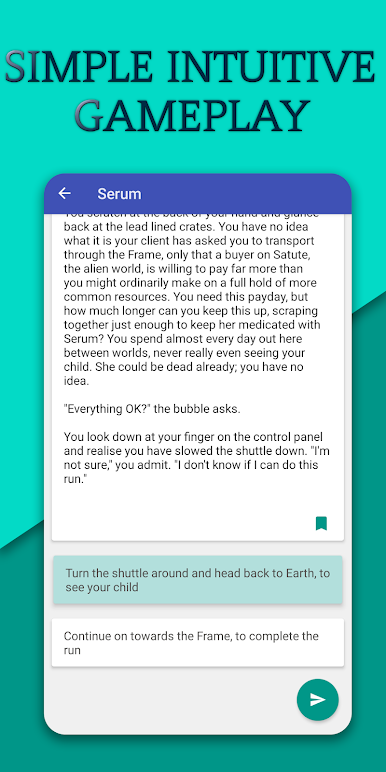
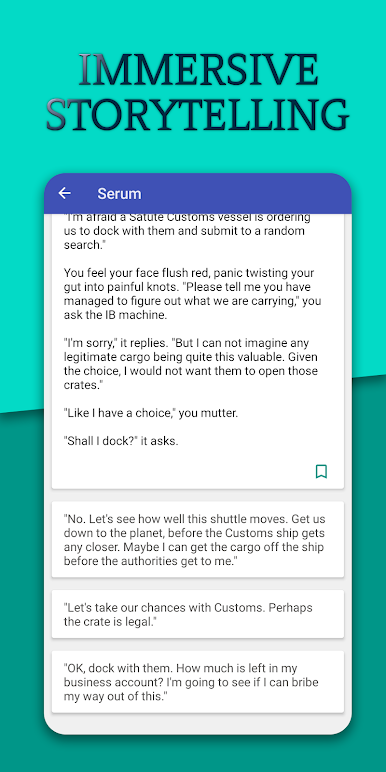
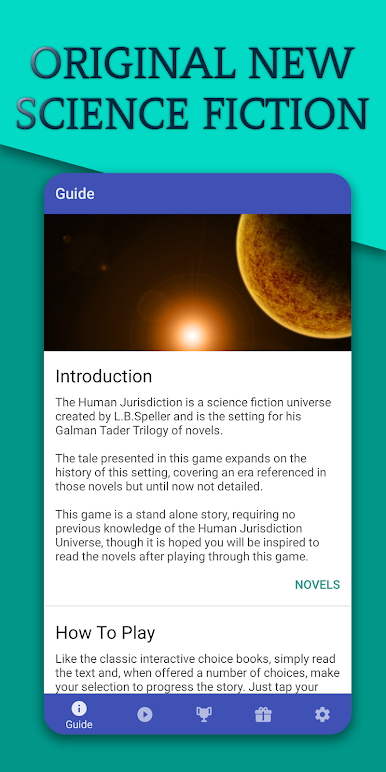
Serum plays like a sci-fi novel that keeps asking the player what kind of person they want to be. It is a pure text adventure with branching choices, no complicated menus, no stats to grind. The setup is tight. Humans are getting squeezed while aliens strip Earth for parts, and the player is one of the rare pilots who can jump between worlds. Every decision feels close to the bone. Save a stranger or save fuel, trust a strange signal or play it safe. The writing keeps a sharp pace and the setting has a cool mix of cold tech, uneasy alliances, and quiet moments that feel human.
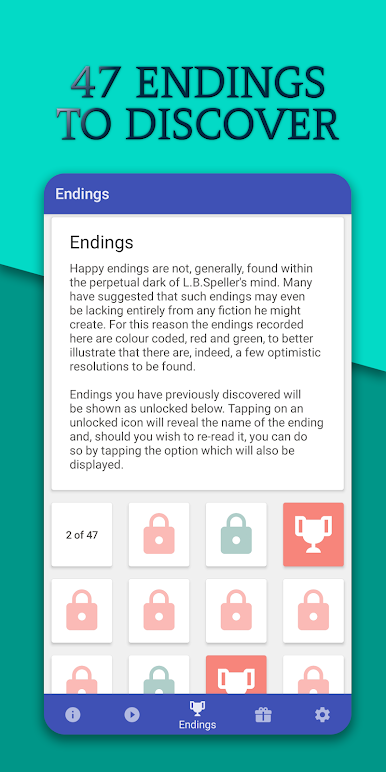
What stands out is how quickly decisions echo back. A skipped detour can cost an ally later, a bold move can turn into a win or a crash landing, and the endings really fork instead of looping to the same place. Runs well on PC with BlueStacks too, which makes the text easy on the eyes and clicking through choices fast. It is simple to learn and still tense because the game keeps pushing tough calls without burying the player in systems. Feels like reading a smart sci-fi novella that listens. If someone likes branching stories, space politics, and picking which rule to break when the clock is ticking, this is that kind of trip.
Make your gaming sessions memorable with precise controls that give you an edge in close combats and visuals that pop up, bringing every character to life.
Juega Serum: Sci-Fi Text Adventure en la PC. Es fácil comenzar.
-
Descargue e instale BlueStacks en su PC
-
Complete el inicio de sesión de Google para acceder a Play Store, o hágalo más tarde
-
Busque Serum: Sci-Fi Text Adventure en la barra de búsqueda en la esquina superior derecha
-
Haga clic para instalar Serum: Sci-Fi Text Adventure desde los resultados de búsqueda
-
Complete el inicio de sesión de Google (si omitió el paso 2) para instalar Serum: Sci-Fi Text Adventure
-
Haz clic en el ícono Serum: Sci-Fi Text Adventure en la pantalla de inicio para comenzar a jugar

