


Videoleap Editor by Lightricks
Mainkan di PC dengan BlueStacks – platform Game-Game Android, dipercaya oleh lebih dari 500 juta gamer.

Run Videoleap: AI Video Editor App on PC or Mac
Let BlueStacks turn your PC, Mac, or laptop into the perfect home for Videoleap: AI Video Editor App, a fun Video Players & Editors app from Lightricks Ltd..
About the App
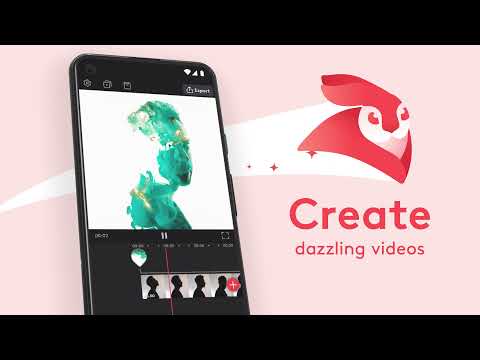
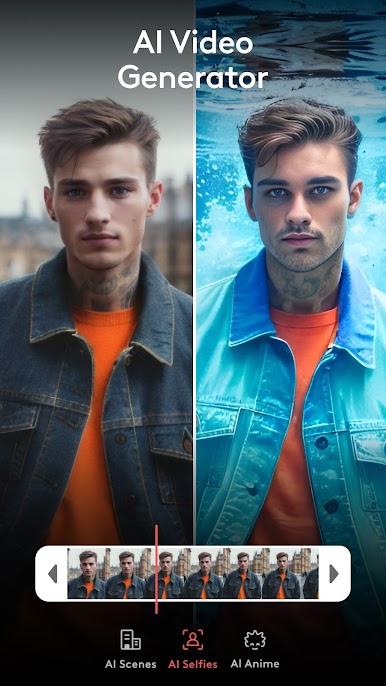
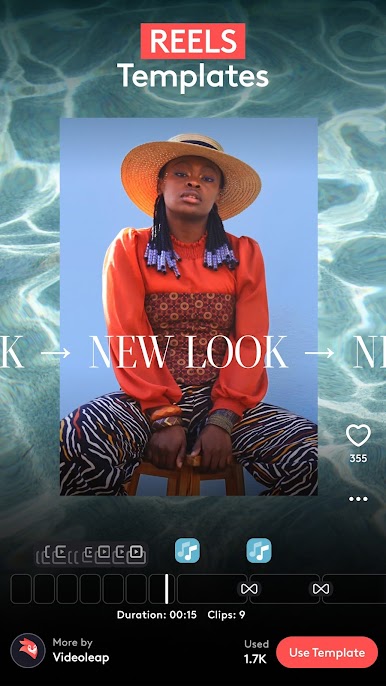
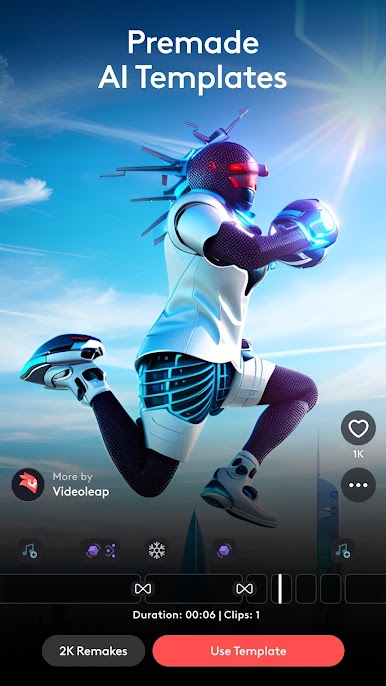
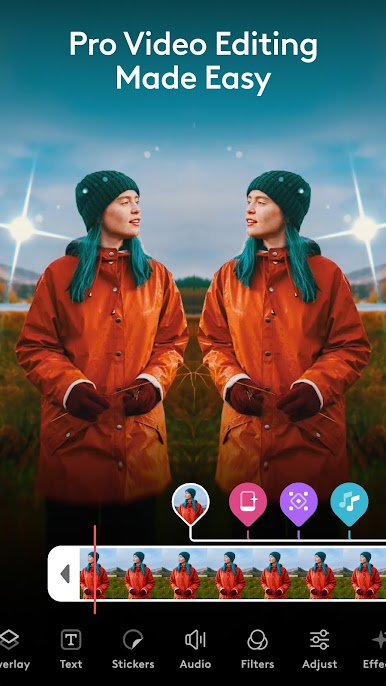
Meet your new go-to for video editing, Videoleap: AI Video Editor App from Lightricks Ltd. This seamless video-players app lets you dive into a world of professional video editing with AI tools for clips, reels, and captions. It’s perfect for making standout content, whether you’re editing reels or crafting YouTube shorts. Add music effortlessly, spruce up your videos with AI filters, and enjoy creating stunning visual content with just a few taps.
App Features
Video Editor with Professional Tools:
– Sprinkle effects over videos, reels, and shorts with ease.
– Edit, resize, or trim videos using a straightforward interface.
– Enhance videos with intros, images, and a watermark-free platform.
Special Video Effects and Filters:
– Experiment with blur, prism, pixelate, and other cool effects.
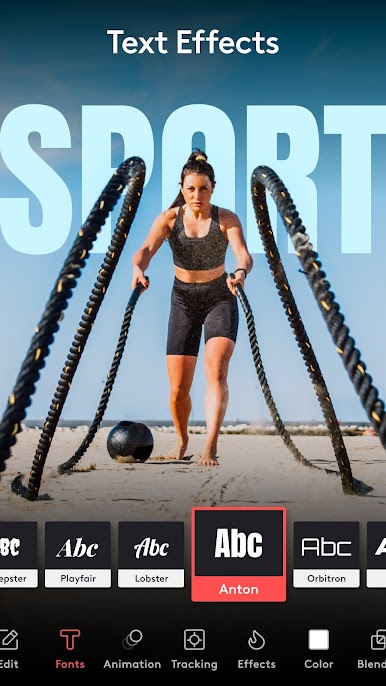
– Decorate with text, emojis, and diverse caption styles.
– Discover adjustable filters for a unique visual touch.
Creative Cinematic Compositions:
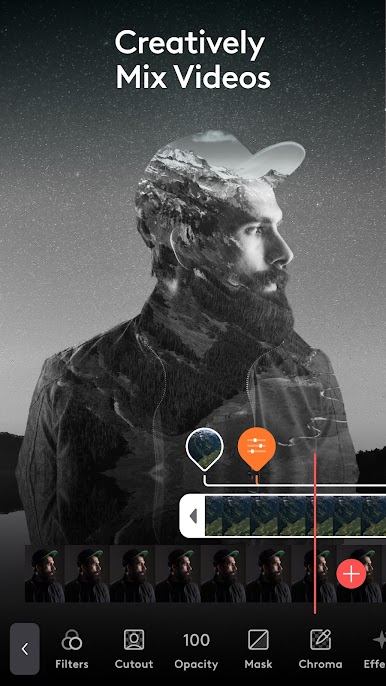
– Mix videos and images for double exposure and artistic vibes.
– Play with layers using transformation, masking, and blending.
Precise Video Editing & Rich Capabilities:
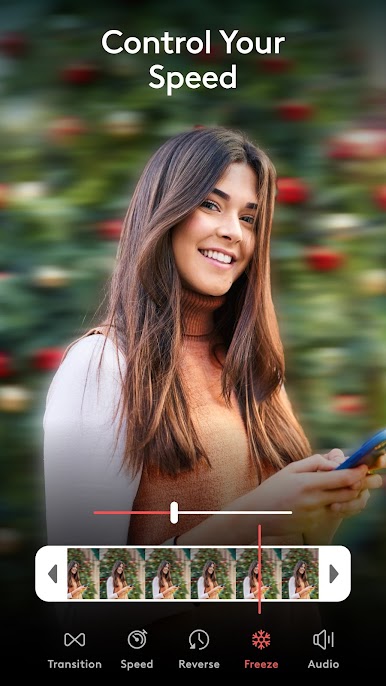
– Master time-lapse and slow motion videos.
– Seamlessly cut, trim, split, and customize video clips.
Give Videoleap a whirl on BlueStacks for enhanced video editing on your preferred device.
BlueStacks gives you the much-needed freedom to experience your favorite apps on a bigger screen. Get it now.
Mainkan Videoleap Editor by Lightricks di PC Mudah saja memulainya.
-
Unduh dan pasang BlueStacks di PC kamu
-
Selesaikan proses masuk Google untuk mengakses Playstore atau lakukan nanti
-
Cari Videoleap Editor by Lightricks di bilah pencarian di pojok kanan atas
-
Klik untuk menginstal Videoleap Editor by Lightricks dari hasil pencarian
-
Selesaikan proses masuk Google (jika kamu melewati langkah 2) untuk menginstal Videoleap Editor by Lightricks
-
Klik ikon Videoleap Editor by Lightricks di layar home untuk membuka gamenya

