


Lingualeo
Mainkan di PC dengan BlueStacks – platform Game-Game Android, dipercaya oleh lebih dari 500 juta gamer.

Play English with Lingualeo on PC or Mac
Upgrade your experience. Try English with Lingualeo, the fantastic Education app from EDTECH TECHNOLOGY, from the comfort of your laptop, PC, or Mac, only on BlueStacks.
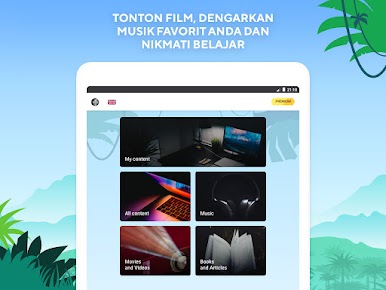
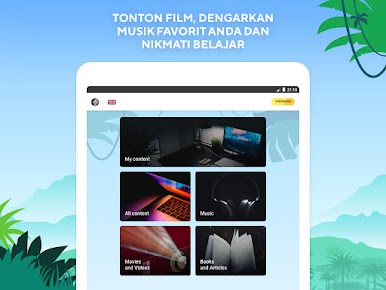
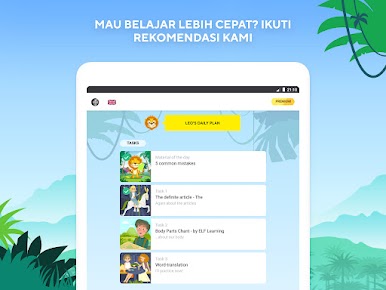
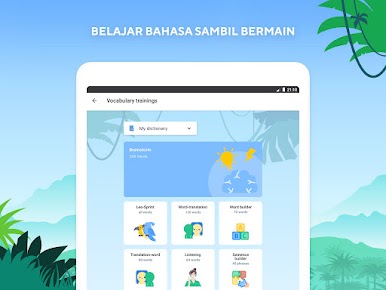
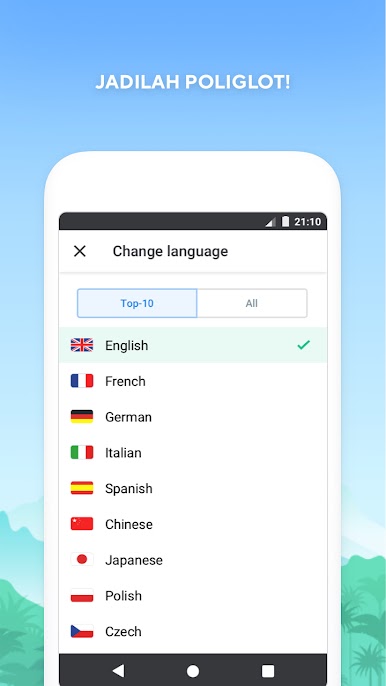
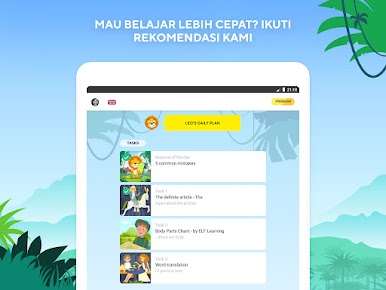
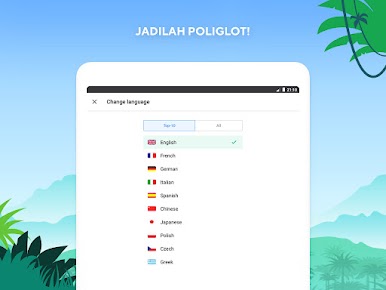
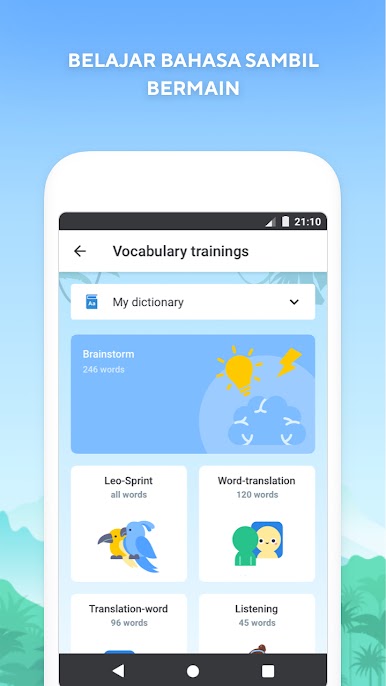
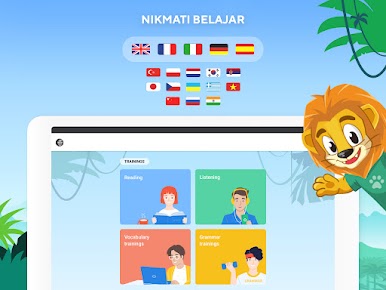
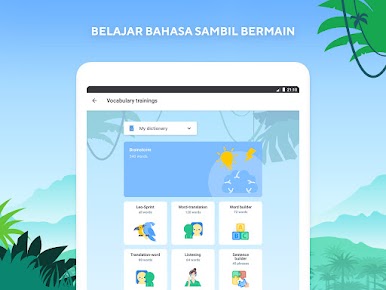
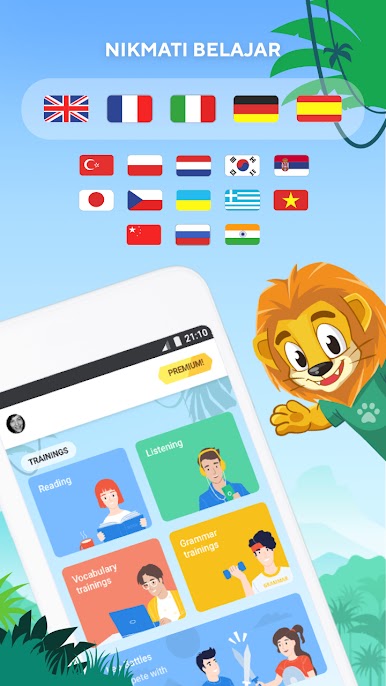
So, the way English with Lingualeo works is actually pretty relaxed and engaging—it mixes English practice with a kind of “game” feel, but nothing too cheesy or childish. The app throws a lot of different exercises at you: vocabulary, grammar fill-ins, little listening drills, those mix-and-match sentences, and even slang or phrases you’d actually hear in real life. There are these themed topics too, like stuff about traveling or working, not just generic textbook things. Anyone playing, whether a kid or an adult, could find something that clicks.
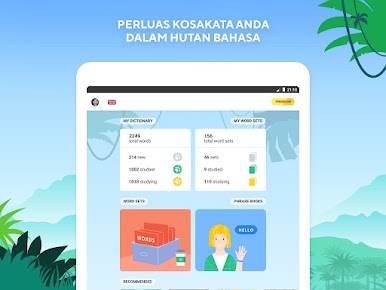
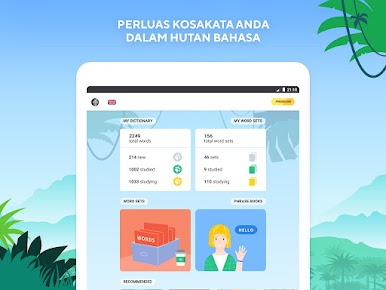
The personal dictionary is nice—you can save words from the lessons or toss in something you’ve come across somewhere else. It tracks the usual things, so it’s easy to see how you’re improving day by day: reading, writing, listening, speaking—yeah, and grammar. If you’re the type who likes seeing progress in numbers, that’s there. The first chunk of vocab and the first few days are free, so it’s easy to poke around without stress. On PC with BlueStacks, it feels like you get the same playful app vibe, but with a bigger screen, which makes going through the exercises or listening bits a bit smoother. It’s pretty straightforward, not much fluff once you get going.
Switch to BlueStacks and make the most of your apps on your PC or Mac.



Mainkan Lingualeo di PC Mudah saja memulainya.
-
Unduh dan pasang BlueStacks di PC kamu
-
Selesaikan proses masuk Google untuk mengakses Playstore atau lakukan nanti
-
Cari Lingualeo di bilah pencarian di pojok kanan atas
-
Klik untuk menginstal Lingualeo dari hasil pencarian
-
Selesaikan proses masuk Google (jika kamu melewati langkah 2) untuk menginstal Lingualeo
-
Klik ikon Lingualeo di layar home untuk membuka gamenya

