


LinkedIn Recruiter
Gioca su PC con BlueStacks: la piattaforma di gioco Android, considerata affidabile da oltre 500 milioni di giocatori.

Pagina modificata il: Sep 26, 2025
Play LinkedIn Recruiter on PC
With the LinkedIn Recruiter app, you can:
Be notified in real-time when candidates respond to your messages
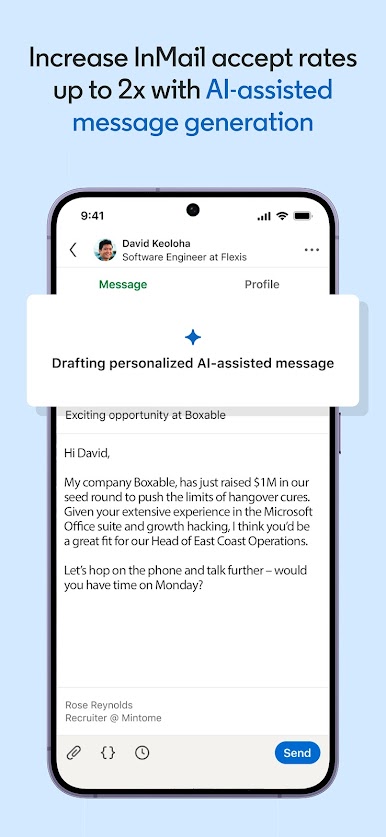
Increase InMail accept rate by 40% with AI-generated messages
Search the entire LinkedIn talent pool using Spotlights, smart filters and keywords
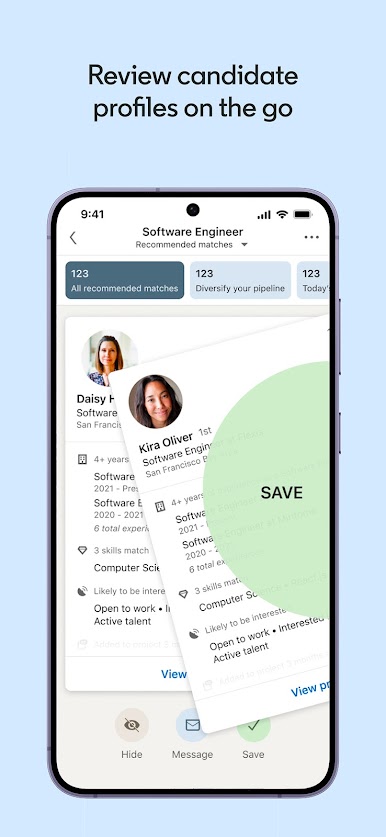
Review best-matching candidates using Recommended Matches and Spotlights
Stay on top of important tasks with Suggested Actions
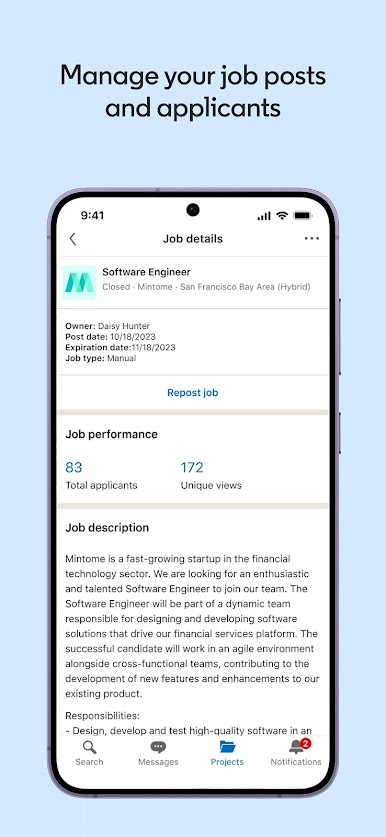
Post, update and manage your job posts and applicants
Access and edit your recent searches easily
Collaborate with your team by tagging them in Notes and starting a conversation
Easily share candidate profiles with your hiring manager/client for feedback
View information from your ATS directly on candidate profiles with Recruiter System Connect*
The LinkedIn Recruiter app requires a Recruiter or Recruiter Lite account, which is a paid LinkedIn subscription for talent professionals. If you are interested in learning more about LinkedIn Recruiter, please visit: https://business.linkedin.com/talent-solutions/recruiter
LinkedIn is committed to making its products and features accessible. Please find our statements to support this commitment https://linkedin.com/accessibility/reports
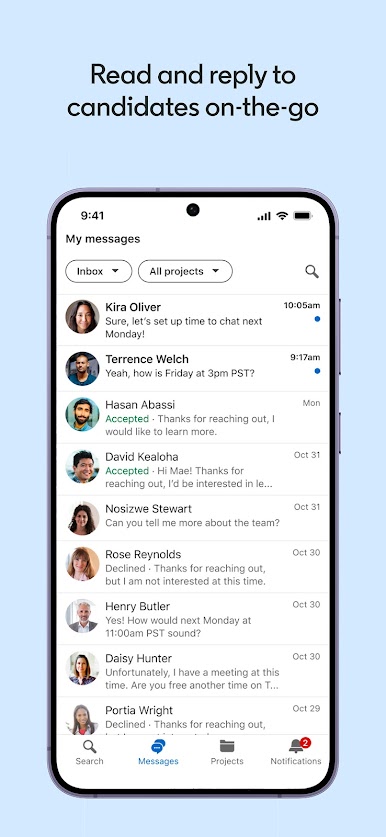
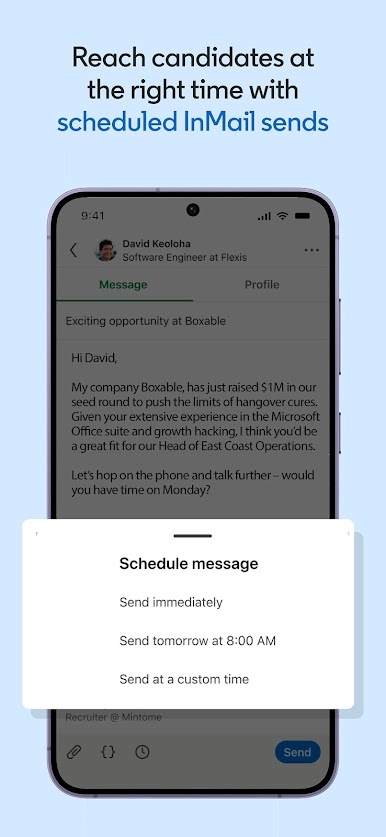
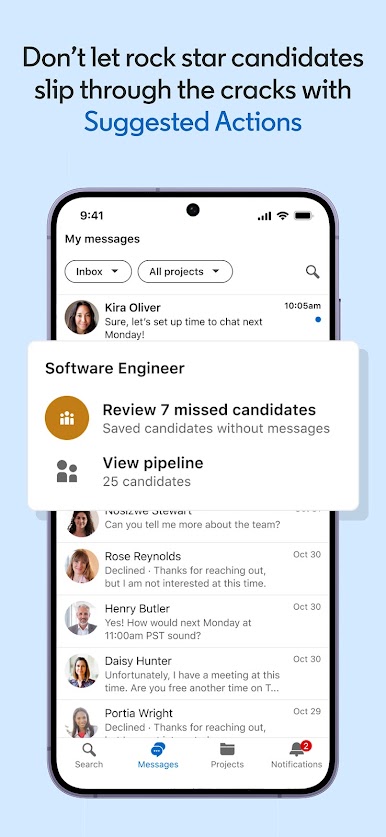
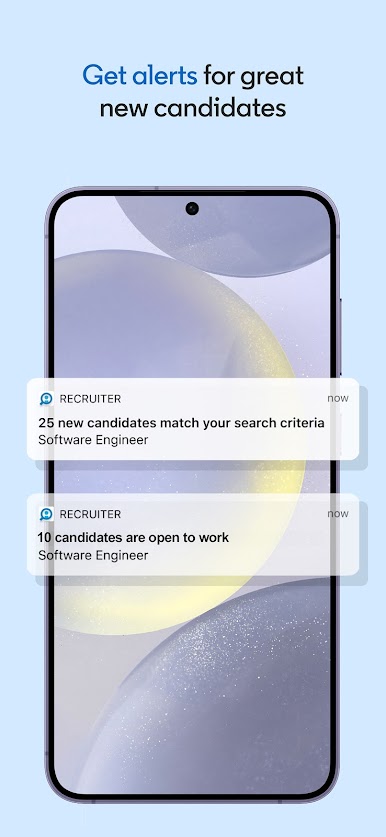

Gioca LinkedIn Recruiter su PC. È facile iniziare.
-
Scarica e installa BlueStacks sul tuo PC
-
Completa l'accesso a Google per accedere al Play Store o eseguilo in un secondo momento
-
Cerca LinkedIn Recruiter nella barra di ricerca nell'angolo in alto a destra
-
Fai clic per installare LinkedIn Recruiter dai risultati della ricerca
-
Completa l'accesso a Google (se hai saltato il passaggio 2) per installare LinkedIn Recruiter
-
Fai clic sull'icona LinkedIn Recruiter nella schermata principale per iniziare a giocare

