


Litmatch—Make new friends
Mainkan di PC dengan BlueStacks – platform Game-Game Android, dipercaya oleh lebih dari 500 juta gamer.

Jalankan Litmatch—Make new friends di PC atau Mac
Litmatch—Make new friends merupakan Sosial game yang dikembangkan oleh CONSTRUCT TECHNOLOGY PTE. LTD.. App Player BlueStacks adalah platform terbaik untuk memainkan game Android ini di PC atau Mac kamu dan memberikan pengalaman bermain game yang mengesankan.
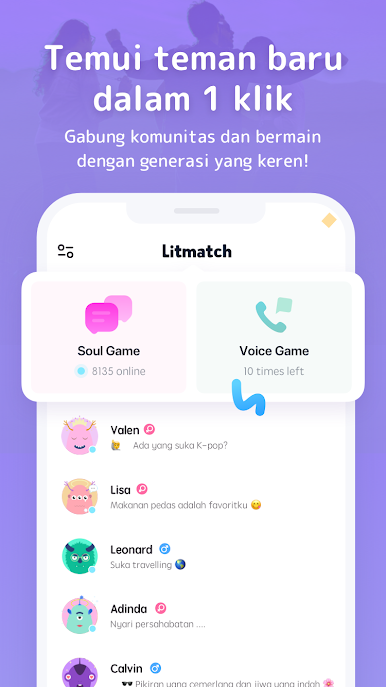
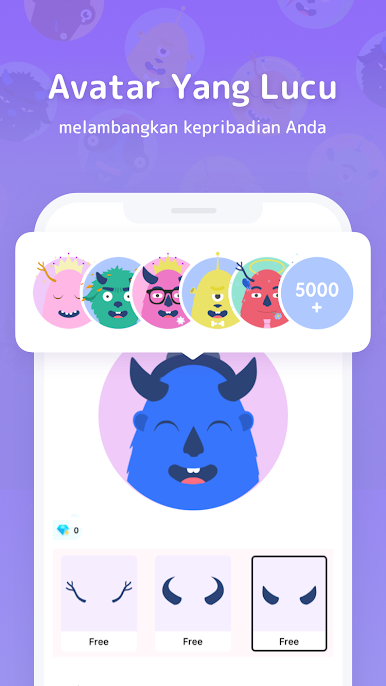
Kalau kalian ingin mencari teman baru dan sahabat baru, Litmatch—Make new friends akan membantu kalian mewujudkannya. Dengan berbagai fitur menarik dan ditambah sistem keamanan yang canggih yang menjaga privasi anda, akan membuat kalian merasa bebas mencari teman sejati kalian.
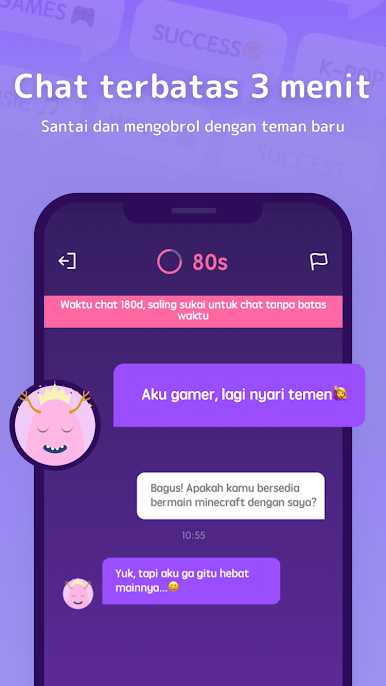
Cari teman baru dengan minat yang sama dan ungkapkan perasaan kalian, dengan antar muka yang sangat bersahabat, mencari teman baru tidak akan terasa sulit. Terdapat menu obrolan pribadi dan obrolan grup yang akan menambah keseruan bertemu orang-orang baru.
Unduh sekarang juga Litmatch—Make new friends akan membuat mimpi anda bertemu teman sejati atau pasangan hidup menjadi nyata.


Mainkan Litmatch—Make new friends di PC Mudah saja memulainya.
-
Unduh dan pasang BlueStacks di PC kamu
-
Selesaikan proses masuk Google untuk mengakses Playstore atau lakukan nanti
-
Cari Litmatch—Make new friends di bilah pencarian di pojok kanan atas
-
Klik untuk menginstal Litmatch—Make new friends dari hasil pencarian
-
Selesaikan proses masuk Google (jika kamu melewati langkah 2) untuk menginstal Litmatch—Make new friends
-
Klik ikon Litmatch—Make new friends di layar home untuk membuka gamenya

