


Literal Word Bible App
Juega en PC con BlueStacks: la plataforma de juegos Android, en la que confían más de 500 millones de jugadores.

Página modificada el: Feb 21, 2024
Play Literal Word Bible App on PC
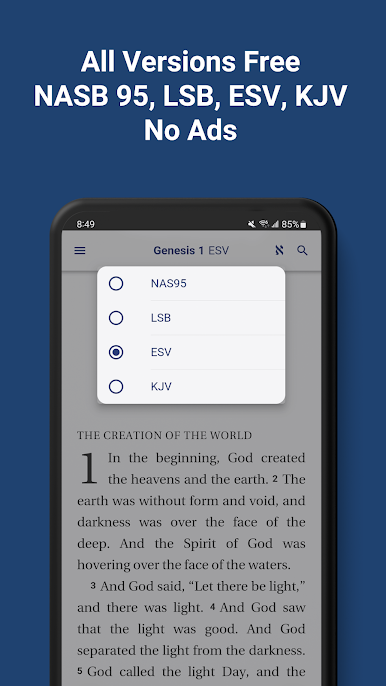
- New American Standard Bible (NASB 1995)
- Legacy Standard Bible (LSB)
- English Standard Version (ESV)
- King James Version (KJV)
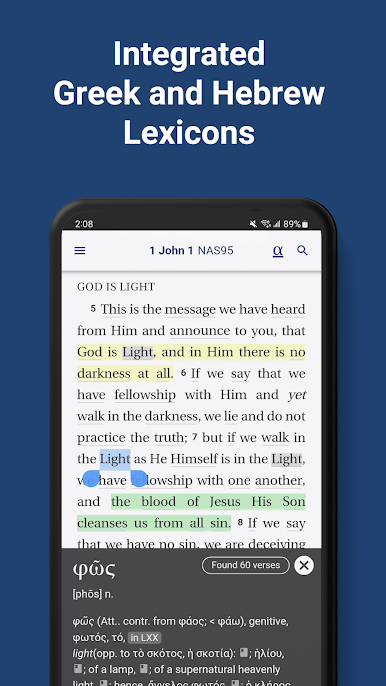
- Greek Lexicon (Abbott-Smith)
- Hebrew Lexicon (BDB)
- Footnotes and linked cross-references
- Customized bible text formatting
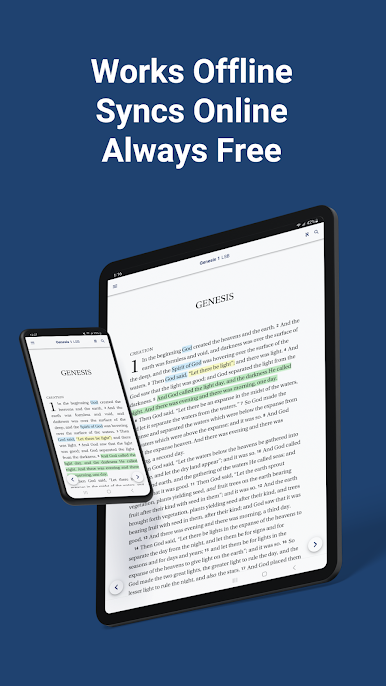
- Free and offline
- No ads, articles, or social media
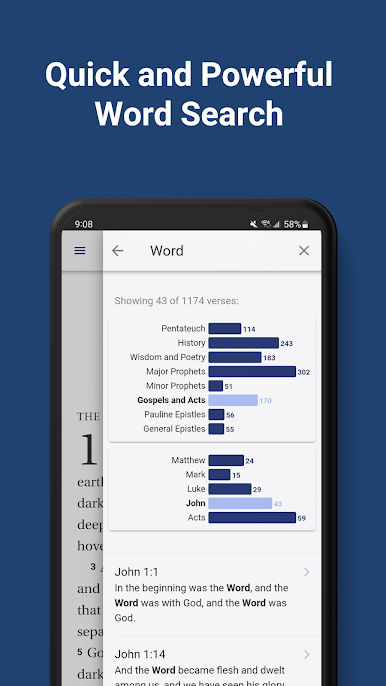
- Word search with visual search filtering
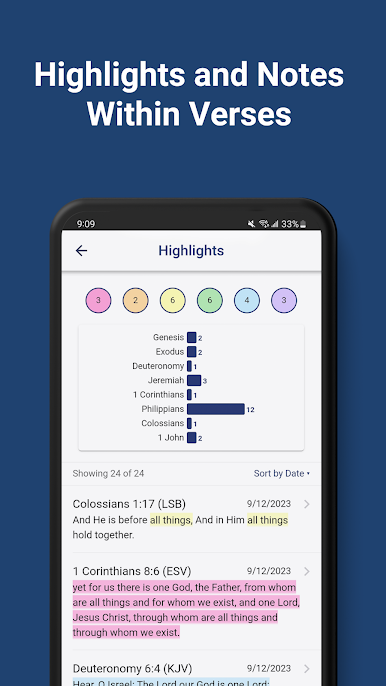
- Notes and highlights within verses
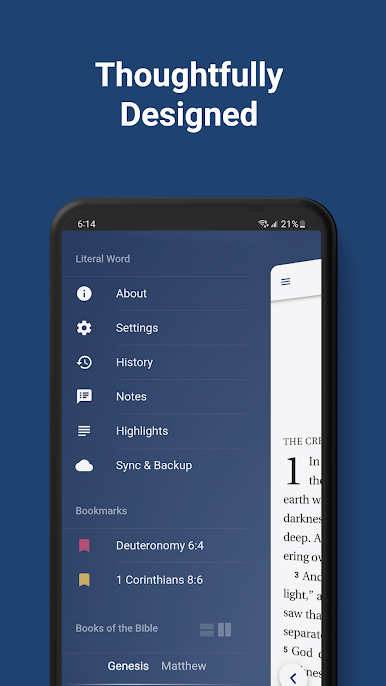
- Bookmarks with multiple colors
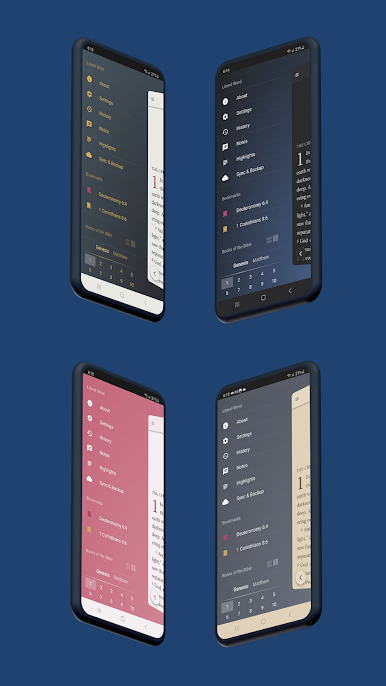
- Dark mode and color themes
- Passage history
- Free online backup and sync
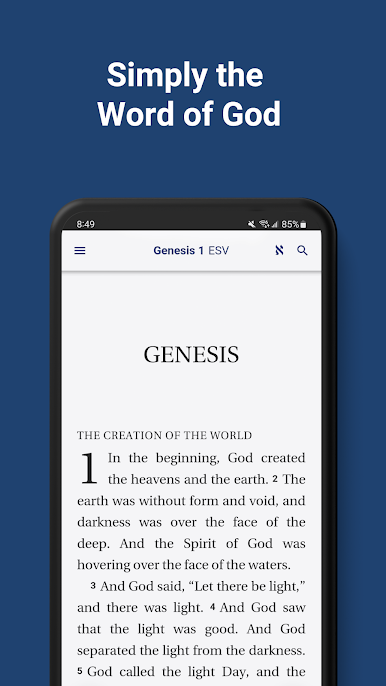
Literal Word exists to promote the word of God and not much else. No ads. No articles. No distractions. Simply the Word. We believe that the Bible contains the most important information that anyone could ever come across and that accessing it should be as easy as possible.
This belief has driven every decision we've made designing Literal Word. The app is 100% free and functional even when you're offline. The NASB 1995, LSB, ESV, and KJV translations of the Bible were selected for faithfully utilizing a word-for-word instead of a thought-for-thought translation method. Each passage of the Bible is clean, customizable, and convenient to access, allowing the reader to focus exclusively on the God-breathed content. Word searches are simple but powerful, featuring a unique visual interface for organizing results with precision, and complete lexicons for original Hebrew and Greek words can be viewed with just a couple taps.
It really comes down to the fact that a straightforward approach to a Bible app maximizes attention to the word of God.
Juega Literal Word Bible App en la PC. Es fácil comenzar.
-
Descargue e instale BlueStacks en su PC
-
Complete el inicio de sesión de Google para acceder a Play Store, o hágalo más tarde
-
Busque Literal Word Bible App en la barra de búsqueda en la esquina superior derecha
-
Haga clic para instalar Literal Word Bible App desde los resultados de búsqueda
-
Complete el inicio de sesión de Google (si omitió el paso 2) para instalar Literal Word Bible App
-
Haz clic en el ícono Literal Word Bible App en la pantalla de inicio para comenzar a jugar

