


Connect The Dots
Gioca su PC con BlueStacks: la piattaforma di gioco Android, considerata affidabile da oltre 500 milioni di giocatori.

Pagina modificata il: Dec 21, 2023
Play Connect The Dots on PC
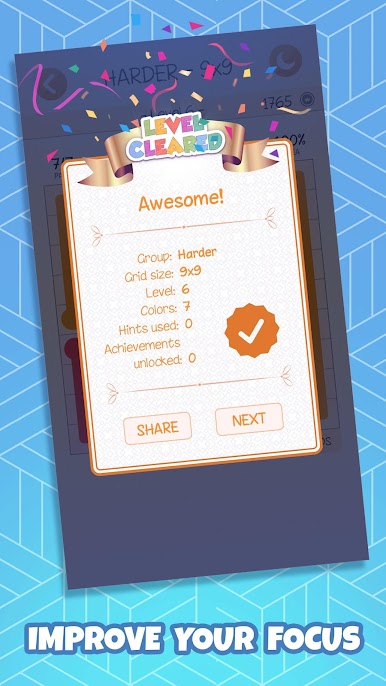
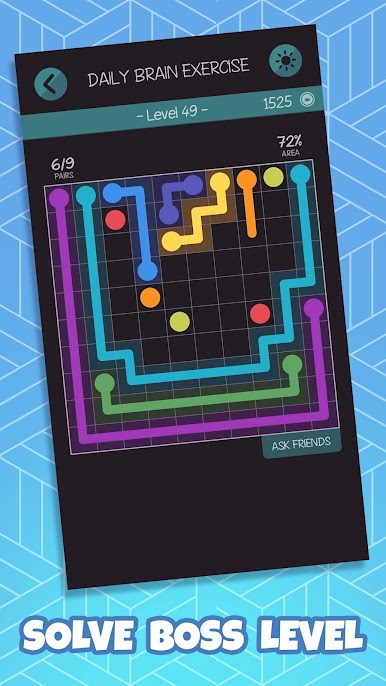
Keep your mind sharp with new levels every day in our 'Daily brain exercise' group.
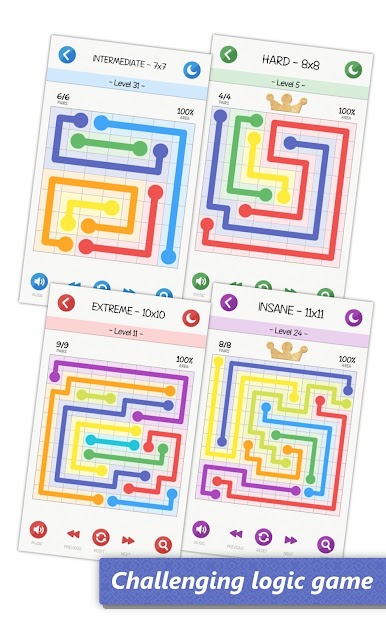
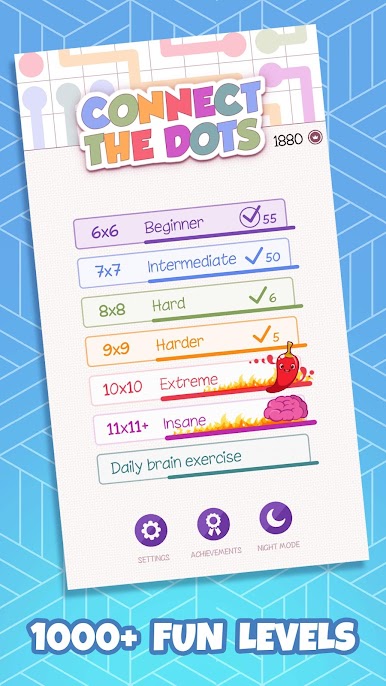
★ Over 1500 levels
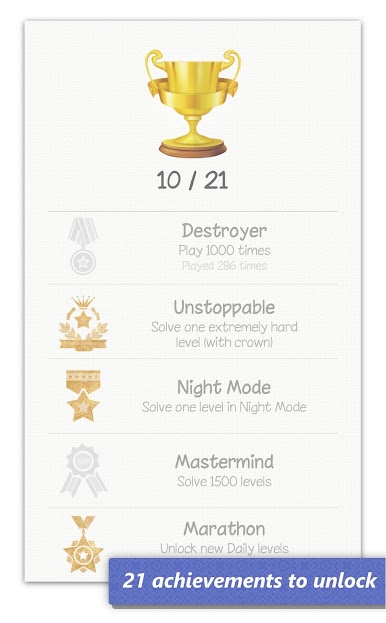
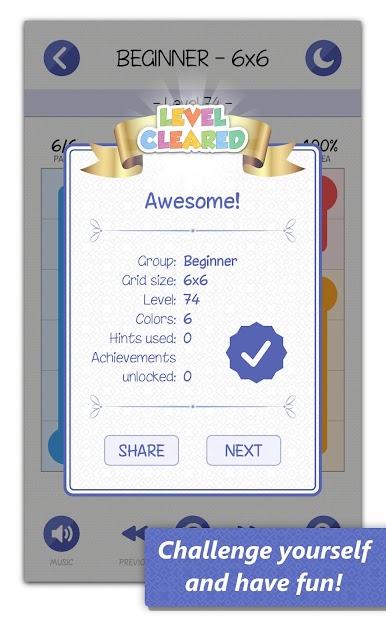
★ 21 Achievements to unlock
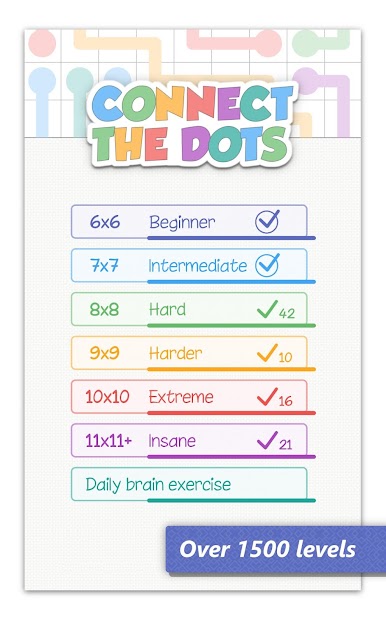
★ 7 different board sizes
★ New levels every day
★ Relaxing night mode
★ HD graphics that looks great on tablets
Challenge yourself with harder and harder levels.
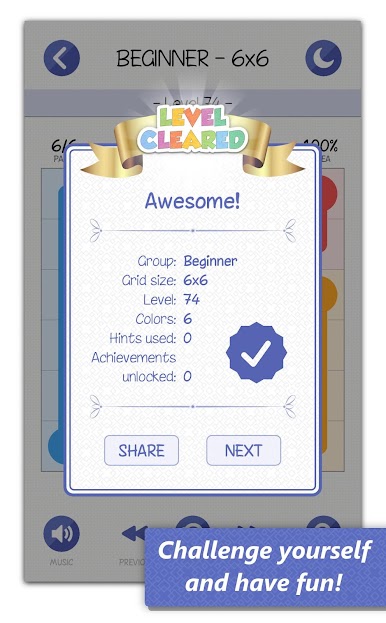
Exercise your brain in this relaxing free logic game. Free fun game.
-- HOW TO PLAY --
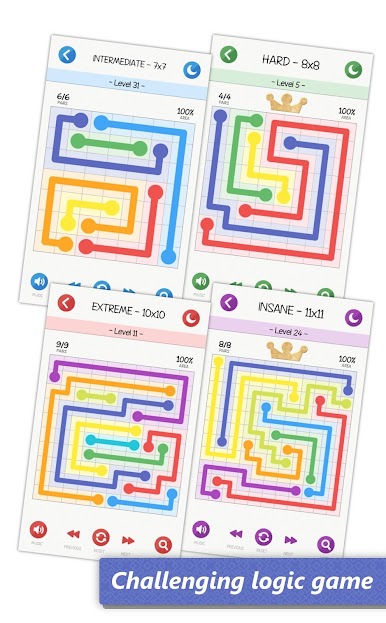
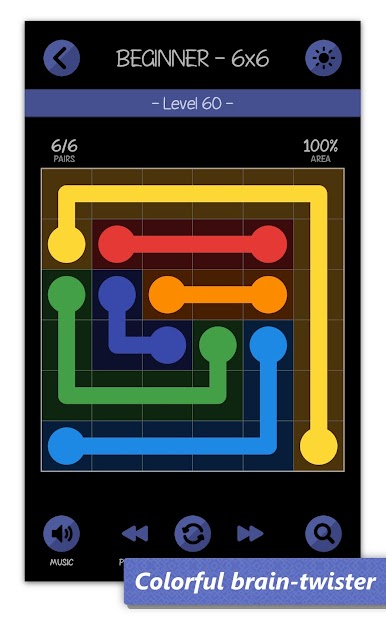
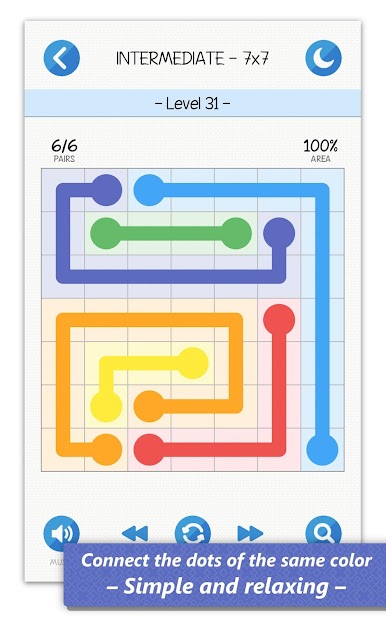
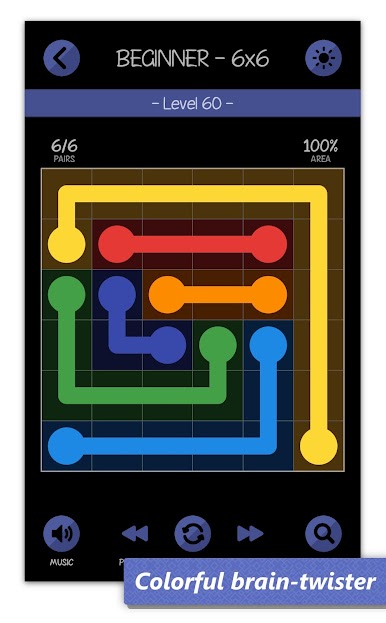
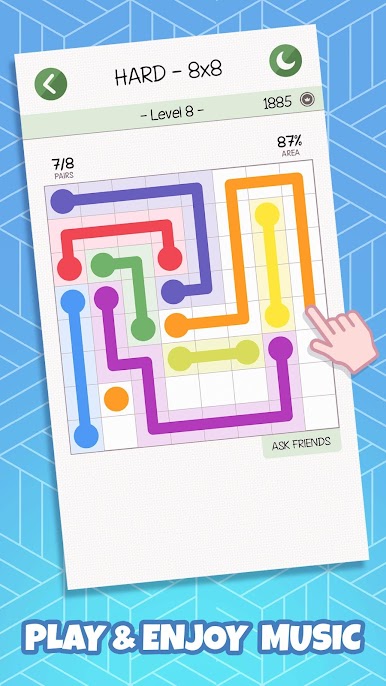
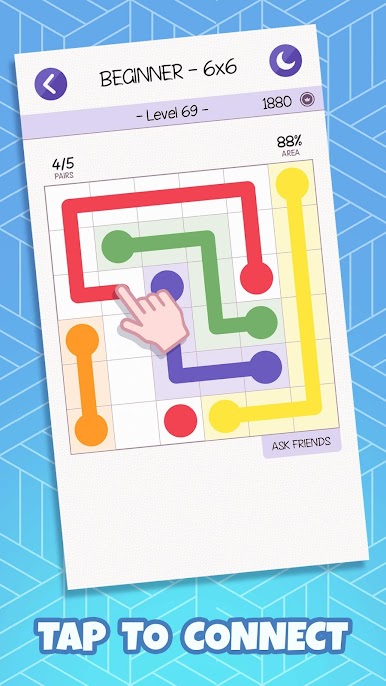
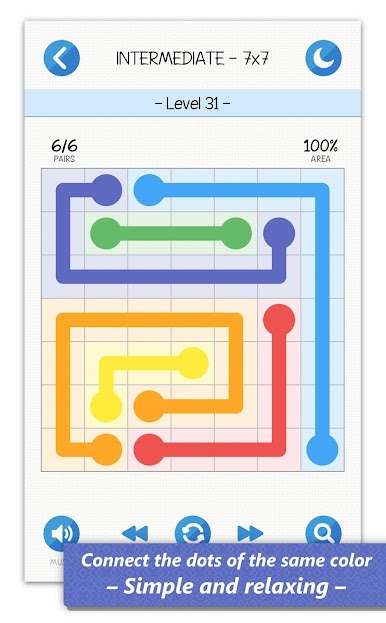
Connect the dots of the same color. Connect all pairs, and cover the entire board to solve each level. Be careful not to overlap connections. If you get stuck, hints can help you out.
To unlock group "Harder" you don't have to solve "Beginner" and "Intermediate", just "Hard".
Have fun!
Little Bear Production
Gioca Connect The Dots su PC. È facile iniziare.
-
Scarica e installa BlueStacks sul tuo PC
-
Completa l'accesso a Google per accedere al Play Store o eseguilo in un secondo momento
-
Cerca Connect The Dots nella barra di ricerca nell'angolo in alto a destra
-
Fai clic per installare Connect The Dots dai risultati della ricerca
-
Completa l'accesso a Google (se hai saltato il passaggio 2) per installare Connect The Dots
-
Fai clic sull'icona Connect The Dots nella schermata principale per iniziare a giocare

