


Bugs and Buttons
Gioca su PC con BlueStacks: la piattaforma di gioco Android, considerata affidabile da oltre 500 milioni di giocatori.

Pagina modificata il: Oct 12, 2025
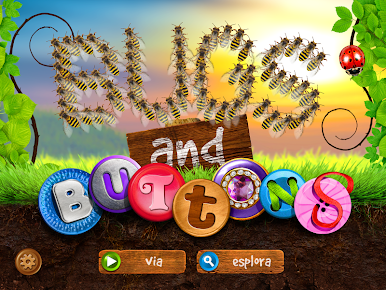
Play Bugs and Buttons on PC
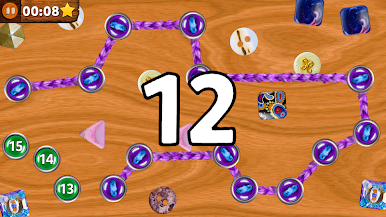
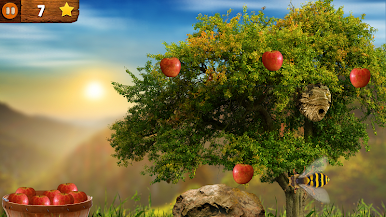
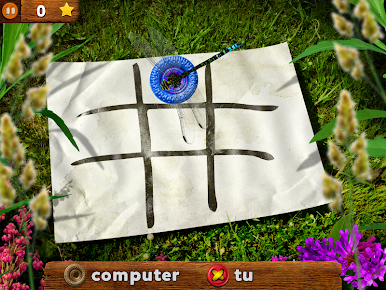
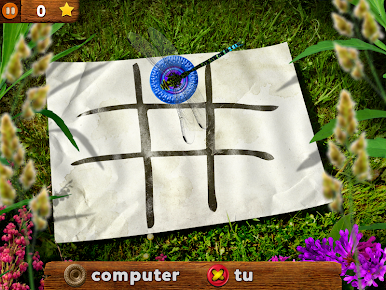
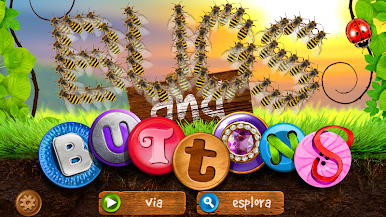
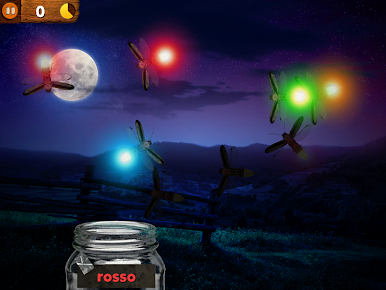
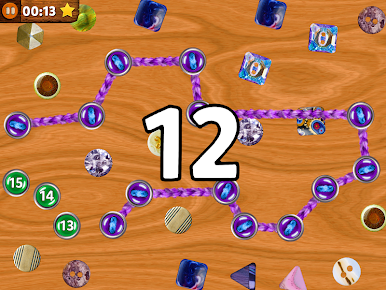
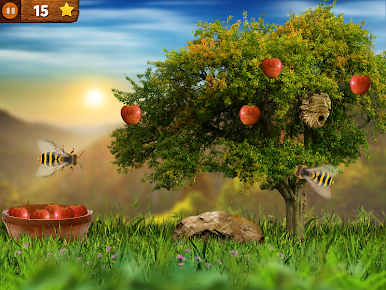
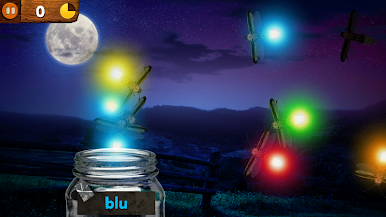
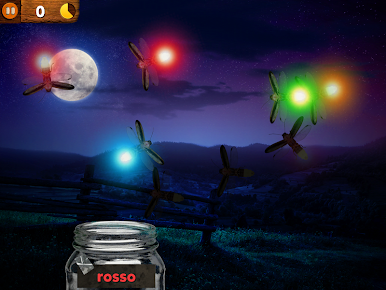
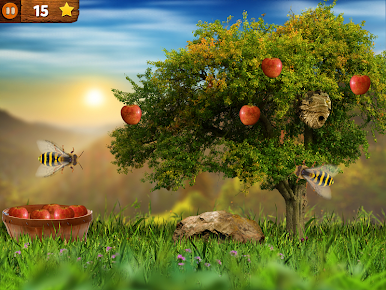
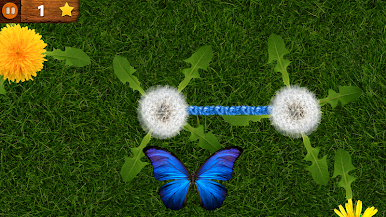
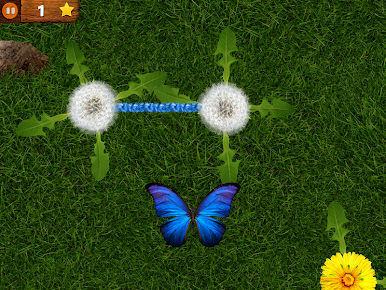
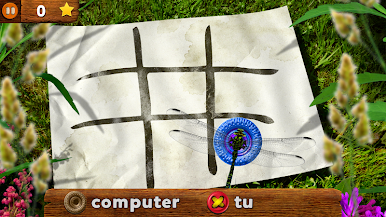
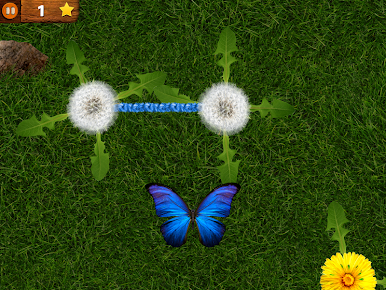
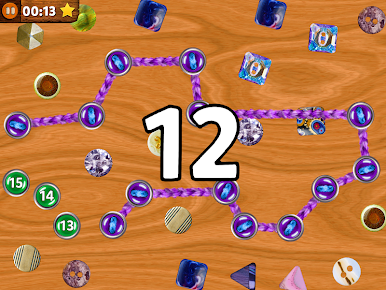
Play tic-tac-toe with a dragonfly. Carefully avoid bees while picking apples. Complete colorful patterns of buttons and beautiful yarn. Even sort bugs from Uncle Bob's button factory conveyer belt (better be fast). Did we mention 18 games and activities?
INCLUDES: Counting, Critical Thinking, Sorting, Patterns, Memory, Hand-Eye Coordination, and more
FEATURES:
• Designed for ages (3-5), playable by everyone!
• Motor Skills: tap, pinch, drag, and tilt
• Visual instructions for each activity
• Most activities are self leveling.
• Over 40 achievements
• Original, detailed, and visually intriguing graphics
• Each of the 18 activities has its own beautiful, and engaging music.
• Humorous interactions and sound effects.
• NO In-Apps / NO third party advertising
• Parental Gate
Thank you for supporting an independent software studio!
We want and appreciate your feedback!
Email: support@littlebitstudio.com
Instagram: @littlebitstudio
Facebook: @littlebitstudio
Twitter: @lilbitstudio




Gioca Bugs and Buttons su PC. È facile iniziare.
-
Scarica e installa BlueStacks sul tuo PC
-
Completa l'accesso a Google per accedere al Play Store o eseguilo in un secondo momento
-
Cerca Bugs and Buttons nella barra di ricerca nell'angolo in alto a destra
-
Fai clic per installare Bugs and Buttons dai risultati della ricerca
-
Completa l'accesso a Google (se hai saltato il passaggio 2) per installare Bugs and Buttons
-
Fai clic sull'icona Bugs and Buttons nella schermata principale per iniziare a giocare

