


Russian English Dictionary | R
Juega en PC con BlueStacks: la plataforma de juegos Android, en la que confían más de 500 millones de jugadores.

Página modificada el: Oct 6, 2025
Play Russian English Dictionary | R on PC
The main function:
1. English Russian offline translation
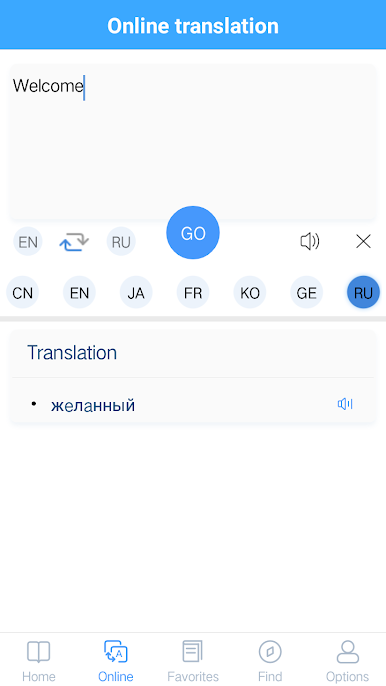
2. Support Chinese. English. Japanese. Korean. French. German. Russian online translation and pronunciation
3. Support English online listening learning
4. Support the new word record function
5. Support history query record function
main feature:
1. Easy to use, easy and fast
2. Offline online support at the same time
3. The interface is beautiful and generous
If you encounter any software related problems during use, please contact us (you can email us via email)
In the follow-up, we will continue to develop related dictionaries in other languages according to our needs, so that everyone can communicate and learn in daily life, so stay tuned!

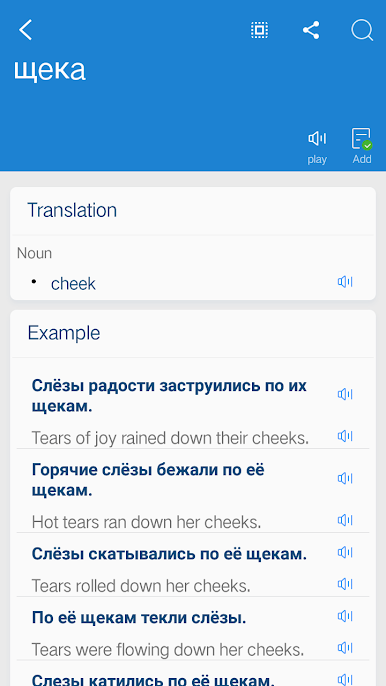

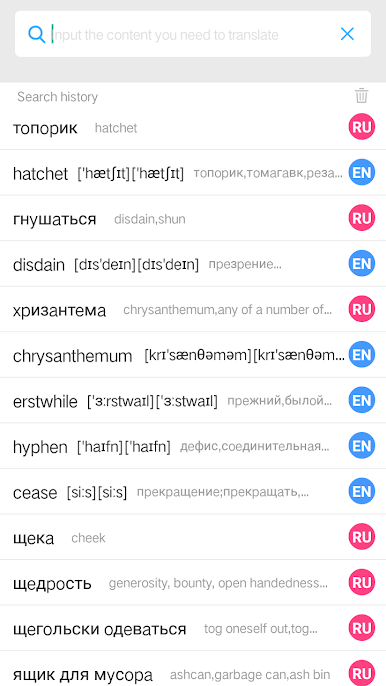
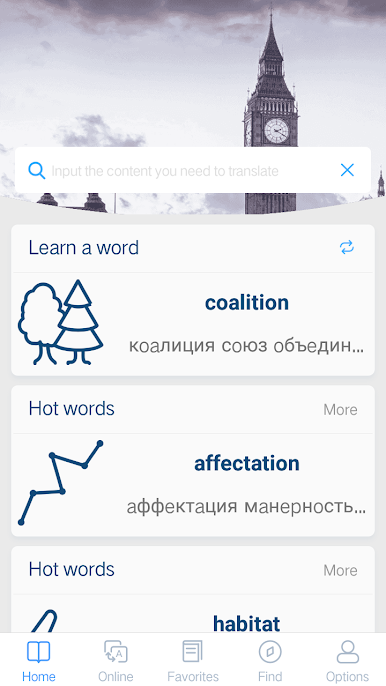
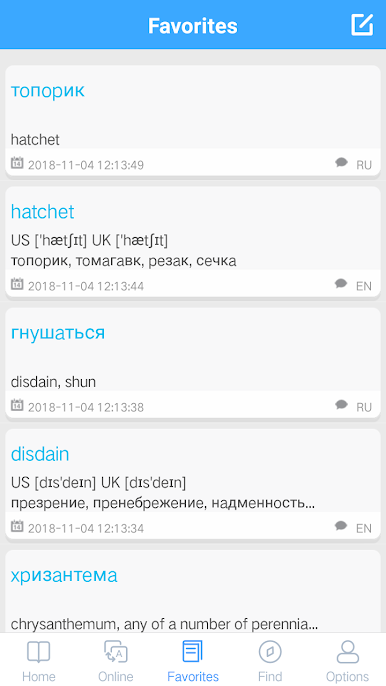


Juega Russian English Dictionary | R en la PC. Es fácil comenzar.
-
Descargue e instale BlueStacks en su PC
-
Complete el inicio de sesión de Google para acceder a Play Store, o hágalo más tarde
-
Busque Russian English Dictionary | R en la barra de búsqueda en la esquina superior derecha
-
Haga clic para instalar Russian English Dictionary | R desde los resultados de búsqueda
-
Complete el inicio de sesión de Google (si omitió el paso 2) para instalar Russian English Dictionary | R
-
Haz clic en el ícono Russian English Dictionary | R en la pantalla de inicio para comenzar a jugar

