


ESCPOS Bluetooth Print Service
Juega en PC con BlueStacks: la plataforma de juegos Android, en la que confían más de 500 millones de jugadores.

Página modificada el: Aug 16, 2025
Run ESCPOS Bluetooth Print Service on PC or Mac
Let BlueStacks turn your PC, Mac, or laptop into the perfect home for ESCPOS Bluetooth Print Service, a fun Tools app from Looped Labs Pvt. Ltd..
About the App
ESCPOS Bluetooth Print Service makes it easy to send receipts, tickets, or simple images from your Android device straight to a Bluetooth thermal printer. It plugs into Android’s native printing flow, so you can print from your browser or any app that supports printing or sharing. Built by Looped Labs Pvt. Ltd. in the Tools category, it keeps the process quick, predictable, and flexible.
App Features
-
Fast Bluetooth printing: Pair your Bluetooth thermal receipt printer and send text or images without extra drivers or complicated setup.
-
Shows up where you work: Access it from the system Print menu in your browser or use the Share option in apps that support Android printing or sharing.
-
Broad ESC/POS compatibility: Works with most ESC POS printers that can handle graphics, including Generic Bluetooth Printers, Epson, Star, WOOSIM, HOIN, Samsung Bixolon, Zebra, SUNMI POS Devices, and ZKC POS Devices.
-
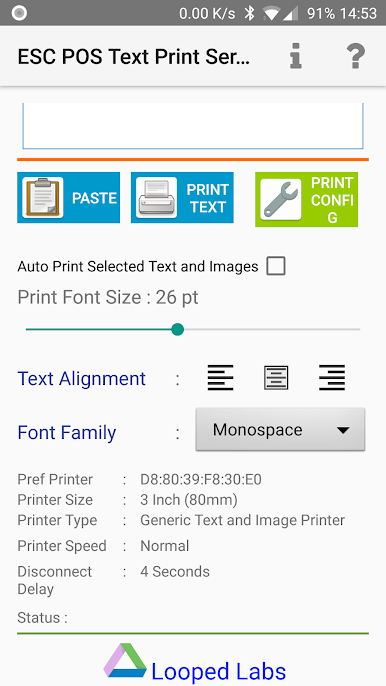
Customizable output: Adjust print behavior with handy options that let you tailor how text and images appear on the receipt.
-
Try before you unlock: Test the service for up to 26 print jobs. If it fits your workflow, grab the premium license to keep printing without limits.
-
Flexible setup: Use it on your phone or tablet, and it also plays nicely if you run Android apps on your computer with BlueStacks.
Big screen. Bigger performance. Use BlueStacks on your PC or Mac to run your favorite apps.

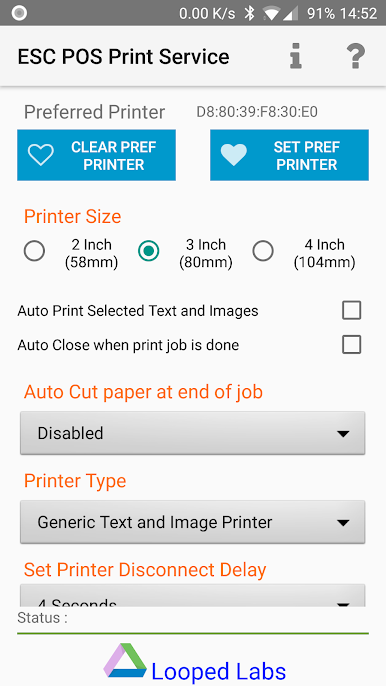
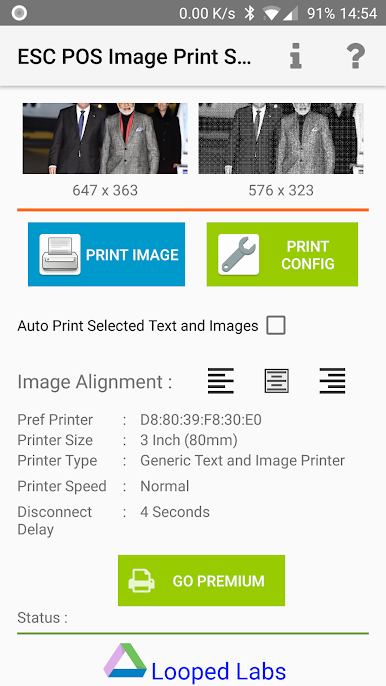
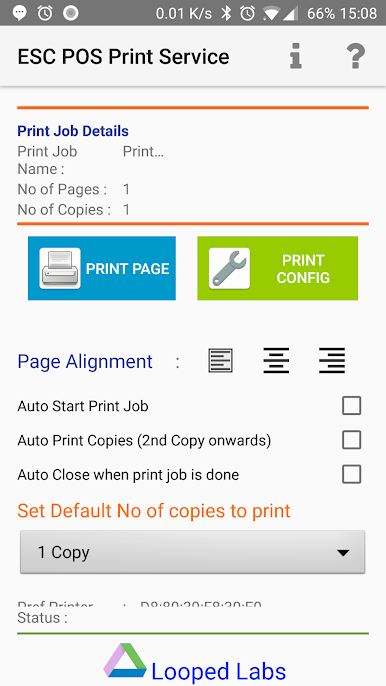
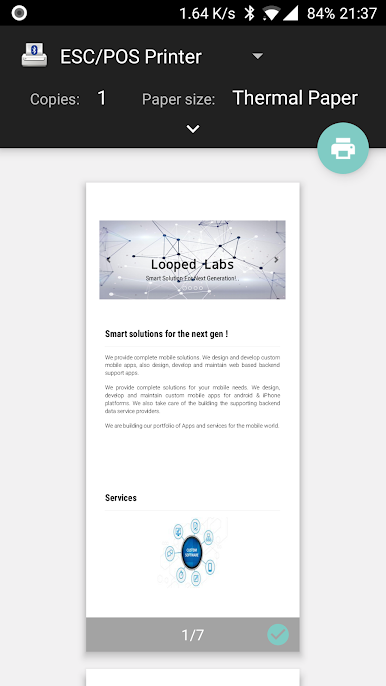
Juega ESCPOS Bluetooth Print Service en la PC. Es fácil comenzar.
-
Descargue e instale BlueStacks en su PC
-
Complete el inicio de sesión de Google para acceder a Play Store, o hágalo más tarde
-
Busque ESCPOS Bluetooth Print Service en la barra de búsqueda en la esquina superior derecha
-
Haga clic para instalar ESCPOS Bluetooth Print Service desde los resultados de búsqueda
-
Complete el inicio de sesión de Google (si omitió el paso 2) para instalar ESCPOS Bluetooth Print Service
-
Haz clic en el ícono ESCPOS Bluetooth Print Service en la pantalla de inicio para comenzar a jugar

