


Glitch!
Gioca su PC con BlueStacks: la piattaforma di gioco Android, considerata affidabile da oltre 500 milioni di giocatori.

Pagina modificata il: Nov 8, 2025
Play Glitch! (glitch4ndroid) on PC
WHY YOU’LL LOVE GLITCH!
✨ 26+ UNIQUE EFFECTS:
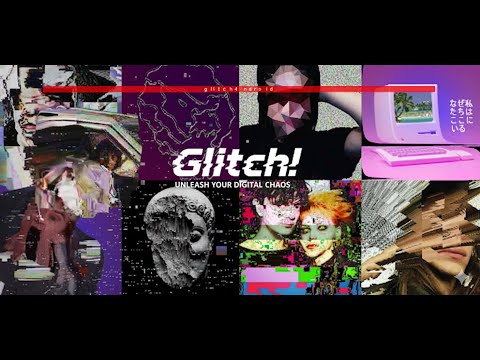
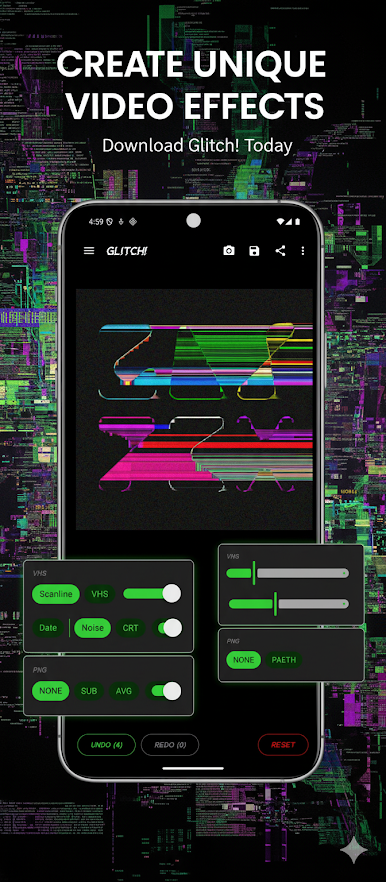
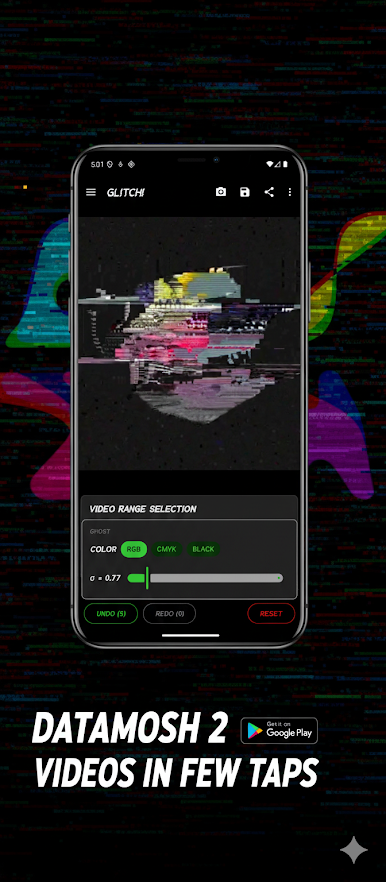
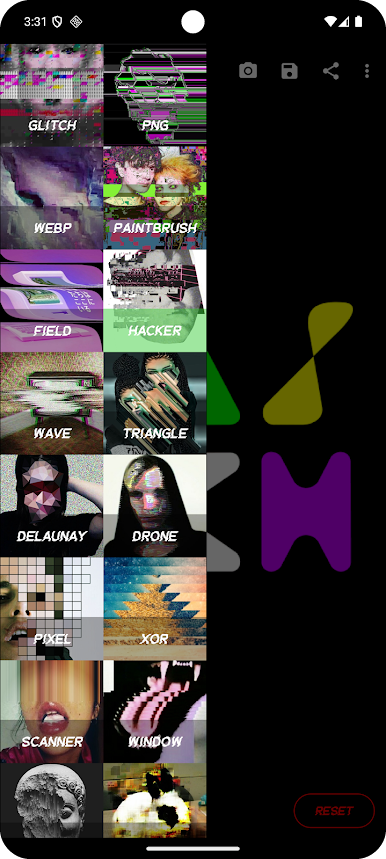
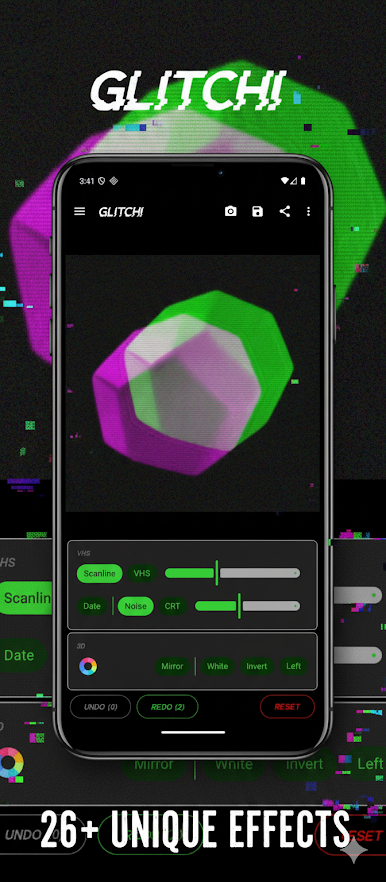
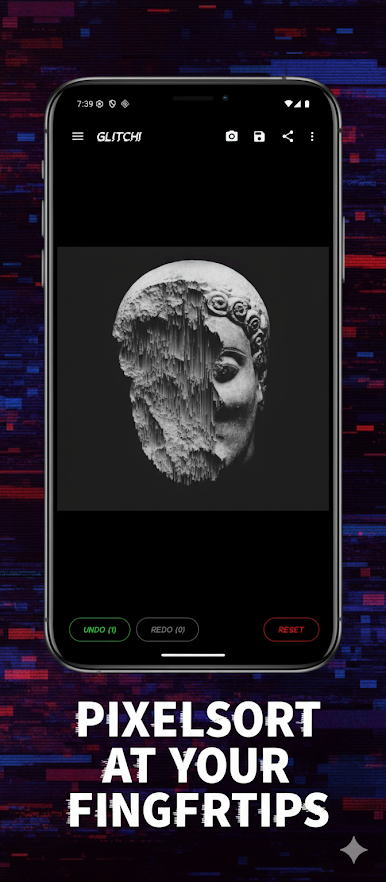
Explore a rich collection of effects—from nostalgic VHS and Datamosh to hypnotic Pixel Sorting and PNG corruption—all crafted to spark your imagination.
🎨 FULL CREATIVE CONTROL:
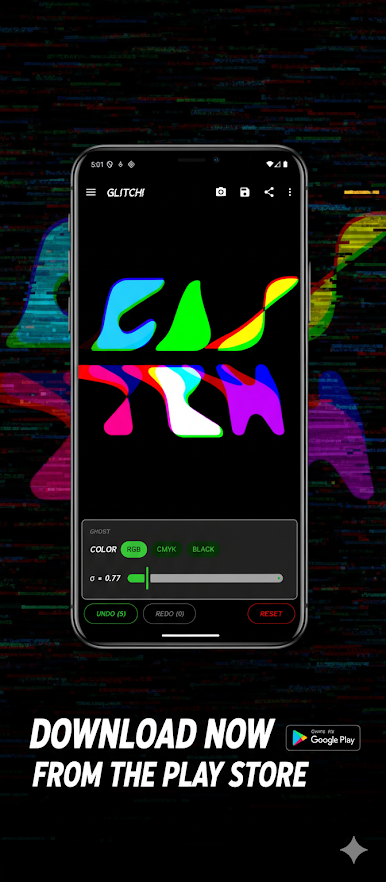
Every glitch is yours to shape. Adjust color, intensity, and other details to design visuals that reflect your personal style.
🎬 BRING YOUR CREATIONS TO LIFE:
Go beyond still images—animate your artwork as looping GIFs or dynamic MP4 videos, perfect for sharing on Instagram, TikTok, or anywhere you want to stand out.
💾 HIGH-QUALITY EXPORTS:
Save your work in crystal-clear JPG, PNG, MP4, or GIF formats—always in top resolution, never losing detail.
UNLEASH YOUR INNER DIGITAL ARTIST
Whether you’re drawn to cyberpunk, vaporwave, or the beauty of digital imperfection, Glitch! lets you express your vision effortlessly. Transform ordinary images into bold statements and connect with a community of creators who love pushing pixels to their limits.
Imperfection creates uniqueness out of diversity.
By changing the paradigm, that which standardisation views as an error, to the free thinker becomes the unexpected source of a new beauty.
- Gaetano Pesce, Italian sculptor, designer and architect
Gioca Glitch! su PC. È facile iniziare.
-
Scarica e installa BlueStacks sul tuo PC
-
Completa l'accesso a Google per accedere al Play Store o eseguilo in un secondo momento
-
Cerca Glitch! nella barra di ricerca nell'angolo in alto a destra
-
Fai clic per installare Glitch! dai risultati della ricerca
-
Completa l'accesso a Google (se hai saltato il passaggio 2) per installare Glitch!
-
Fai clic sull'icona Glitch! nella schermata principale per iniziare a giocare

