


Hitech Launcher 2 Pro -AppLock
Mainkan di PC dengan BlueStacks – platform Game-Game Android, dipercaya oleh lebih dari 500 juta gamer.

Play Hitech Launcher 2 Pro -AppLock on PC
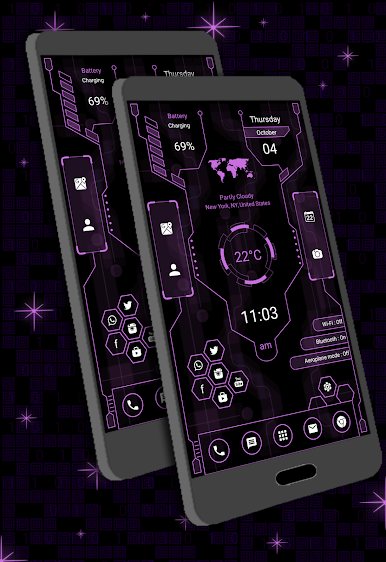
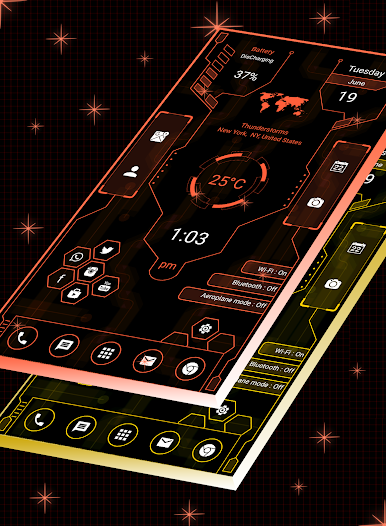
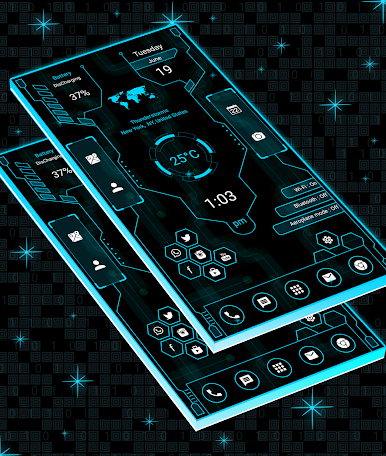
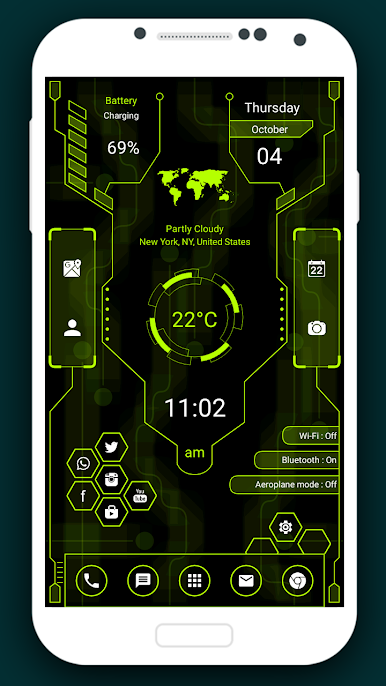
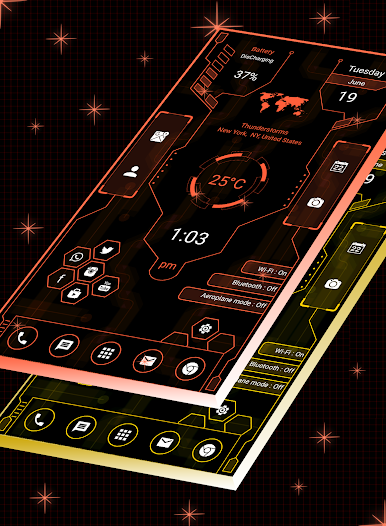
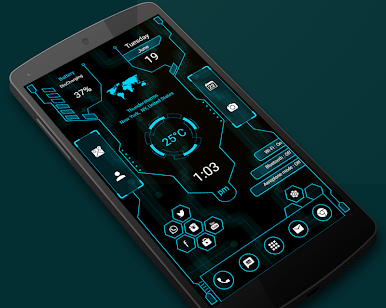
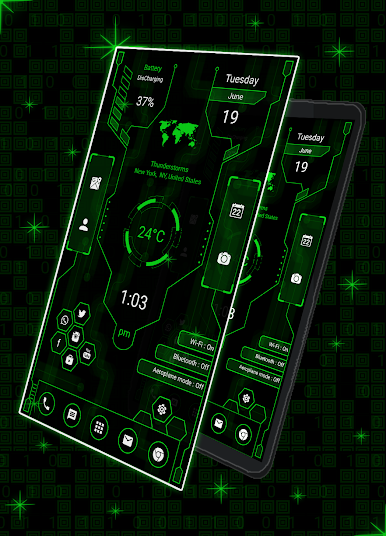
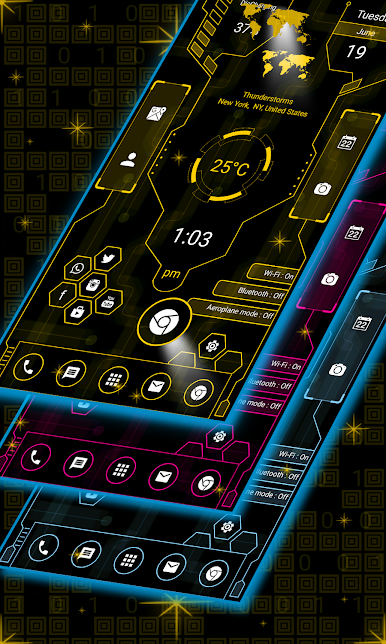
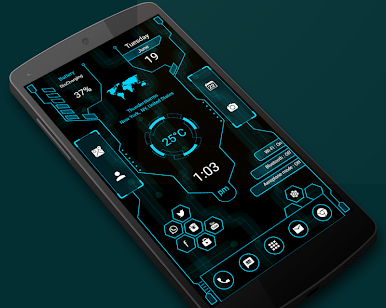
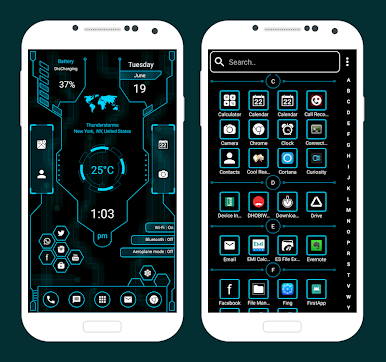
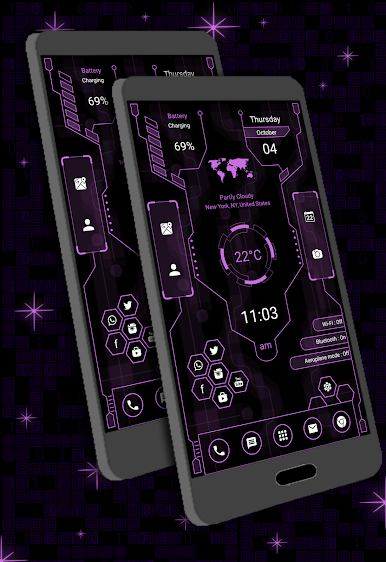
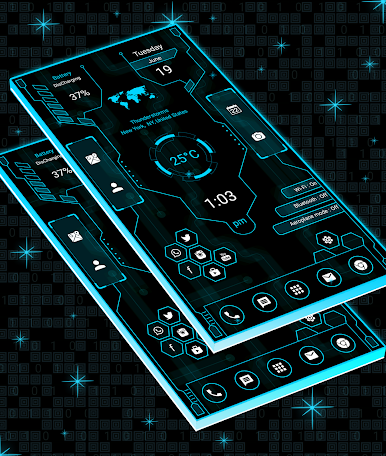
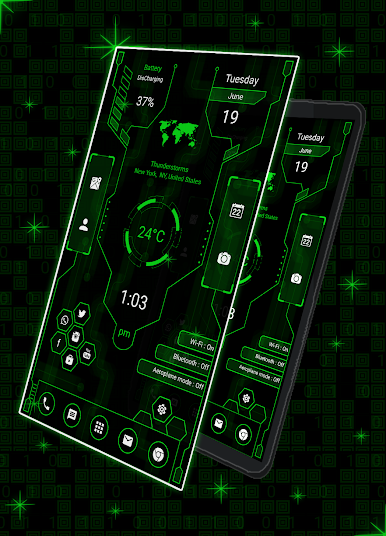
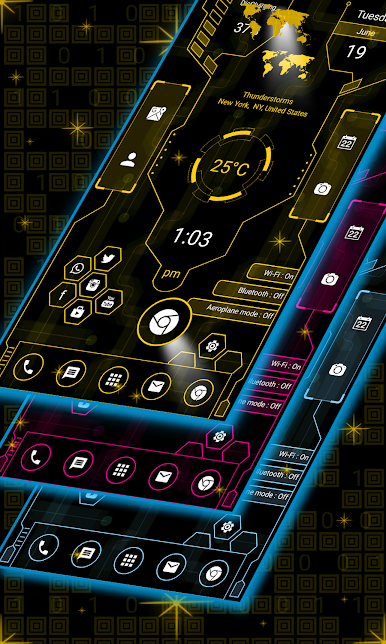
A new clean and perfect user interface design which gives user to easy and better interactive control experience. It provides more wonderful and useful features and any color themes which enhance your phone with different styles.
Incredibly faster & smarter:
Hitech launcher 2 Pro - provides users extremely fast and smarter handling experience with simple and smooth user interface.
Elegant look:
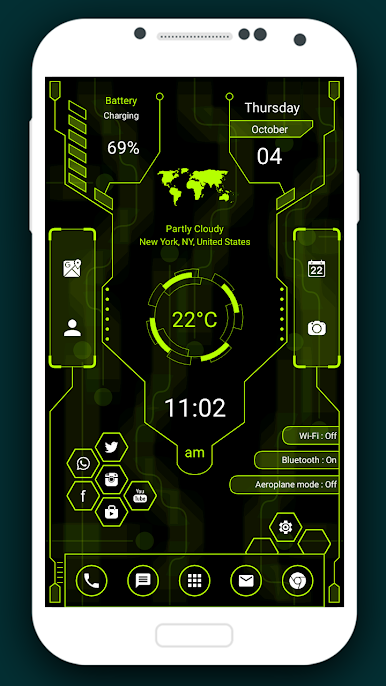
It is most stylish launcher because it provides colorfull and beautiful themes for the users, we have created theme for you with lots of love and passion so that users can give new, fresh, ultimate and virtual look to their phones every day.
Personalization:
You can personalize phone by long pressing on it, you can change app whatever you like most.
Easier Access Feature:
It provides you very easier way to access all apps by just left swipe where you can get full app information.
Widgets:
Clock, weather information, memory anylzer, music player and battery widget is available in Hitech launcher 2 Pro.
Hi-tech Launcher is fast and easy to use launcher for Android which is styled similar to future of UI or next generation UI. This app provides you various customization features which will change your android phone to a complete look of Hi-fi launcher. Say goodbye to the old launcher and adopt a brand new Hitechlauncherpro for better experience.

Mainkan Hitech Launcher 2 Pro -AppLock di PC Mudah saja memulainya.
-
Unduh dan pasang BlueStacks di PC kamu
-
Selesaikan proses masuk Google untuk mengakses Playstore atau lakukan nanti
-
Cari Hitech Launcher 2 Pro -AppLock di bilah pencarian di pojok kanan atas
-
Klik untuk menginstal Hitech Launcher 2 Pro -AppLock dari hasil pencarian
-
Selesaikan proses masuk Google (jika kamu melewati langkah 2) untuk menginstal Hitech Launcher 2 Pro -AppLock
-
Klik ikon Hitech Launcher 2 Pro -AppLock di layar home untuk membuka gamenya

