


PixLab Aplikasi Edit Foto Neon
Mainkan di PC dengan BlueStacks – platform Game-Game Android, dipercaya oleh lebih dari 500 juta gamer.

Run PixLab Photo Editor: Drip Effect, Collage maker on PC or Mac
Upgrade your experience. Try PixLab Photo Editor: Drip Effect, Collage maker, the fantastic Photography app from Lyrebird Studio, from the comfort of your laptop, PC, or Mac, only on BlueStacks.
About the App
PixLab Photo Editor: Drip Effect, Collage maker is your go-to spot for all things photo creativity. Whether you’re into selfies, artsy snapshots, or building funky collages, this app by Lyrebird Studio brings a huge collection of editing tools to your fingertips—no need to be an expert. Play around with trending effects, have fun with colorful stickers, and pull off edits that’ll get your photos noticed. By the way, if you like editing on your computer, PixLab works great with BlueStacks, too.
App Features
-
Drip Effect Magic
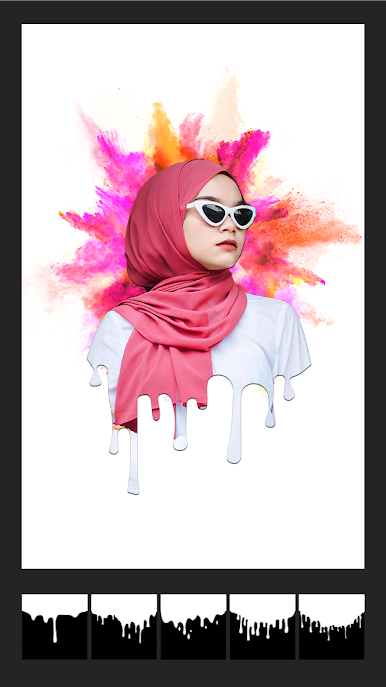
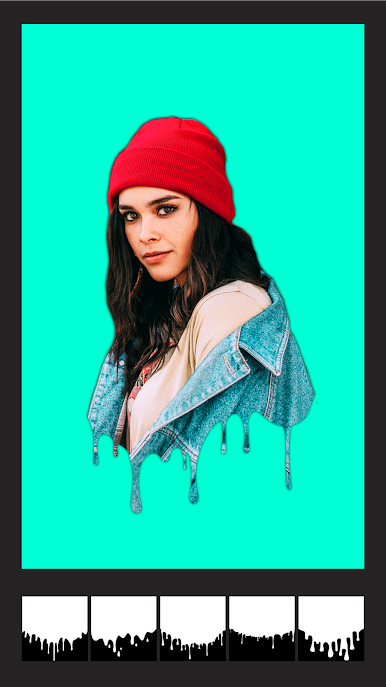
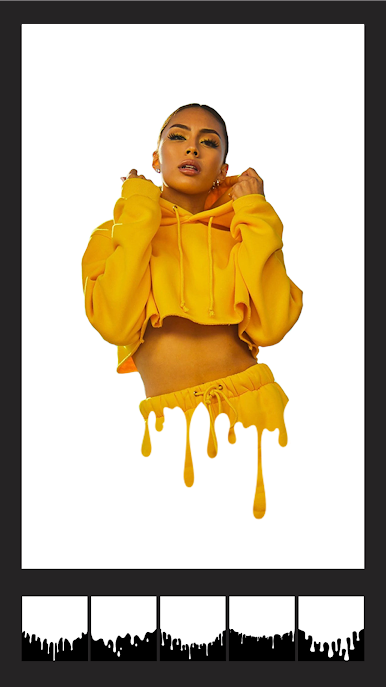
The drip effect is here to stay. Customize your photos with all kinds of drippy styles—pick colors, change placement, tweak the size, and make every selfie look totally unique. -
Grime Art & Stickers
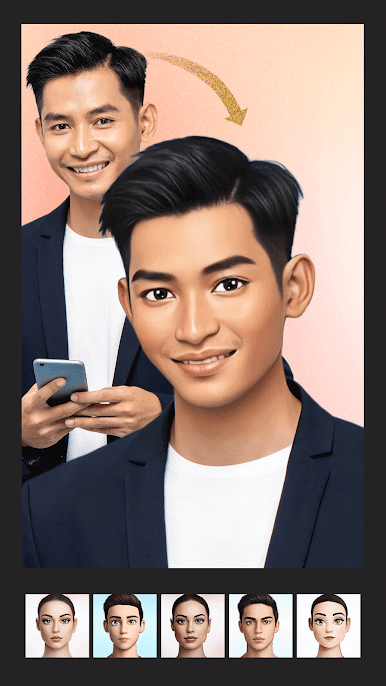
Not just your basic emojis: you’ll find a vast library of wild stickers, doodles, cartoon add-ons, and even hairstyles or tattoos. There’s new stuff for holidays or special events, so you’ll always have something fun to slap on your pics. -
One-Tap Filters & Effects
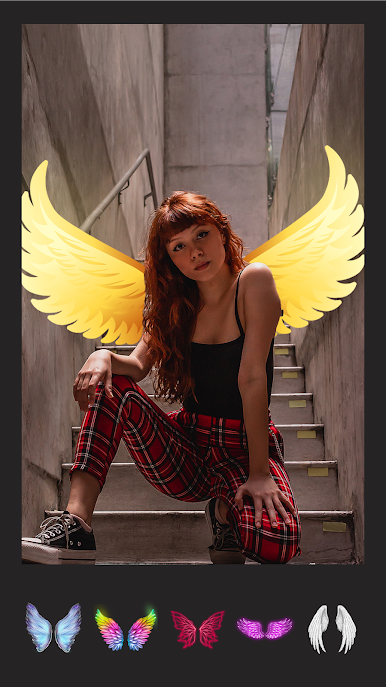
Bright animal face masks (yep, that includes cat, dog, and rabbit), vintage film looks, neon vibes, or those trendy glitches—just one tap and your photo totally transforms. -
Collage Magic
Mix up to 15 photos into a cool grid using tons of layout options. If you want to go wild, start from scratch and freestyle your own layout. Jazz things up with backgrounds, cute frames, and plenty of fonts for text. -
Photo Blending & Light FX
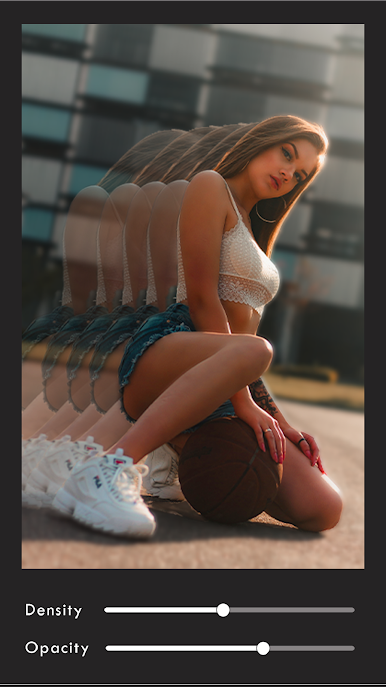
Play with light leaks, sparkles, and all sorts of blurring or blending tools. There are effects to make your images pop or give them that dreamy retro edge. -
Scrapbooking Goodness
Collect your snapshots and design digital scrapbooks—perfect for throwbacks or making something Instagram-worthy. It’s easy to add text and arrange your memories just how you want. -
Resize for Any Social Feed
Instantly crop your pics (or don’t crop at all!) for Instagram, TikTok, Facebook, and more. No more worries about weird aspect ratios. -
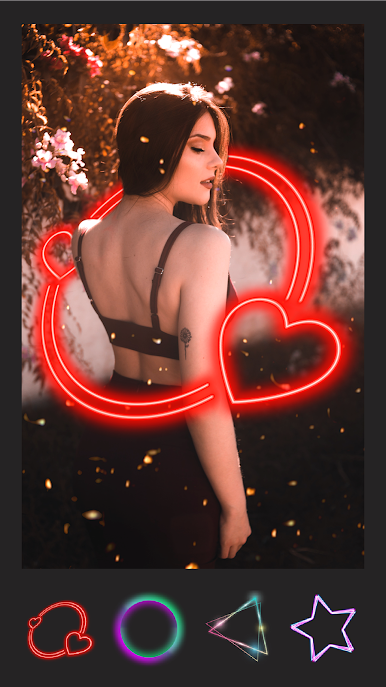
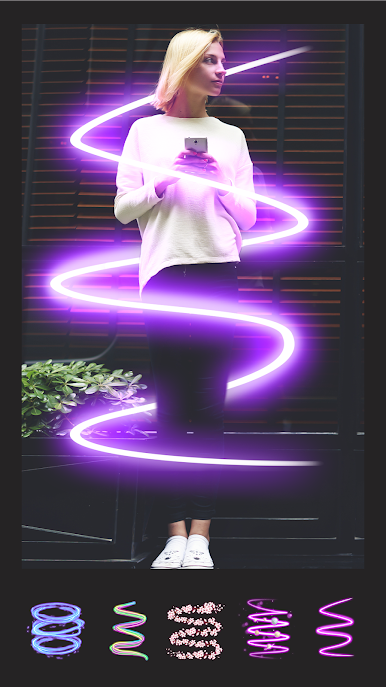
Neon Spirals & Cute Touches
Give your selfies a boost with creative neon spirals or blur out imperfections for that just-right look. Great for when you want your edits to stand out. -
Video and Creative Editing
Snap photos or record videos in the in-app camera and start editing right away—change up backgrounds, add effects, or drop in text to make your work shine. -
Easy Sharing
Once you’re happy, share your masterpieces straight to your favorite apps—whether it’s Instagram, Snapchat, or somewhere else.
Switch to BlueStacks and make the most of your apps on your PC or Mac.
Mainkan PixLab Aplikasi Edit Foto Neon di PC Mudah saja memulainya.
-
Unduh dan pasang BlueStacks di PC kamu
-
Selesaikan proses masuk Google untuk mengakses Playstore atau lakukan nanti
-
Cari PixLab Aplikasi Edit Foto Neon di bilah pencarian di pojok kanan atas
-
Klik untuk menginstal PixLab Aplikasi Edit Foto Neon dari hasil pencarian
-
Selesaikan proses masuk Google (jika kamu melewati langkah 2) untuk menginstal PixLab Aplikasi Edit Foto Neon
-
Klik ikon PixLab Aplikasi Edit Foto Neon di layar home untuk membuka gamenya

