


Find 10 Differences
Mainkan di PC dengan BlueStacks – platform Game-Game Android, dipercaya oleh lebih dari 500 juta gamer.

Play Find 10 Differences on PC or Mac
Find 10 Differences brings the Puzzle genre to life, and throws up exciting challenges for gamers. Developed by macappsstudio, this Android game is best experienced on BlueStacks, the World’s #1 app player for PC and Mac users.
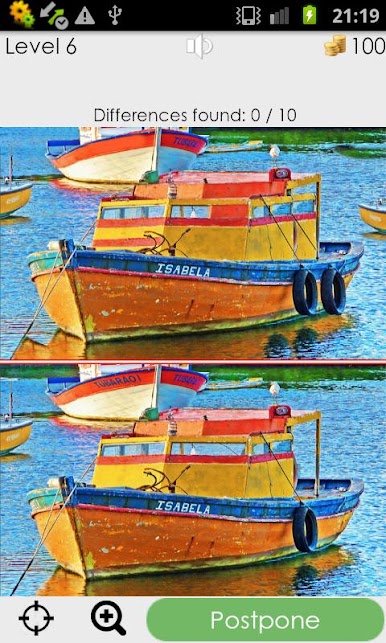
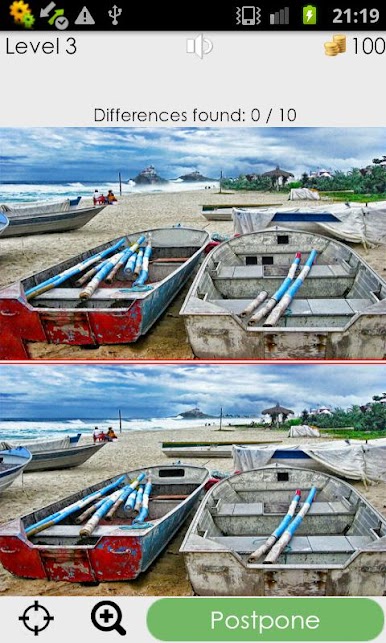
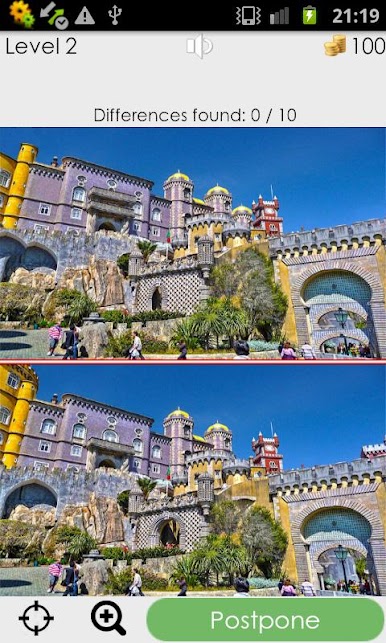
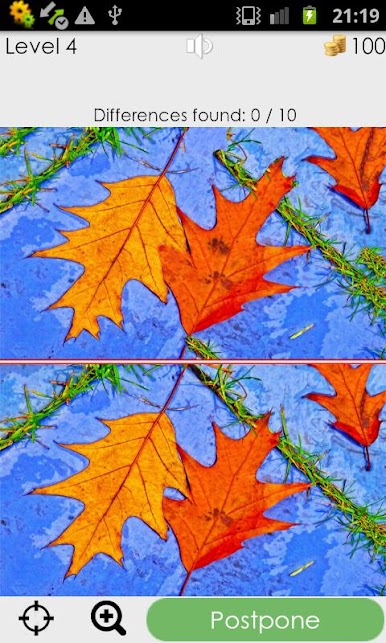
Find 10 Differences is exactly what it sounds like, but it feels surprisingly chill. Two images sit side by side, and the goal is to pick out ten tiny changes hidden in the scene. There is no timer breathing down anyone’s neck, so it turns into a slow, comfy search instead of a race. The zoom tool is actually useful, not clunky, so small tweaks like a missing stripe on a shirt or a shifted shadow do not slip by. The pictures are colorful and varied, and the mix of easy spots with a couple sneaky ones keeps the brain awake without feeling like a grind. Misses do not feel punishing, and the pace is up to the player.
On PC with BlueStacks, it plays even smoother. A bigger screen helps catch subtle details, and clicking around with a mouse feels precise. Scrolling in to zoom and then panning around the image makes the whole thing feel like a relaxed treasure hunt. There are loads of scenes to work through, and more are planned through updates and in-game downloads, so it does not run out fast. It suits a five minute break or a longer sit-down, no story to keep track of, just a clean spot-the-difference loop that is easy to pick up whenever.
Get ready for a buttery smooth, high-performance gaming action only on BlueStacks.


Mainkan Find 10 Differences di PC Mudah saja memulainya.
-
Unduh dan pasang BlueStacks di PC kamu
-
Selesaikan proses masuk Google untuk mengakses Playstore atau lakukan nanti
-
Cari Find 10 Differences di bilah pencarian di pojok kanan atas
-
Klik untuk menginstal Find 10 Differences dari hasil pencarian
-
Selesaikan proses masuk Google (jika kamu melewati langkah 2) untuk menginstal Find 10 Differences
-
Klik ikon Find 10 Differences di layar home untuk membuka gamenya

