

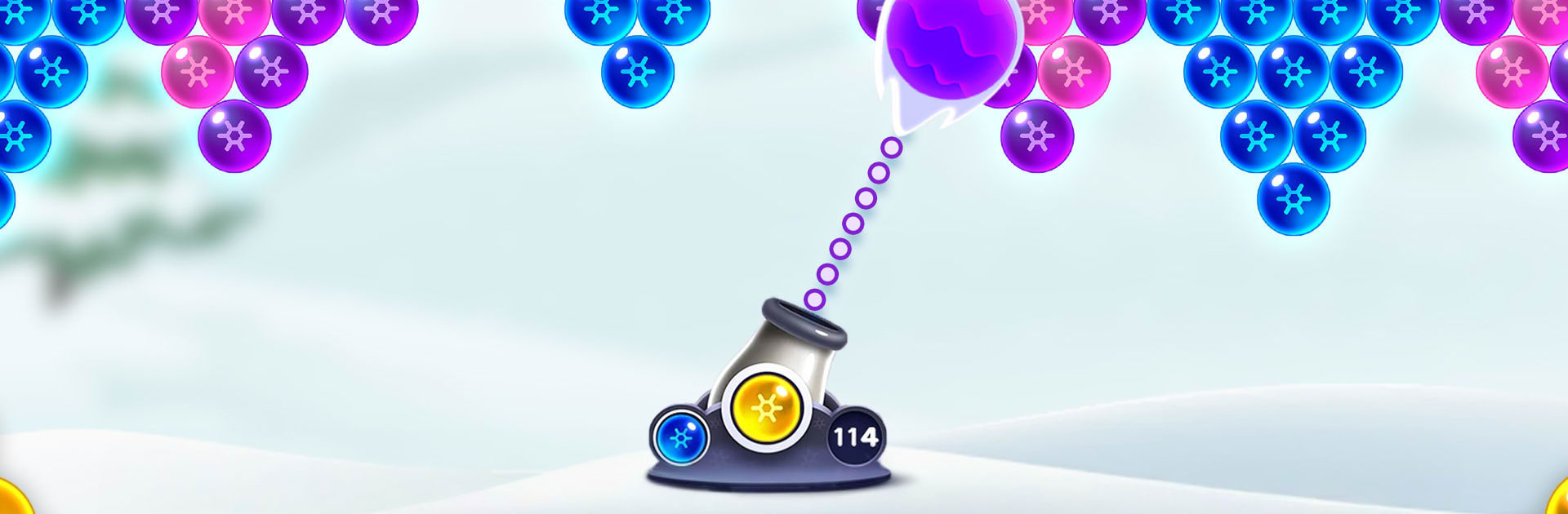
Bubble Shooter Frozen Pop Bola
Mainkan di PC dengan BlueStacks – platform Game-Game Android, dipercaya oleh lebih dari 500 juta gamer.

Play Bubble Pop Games: Shooter Cash on PC or Mac
Bubble Pop Games: Shooter Cash brings the Puzzle genre to life, and throws up exciting challenges for gamers. Developed by Party Happy Games, this Android game is best experienced on BlueStacks, the World’s #1 app player for PC and Mac users.
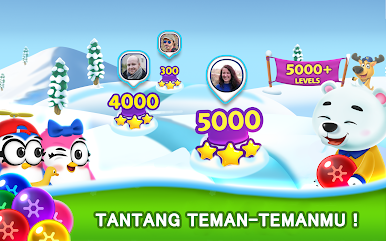
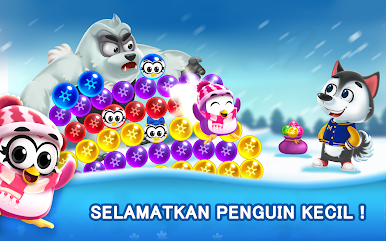
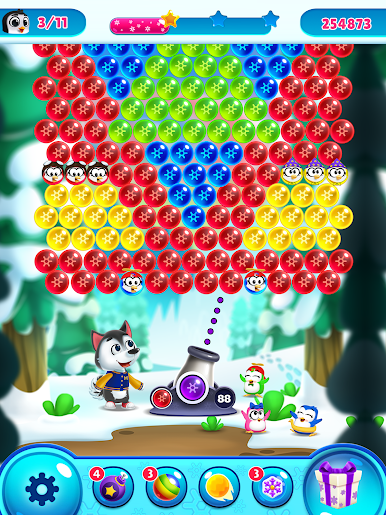
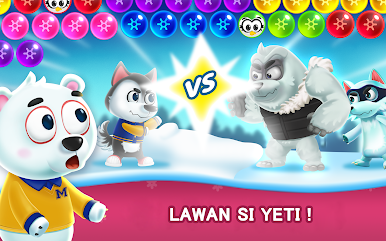
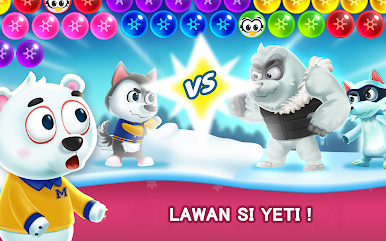
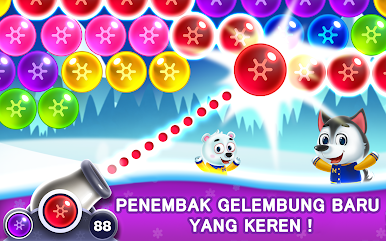
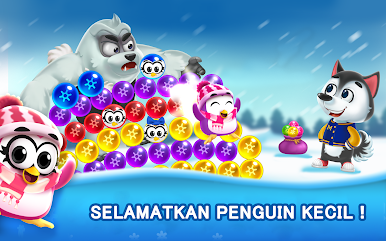
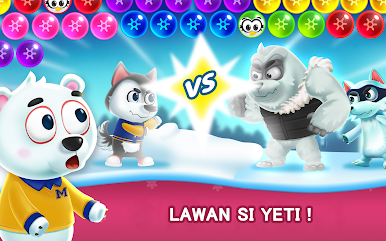
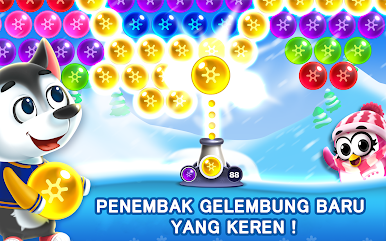
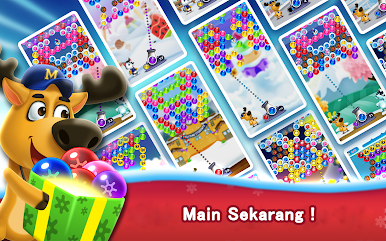
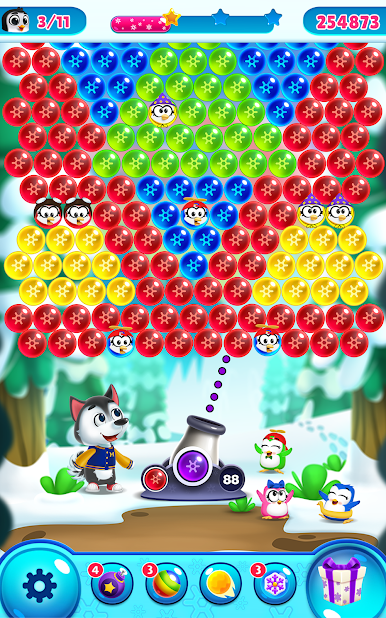
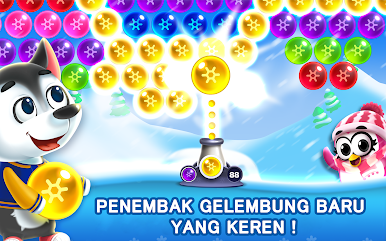
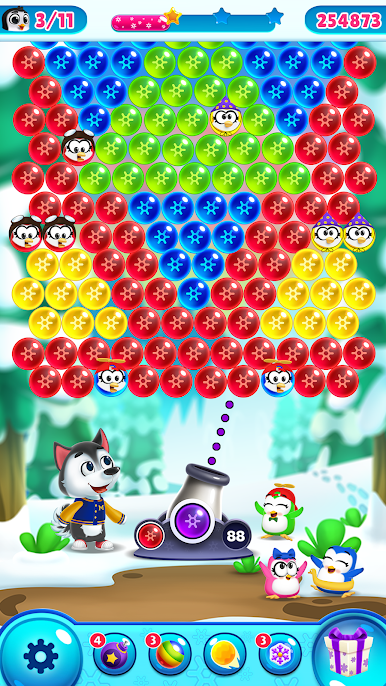
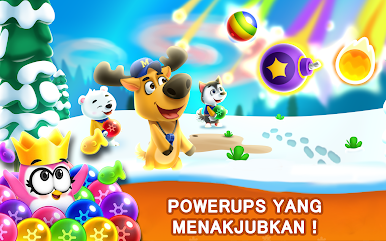
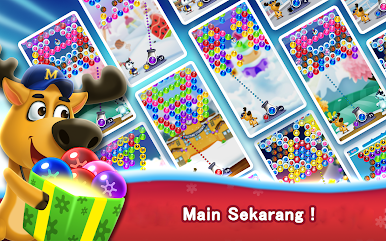
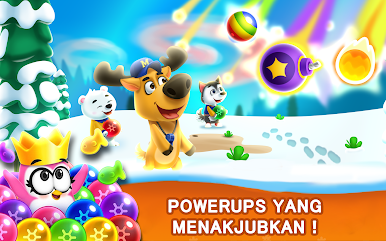
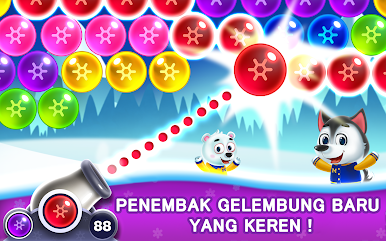
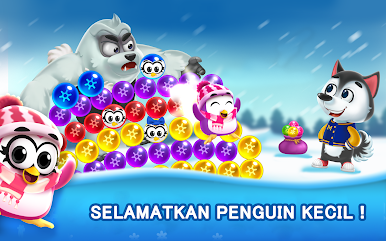
Bubble Pop Games: Shooter Cash is a classic bubble shooter with a clean feel and a nice snap to every pop. Aim the little cannon, match colors, and drop big clusters for a shower of points. Early stages are mellow with a small color set, then the boards start adding trickier angles and layouts, so bank shots and patience matter. Levels score you with stars based on how efficiently the screen gets cleared, and chaining accurate shots unlocks a rocket style booster that cuts through a line when things get crowded. It is light on story, but there are rescue-style stages and a goofy Yeti that shows up to cause trouble. Daily rewards hand out extras, there is no energy system, and it works offline, so it is easy to play a few rounds whenever.
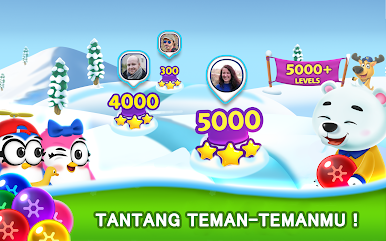
There are a ton of stages, with new sets rolling in, plus short tournaments for anyone who likes chasing scores. On PC with BlueStacks, mouse aiming feels crisp and makes those tight corner banks land way more often, which helps on the tougher layouts. Colors pop nicely, animations are quick, and the sound is that soft fizz that makes clearing a big cluster oddly satisfying. Difficulty scales in a fair way, though the next bubble can be stubborn and force creative shots. Good pick for a calm, focused puzzle loop that still gives a bit of challenge without timers or pressure everywhere, just plan the angle, take the shot, and watch the whole side tumble.
Make your gaming sessions memorable with precise controls that give you an edge in close combats and visuals that pop up, bringing every character to life.
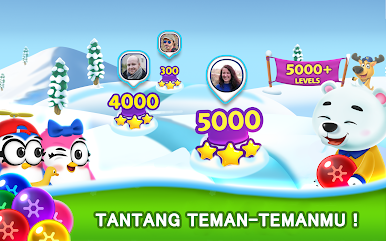
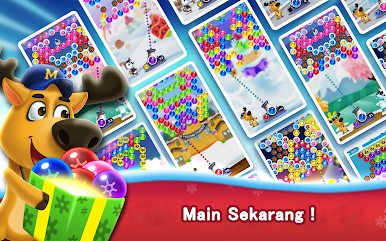
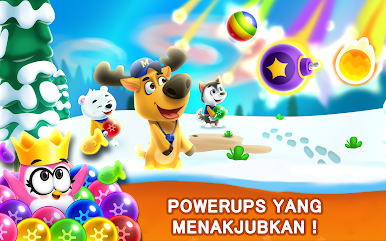
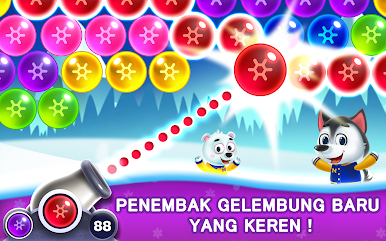
Mainkan Bubble Shooter Frozen Pop Bola di PC Mudah saja memulainya.
-
Unduh dan pasang BlueStacks di PC kamu
-
Selesaikan proses masuk Google untuk mengakses Playstore atau lakukan nanti
-
Cari Bubble Shooter Frozen Pop Bola di bilah pencarian di pojok kanan atas
-
Klik untuk menginstal Bubble Shooter Frozen Pop Bola dari hasil pencarian
-
Selesaikan proses masuk Google (jika kamu melewati langkah 2) untuk menginstal Bubble Shooter Frozen Pop Bola
-
Klik ikon Bubble Shooter Frozen Pop Bola di layar home untuk membuka gamenya

