
Océano II - Juegos para Niños
Juega en PC con BlueStacks: la plataforma de juegos Android, en la que confían más de 500 millones de jugadores.

Página modificada el: 1 de noviembre de 2016
Play Ocean II - Stickers and Colors on PC or Mac
Ocean II – Stickers and Colors brings the Educational genre to life, and throws up exciting challenges for gamers. Developed by MagisterApp – Educational Games for kids, this Android game is best experienced on BlueStacks, the World’s #1 app player for PC and Mac users.
About the Game
Ocean II – Stickers and Colors is a playful, hands-on educational game designed for kids who love to get creative and explore. If your child enjoys matching games, colorful stickers, or bringing drawings to life, this game packs all that fun into one bright, easy-to-navigate package. Developed by MagisterApp – Educational Games for kids, it’s crafted with little learners in mind, offering hours of entertainment along with opportunities to boost creativity and memory.
Game Features
-
Sticker Fun
There are 70 adorable stickers to play with, and 15 different albums to fill up. Kids can stick characters anywhere, finish simple or more challenging albums, and really let their imagination shine while creating their own sticker scenes. -
Matching Game Madness
With 64 unique characters and four levels of difficulty, the matching mini-game grows right alongside your child’s abilities. It’s a great (and sneaky) way to practice memory skills while having fun with underwater friends. -
Color Your Heart Out
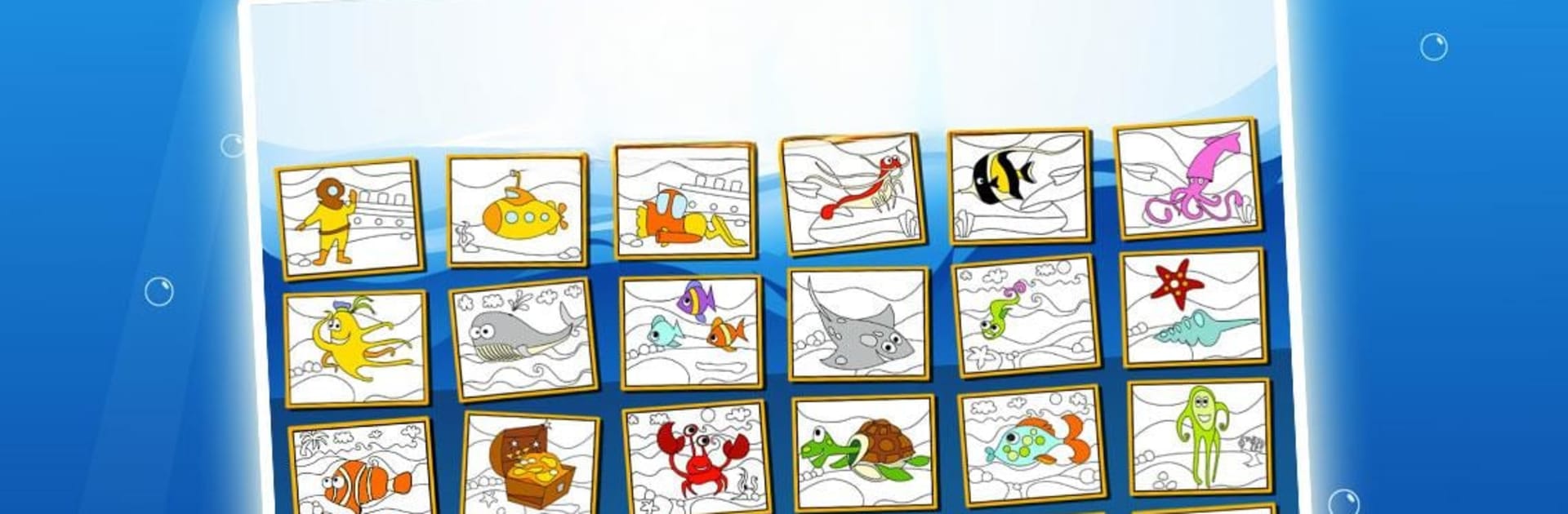
Little artists will love picking from 24 different drawings and 30 vibrant colors. Coloring is simple, so even young kids can enjoy making masterpieces. And yes, you can save their colorful creations! -
Kid-Friendly Design
Ocean II – Stickers and Colors is tailor-made for children aged three and up. The menus are straightforward, the images are crisp—even on fancy high-def screens—and the sound effects keep things lively without being overwhelming. -
Fresh Content
The fun keeps going with updates that add new characters and levels, keeping kids curious and engaged every time they play. -
All Devices Welcome
Works smoothly across phones and tablets, plus you can even check it out on bigger screens using BlueStacks without any hassle.
Ready to top the leaderboard? We bet you do. Let precise controls and sharp visuals optimized on BlueStacks lead you to victory.


Juega Océano II - Juegos para Niños en la PC. Es fácil comenzar.
-
Descargue e instale BlueStacks en su PC
-
Complete el inicio de sesión de Google para acceder a Play Store, o hágalo más tarde
-
Busque Océano II - Juegos para Niños en la barra de búsqueda en la esquina superior derecha
-
Haga clic para instalar Océano II - Juegos para Niños desde los resultados de búsqueda
-
Complete el inicio de sesión de Google (si omitió el paso 2) para instalar Océano II - Juegos para Niños
-
Haz clic en el ícono Océano II - Juegos para Niños en la pantalla de inicio para comenzar a jugar