


Structure de langue - TCF
Mainkan di PC dengan BlueStacks – platform Game-Game Android, dipercaya oleh lebih dari 500 juta gamer.

Run Préparer votre TCF - Structure de langue on PC or Mac
Get freedom from your phone’s obvious limitations. Use Préparer votre TCF – Structure de langue, made by Maketabae, a Education app on your PC or Mac with BlueStacks, and level up your experience.
About the App
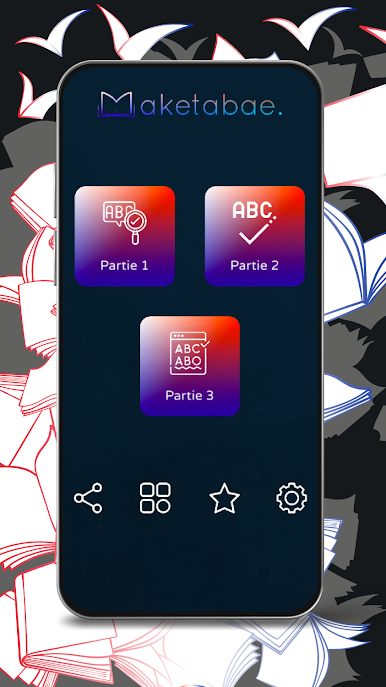
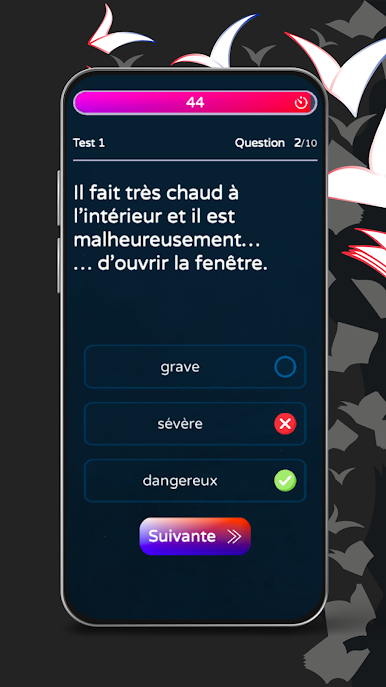
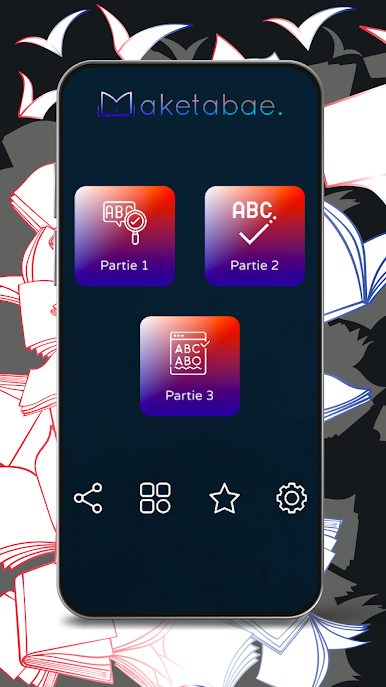
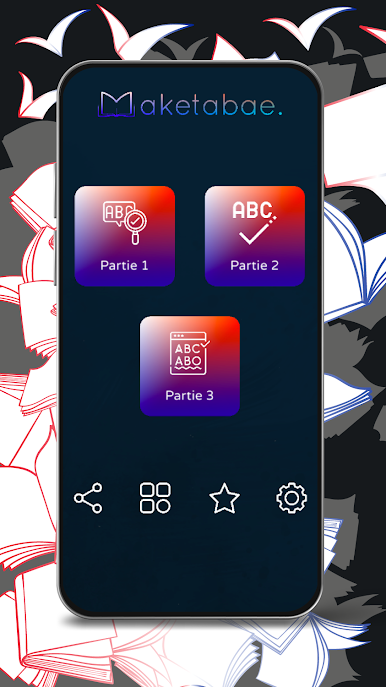
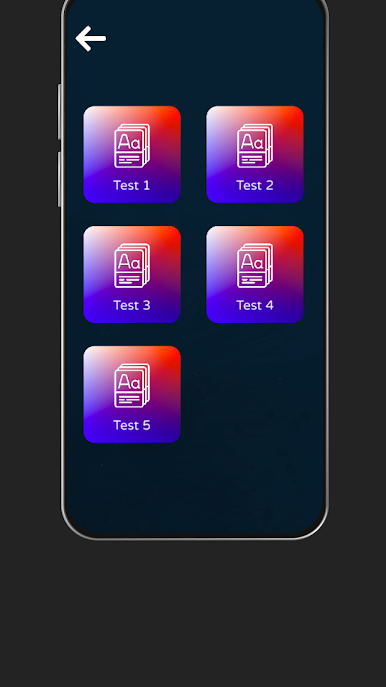
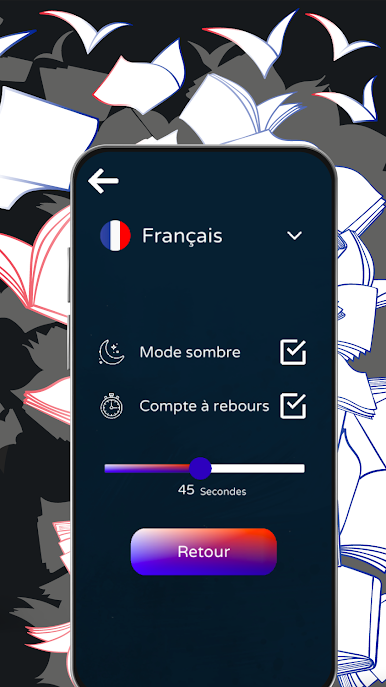
Thinking about taking the TCF and not sure where to start with those tricky grammar questions? Préparer votre TCF – Structure de langue, created by Maketabae, is here to help you practice all things language structure in French. Whether you’re brand new or brushing up for a top score, you’ll find exercises and quizzes that fit your level and keep things interesting as you prepare for the TCF exam.
App Features
-
Practice for Every Level
No matter if you’re starting at A1 or aiming for C2, there are tailored exercises just for your current skill set. Each level brings a new challenge, so you always know where you stand. -
Huge Variety of Questions
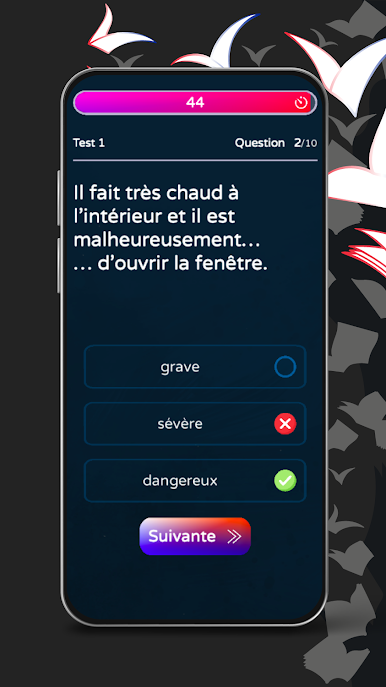
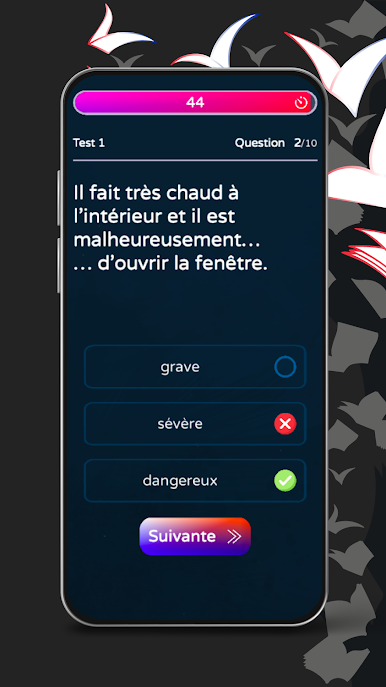
You won’t see the same question twice in a row. The app’s packed with different multiple-choice questions that keep you thinking and help you spot patterns and rules in French grammar. -
Real Test Feel
The quizzes are designed to match the kind of structure questions you’ll actually face in the official TCF test, which is a huge boost to your confidence when test day comes around. -
Easy Review
Make a mistake? No big deal—the app helps you review so you learn from it. Track your progress and see those scores go up as you keep practicing. -
Study Whenever, However
Use it on your phone during lunch breaks or try it out on BlueStacks for a bigger screen when you want to get serious at home. -
Developed by Maketabae
Built by people who get what it’s like to prepare for language exams, so the content stays on-point and practical.
Learning a language can get overwhelming, but this app keeps things straightforward and helps you work smarter, not harder.
Big screen. Bigger performance. Use BlueStacks on your PC or Mac to run your favorite apps.

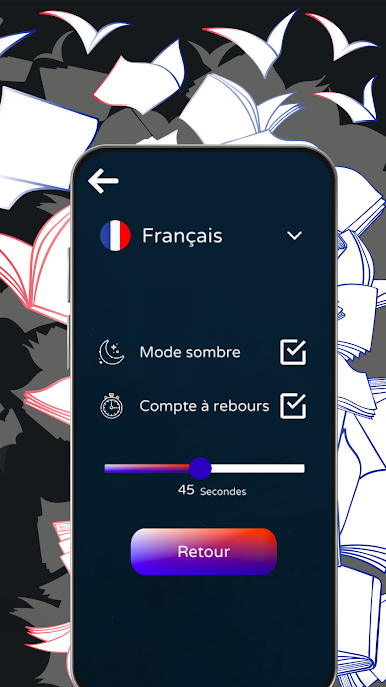
Mainkan Structure de langue - TCF di PC Mudah saja memulainya.
-
Unduh dan pasang BlueStacks di PC kamu
-
Selesaikan proses masuk Google untuk mengakses Playstore atau lakukan nanti
-
Cari Structure de langue - TCF di bilah pencarian di pojok kanan atas
-
Klik untuk menginstal Structure de langue - TCF dari hasil pencarian
-
Selesaikan proses masuk Google (jika kamu melewati langkah 2) untuk menginstal Structure de langue - TCF
-
Klik ikon Structure de langue - TCF di layar home untuk membuka gamenya

