


HScope
Mainkan di PC dengan BlueStacks – platform Game-Game Android, dipercaya oleh lebih dari 500 juta gamer.

Run HScope on PC or Mac
Multitask effortlessly on your PC or Mac as you try out HScope, a Tools app by MartinLoren on BlueStacks.
About the App
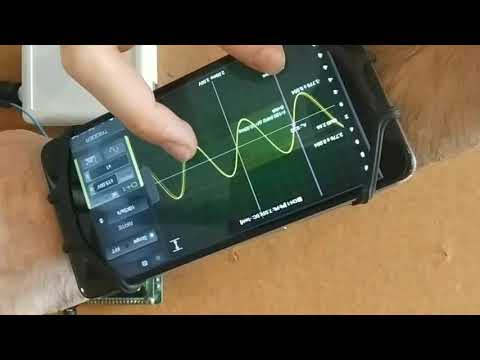
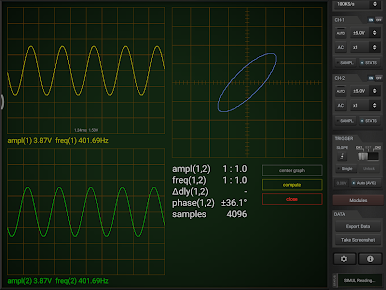
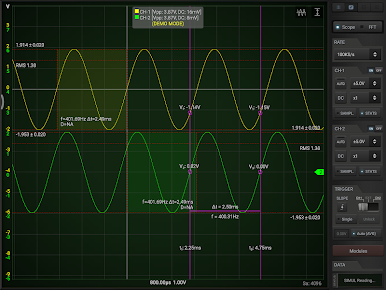
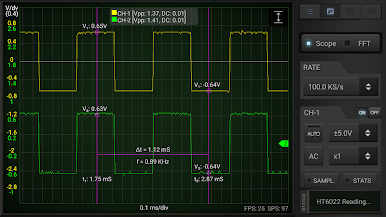
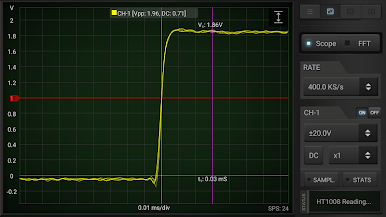
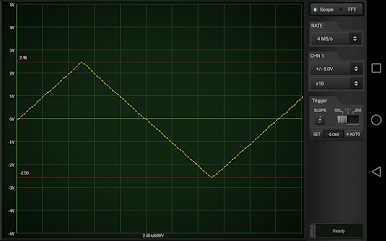
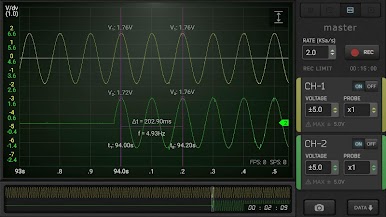
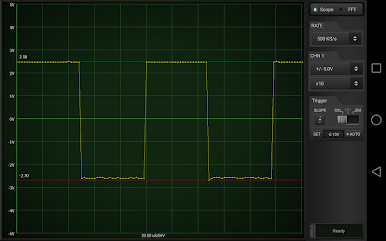
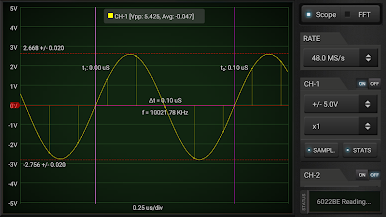
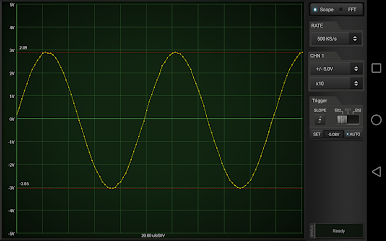
Ever wanted to turn your Android device into a handy, full-featured oscilloscope? That’s basically what HScope—created by MartinLoren—lets you do. If you’ve got a supported USB oscilloscope, this app gives you a slick, portable way to view, measure, and analyze real electronic signals anywhere. Whether you’re troubleshooting circuits in the lab or tinkering at your desk, you’ll get powerful signal analysis tools right in your pocket.
App Features
- Supports a Range of Popular Devices
Bring your favorite USB oscilloscope—from well-known brands like Hantek, SainSmart, Rocktech, Voltcraft, and others—and connect it straight to your phone or tablet. - Flexible Channel Options
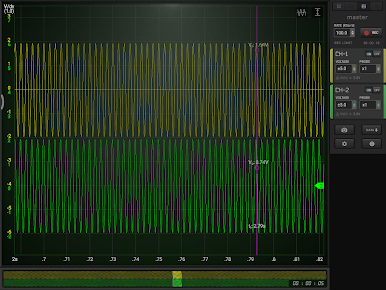
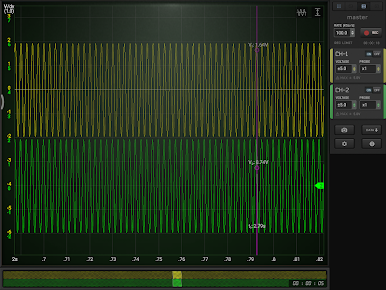
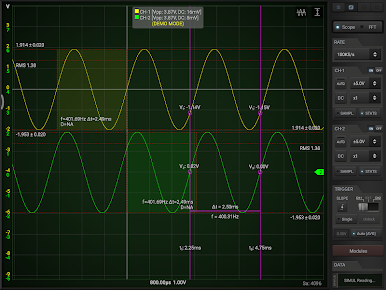
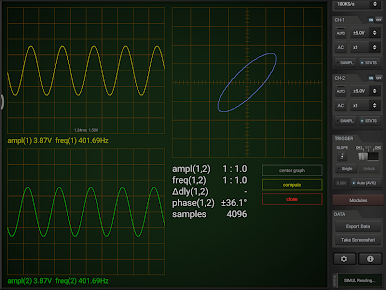
Use one channel in the free version, or unlock two (or more) channels with the full version—perfect for comparing signals or more in-depth analysis when you need it. - Real-Time Trigger and Capture Tools
Adjust triggers on the fly, stabilize your waveforms, and capture up to 500 samples (free) or bump it to 1000 if you’re running the full version. Looking for more? Roll mode in the full version means you can handle extended sample sets. - Comprehensive Measurement Stats
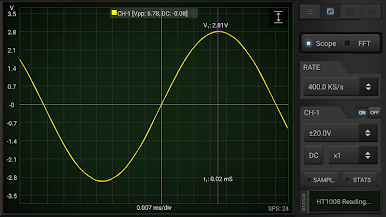
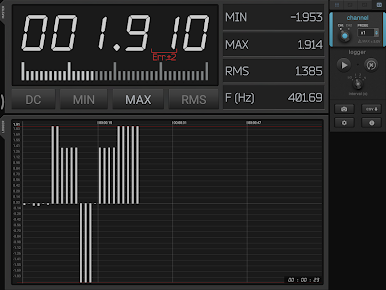
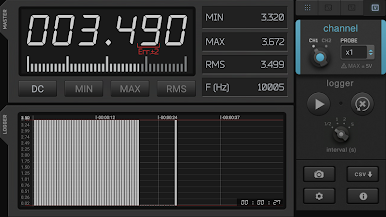
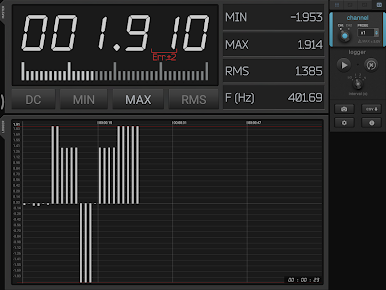
Quickly check key stats like minimum and maximum voltages, average, RMS values, and voltage peak-to-peak without any hassle. - Advanced Display Options
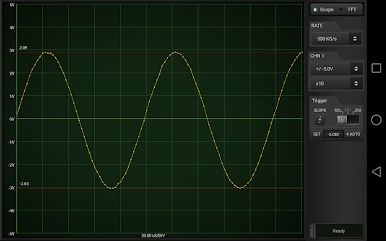
Switch between AC/DC coupling, use sinc or linear interpolation for smoother readings, and fine-tune views with manual rulers for time or frequency: it’s all right there. - FFT and Power Spectrum Analysis
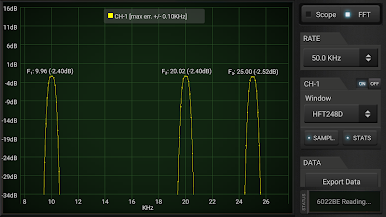
Dig deeper into your signals with full FFT support, adjustable data windows, and instant power spectrum estimation. - Convenient Data Export
Need to share or analyze your results later? Export all your readings as CSV files (Matlab-friendly), or snap a screenshot. - Data Logging and Calibration
Full version users get data logging, XY plotting, and easy calibration—keeping everything accurate and ready for your next project. - Works on Android (with USB OTG)
Before you start, make sure your phone supports USB OTG and your oscilloscope is compatible. It’s all designed for portable troubleshooting, whether you’re mapping waveforms on the go or running things at your desk—try running HScope on your device, and you’ll see how smooth it works, even with BlueStacks.
This is one of those niche tools that feels surprisingly easy to pick up once you connect your hardware. Just remember: it’s an unofficial tool, so it’s best to test things with the free version first.
Eager to take your app experience to the next level? Start right away by downloading BlueStacks on your PC or Mac.
Mainkan HScope di PC Mudah saja memulainya.
-
Unduh dan pasang BlueStacks di PC kamu
-
Selesaikan proses masuk Google untuk mengakses Playstore atau lakukan nanti
-
Cari HScope di bilah pencarian di pojok kanan atas
-
Klik untuk menginstal HScope dari hasil pencarian
-
Selesaikan proses masuk Google (jika kamu melewati langkah 2) untuk menginstal HScope
-
Klik ikon HScope di layar home untuk membuka gamenya

