

Math Master: Play & Learn Math
Juega en PC con BlueStacks: la plataforma de juegos Android, en la que confían más de 500 millones de jugadores.

Página modificada el: Jul 31, 2025
Run Math Master - Brain Quizzes & Math Puzzles on PC or Mac
What’s better than using Math Master – Brain Quizzes & Math Puzzles by Pavans Group Techsoft Pvt. Ltd.? Well, try it on a big screen, on your PC or Mac, with BlueStacks to see the difference.
About the App
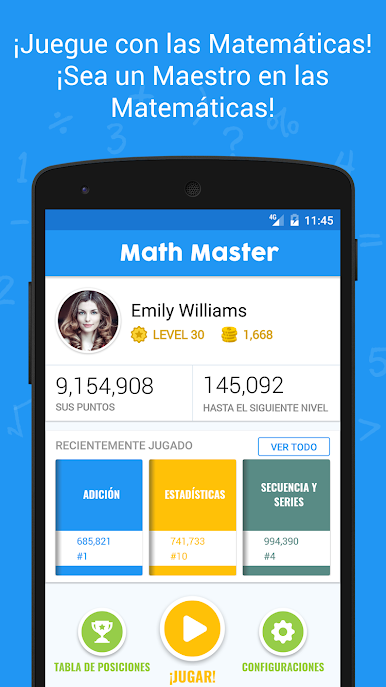
Looking for a fresh way to sharpen your math skills or help your kids brush up on their arithmetic? Math Master – Brain Quizzes & Math Puzzles is all about making numbers fun, whether you’re aiming to prep for an exam or just challenge your brain on a lazy afternoon. The app serves up a wide range of math games and logic puzzles so you can practice everything from simple addition to more advanced concepts—all at your own pace.
App Features
-
Organized by Topics
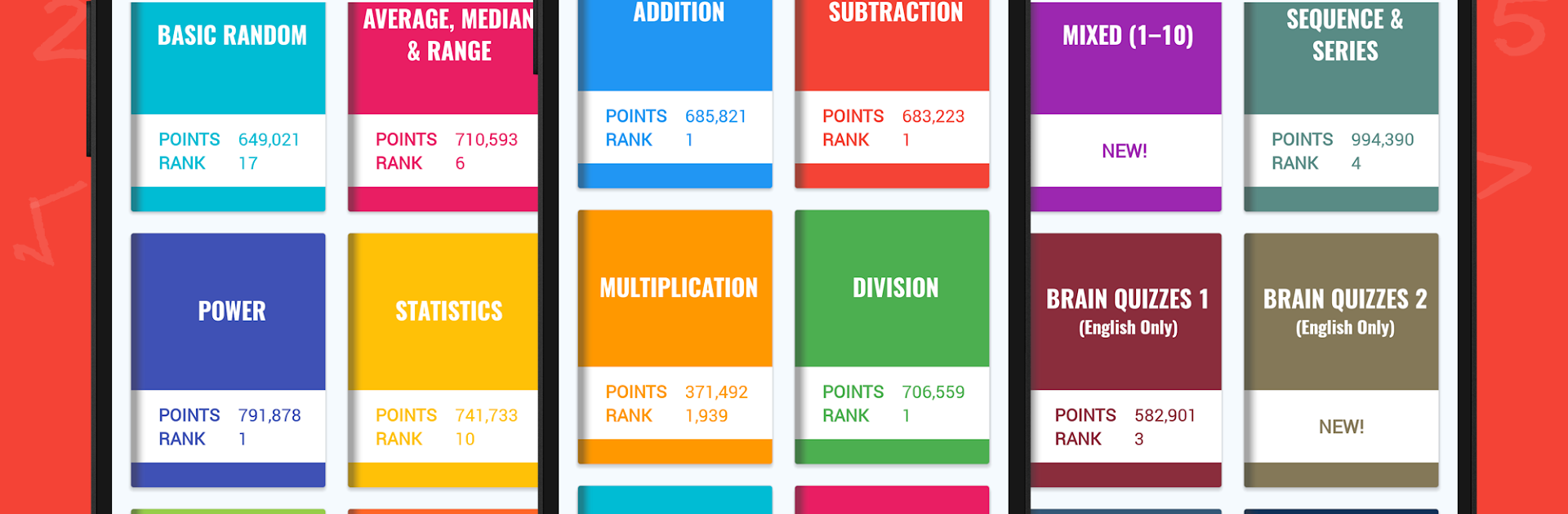
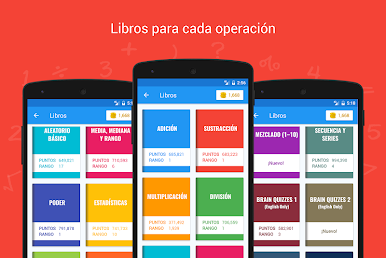
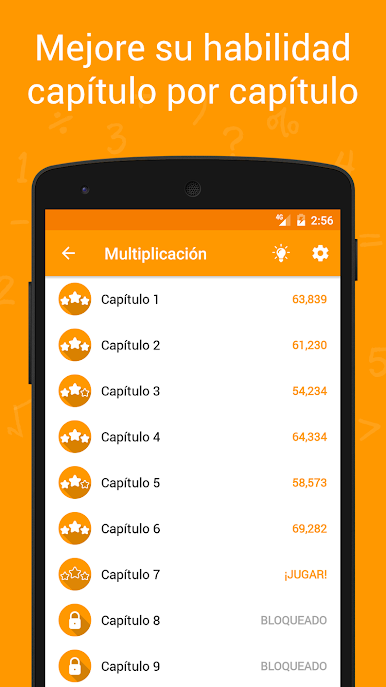
There’s a dedicated “book” for every math operation, so you can focus on exactly what you want—like multiplication or statistics—without sifting through random questions. Just tap and jump right in. -
Chapter Challenges
Each book has 10 chapters that ramp up in difficulty. Start easy and see how far you can get—every chapter brings a fresh set of quizzes, so things never feel stale. -
Brain Teaser Quizzes
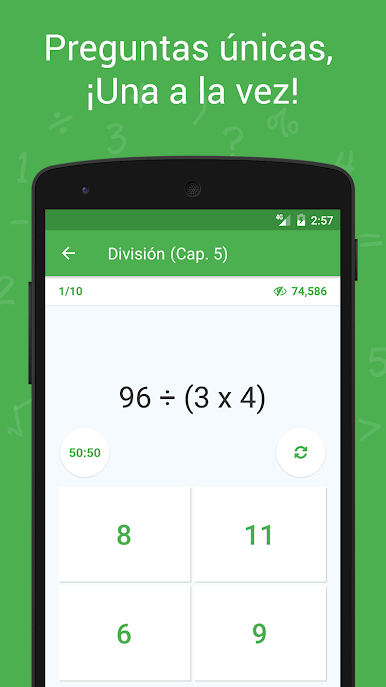
You’ll find unique math puzzles and brain teasers that keep you guessing. The app even lets you flip one question each round, so you’re not stuck on a tough problem. -
Wide Variety of Topics
From straightforward arithmetic to averages, equations, sequences, and even brain quizzes on topics like probability and permutations—the selection is impressively broad. -
Math Tips & Tricks
Stuck on a tough topic or want to speed up your calculations? The Tips & Tricks section’s got some neat advice to make solving those challenging problems a bit easier. -
Track Your Progress
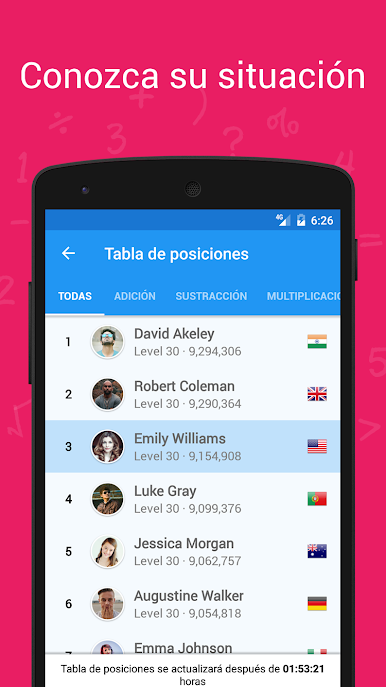
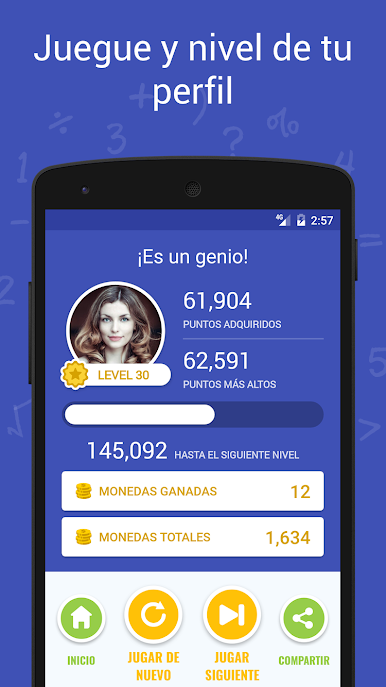
Create a profile to save your progress and compare scores with others on the global leaderboard. -
Adjustable Timers and Settings
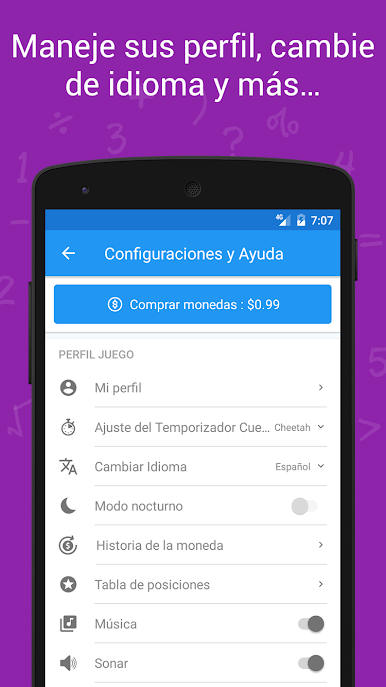
Prefer solving puzzles without pressure or want to race the clock? You can tweak the quiz timers in the settings to suit your mood. -
Multilingual Support
Flying through questions is even better when you can use the app in your favorite language. -
Free for All Ages
Whether your child is just learning numbers or you’re a college grad prepping for tests, Math Master – Brain Quizzes & Math Puzzles is made for everyone.
And if you ever feel like practicing on a bigger screen, Math Master works smoothly with BlueStacks, making it easy to jump between devices wherever you are.
BlueStacks gives you the much-needed freedom to experience your favorite apps on a bigger screen. Get it now.
Juega Math Master: Play & Learn Math en la PC. Es fácil comenzar.
-
Descargue e instale BlueStacks en su PC
-
Complete el inicio de sesión de Google para acceder a Play Store, o hágalo más tarde
-
Busque Math Master: Play & Learn Math en la barra de búsqueda en la esquina superior derecha
-
Haga clic para instalar Math Master: Play & Learn Math desde los resultados de búsqueda
-
Complete el inicio de sesión de Google (si omitió el paso 2) para instalar Math Master: Play & Learn Math
-
Haz clic en el ícono Math Master: Play & Learn Math en la pantalla de inicio para comenzar a jugar

