


Nano Aquarium
Gioca su PC con BlueStacks: la piattaforma di gioco Android, considerata affidabile da oltre 500 milioni di giocatori.

Pagina modificata il: Feb 22, 2020
Play Nano Aquarium on PC
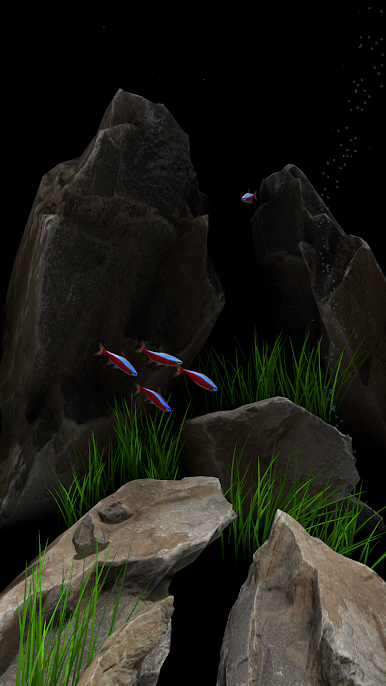
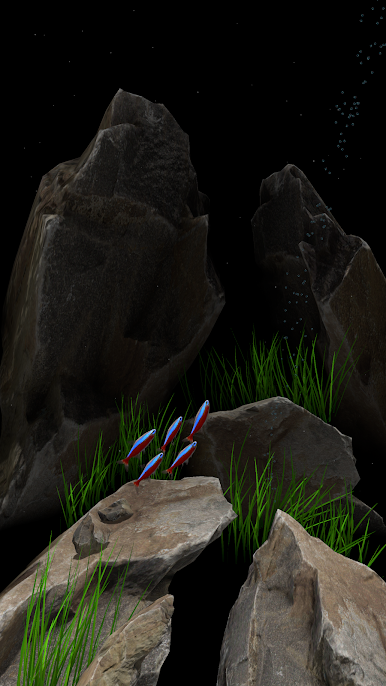
In Free version :
* 1 type of fish
* 8 fish in aquarium ( Reset All Settings if you have 5 )
* 1 type of aquarium style
* Tap on screen and feed fish
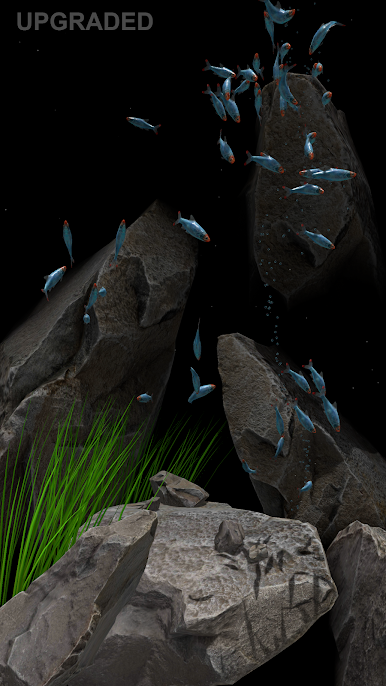
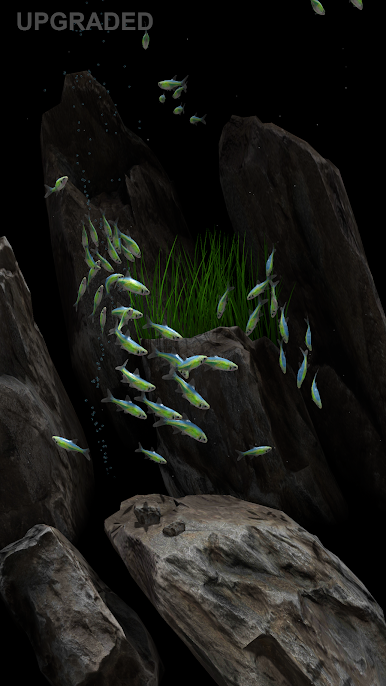
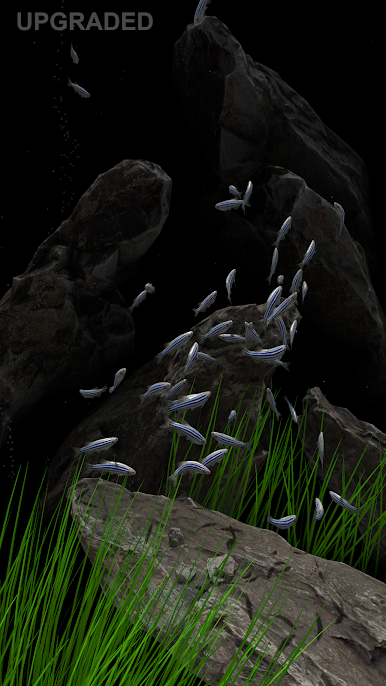
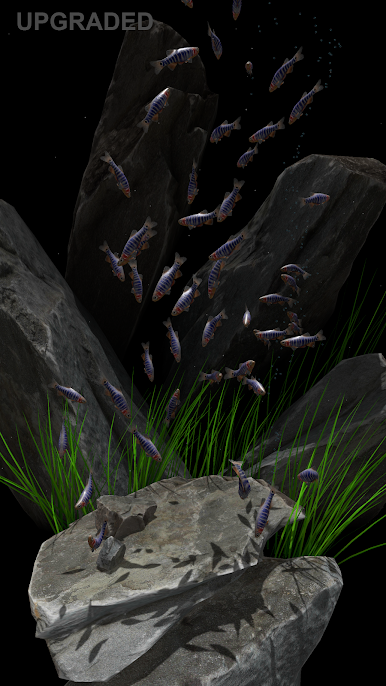
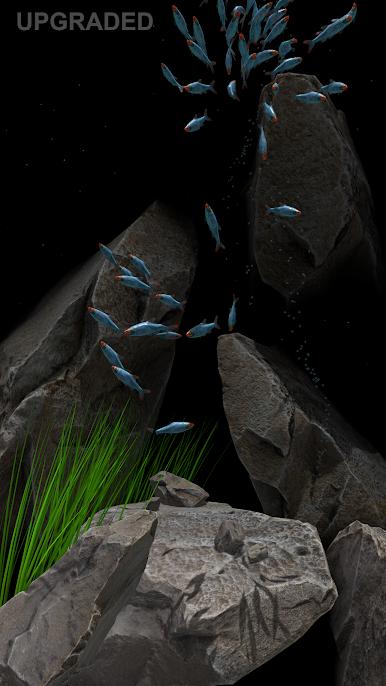
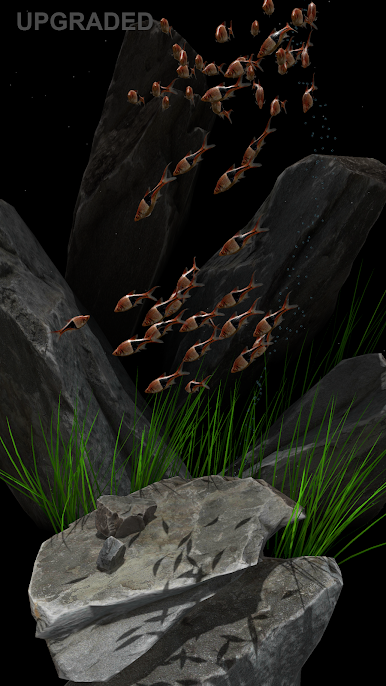
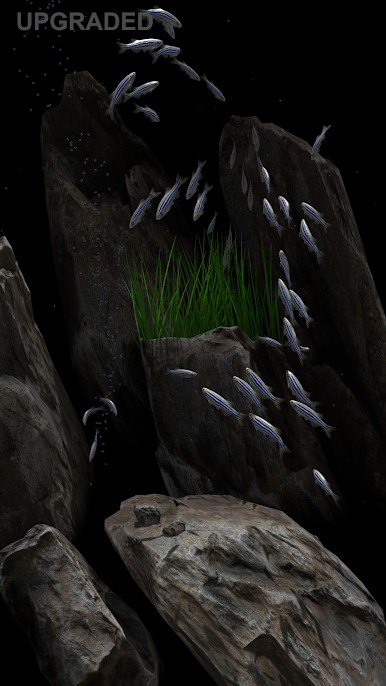
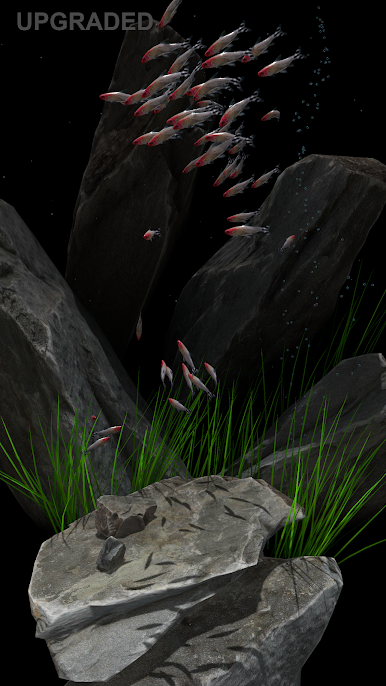
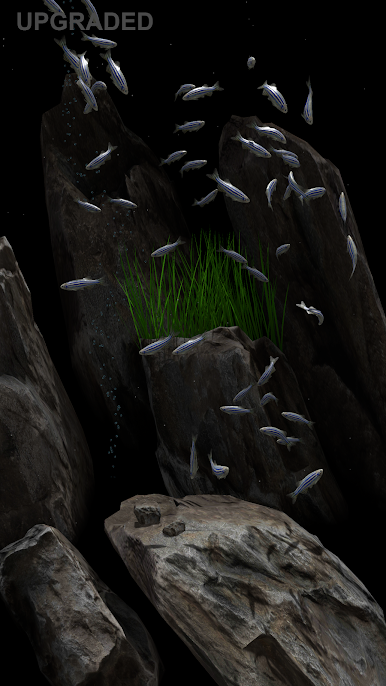
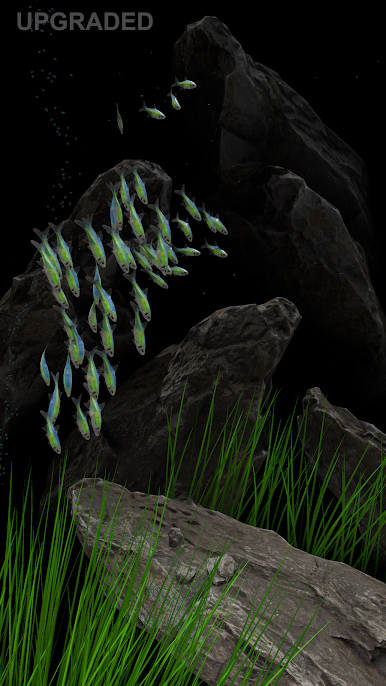
In UPGRADED version:
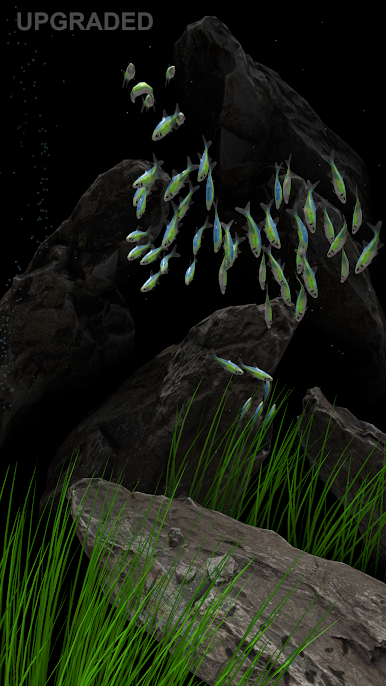
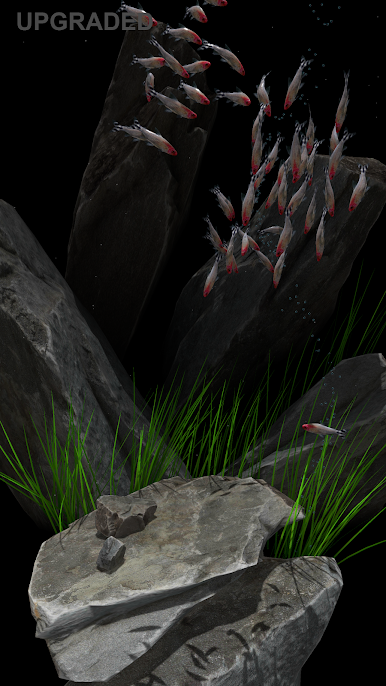
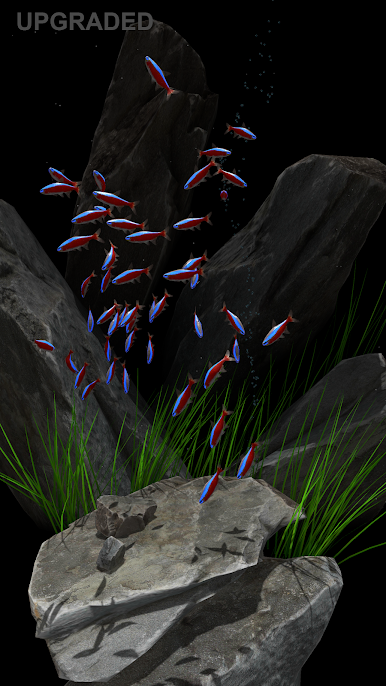
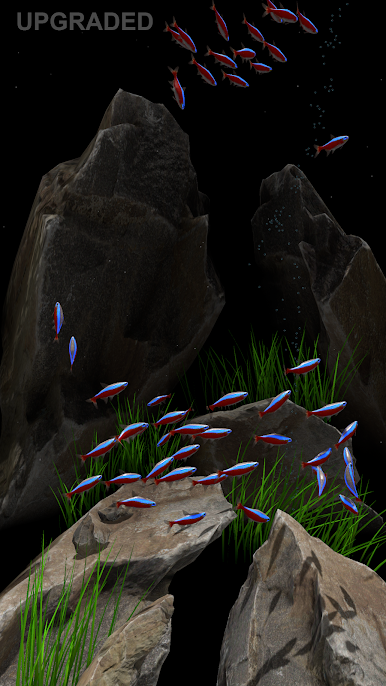
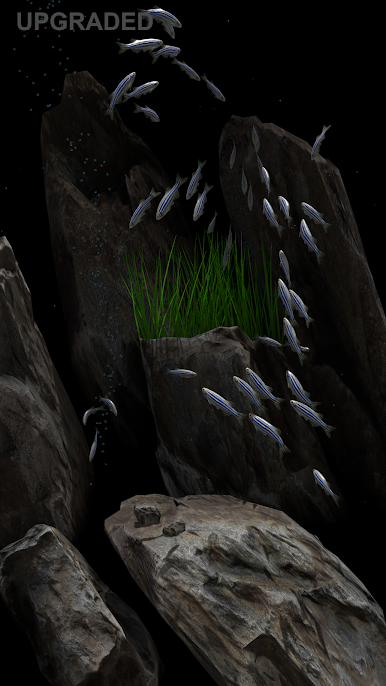
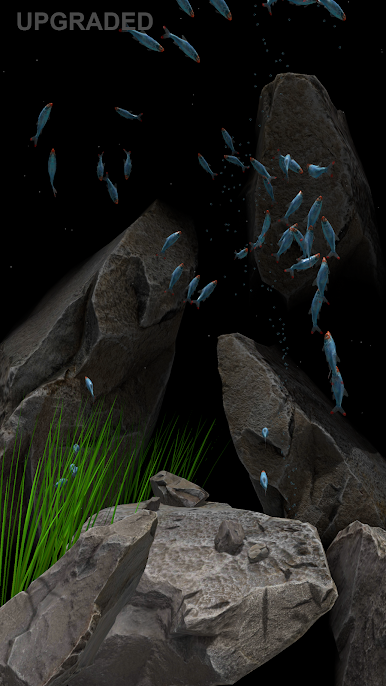
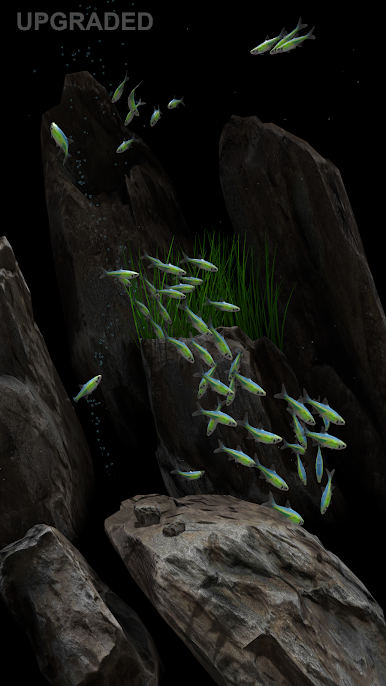
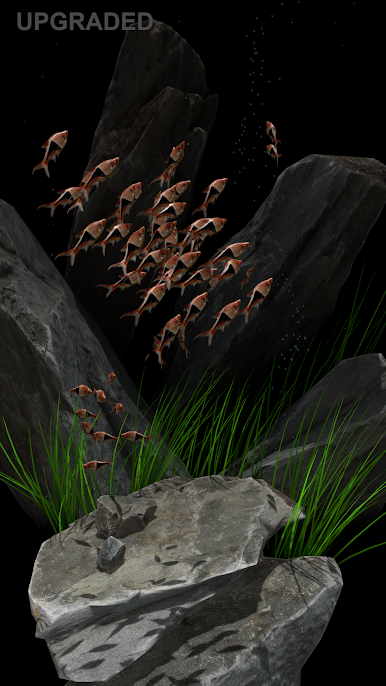
* 7 type of fish
* 5 to 50 max fish in tank (one type fish)
* 5 type of aquarium design
* Removed top ads image in settings
* Tap on screen and feed fish
in UPGRADE 2 avaiable now! (go to Settings) :
* 8 additional aquarium style
+ Old tree,
+ Small roots,
+ Big old root,
+ Root with moss,
+ White root,
+ 3x new Roocks style
* Fishes avoid obscales.
In aquartium may sweeem only one type of fish shoal (max 50).
Best use for phones.
Please comment. Thanks!

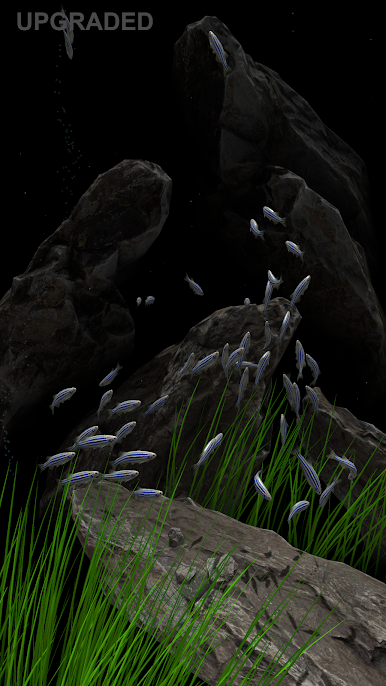
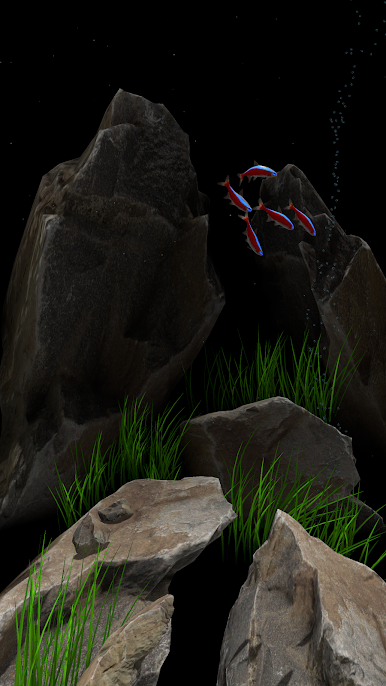
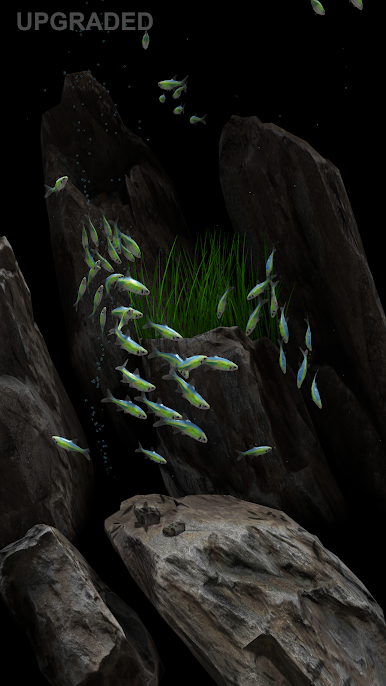
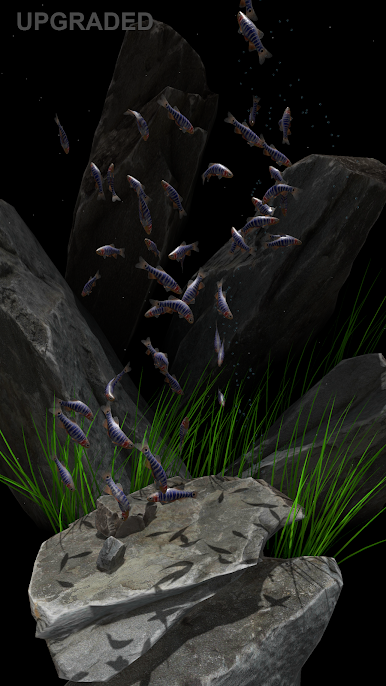
Gioca Nano Aquarium su PC. È facile iniziare.
-
Scarica e installa BlueStacks sul tuo PC
-
Completa l'accesso a Google per accedere al Play Store o eseguilo in un secondo momento
-
Cerca Nano Aquarium nella barra di ricerca nell'angolo in alto a destra
-
Fai clic per installare Nano Aquarium dai risultati della ricerca
-
Completa l'accesso a Google (se hai saltato il passaggio 2) per installare Nano Aquarium
-
Fai clic sull'icona Nano Aquarium nella schermata principale per iniziare a giocare

