


Aprende árabe
Juega en PC con BlueStacks: la plataforma de juegos Android, en la que confían más de 500 millones de jugadores.

Página modificada el: Dec 6, 2020
Run Learn Arabic on PC or Mac
What’s better than using Learn Arabic by MetaLanguage? Well, try it on a big screen, on your PC or Mac, with BlueStacks to see the difference.
So, Learn Arabic is one of those apps that just gets straight to the point. It’s built for anyone who wants to pick up Arabic, whether they’re just starting out or they already know a bit and want to get better. The feel is really user-friendly, with clear sections and translations that actually sound like how people talk — not stiff, textbook stuff. All the translations are done by real Arabic speakers, which makes a huge difference. You’re not going to find weird, robotic phrases here.
There’s this favorites list you can make, so if there are words or phrases you’re always forgetting, you can just keep them handy and go back to them whenever. It all runs offline, so there’s no need to worry about having internet or getting stuck if you’re using it while traveling or during a commute. Playing this on PC through something like BlueStacks makes everything a bit bigger and easier to read, especially all those tricky scripts and accents. The whole thing’s just straightforward and practical — nothing gets in the way of actually learning. It’s not fancy but really solid if someone just wants an app that works without a lot of extra distractions.
Ready to experience Learn Arabic on a bigger screen, in all its glory? Download BlueStacks now.
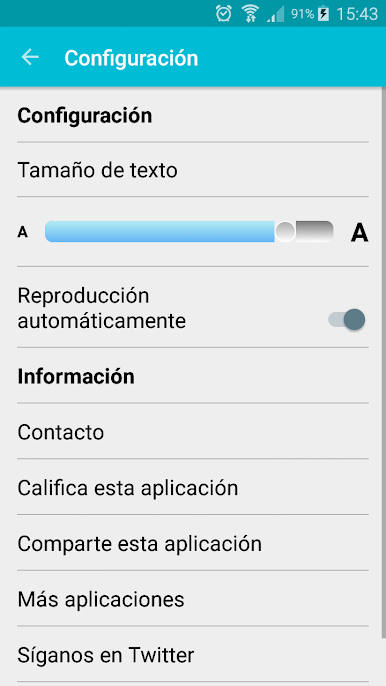
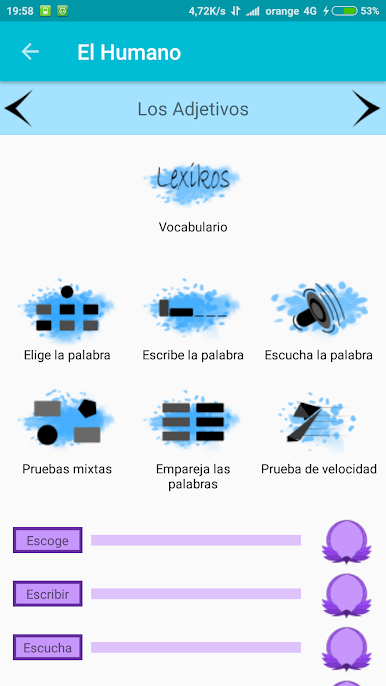
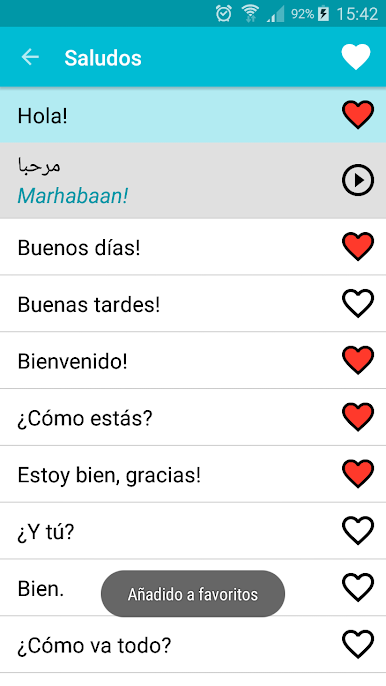
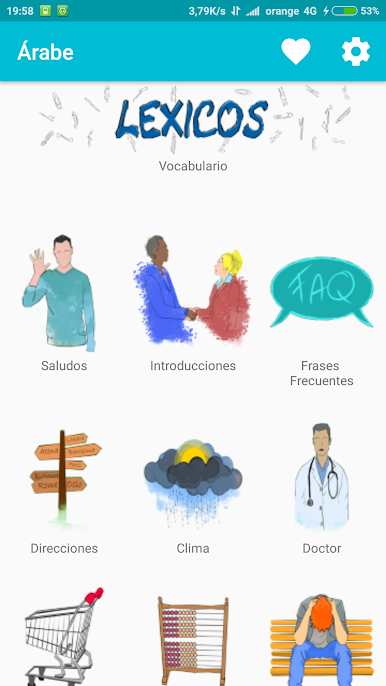


Juega Aprende árabe en la PC. Es fácil comenzar.
-
Descargue e instale BlueStacks en su PC
-
Complete el inicio de sesión de Google para acceder a Play Store, o hágalo más tarde
-
Busque Aprende árabe en la barra de búsqueda en la esquina superior derecha
-
Haga clic para instalar Aprende árabe desde los resultados de búsqueda
-
Complete el inicio de sesión de Google (si omitió el paso 2) para instalar Aprende árabe
-
Haz clic en el ícono Aprende árabe en la pantalla de inicio para comenzar a jugar

