


Dynamics 365 Business Central
Gioca su PC con BlueStacks: la piattaforma di gioco Android, considerata affidabile da oltre 500 milioni di giocatori.

Pagina modificata il: Sep 22, 2025
Play Dynamics 365 Business Central on PC
Adapt faster
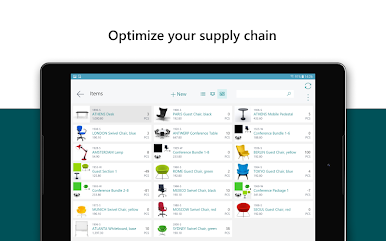
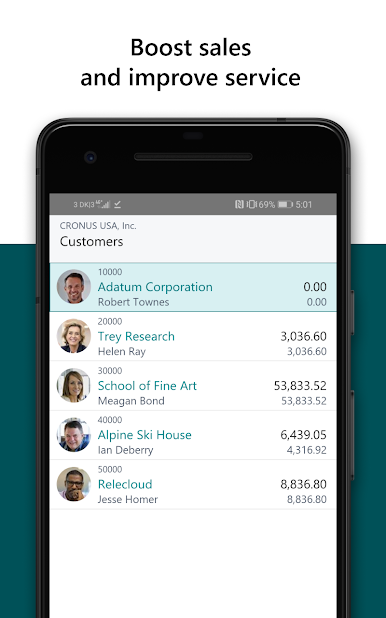
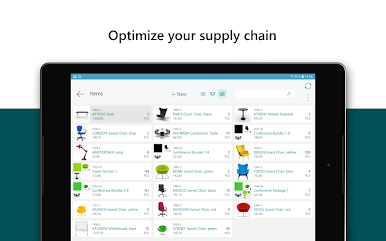
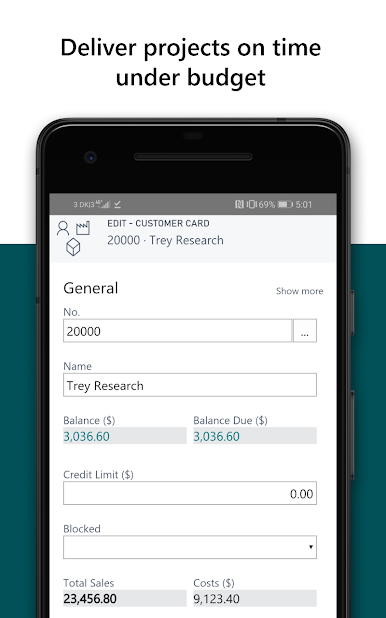
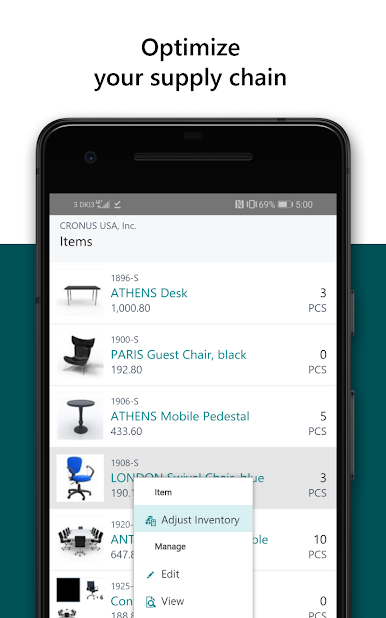
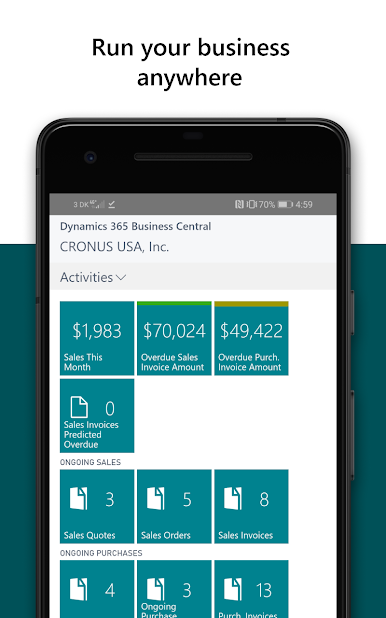
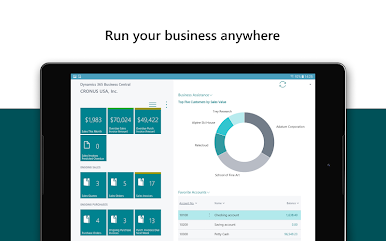
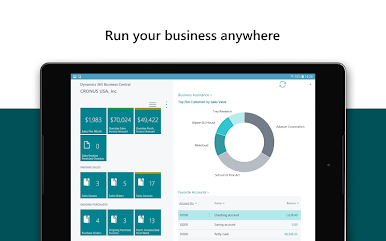
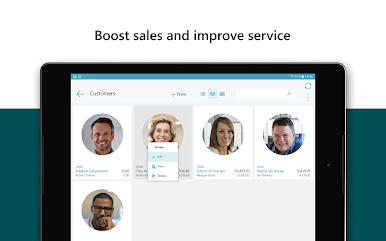
Innovate and adopt new business models faster with flexible deployment models, mobility, reliability, security, and an adaptable Microsoft cloud solution that grows with your business.
Work smarter
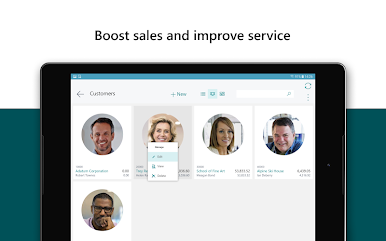
Empower people to be more collaborative, more productive, and more impactful with actionable insights and interoperability to Microsoft 365, including Teams, Word, Excel, and Outlook.
Perform better
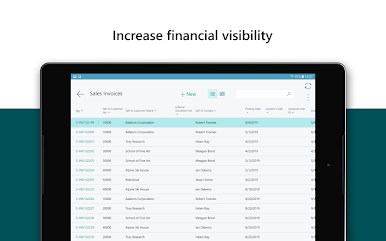
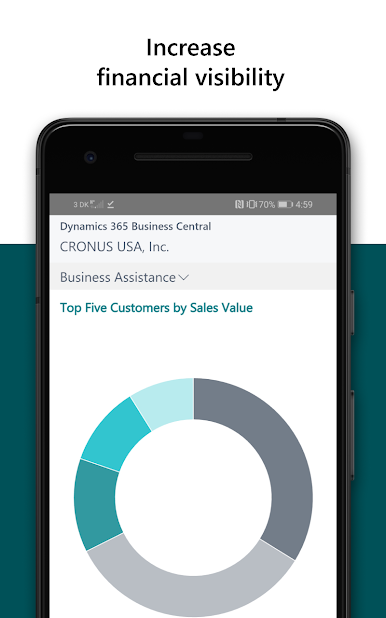
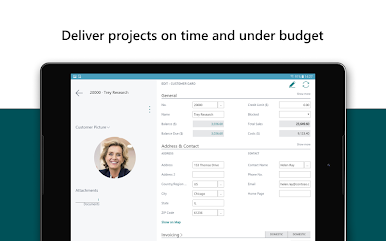
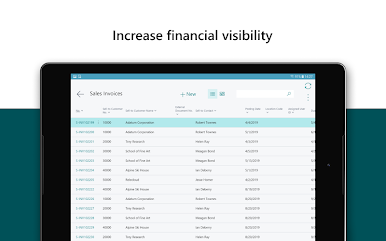
Enable high performance with guided workflows, governance, and real-time metrics that drive continuous process optimization, accelerates financial closes, and improves cycle times.
© 2018 Microsoft. All Rights Reserved.
Notes for the mobile app:
- Requires Android 13 or newer.
- By installing this app, you agree to the terms at: https://go.microsoft.com/fwlink/?LinkId=724013
Gioca Dynamics 365 Business Central su PC. È facile iniziare.
-
Scarica e installa BlueStacks sul tuo PC
-
Completa l'accesso a Google per accedere al Play Store o eseguilo in un secondo momento
-
Cerca Dynamics 365 Business Central nella barra di ricerca nell'angolo in alto a destra
-
Fai clic per installare Dynamics 365 Business Central dai risultati della ricerca
-
Completa l'accesso a Google (se hai saltato il passaggio 2) per installare Dynamics 365 Business Central
-
Fai clic sull'icona Dynamics 365 Business Central nella schermata principale per iniziare a giocare

