

Speaking: TOEFL® Speaking
Mainkan di PC dengan BlueStacks – platform Game-Game Android, dipercaya oleh lebih dari 500 juta gamer.

Run TOEFL Speaking Pro : Free Question, Example & Tips on PC or Mac
What’s better than using TOEFL Speaking Pro : Free Question, Example & Tips by Milinix Media? Well, try it on a big screen, on your PC or Mac, with BlueStacks to see the difference.
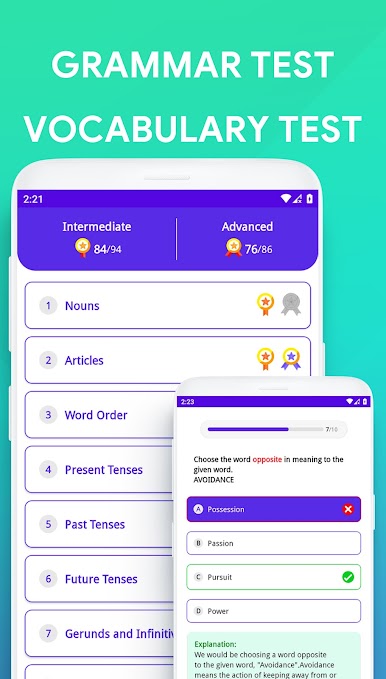
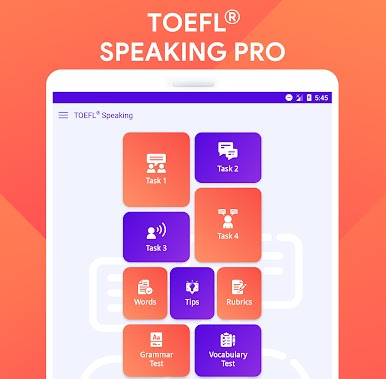
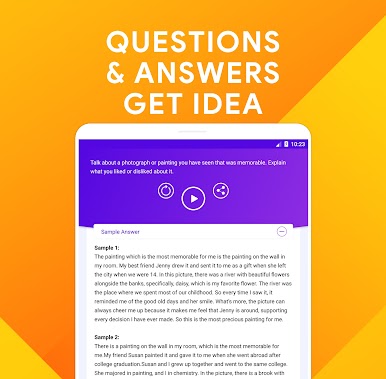
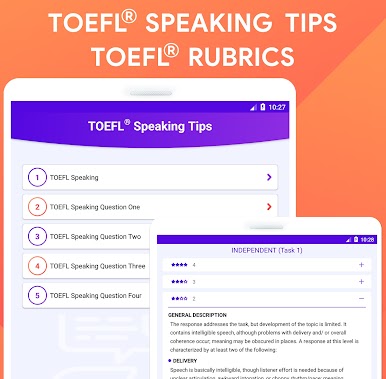
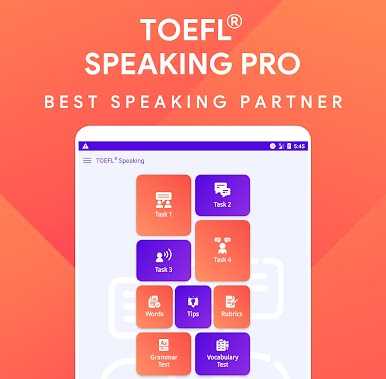
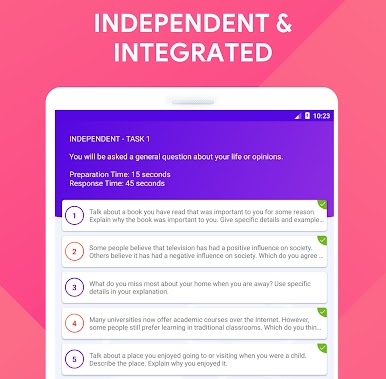
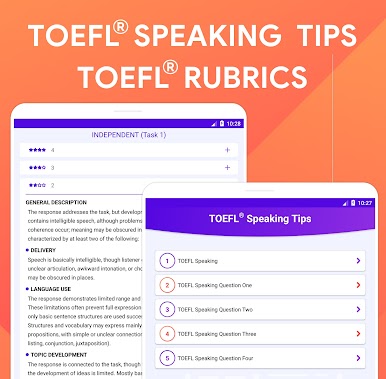
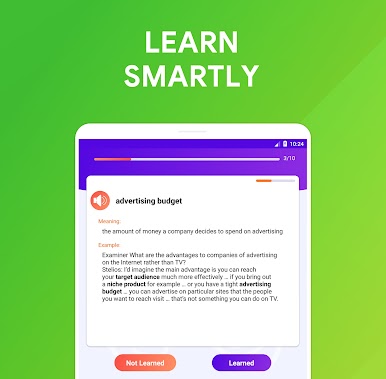
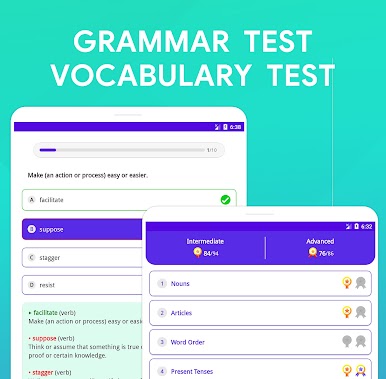
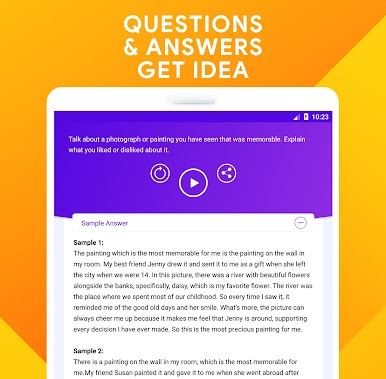
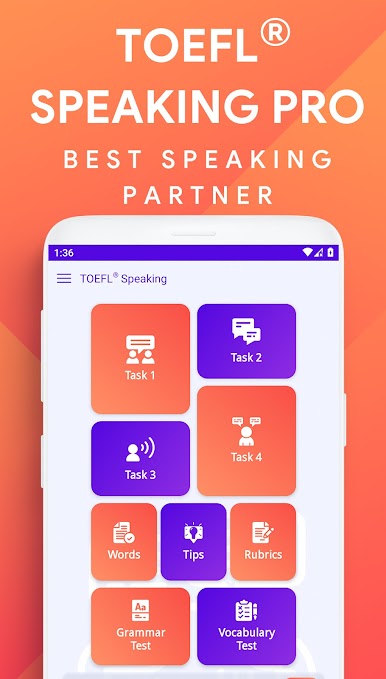
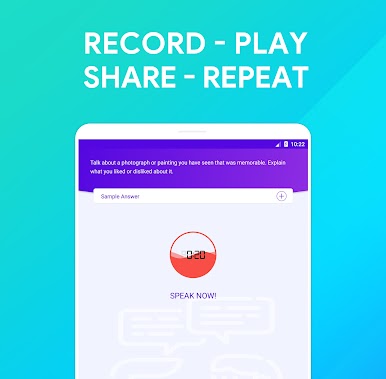
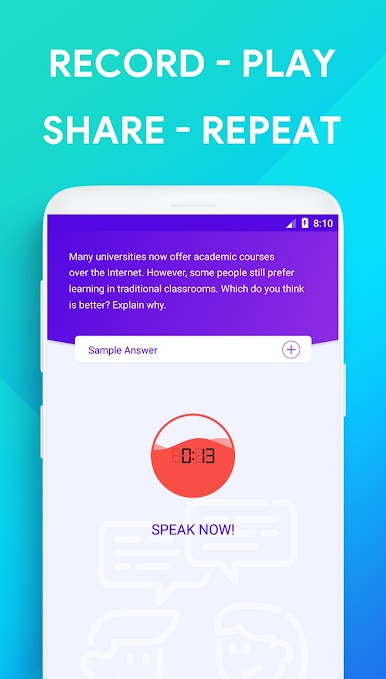
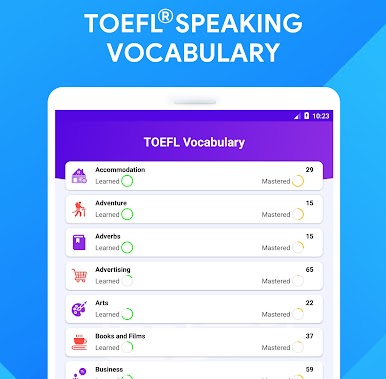
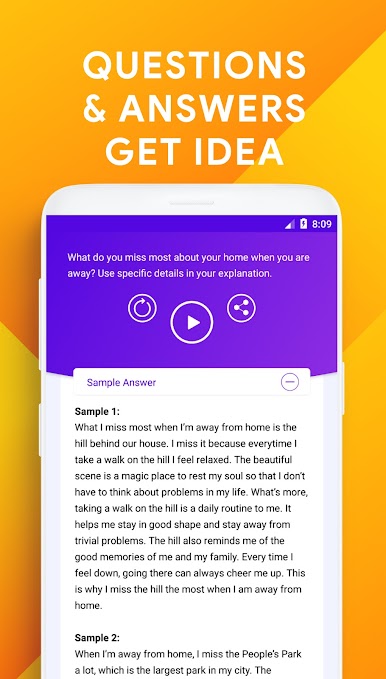
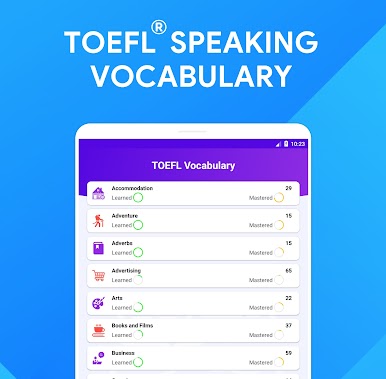
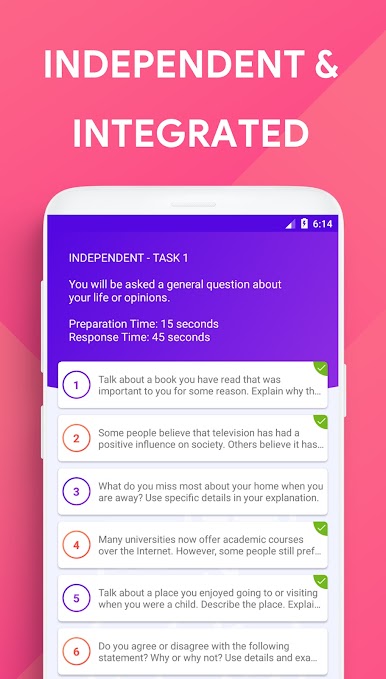
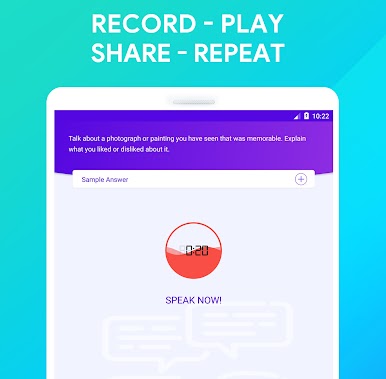
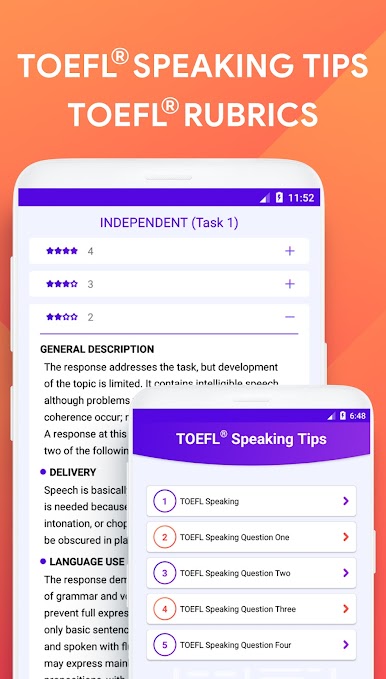
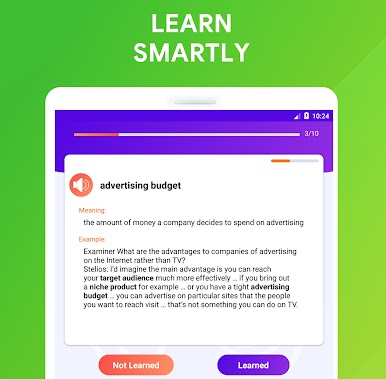
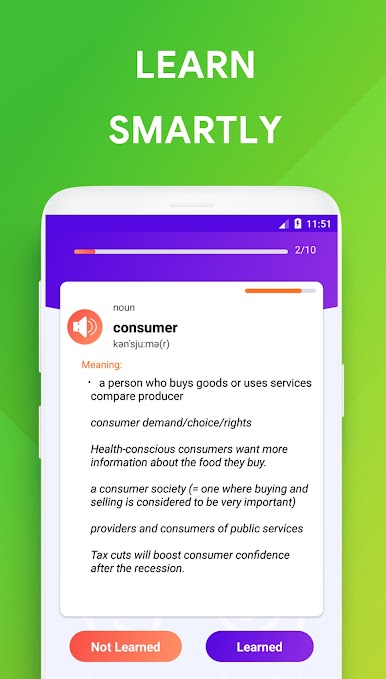
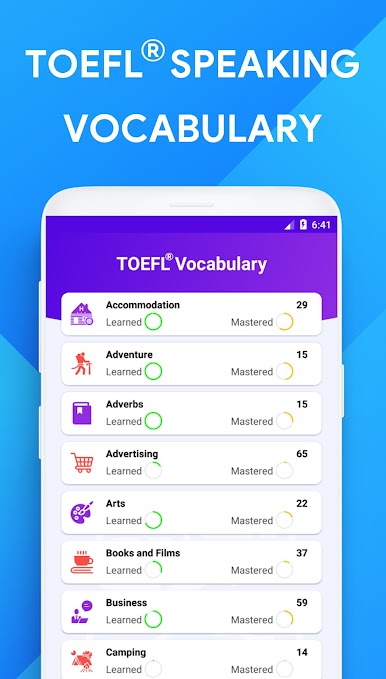
TOEFL Speaking Pro is basically a practice room for the speaking section, no extra fluff. It uses the newer four task format, so anyone aiming for 26 or more can drill exactly what shows up on test day. There are tons of prompt questions and sample responses, and the app lets a user record answers with a countdown ticking, which makes it feel close to the real timing stress. The examples are useful for getting ideas, and there are tips and the official style rubrics so a person knows what the graders care about. It is not a flashy app, but everything is easy to find and it loads fast, even offline, which matters when someone just wants to get reps in without dealing with logins or data.
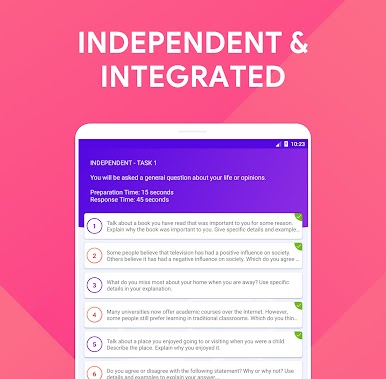
On PC through BlueStacks it works nicely. The bigger screen makes the integrated reading passages easier to scan, and the microphone input hooks up without fuss, so recording is smooth. Pausing between attempts, replaying recordings, and comparing with the sample answer feels straightforward. Sharing recordings is built in for anyone who studies with a tutor or a friend. It covers the independent and integrated tasks, so there is enough variety to keep practice from feeling repetitive. Think of it like a focused tool, a big bank of prompts, a timer, a recorder, and clear scoring guidelines, all in one place. It helps users get familiar with the format and build speed, nothing complicated.
Eager to take your app experience to the next level? Start right away by downloading BlueStacks on your PC or Mac.
Mainkan Speaking: TOEFL® Speaking di PC Mudah saja memulainya.
-
Unduh dan pasang BlueStacks di PC kamu
-
Selesaikan proses masuk Google untuk mengakses Playstore atau lakukan nanti
-
Cari Speaking: TOEFL® Speaking di bilah pencarian di pojok kanan atas
-
Klik untuk menginstal Speaking: TOEFL® Speaking dari hasil pencarian
-
Selesaikan proses masuk Google (jika kamu melewati langkah 2) untuk menginstal Speaking: TOEFL® Speaking
-
Klik ikon Speaking: TOEFL® Speaking di layar home untuk membuka gamenya

