

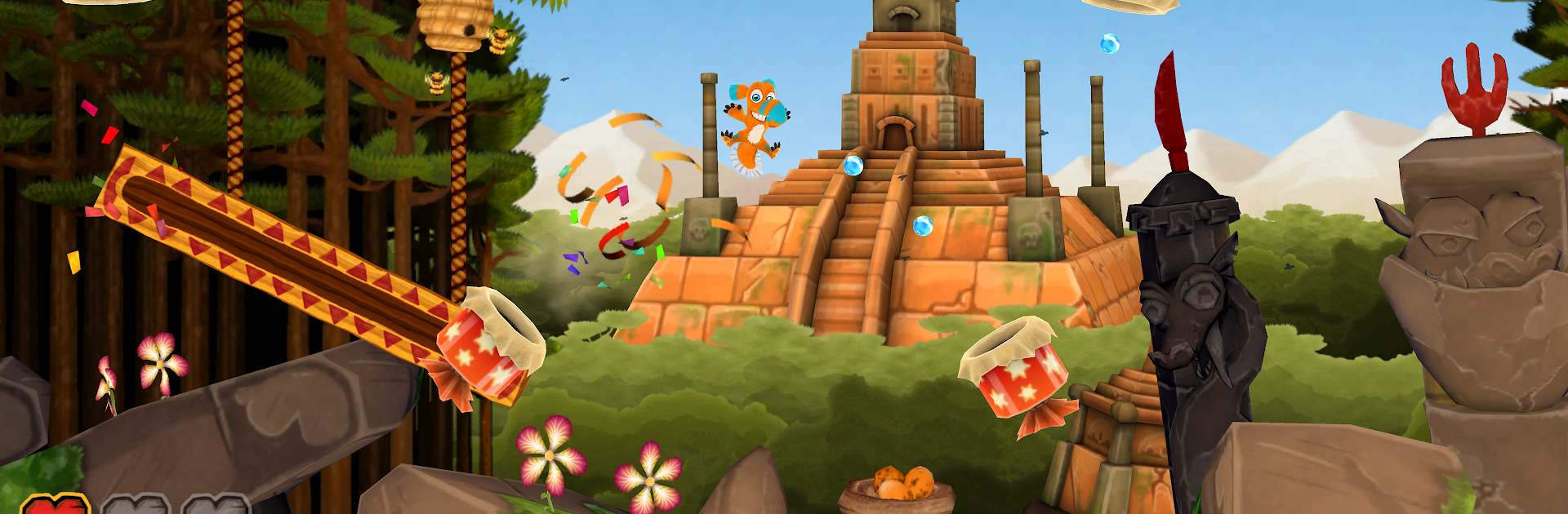
Ooops! Noah is gone...
Juega en PC con BlueStacks: la plataforma de juegos Android, en la que confían más de 500 millones de jugadores.

Página modificada el: Mar 13, 2017
Play All Creatures Big and Small on PC or Mac
All Creatures Big and Small brings the Arcade genre to life, and throws up exciting challenges for gamers. Developed by Mimimi Games GmbH, this Android game is best experienced on BlueStacks, the World’s #1 app player for PC and Mac users.
About the Game
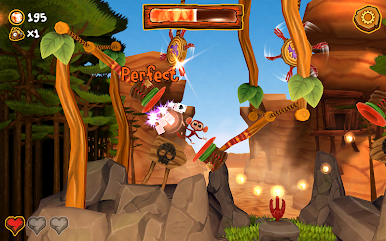
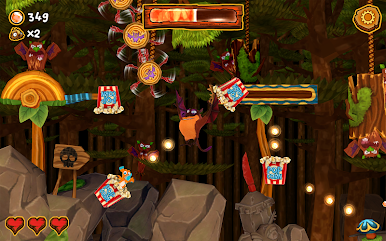
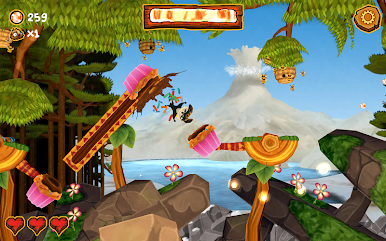
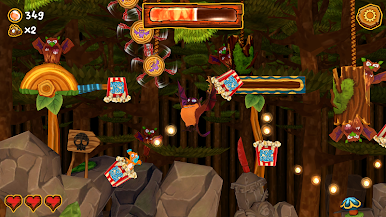
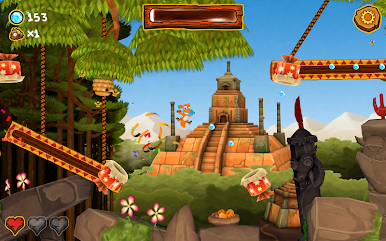
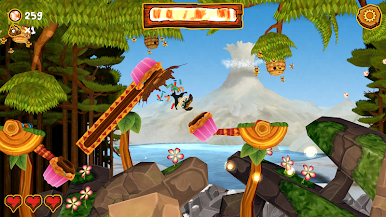
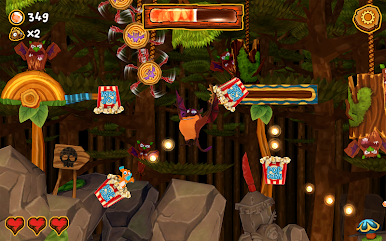
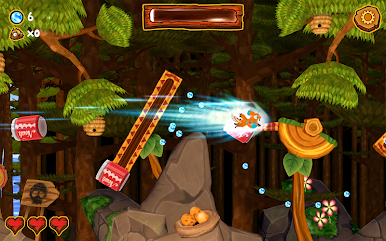
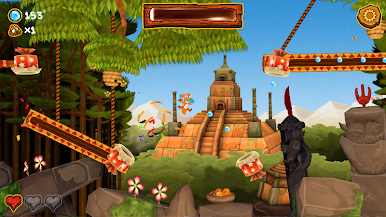
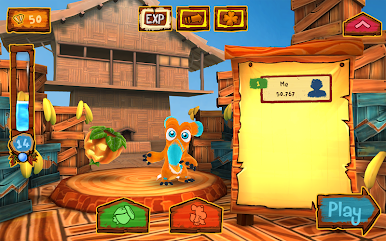
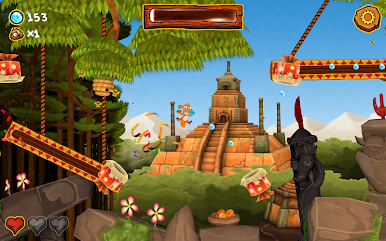
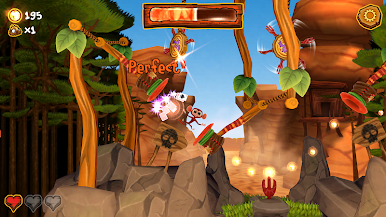
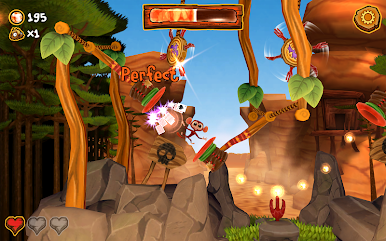
All Creatures Big and Small is a colorful Arcade runner where you launch Finny, Leah, and their friends from one cannon to the next across Griffin Island. Made by Mimimi Games GmbH, it’s fast, cheeky, and all about clean timing—tap at just the right moment and keep that momentum going. Miss a beat? You’ll feel it. Nail a perfect streak? That’s the good stuff.
Game Features
- One-Tap Launching: Tap to fire from barrel to barrel. It’s super simple to start, and the timing windows get tighter the farther you go.
- Sharpen Your Timing: Every hop asks for quick reactions and a little rhythm. The longer the run, the trickier the angles and movement.
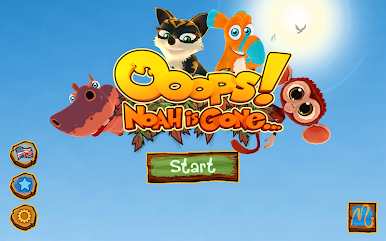
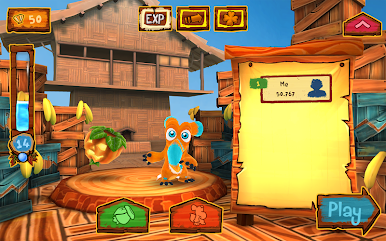
- Play as Finny, Leah & Friends: Switch between familiar faces from the movie and see who you handle best on a hot streak.
- Pearls, Levels, Rewards: Grab pearls during runs to level up and open treasure chests packed with goodies.
- 20 Cannons to Unlock: Collect puzzle pieces to open up 20 fresh cannons, each adding flair to your flights.
- Toybox Obstacles: Bounce off trampolines, ride conveyor belts, and clear swinging rigs in lively, hand-crafted environments.
- A Little Mischief: Cross paths with Mr. and Mrs. Griffin, free the prairie dogs, and give those two a memorable lesson.
- Endless Score Chasing: Set personal bests, beat them, then beat them again. It’s that kind of game.
- Play on BlueStacks: Prefer a bigger screen and click-to-tap comfort? You can run it on PC with BlueStacks without changing the feel.
Start your journey now. Download the game on BlueStacks, invite your friends, and march on a new adventure.
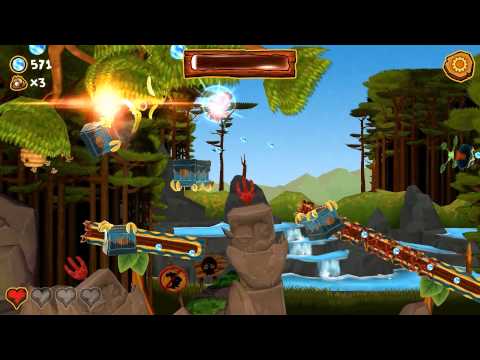
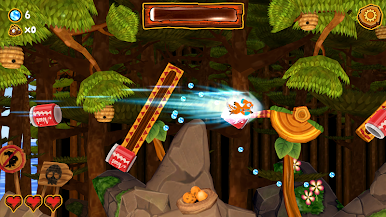
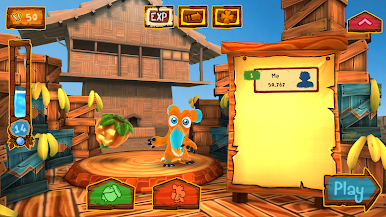
Juega Ooops! Noah is gone... en la PC. Es fácil comenzar.
-
Descargue e instale BlueStacks en su PC
-
Complete el inicio de sesión de Google para acceder a Play Store, o hágalo más tarde
-
Busque Ooops! Noah is gone... en la barra de búsqueda en la esquina superior derecha
-
Haga clic para instalar Ooops! Noah is gone... desde los resultados de búsqueda
-
Complete el inicio de sesión de Google (si omitió el paso 2) para instalar Ooops! Noah is gone...
-
Haz clic en el ícono Ooops! Noah is gone... en la pantalla de inicio para comenzar a jugar

