


Prioritas
Mainkan di PC dengan BlueStacks – platform Game-Game Android, dipercaya oleh lebih dari 500 juta gamer.

Main Prioritas di PC
Banyak pemula produktivitas terlalu banyak mengatur tugas mereka. Mereka memberi label, mengkategorikan, memberi warna, menandai favorit, membuat folder rapi, dan menjaga semuanya tetap teratur dalam banyak daftar. Hasilnya? Tugas-tugas itu tidak pernah dilihat lagi.
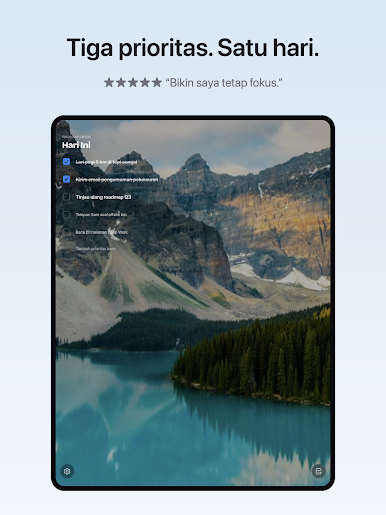
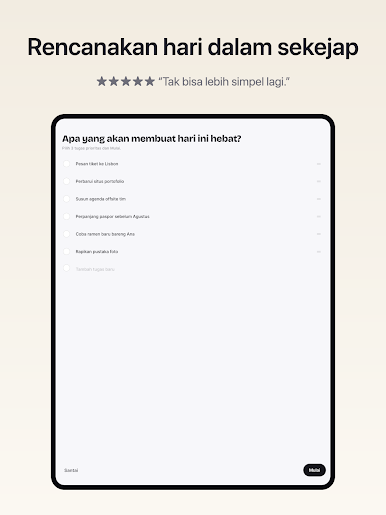
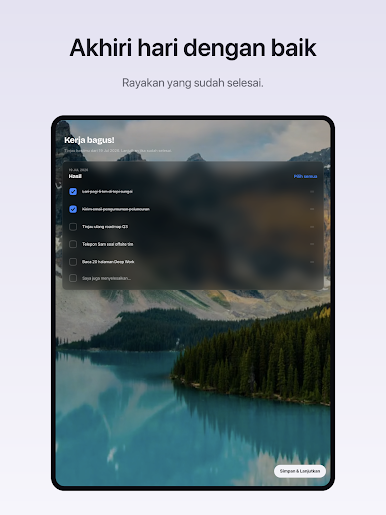
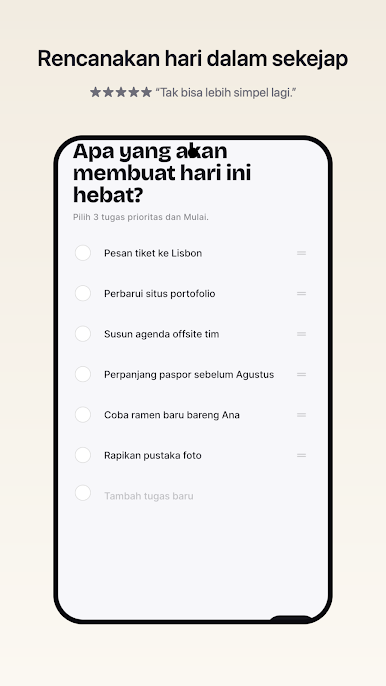
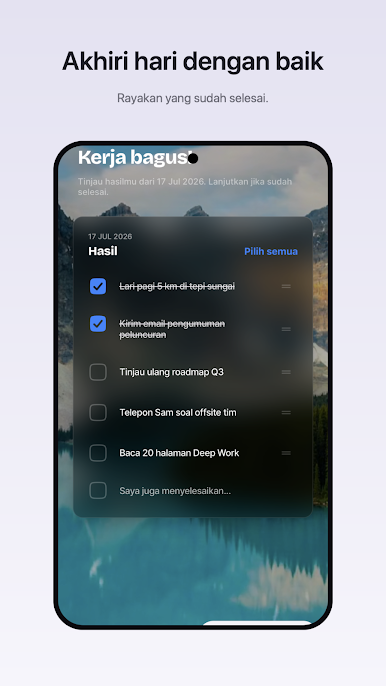
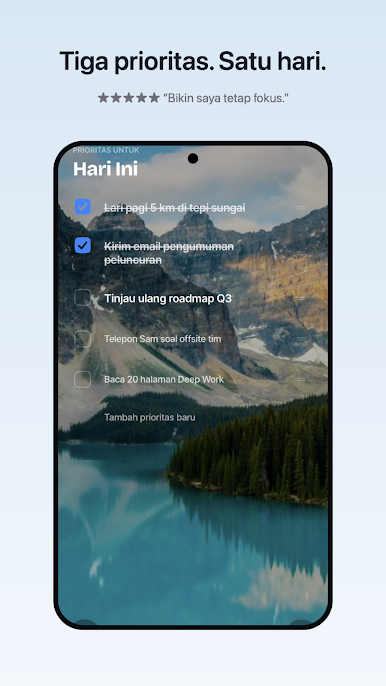
"Prioritas" mengubah itu. Setiap hari, Anda dengan sadar memilih untuk fokus pada 3 hingga 5 tugas yang paling berdampak demi mencapai tujuan Anda. Lalu eksekusi dengan sungguh-sungguh dan benar-benar menyelesaikannya.
Ulangi ini cukup lama, Anda akan menjadi seefektif mungkin, dan bahagia karena tidak menunda-nunda dengan hanya mengatur tugas.
"Kesempurnaan tercapai, bukan ketika tidak ada lagi yang bisa ditambahkan, tetapi ketika tidak ada lagi yang perlu dikurangi."
PRIORITIES PRO (opsional)
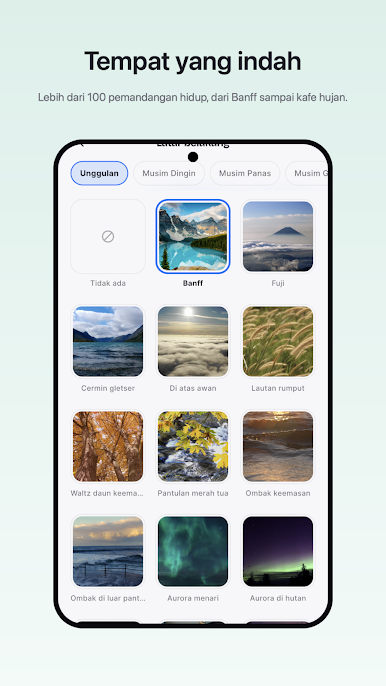
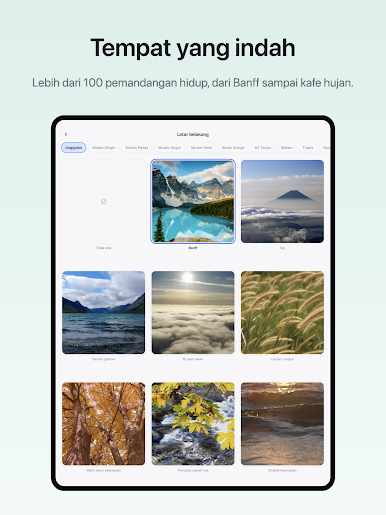
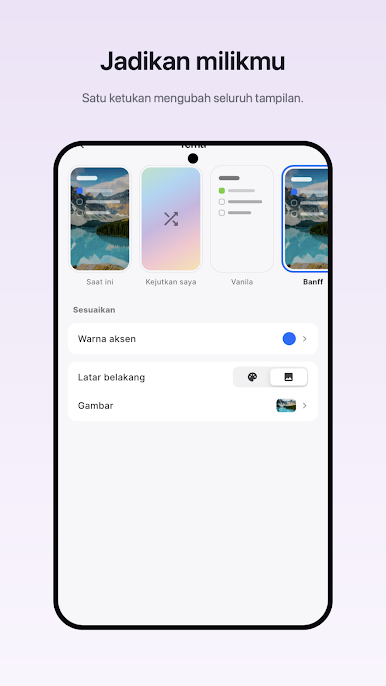
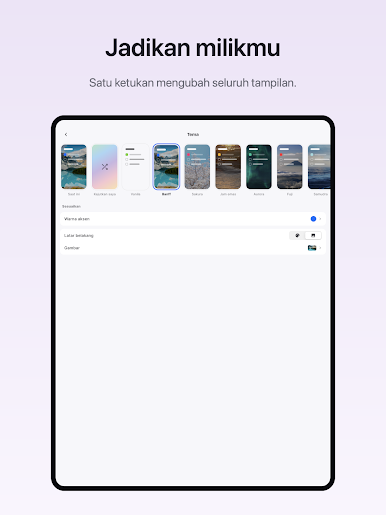
• Latar pemandangan — 130+ pemandangan alam dengan efek paralaks
• Warna aksen dan ikon aplikasi kustom
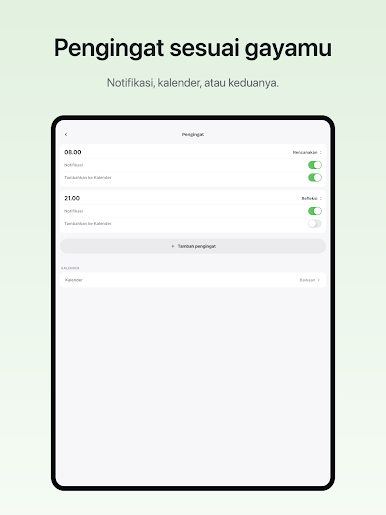
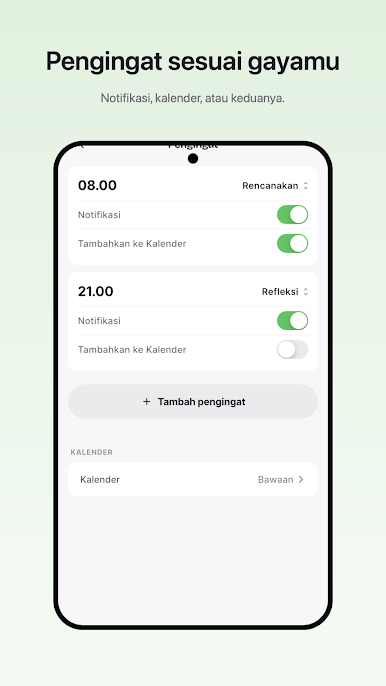
• Pengingat fleksibel — waktu Anda, sebanyak yang dibutuhkan
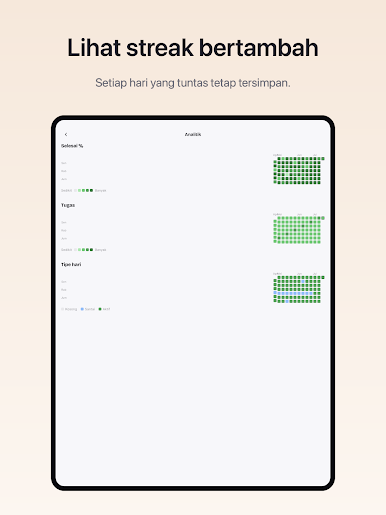
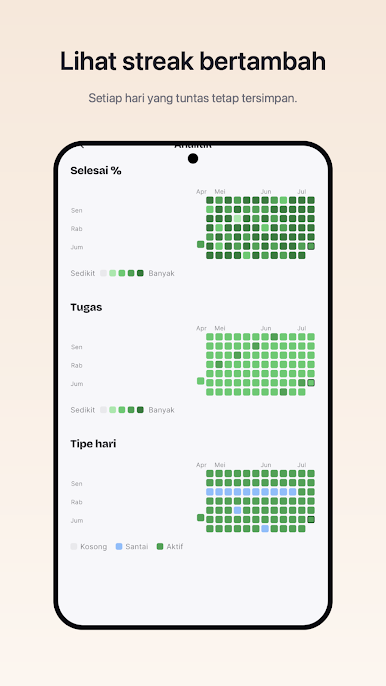
• Analitik tahunan
Priorities Pro adalah langganan opsional (US$5,99/tahun atau setara) dengan uji coba gratis 7 hari; diperpanjang otomatis kecuali dibatalkan di Google Play.
Ketentuan: https://www.mindfulsuite.com/terms
Privasi: https://www.mindfulsuite.com/privacy

Mainkan Prioritas di PC Mudah saja memulainya.
-
Unduh dan pasang BlueStacks di PC kamu
-
Selesaikan proses masuk Google untuk mengakses Playstore atau lakukan nanti
-
Cari Prioritas di bilah pencarian di pojok kanan atas
-
Klik untuk menginstal Prioritas dari hasil pencarian
-
Selesaikan proses masuk Google (jika kamu melewati langkah 2) untuk menginstal Prioritas
-
Klik ikon Prioritas di layar home untuk membuka gamenya

