

War Sniper: Cecchino FPS
Gioca su PC con BlueStacks: la piattaforma di gioco Android, considerata affidabile da oltre 500 milioni di giocatori.

Pagina modificata il: Oct 1, 2025
Play War Sniper: FPS Shooting Game on PC or Mac
Bring your A-game to War Sniper: FPS Shooting Game, the Action game sensation from Mobile Gaming Studios Ltd.. Give your gameplay the much-needed boost with precise game controls, high FPS graphics, and top-tier features on your PC or Mac with BlueStacks.
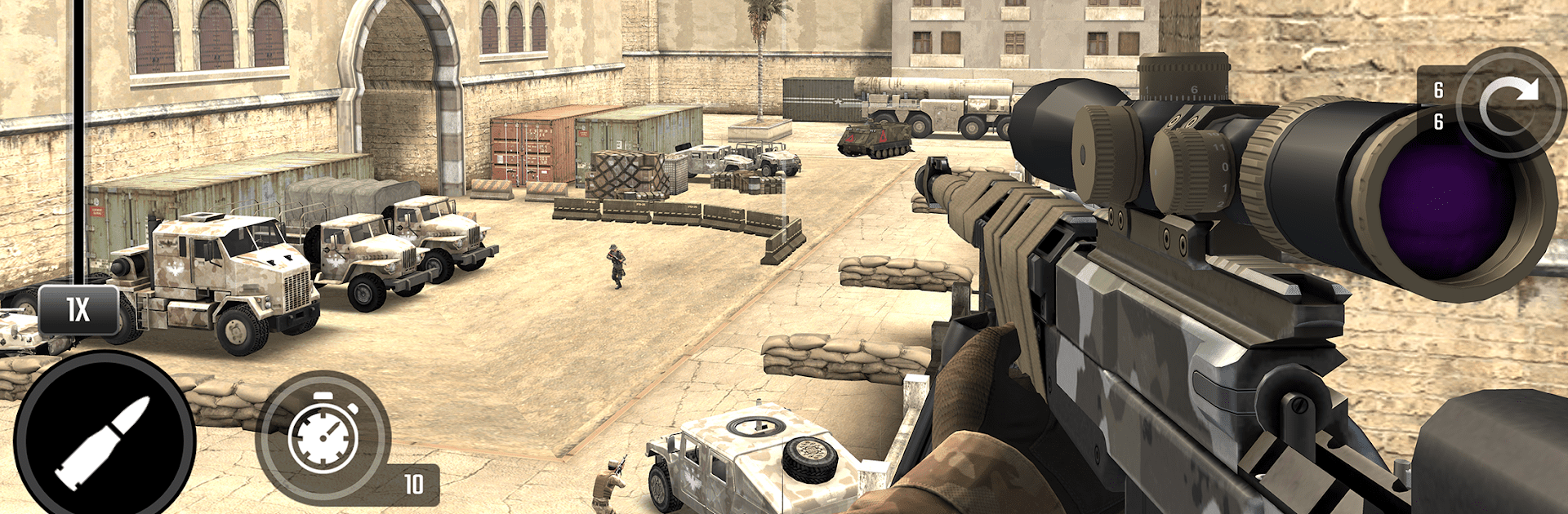
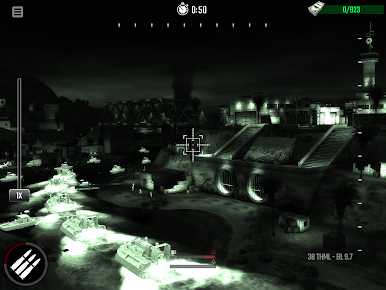
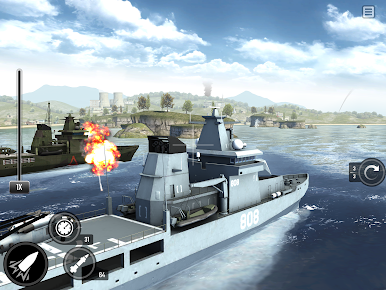
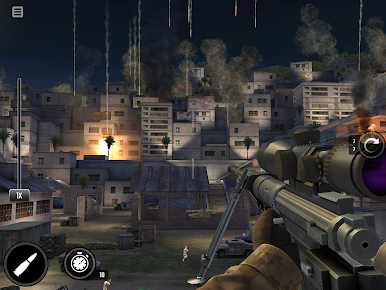
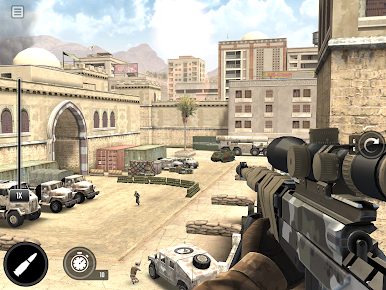
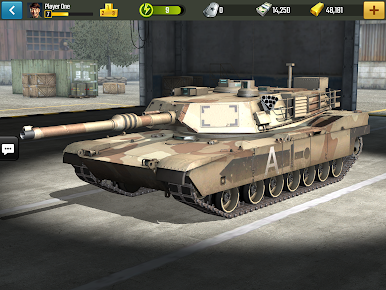
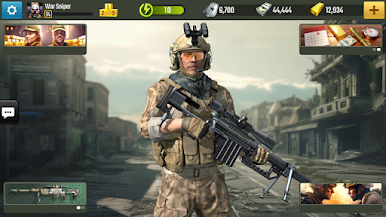
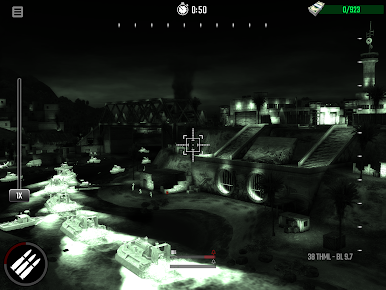
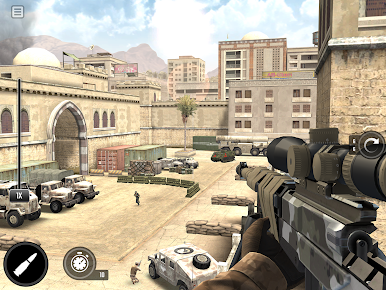
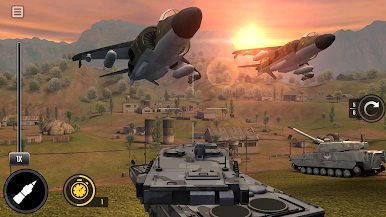
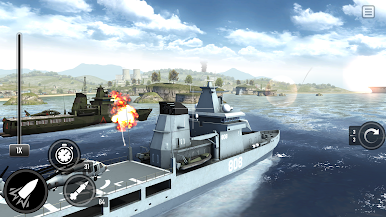
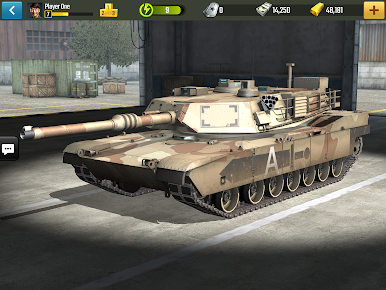
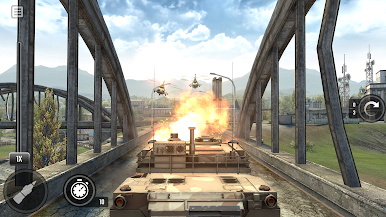
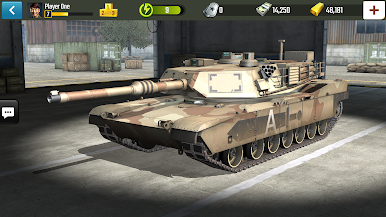
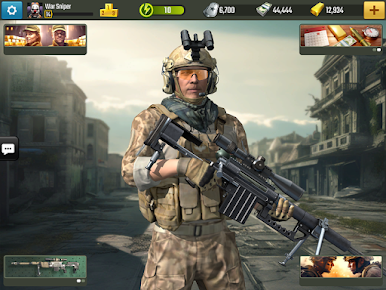
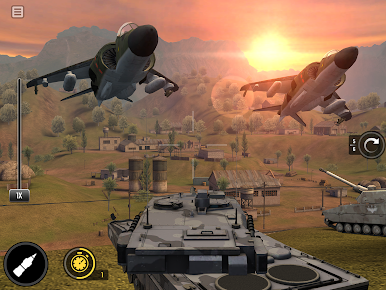
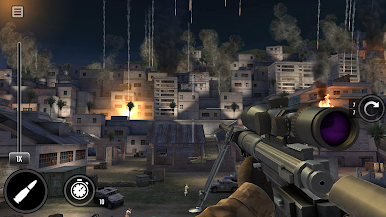
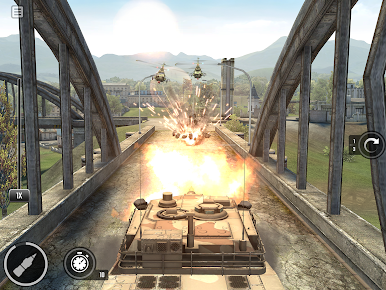
War Sniper kind of throws you straight into that modern military chaos, but with a focus on sniping and blowing things up in ways that are way bigger than just sitting on a rooftop. This isn’t just about finding a perch and waiting for a target—sometimes you’re rolling out in tanks or flying weapon-packed drones, flipping between running solo in the longer campaign or jumping online to face real opponents. The shooting’s sharp and the maps feel big, with lots of little corners or angles you find after a bit.
What stands out is how much the game mixes up what you’re doing—one moment it’s sneaking and lining up careful shots, and the next, you’re bulldozing through enemy lines in a tank or guiding a drone overhead. The offline campaign keeps things moving with varied missions and big set pieces, but the multiplayer PvP is where things get faster, since you’re up against people who can be just as ruthless. Graphics are clean and do a good job making every explosion and shot feel loud and heavy. It runs smoothly using BlueStacks on PC, so the controls are tighter if you’re used to keyboard and mouse, which is pretty good when you’re trying to hit those long-distance shots. Fans of military shooters or anyone who wants a mix of tactics and outright action should have a look—it’s not just a sniper game, it’s a whole war zone you get to mess around in.
Get ready for a buttery smooth, high-performance gaming action only on BlueStacks.

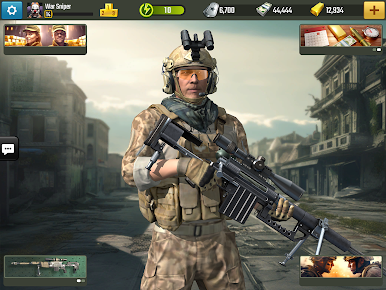
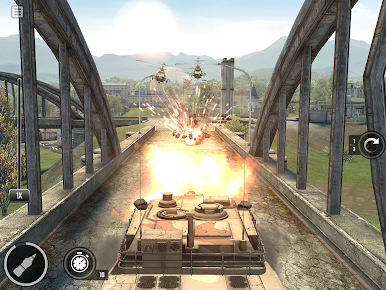
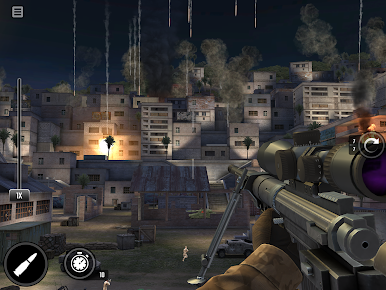
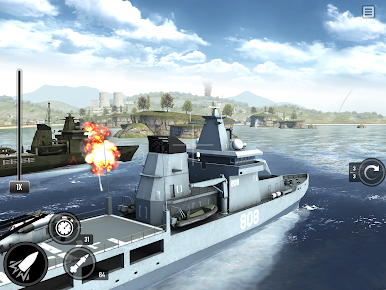
Gioca War Sniper: Cecchino FPS su PC. È facile iniziare.
-
Scarica e installa BlueStacks sul tuo PC
-
Completa l'accesso a Google per accedere al Play Store o eseguilo in un secondo momento
-
Cerca War Sniper: Cecchino FPS nella barra di ricerca nell'angolo in alto a destra
-
Fai clic per installare War Sniper: Cecchino FPS dai risultati della ricerca
-
Completa l'accesso a Google (se hai saltato il passaggio 2) per installare War Sniper: Cecchino FPS
-
Fai clic sull'icona War Sniper: Cecchino FPS nella schermata principale per iniziare a giocare

