

(R)Bloc de notas-nota de color
Juega en PC con BlueStacks: la plataforma de juegos Android, en la que confían más de 500 millones de jugadores.

Página modificada el: Oct 30, 2024
Run (R) Notepad - easy color notes on PC or Mac
Multitask effortlessly on your PC or Mac as you try out (R) Notepad – easy color notes, a Productivity app by MISO7 on BlueStacks.
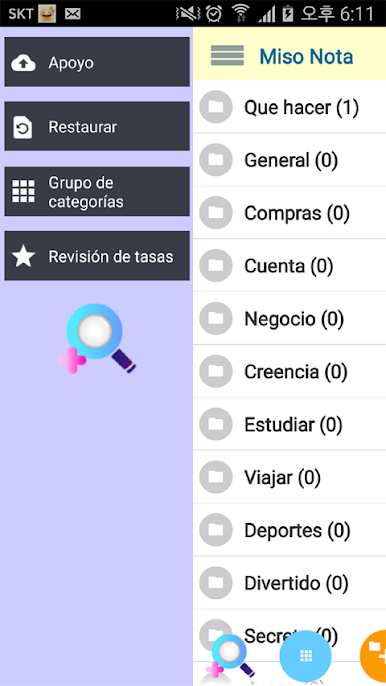
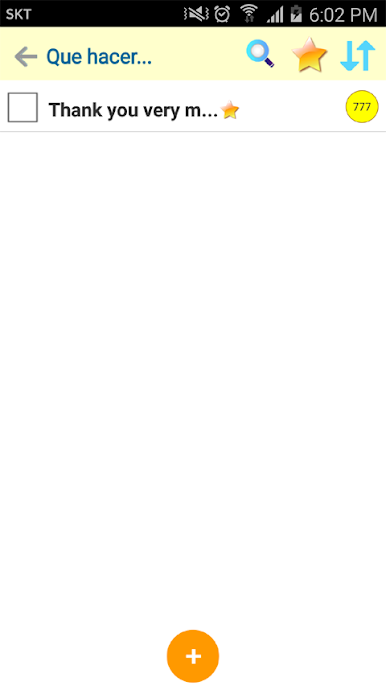
(R) Notepad feels like a simple, color coded notebook that actually stays out of the way. Everything revolves around categories and folders, so notes do not pile up in one long list. There are ready made sections like To Do, General, Shopping List, Passwords, Books, Sports, Travel and more, and tasks or shopping lists use check boxes so things get ticked off as they are done. When a category grows huge, folders and groups keep it tidy, and colors help spot what is what at a glance. On PC with BlueStacks, the bigger screen and keyboard make sorting and moving things around a lot faster.
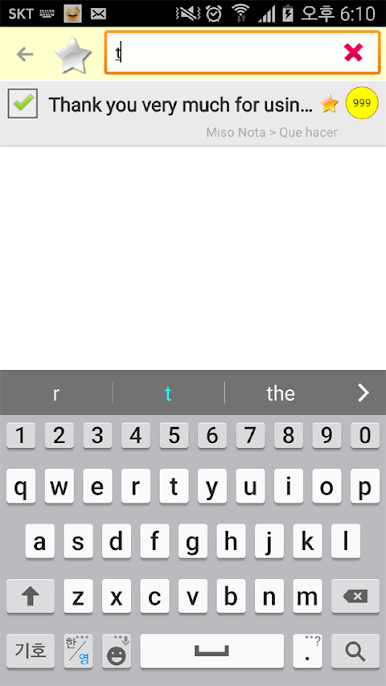
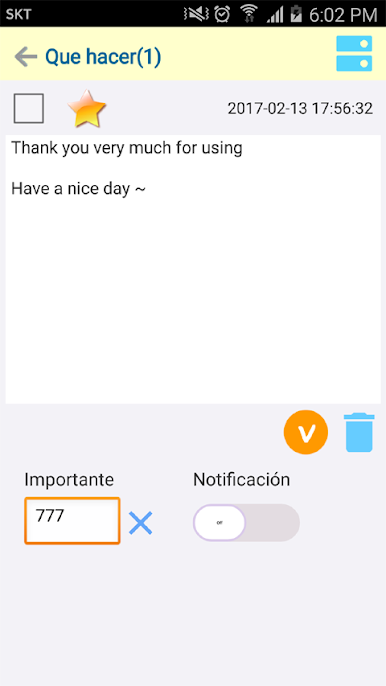
It has handy little controls that make daily use smoother. Notes can be sorted, bookmarked, marked important, and pinned to the notification bar so the crucial stuff stays visible. A recent list shows up to 100 items that were opened or edited, which is great when someone jumps between projects and forgets where something was. Search works across all notes or inside a single category, and favorites pull together the must keep items. There is a recycle bin, but if a whole folder is wiped, that may be gone for good, so backup and restore are there for peace of mind. Sharing is just a quick send to email or social apps. Font size can be adjusted, notes copy to the clipboard, and entire memos or folders can be moved or duplicated into other groups. Colors are customizable on groups, folders, and individual notes, and the priority numbers let a person set the display order. Reminders pop up at the time set, which makes it solid for meetings or small deadlines without feeling heavy.
Big screen. Bigger performance. Use BlueStacks on your PC or Mac to run your favorite apps.
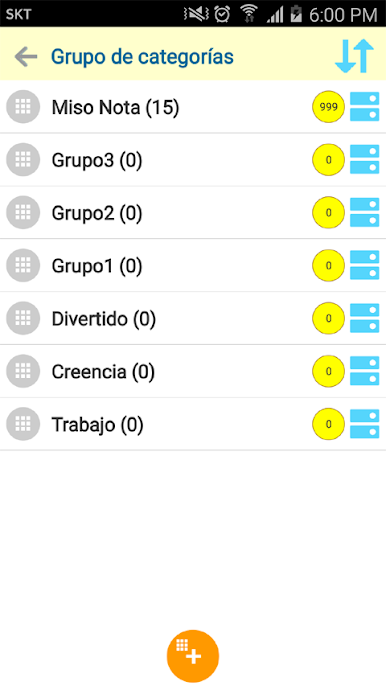
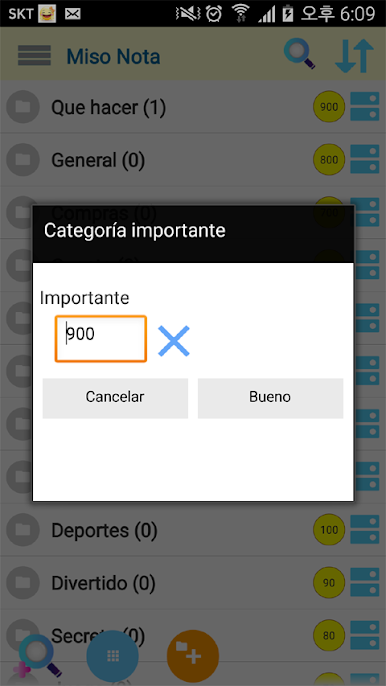
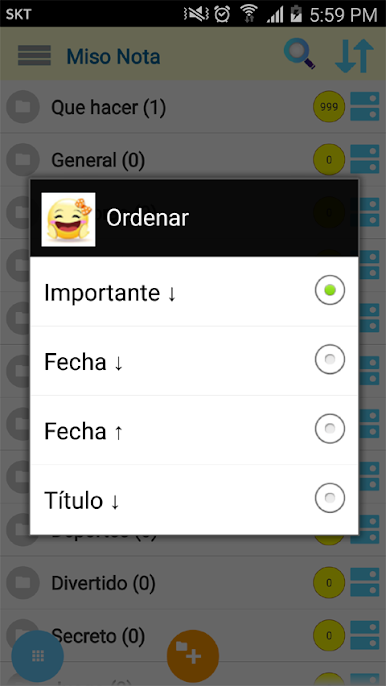

Juega (R)Bloc de notas-nota de color en la PC. Es fácil comenzar.
-
Descargue e instale BlueStacks en su PC
-
Complete el inicio de sesión de Google para acceder a Play Store, o hágalo más tarde
-
Busque (R)Bloc de notas-nota de color en la barra de búsqueda en la esquina superior derecha
-
Haga clic para instalar (R)Bloc de notas-nota de color desde los resultados de búsqueda
-
Complete el inicio de sesión de Google (si omitió el paso 2) para instalar (R)Bloc de notas-nota de color
-
Haz clic en el ícono (R)Bloc de notas-nota de color en la pantalla de inicio para comenzar a jugar

