


Water Time Pengingat Minum Air
Mainkan di PC dengan BlueStacks – platform Game-Game Android, dipercaya oleh lebih dari 500 juta gamer.

Play Water Time Tracker & Reminder on PC
Main features:
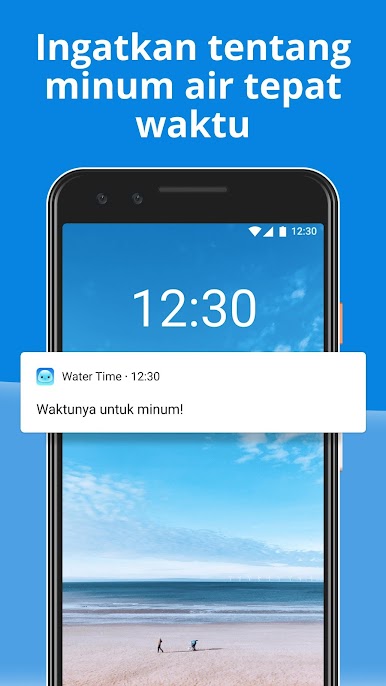
🔔 Customizable Drink Reminders: Receive gentle nudges to drink water throughout the day, ensuring you meet your hydration goals.
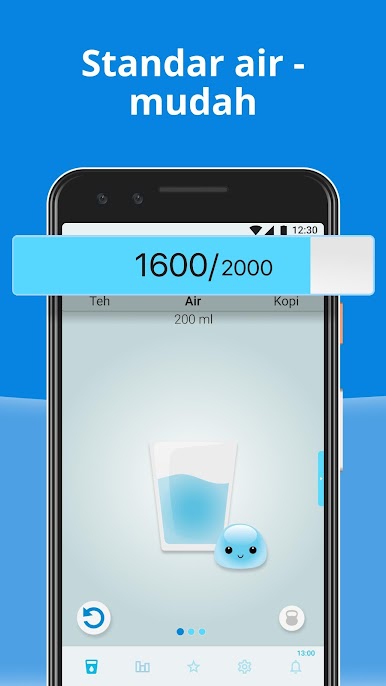
🌊 Engaging Design: Our user-friendly interface makes tracking your water intake effortless and enjoyable.
🐱 Personal Hydration Assistant: A charming assistant guides you through setting up personalized hydration plans.
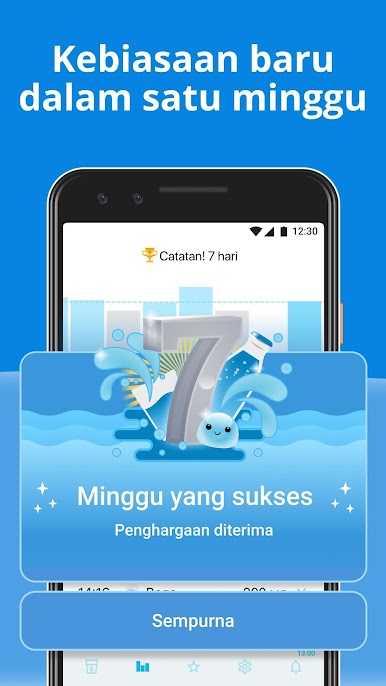
📚 Comprehensive Water Diary: Log your daily water consumption and view your hydration history at a glance.
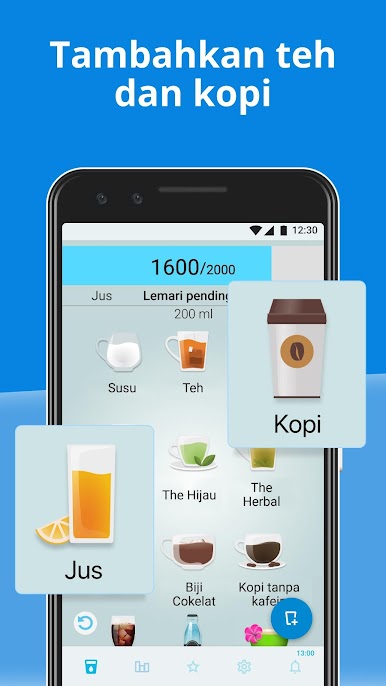
🥤 Versatile Drink Tracking: Not just water! Our app counts fluids from a variety of drinks to keep you accurately hydrated.
🍹 Innovative Drink Constructor: Customize your drink list to match your preferences and hydration needs.
☁️ Secure Cloud Storage: Safely store your data in the cloud, allowing you to access your hydration history anytime, anywhere.
Water plays a crucial role in our body's metabolic processes, impacting everything from physical performance to cognitive function. Dehydration can lead to fatigue, headaches, and even serious health issues. Conversely, proper hydration supports weight loss, enhances skin health, and boosts overall well-being. 💧🍏
Embrace the habit of drinking water with Water Time Tracker & Reminder. Let our cute personal assistant help you improve your health and hydration habits. Remember, taking care of your hydration is taking care of yourself, and you deserve it! 🌟
Mainkan Water Time Pengingat Minum Air di PC Mudah saja memulainya.
-
Unduh dan pasang BlueStacks di PC kamu
-
Selesaikan proses masuk Google untuk mengakses Playstore atau lakukan nanti
-
Cari Water Time Pengingat Minum Air di bilah pencarian di pojok kanan atas
-
Klik untuk menginstal Water Time Pengingat Minum Air dari hasil pencarian
-
Selesaikan proses masuk Google (jika kamu melewati langkah 2) untuk menginstal Water Time Pengingat Minum Air
-
Klik ikon Water Time Pengingat Minum Air di layar home untuk membuka gamenya

