


Teka-teki One Connect
Mainkan di PC dengan BlueStacks – platform Game-Game Android, dipercaya oleh lebih dari 500 juta gamer.

Play One Connect Puzzle on PC
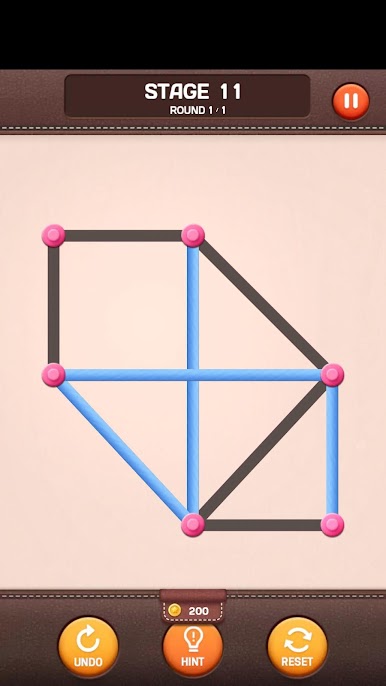
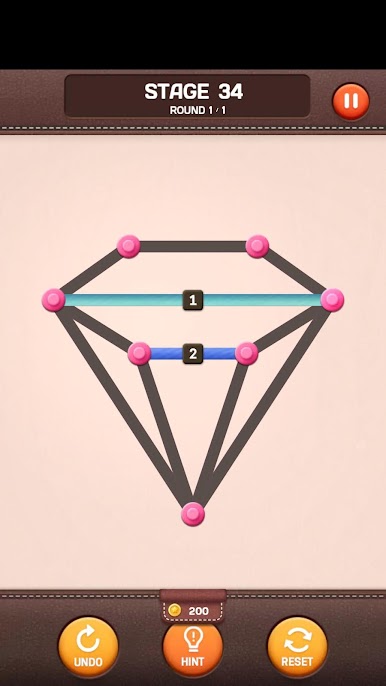
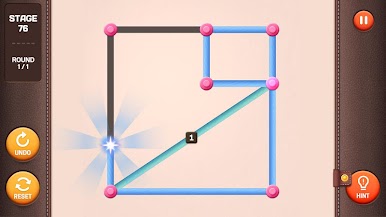
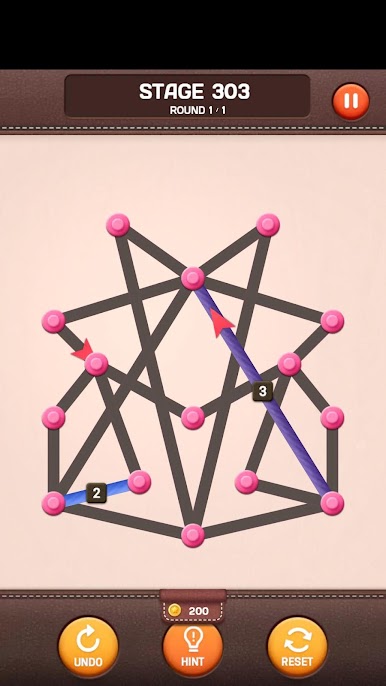
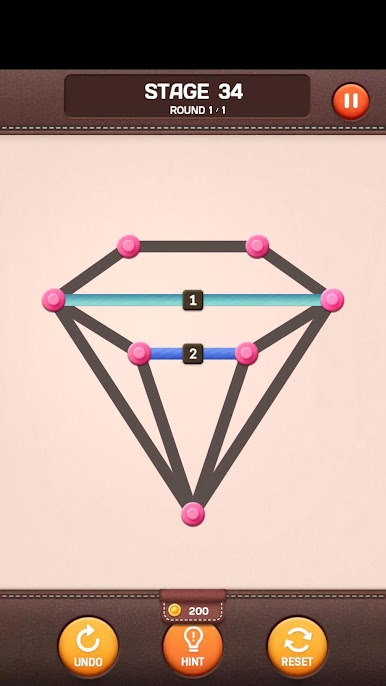
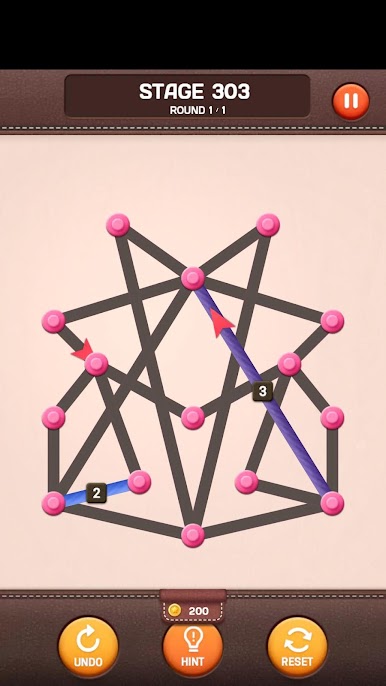
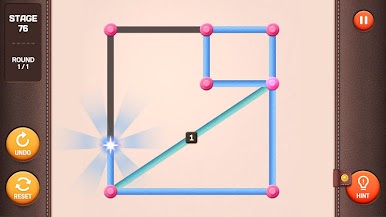
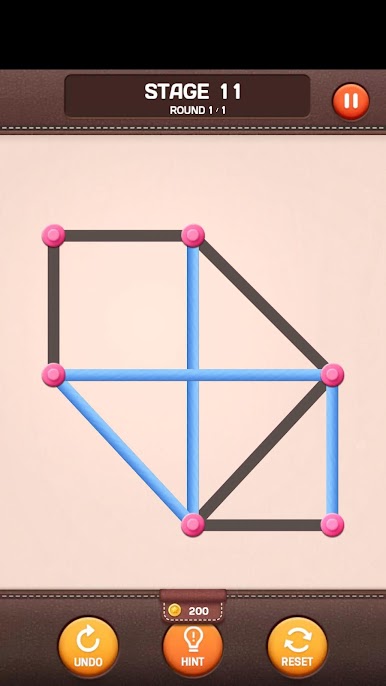
Challenge more complex and diverse connections to clear more stages.
[Game Features]
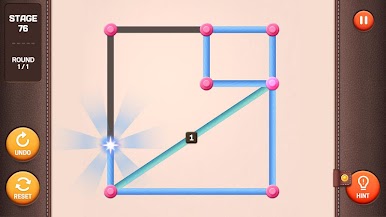
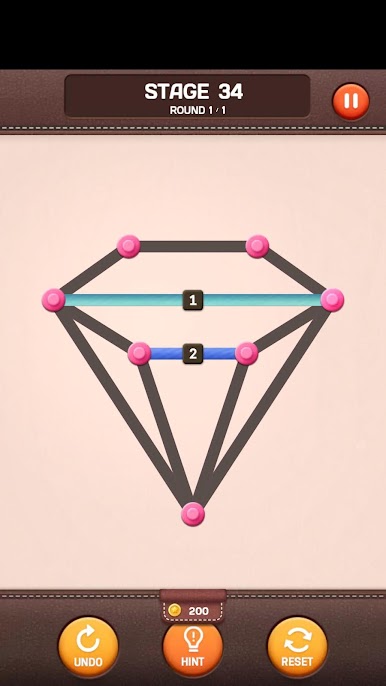
- Supported various special lines
- Supported the hint items to help when you are in trouble
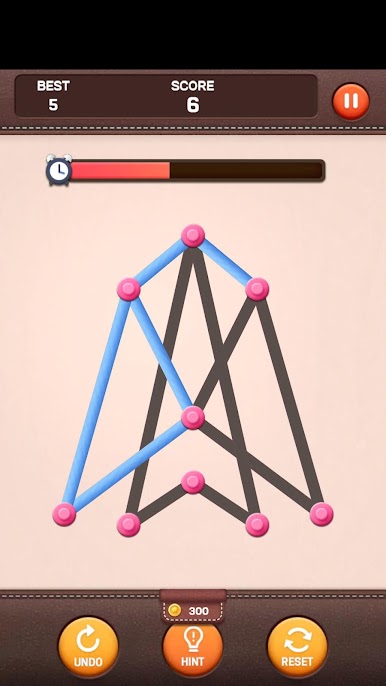
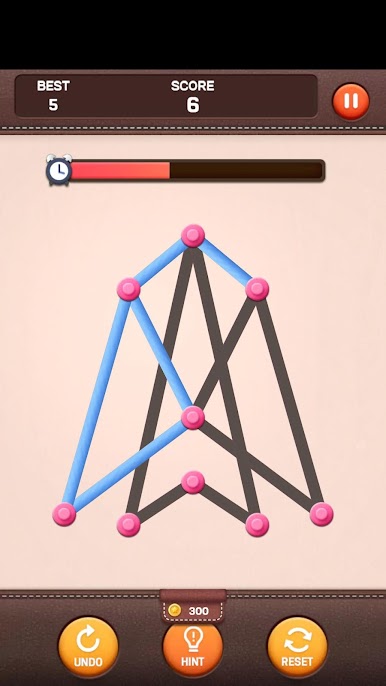
- included some mini games
- Supported 16 languages
- Supported achievement system and leaderboard.
- Supported table devices
Help : cs@mobirix.com
Homepage :
https://play.google.com/store/apps/dev?id=4864673505117639552
Facebook :
https://www.facebook.com/mobirixplayen
YouTube :
https://www.youtube.com/user/mobirix1
Instagram :
https://www.instagram.com/mobirix_official/
TikTok :
https://www.tiktok.com/@mobirix_official

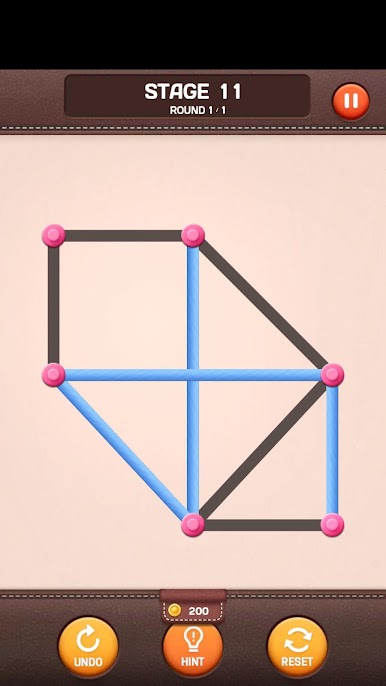
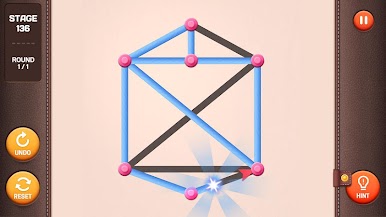
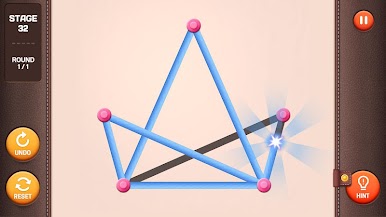
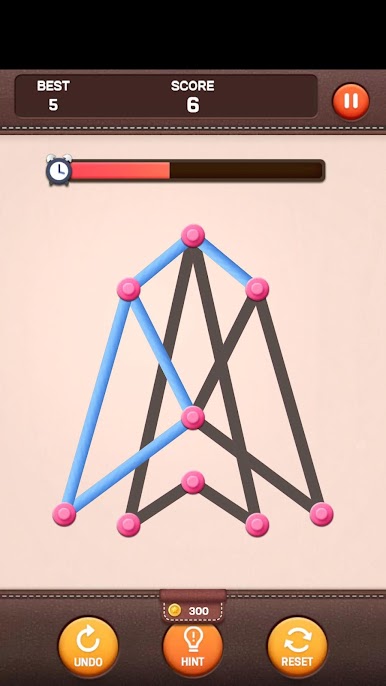
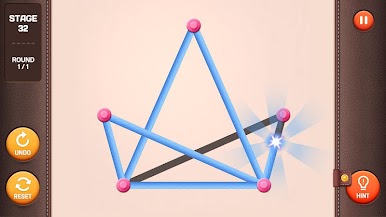
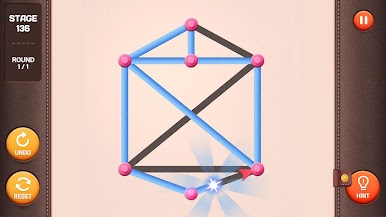

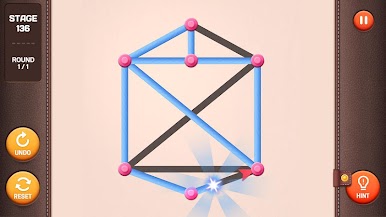
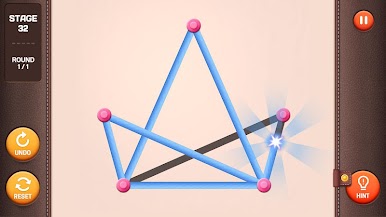
Mainkan Teka-teki One Connect di PC Mudah saja memulainya.
-
Unduh dan pasang BlueStacks di PC kamu
-
Selesaikan proses masuk Google untuk mengakses Playstore atau lakukan nanti
-
Cari Teka-teki One Connect di bilah pencarian di pojok kanan atas
-
Klik untuk menginstal Teka-teki One Connect dari hasil pencarian
-
Selesaikan proses masuk Google (jika kamu melewati langkah 2) untuk menginstal Teka-teki One Connect
-
Klik ikon Teka-teki One Connect di layar home untuk membuka gamenya

