

SimpleMind Lite - Mind Mapping
Juega en PC con BlueStacks: la plataforma de juegos Android, en la que confían más de 500 millones de jugadores.

Página modificada el: Nov 17, 2025
Run SimpleMind Lite - Mind Mapping on PC or Mac
Multitask effortlessly on your PC or Mac as you try out SimpleMind Lite – Mind Mapping, a Productivity app by ModelMaker Tools on BlueStacks.
About the App
Ever catch yourself juggling a bunch of random ideas and wish you could make sense of them all? SimpleMind Lite – Mind Mapping by ModelMaker Tools was built for exactly that. This app gives you an easy and flexible way to brainstorm, outline, and organize your thoughts—whether you’re in the middle of a meeting, working on a school project, or just piecing together your next big plan. Simple to pick up and surprisingly fun, it lets you structure your ideas your own way, right from your phone or tablet.
App Features
-
Drag-and-Drop Mind Mapping
Arrange your topics where they make sense for you, with a totally flexible layout. Prefer things neat and tidy? Switch to one of several auto layouts that help put everything in order. -
No Annoying Ads or Account Setups
Just open the app and start mapping out your ideas—no ads popping up and no account registration needed. -
Custom Look and Feel
Personalize your maps. You can tweak the appearance or pick from stylish presets, so your brainstorms look just the way you want. -
Unlimited Ideas, No Limits on Space
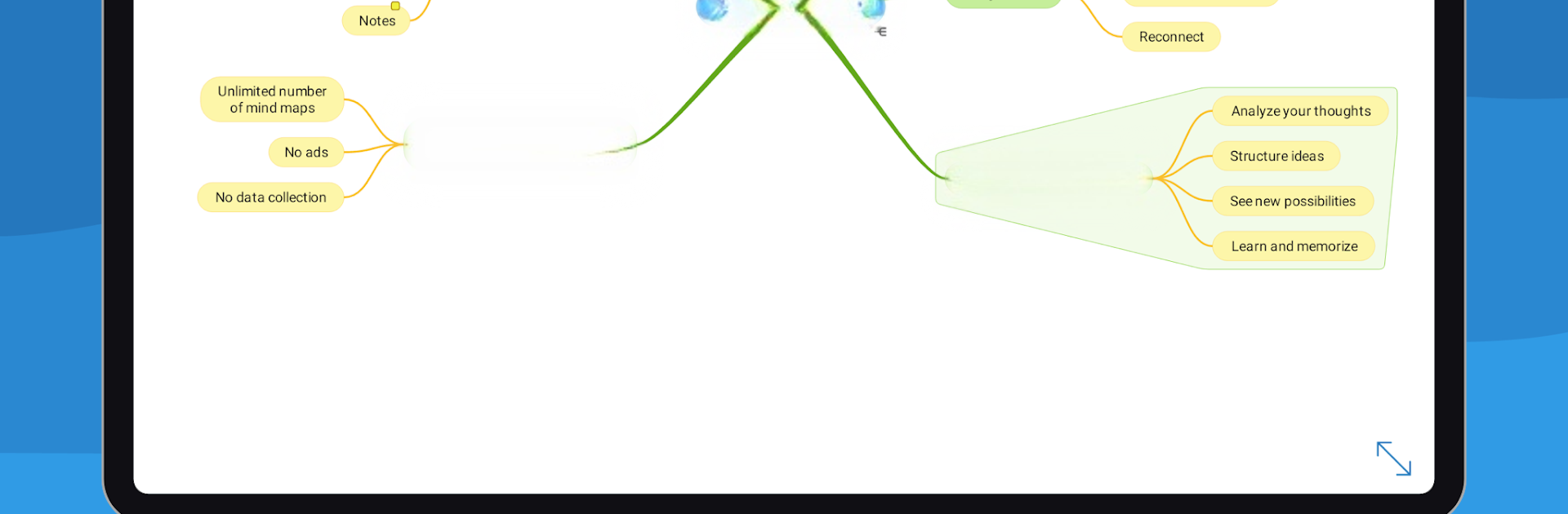
There’s no cap on how big your maps can get or how many ideas you add. Build as simple or as complex as you like, even placing multiple mind maps on a single page. -
Easy Branch Control
Need to focus? Collapse or expand branches with a tap, highlight important connections, or add notes to key points—it’s all designed to keep you organized. -
Regularly Updated and Reliable
Developed by ModelMaker Tools, SimpleMind Lite – Mind Mapping keeps getting improvement based on real user feedback, so it feels fresh, solid, and dependable. -
Works on the Go or at Your Desk
Designed for both phones and tablets, it works smoothly whether you’re jotting things down in a café or outlining on a bigger screen using BlueStacks on your PC. -
Handy Selection Tools
Select one item or grab a bunch when you need to make quick edits or moves, making your workflow even faster. -
Built for Serious Users
The app is trusted in business, education, medical, and legal environments—which is a long way of saying it’s more than just a doodling tool. -
Completely Free to Start
All the basics are unlocked from the get-go. Want extra features? There’s a single one-time upgrade, but most folks find the free version more than covers the essentials.
Ready to experience SimpleMind Lite – Mind Mapping on a bigger screen, in all its glory? Download BlueStacks now.



Juega SimpleMind Lite - Mind Mapping en la PC. Es fácil comenzar.
-
Descargue e instale BlueStacks en su PC
-
Complete el inicio de sesión de Google para acceder a Play Store, o hágalo más tarde
-
Busque SimpleMind Lite - Mind Mapping en la barra de búsqueda en la esquina superior derecha
-
Haga clic para instalar SimpleMind Lite - Mind Mapping desde los resultados de búsqueda
-
Complete el inicio de sesión de Google (si omitió el paso 2) para instalar SimpleMind Lite - Mind Mapping
-
Haz clic en el ícono SimpleMind Lite - Mind Mapping en la pantalla de inicio para comenzar a jugar

